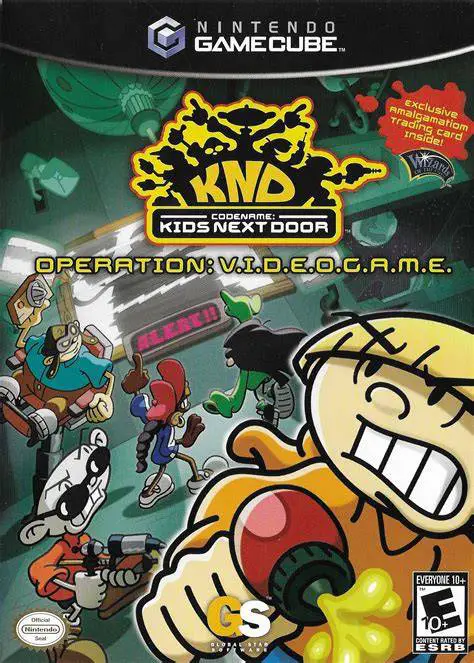
Codename: Kids Next Door ...
Codename: Kids Next Door – Operation: V.I.D.E.O.G.A.M.E. ...

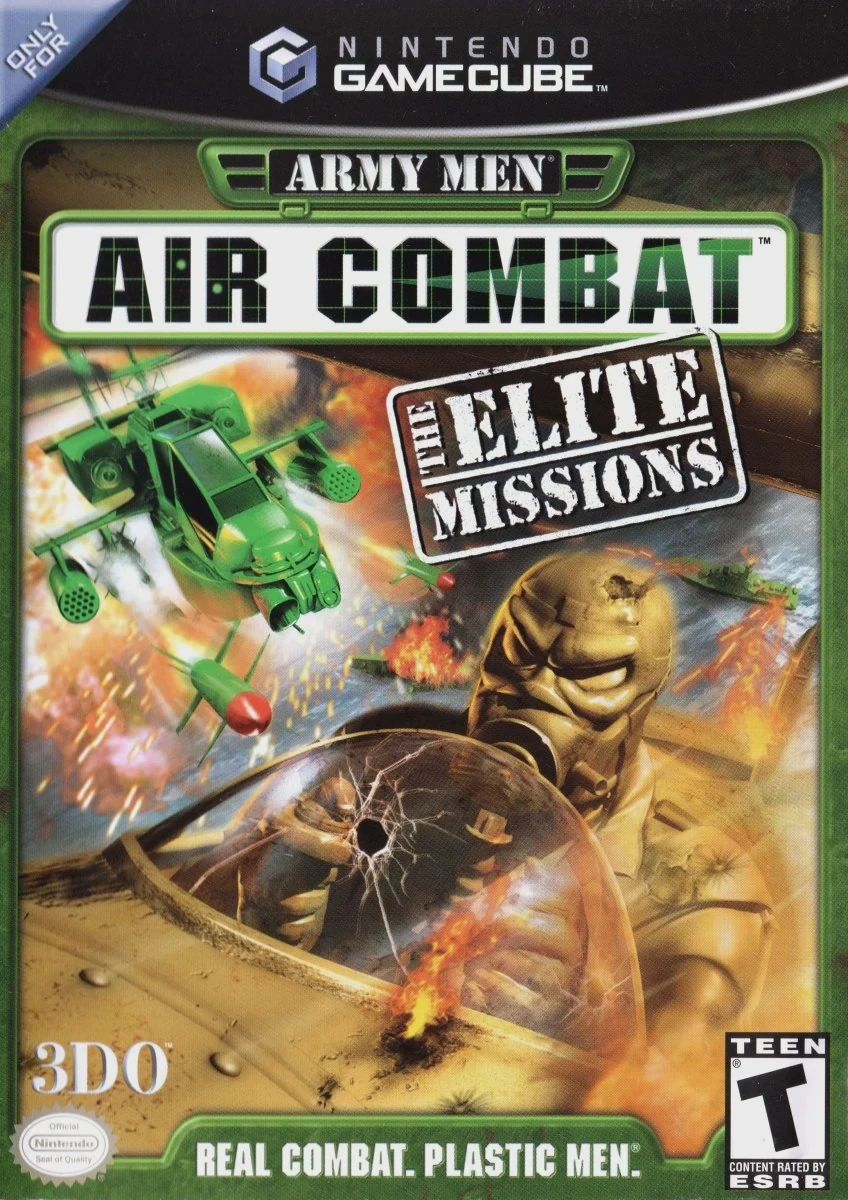
Army Men: Air Combat – The Elite Missions combines fast-paced helicopter flight action with light tactical squad management. Developed and published by The 3DO Company, the GameCube version upgrades the original PlayStation and Nintendo 64 release with enhanced 3D models, improved lighting effects, smoother framerates, and modified mission structures.
Players pilot Captain William Blade, leader of the Green Army’s Alpha Wolf squadron, across a variety of military missions set in human-scale household locations, including living rooms, gardens, backyards, and toy shops. Helicopter flight mechanics focus on arcade maneuvering rather than flight simulation. Equipped with a winch mechanism, players can pick up and deposit ground assets—such as plastic soldiers, vehicles, artillery, and juice boxes—while dogfighting rival Tan aircraft, destroying enemy bases, and executing escort assignments.
Specification | Details |
Title | Army Men: Air Combat – The Elite Missions |
Platform | Nintendo GameCube |
Genre | Arcade Flight Combat / Action |
Developer | The 3DO Company |
Publisher | The 3DO Company |
Release Date | March 10, 2003 (North America) |
Game Modes | Single-player, Local Cooperative & Competitive Multiplayer (Up to 2 players) |
Media Format | Nintendo GameCube Game Disc |
Multiple Flyable Helicopters: Pilot various plastic helicopters, including the Huey, Apache, Super Stallion, and Chinook, each featuring distinct speed, armor, and winch capabilities.
Winch Mechanism Gameplay: Utilize a magnetic winch arm to lift cargo, transport friendly troops, collect power-ups, dropped weapons, and drop heavy obstacles onto enemy positions.
Oversized Toy Settings: Complete mission objectives across human-sized suburban battlefields, dodging backyard lawnmowers, running water hoses, and house pets.
Co-Op & Versus Multiplayer Modes: Fly side-by-side with a second player in full story campaign co-op mode, or engage in split-screen competitive aerial dogfights and flag captures.
Co-Pilot Roster: Select from different co-pilots—such as Woodstock, Rawhide, or Hardcore—to modify secondary weapon behaviors, targeting speed, and repair efficiency.
A: It is an enhanced console conversion of the original Army Men: Air Combat (previously released on Nintendo 64 and PlayStation), featuring higher polygon counts, updated visual textures, redesigned levels, and optimized GameCube controller button mapping.
A: Yes. The GameCube release allows two players to complete the full story campaign cooperatively in split-screen mode, with one player piloting and both sharing weapon support duties.
A: The winch is essential for completing objectives—it is used to air-drop rescue troops, transport friendly tanks and trucks, carry objective items, and pick up health or ammunition containers.
A: The game features accessible arcade controls designed for quick pick-up-and-play action, prioritizing target lock-ons, rapid strafing, and fast movement over realistic flight aerodynamics.
Click the links below to go to the cloud drive download page
⚠️ Download Tips:
Codename: Kids Next Door – Operation: V.I.D.E.O.G.A.M.E. ...

Curious George is a charming platforming action-adventure...
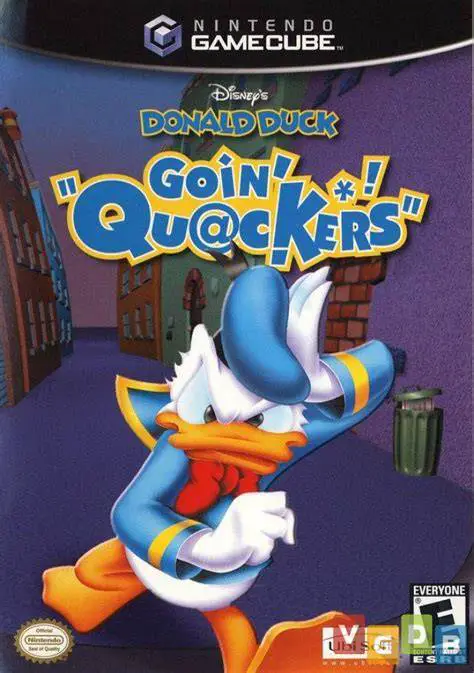
Disney's Donald Duck: Goin' Quackers is a colorful 3D act...

Experience hilarious cartoon chaos and suburban scams wit...
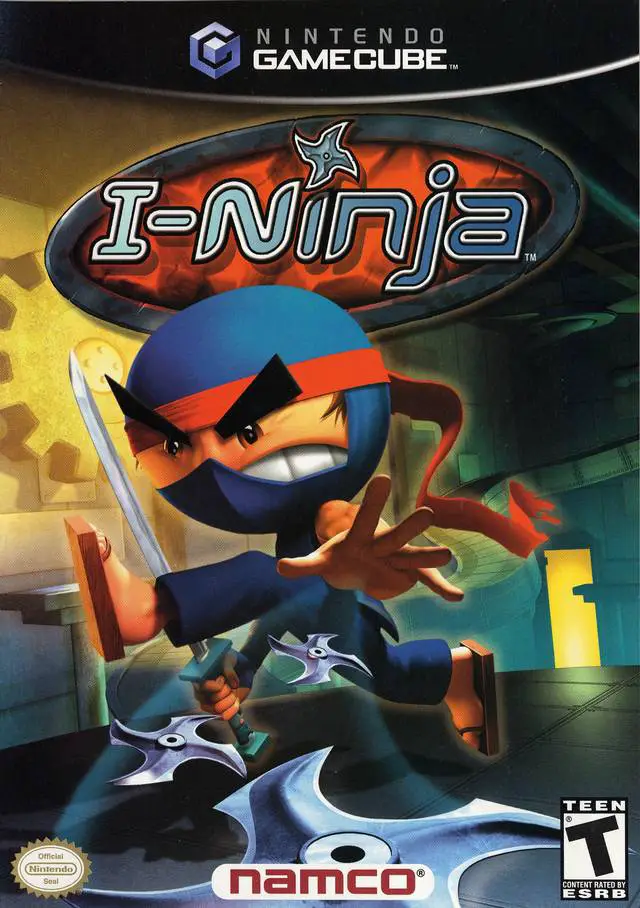
I-Ninja is a high-energy 3D platform action-adventure vid...