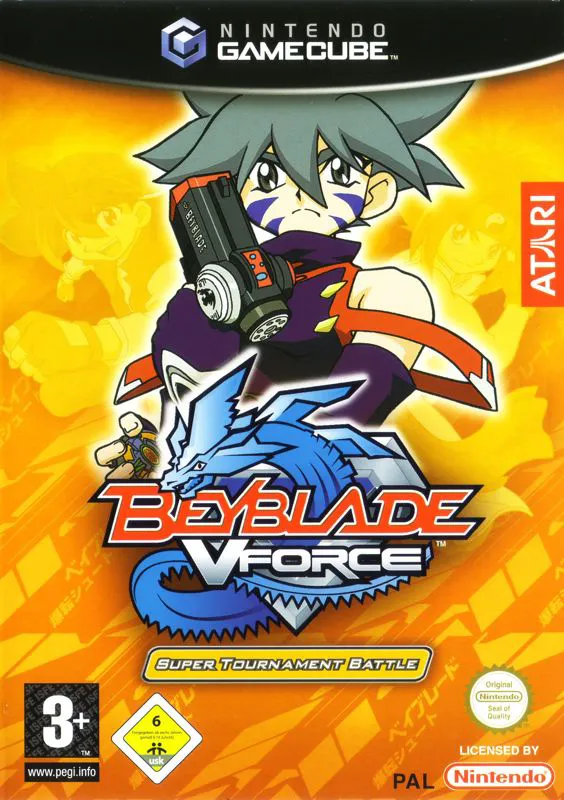
Beyblade VForce: Super To...
Beyblade VForce: Super Tournament Battle (released in Jap...

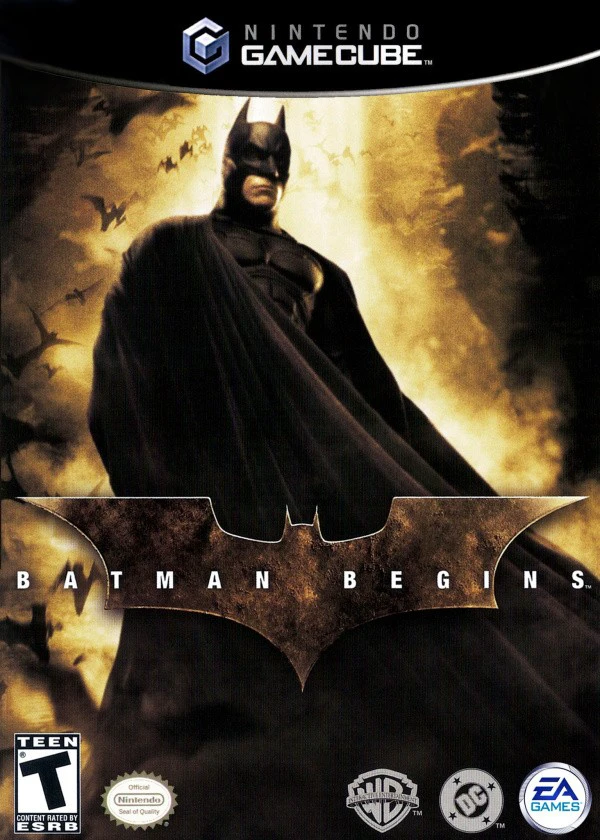
Batman Begins translates the grounded, cinematic tone of the film into an action-adventure framework that emphasizes fear as a primary tactical weapon. Developed by Eurocom, the GameCube version features likenesses and voice performances from the movie's main cast, including Christian Bale, Michael Caine, Liam Neeson, Cillian Murphy, and Katie Holmes.
The narrative tracks the film's plot closely, following Bruce Wayne as he trains under Henri Ducard and the League of Shadows, returns to a corrupt Gotham City, and combats the fear toxin plot orchestrated by the Scarecrow and Ra's al Ghul. Gameplay focuses on stealth-oriented gameplay loops where players evaluate environments from the shadows, using batarangs, flashbangs, and environmental destruction to terrify armed thugs. When enemies reach a state of panic, Batman can easily overpower them using fluid martial arts combos. The experience is interspersed with vehicular combat levels behind the wheel of the high-tech Tumbler Batmobile.
Specification | Details |
Title | Batman Begins |
Platform | Nintendo GameCube |
Genre | Action-Adventure / Stealth / Driving |
Developer | Eurocom |
Publisher | Electronic Arts / Warner Bros. Interactive Entertainment |
Release Date | June 15, 2005 (North America) / June 17, 2005 (Europe) |
Game Modes | Single-player |
Media Format | Nintendo GameCube Game Disc |
Fear & Intimidation System: Manipulate environmental hazards—such as dropping shipping containers, blowing up pipes, or shooting down chandeliers—to induce panic in enemies before engaging in hand-to-hand combat.
Cinematic Film Presentation: Features the official likenesses, voice talent, and orchestral score from the 2005 theatrical release, alongside high-quality movie clips and story transitions.
Gadget-Based Stealth & Navigation: Utilize an array of utility belt gadgetry, including lockpicks, Batarangs, smoke grenades, flashbangs, and a grappling hook to scale Gotham rooftops.
High-Speed Tumbler Missions: Command the armored Batmobile (Tumbler) across vehicular chase stages, crashing through barriers and deploying booster rockets to ram target vehicles off the road.
League of Shadows Combat: Engage in close-quarters combat utilizing martial arts counters, disarms, and multi-enemy strike combos learned during Bruce Wayne's League of Shadows training.
A: Yes. The game features full voice acting from key film cast members, including Christian Bale (Batman / Bruce Wayne), Liam Neeson (Henri Ducard), Michael Caine (Alfred Pennyworth), Cillian Murphy (Dr. Jonathan Crane / Scarecrow), Katie Holmes (Rachel Dawes), and Tom Wilkinson (Carmine Falcone).
A: Armed enemies are dangerous when calm, but scaring them reduces their willingness to fight. Inducing fear causes enemies to drop their firearms, freeze in terror, or surrender, allowing Batman to defeat them without taking heavy damage.
A: Yes. The game features high-speed driving stages where players control the Tumbler (Batmobile), incorporating arcade-style vehicular combat mechanics built in collaboration with the developers of the Burnout series.
A: No. Batman Begins on the Nintendo GameCube is strictly a single-player action-adventure experience.
Click the links below to go to the cloud drive download page
⚠️ Download Tips:
Beyblade VForce: Super Tournament Battle (released in Jap...
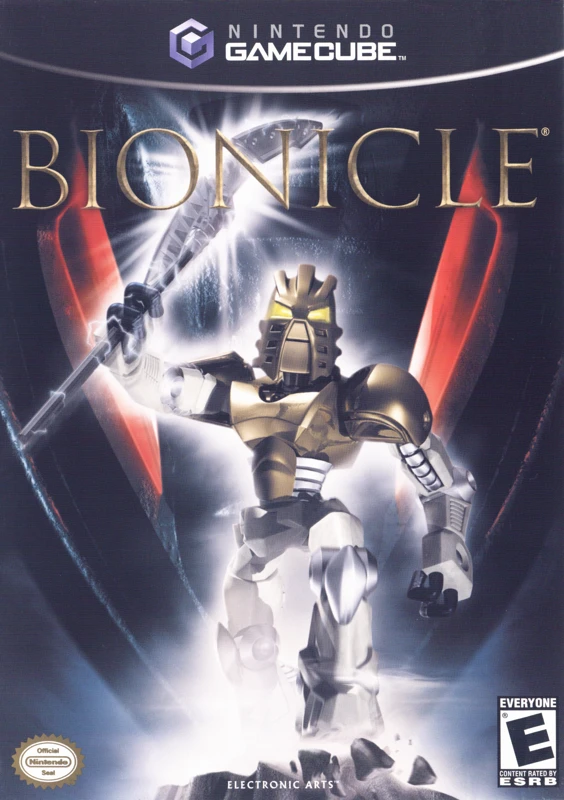
Bionicle (often marketed as Bionicle: The Game) is a thir...
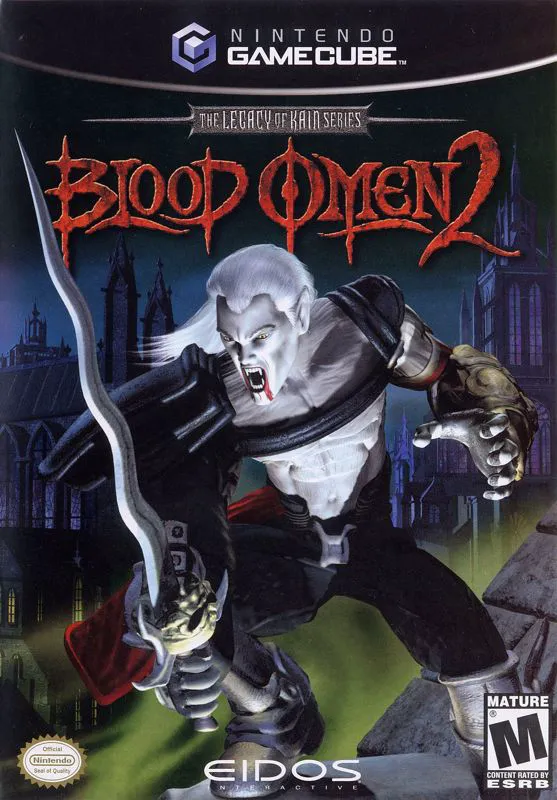
Blood Omen 2: The Legacy of Kain Series is a third-person...
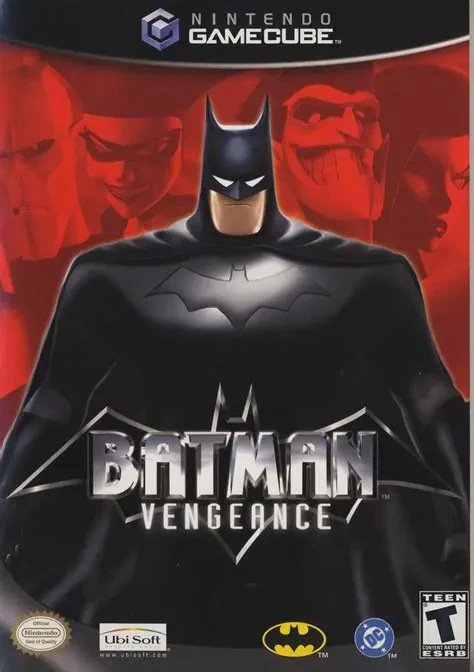
Batman: Vengeance is a third-person action-adventure vide...
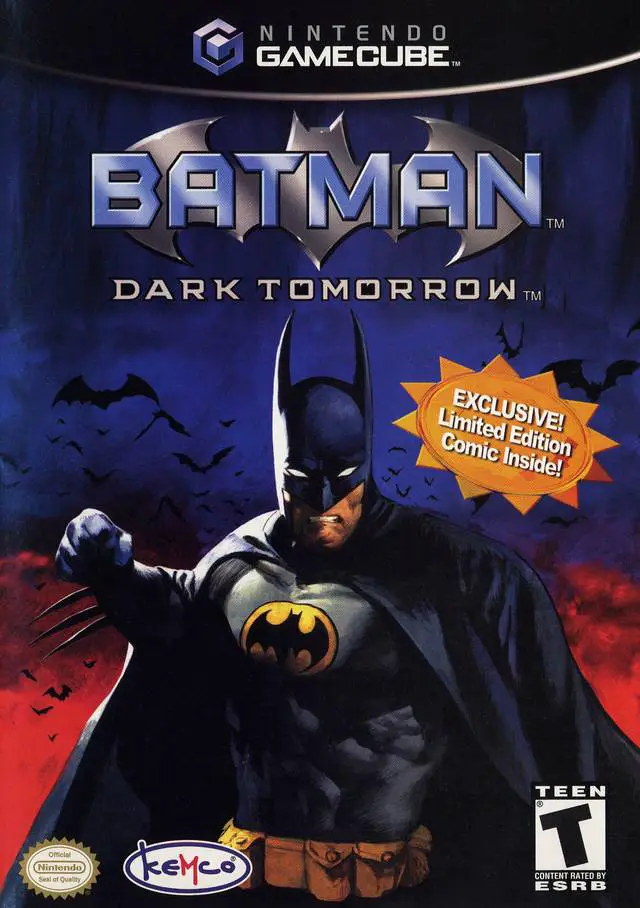
Batman: Dark Tomorrow is a third-person action-adventure ...