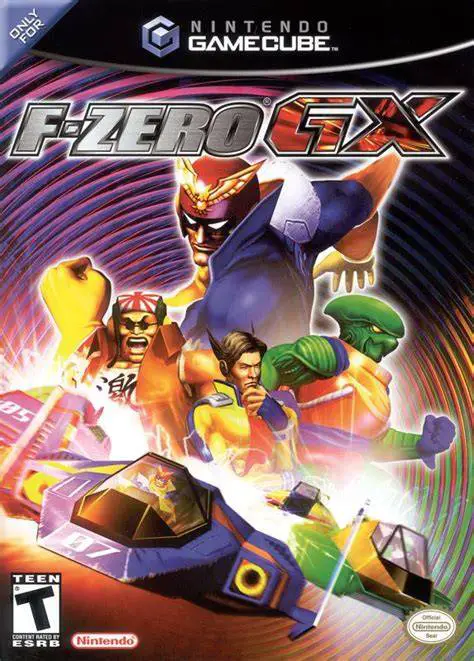
F-Zero GX
F-Zero GX is an extraordinarily fast and exhilarating fut...

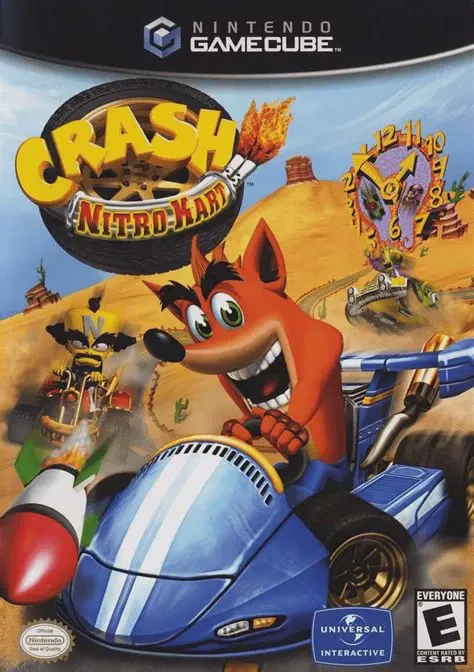
In Crash Nitro Kart, the villainous Emperor Velo XXVII abducts both Team Bandicoot and Team Cortex, transporting them to his colossal alien colosseum. Velo threatens to destroy Earth unless the earthlings compete in his high-stakes galactic racing circuit against the best drivers in the universe. Players choose between Team Bandicoot (Crash, Coco, Crunch) and Team Cortex (Cortex, N. Gin, Tiny) across a sprawling Adventure Mode. Racing across four alien worlds—Terra, Barin, Fenomena, and Teknee—players conquer anti-gravity tracks featuring loop-de-loops, corkscrews, magnetic magnetic walls, and dangerous hazards. Gameplay builds directly on CTR's classic mechanics: players power-slide around corners to fill a multi-tiered Boost Gauge, deploy chaos-inducing Wumpa-fruit-charged weapons, and collect Relics, Trophies, and CTR Tokens. Packed with cinematic FMV cutscenes, smooth 60fps racing performance, and flexible multiplayer options, Crash Nitro Kart remains a beloved classic of the 128-bit kart racing era.
Platform: Nintendo GameCube
Developer: Vicarious Visions
Publisher: Universal Interactive
Release Date: November 11, 2003 (North America)
Genre: Kart Racing
Players: 1–4 Players (Local Split-Screen Versus & Battle Modes)
ESRB Rating: E (Everyone)
Anti-Gravity Racing Track Design: Blast through complex intergalactic raceways equipped with anti-gravity magnetic segments, allowing karts to drive upside down and along vertical walls.
Deep Boost & Power-Slide Mechanics: Master the signature power-slide technique and time button prompts to trigger up to three consecutive turbo boosts out of drifts.
Wumpa Fruit Weapon Upgrades: Collect 10 Wumpa Fruits during a race to "Juice Up" your active power-ups, enhancing their range, damage, and area-of-effect capabilities.
Comprehensive 4-Player Battle Modes: Compete against friends in local split-screen matches featuring multiple game types, including Limit Battle, Last Kart Driving, Crystal Grab, and Steal the Bacon.
While drifting around a turn, a Power-Slide gauge fills at the bottom of the screen. When the gauge turns red, pressing the opposite shoulder button triggers a speed boost. You can chain up to three successful turbo boosts per single power-slide.
Collecting 10 Wumpa Fruits "Juices Up" your kart. This increases your maximum speed and upgrades all weapon pickups into drastically more lethal versions (for instance, basic bowling bombs gain a larger blast radius and homing missiles become faster and harder to dodge).
The base roster includes Team Bandicoot (Crash, Coco, Crunch) and Team Cortex (Dr. Cortex, N. Gin, Tiny Tiger). By earning Relics and completing challenges in Adventure Mode, players can unlock extra boss characters including Krum, Nash, Geary, Little Norm, Big Norm, N. Tropy, Dingodile, Polar, Pura, Fake Crash, and Emperor Velo.
Yes! Connecting a Game Boy Advance via a Nintendo GameCube Game Boy Advance Cable allows players to unlock secret characters (such as N. Oxide) and transfer unlocked content between the GameCube and GBA versions of Crash Nitro Kart.
Click the links below to go to the cloud drive download page
⚠️ Download Tips:
F-Zero GX is an extraordinarily fast and exhilarating fut...
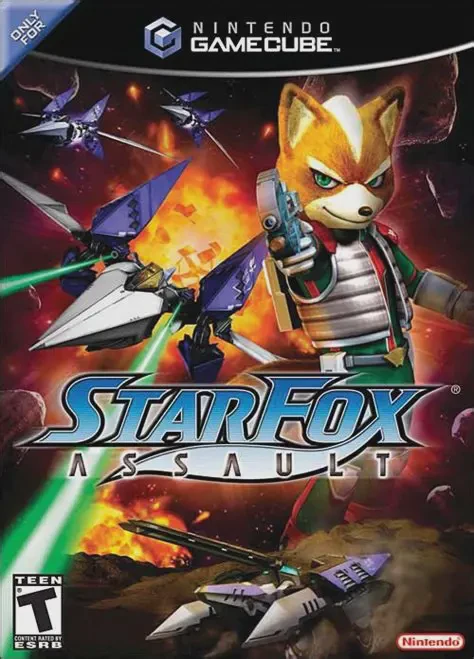
Star Fox: Assault is an action-packed hybrid shooter deve...
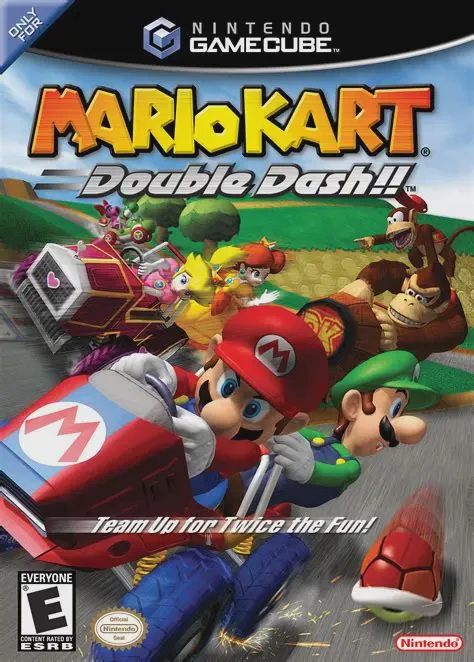
Mario Kart: Double Dash!! is a high-octane racing title r...
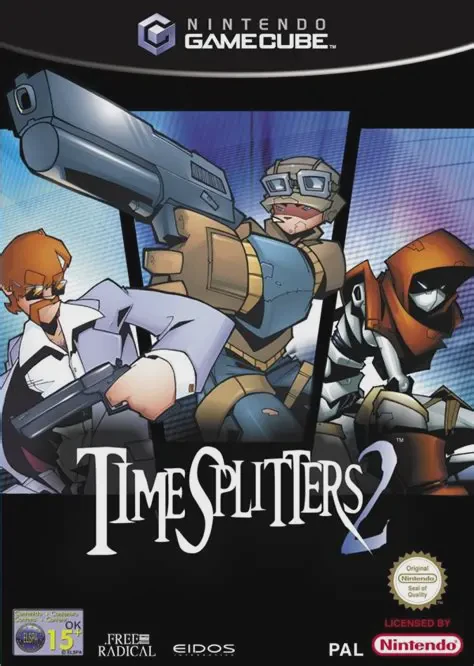
TimeSplitters 2 for the Nintendo GameCube is a critically...
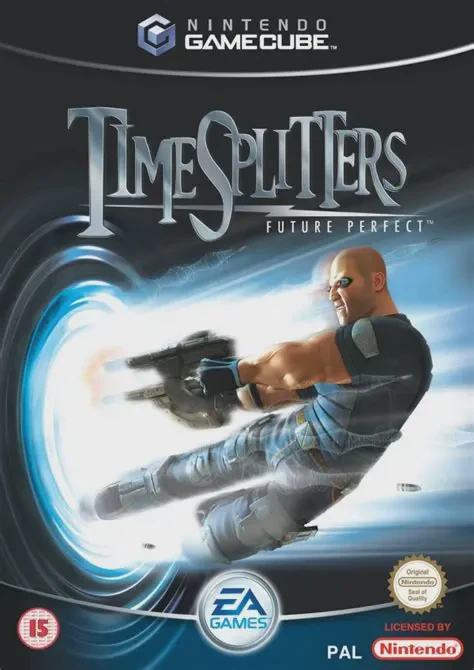
TimeSplitters: Future Perfect for the Nintendo GameCube i...