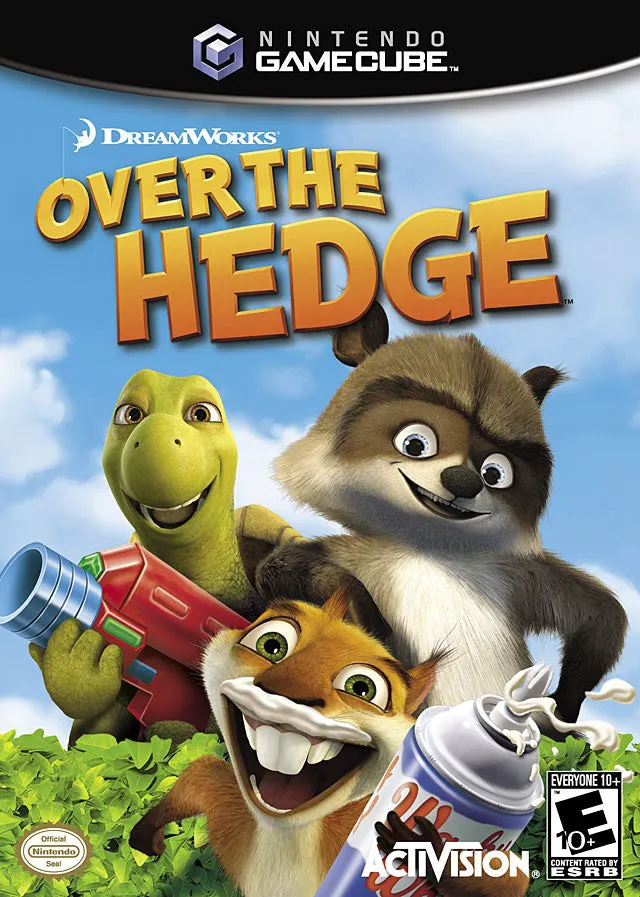
DreamWorks Over the Hedge
Experience mischievous suburban heist action and slapstic...

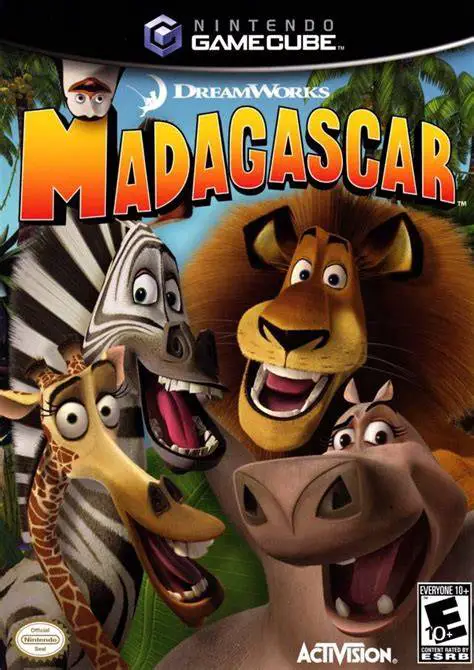
DreamWorks Madagascar brings the humorous story and memorable characters of DreamWorks Animation’s feature film to the Nintendo GameCube. Developed by Toys for Bob and published by Activision, this 3D action-adventure platformer expands upon the cinematic narrative, offering expanded levels and original plot chapters.
Gameplay revolves around switching between the four primary zoo animals, each possessing distinct physical abilities needed to overcome specific challenges. Alex can roar to terrify enemies and double-jump across large gaps; Marty utilizes his powerful kick to destroy obstacles and outrun hazards; Melman uses his helicopter spin technique to float across chasms and throw items; and Gloria uses her heavy weight to smash through barriers and charge enemy groups. Select stealth chapters also feature the fan-favorite covert Penguin squad—Skipper, Kowalski, Rico, and Private—utilizing tactical disguises and tranquilizer weapons.
The game is structured across 11 story chapters, taking players from the pristine enclosures of the Central Park Zoo and the streets of Manhattan to cargo ships and the wild jungles of Madagascar. Beyond the single-player campaign, players can spend earned monkey statues at the "Zoovenir Shop" to unlock character skins, cheats, and three distinct multi-stage party mini-games. With responsive controls, film-accurate voice lines, and varied gameplay, Madagascar offers a charming movie tie-in experience.
Game Name: DreamWorks Madagascar
Platform: Nintendo GameCube
Genre: 3D Action-Platformer / Adventure
Developer: Toys for Bob
Publisher: Activision
Release Date: May 24, 2005 (North America) / June 30, 2005 (Europe)
Game Modes: Single-Player, Local Multiplayer Mini-Games (1–4 Players)
ESRB Rating: Everyone (E)
Media Type: Nintendo GameCube Game Disc
Region Code: NTSC-U / PAL
Four Playable Zoo Heroes: Switch control between Alex, Marty, Melman, and Gloria, utilizing their individual skills, special attacks, and movement abilities.
Covert Penguin Missions: Control the tactical Penguin team in specialized stealth chapters featuring covert espionage and distraction mechanics.
11 Story Chapters: Explore expanded movie environments ranging from New York City streets and cargo ships to lush tropical rainforests.
Zoovenir Shop Collectibles: Earn monkey coins throughout levels to unlock character costumes, bonus movie clips, and gameplay cheats.
Unlockable 4-Player Mini-Games: Compete with friends in local multiplayer party games including Shuffleboard, Tiki Golf, and Lemur Dance Party.
Movie-Accurate Humor & Audio: Features comedic dialogue, voice acting, and licensed soundtrack themes from the animated film.
Yes, the original GameCube disc is fully playable on backward-compatible Nintendo Wii hardware (model RVL-001) equipped with GameCube controller ports and memory card slots.
While the main story campaign is single-player, up to 4 players can compete simultaneously in the unlockable local multiplayer mini-games using GameCube controllers.
The game features three unlockable multiplayer mini-games: Shuffleboard (a sliding accuracy game), Tiki Golf (a minigolf challenge), and Lemur Dance Party (a rhythm-based button-matching game).
Click the links below to go to the cloud drive download page
⚠️ Download Tips:
Experience mischievous suburban heist action and slapstic...
Experience underwater adventure, rhythm sequences, and hi...
Experience cinematic kung-fu combat and intense vehicular...
Experience psychological horror and cinematic storytellin...
Experience high-stakes rodent adventures and sewage-slick...