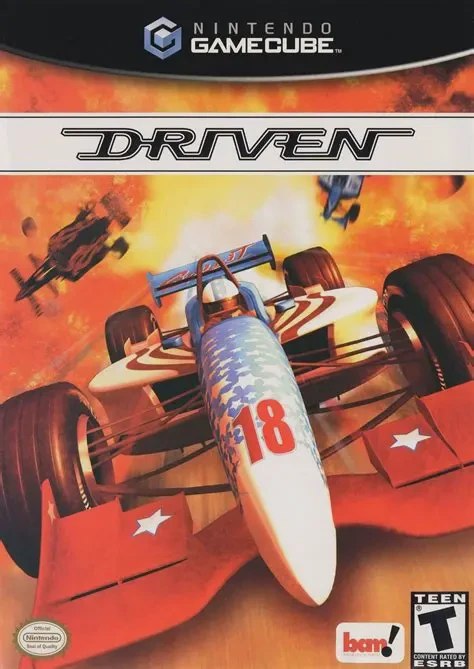
Driven
Experience relentless high-speed open-wheel racing with D...

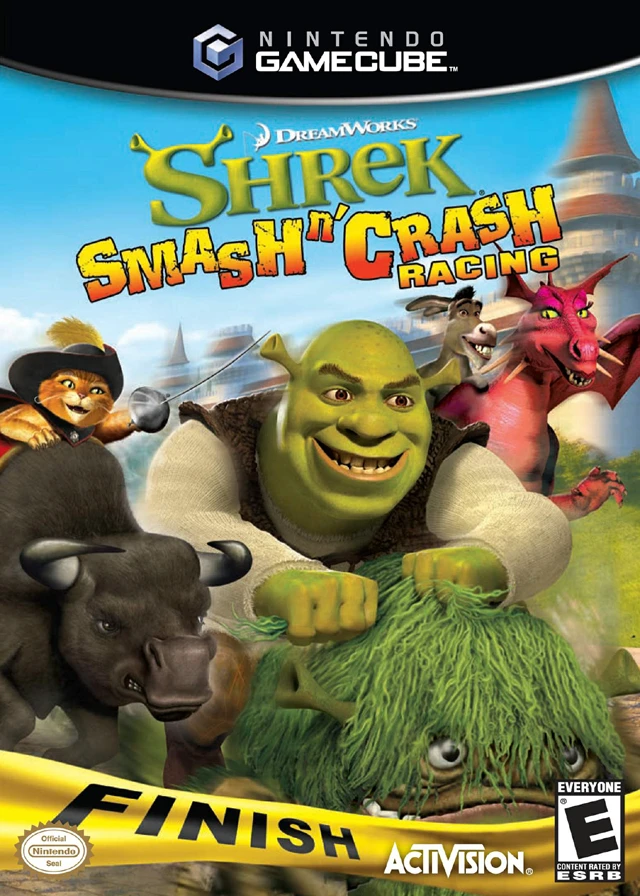
DreamWorks Shrek: Smash n' Crash Racing brings the whimsical, slapstick universe of the Shrek film series to the Nintendo GameCube in an action-packed kart racer. Developed by Torus Games and published by Activision, this title replaces conventional go-karts with unique personal steeds and quirky magical rides that match each character's personality.
Players select from a roster of twelve beloved characters, each paired with a signature mount—Shrek rides a swamp beast, Donkey mounts Dragon, Puss in Boots rides a oversized bull, and Prince Charming steers his noble stallion. Gameplay blends high-speed racing with interactive combat mechanics. As racers drift through turns and catch massive air off ramps, they can pick up offensive and defensive power-ups—such as stink bombs, Pixie Dust boosts, and flying fairytale hazards—or use close-range personal melee attacks to smash nearby opponents.
The single-player campaign offers Tournament, Challenge, and Time Trial modes across twelve multi-tiered tracks set in iconic film locations like the Swamp, Far Far Away, Dragon's Castle, and the Poison Apple Pub. Combined with interactive shortcuts, environmental hazards, and competitive split-screen multiplayer support, Smash n' Crash Racing provides engaging arcade racing on GameCube.
Game Name: DreamWorks Shrek: Smash n' Crash Racing
Platform: Nintendo GameCube
Genre: Arcade Racing / Combat Kart
Developer: Torus Games
Publisher: Activision
Release Date: November 21, 2006 (North America) / March 16, 2007 (Europe)
Game Modes: Single-Player, Local Multiplayer (1–2 Players)
ESRB Rating: Everyone (E)
Media Type: Nintendo GameCube Game Disc
Region Code: NTSC-U / PAL
12 Playable Fairy-Tale Racers: Choose from iconic franchise characters including Shrek, Donkey, Princess Fiona, Puss in Boots, Gingy, and Lord Farquaad.
Unique Personal Steeds: Race on character-specific mounts ranging from Dragon and swamp beasts to runaway horses and mechanical contraptions.
12 Film-Inspired Tracks: Speed across dynamic environments including Shrek's Swamp, Far Far Away, the Gingerbread Factory, and Dragon's Keep.
Combat & Melee Attacks: Bash rival racers with close-range melee strikes in addition to using ranged pickup power-ups.
Dynamic Power-Ups & Traps: Collect comical items like stink bombs, fairy magic shields, and speed boosts to sabotage opponents.
2-Player Split-Screen Racing: Compete head-to-head against a friend in local split-screen multiplayer matches across all tracks.
Yes, the original GameCube disc is fully playable on backward-compatible Nintendo Wii models (model RVL-001) equipped with built-in GameCube controller ports and memory card slots.
DreamWorks Shrek: Smash n' Crash Racing supports up to 2 players simultaneously for local split-screen multiplayer matches.
No, unlike standard kart racers, characters ride unique personal mounts and animals, such as Shrek riding a swamp beast or Donkey flying on Dragon.
Click the links below to go to the cloud drive download page
⚠️ Download Tips:
Experience relentless high-speed open-wheel racing with D...
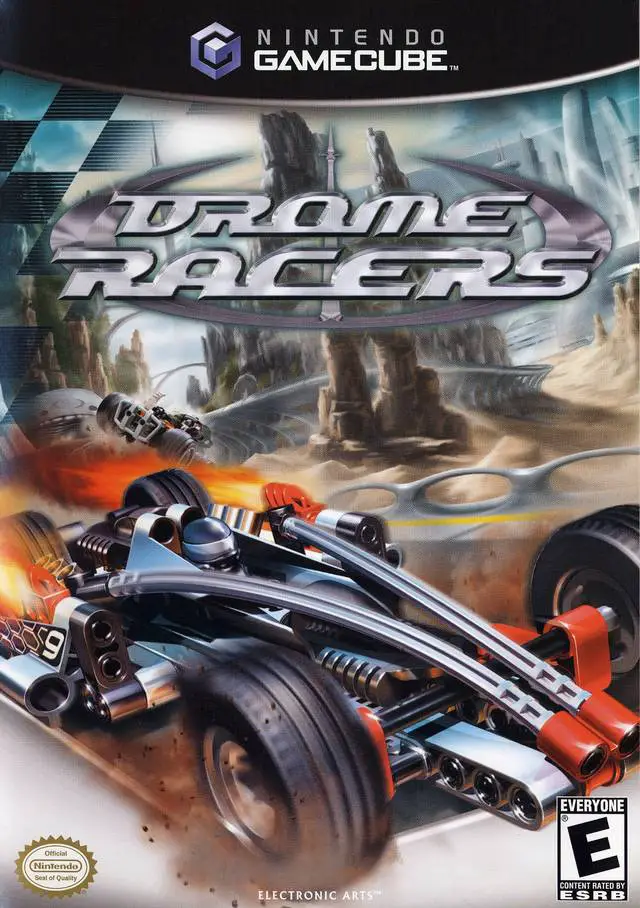
Experience fast-paced multi-terrain racing action with Dr...
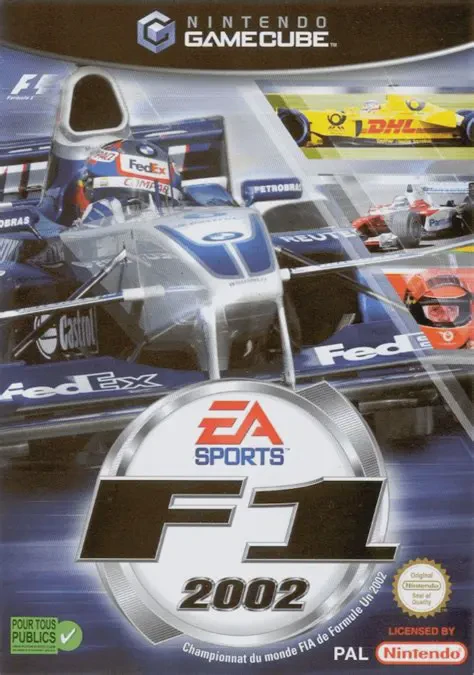
Experience high-speed official Formula One racing with F1...
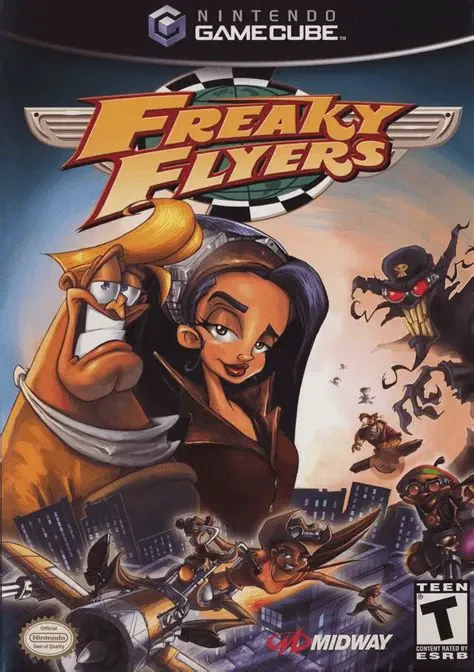
Freaky Flyers is a cartoonish, 3D aerial combat racing vi...
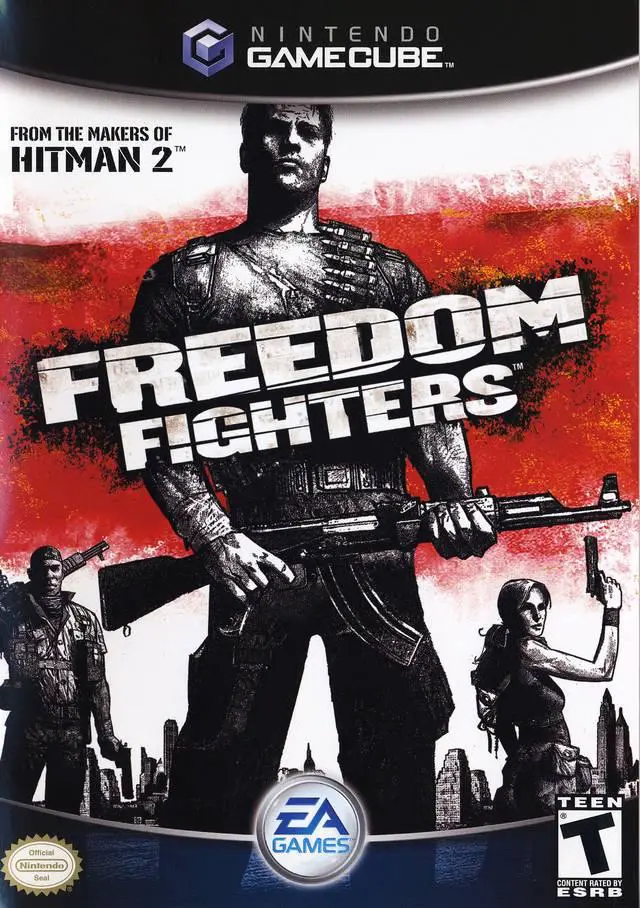
Freedom Fighters is an acclaimed squad-based third-person...