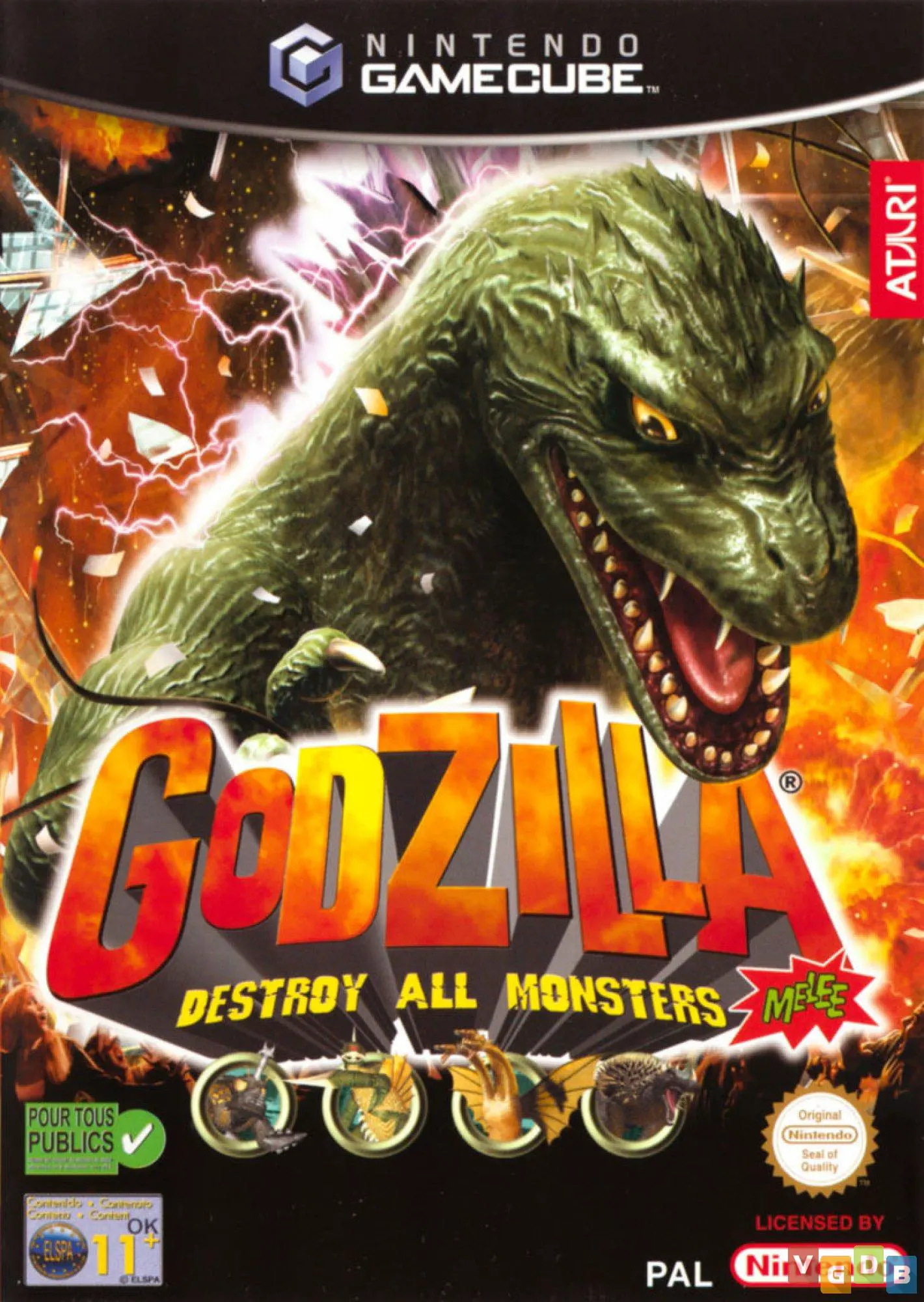
Godzilla: Destroy All Mon...
Godzilla: Destroy All Monsters Melee is an explosive 3D g...

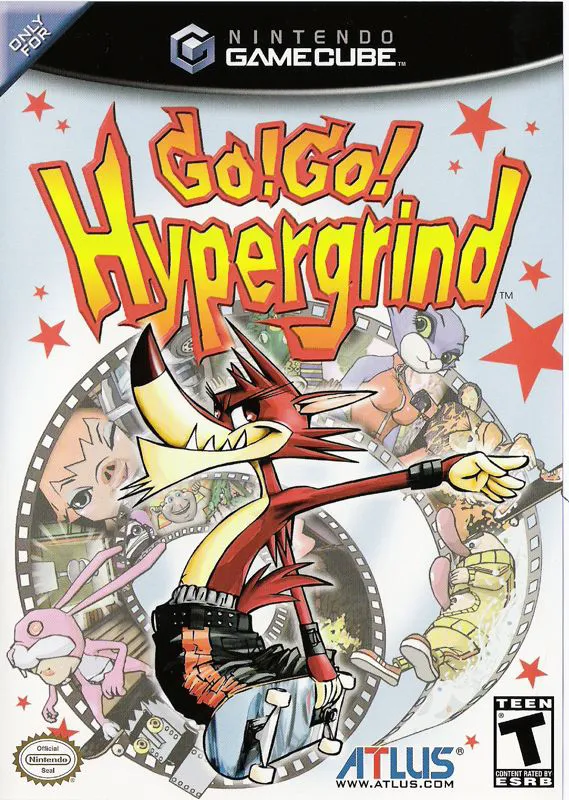
Go! Go! Hypergrind combines fast-paced skateboarding gameplay reminiscent of the Tony Hawk's Pro Skater series with cartoon slapstick physics on the Nintendo GameCube. Rather than avoiding level hazards, the game encourages players to actively skate into traps and hazards to trigger hilarious cartoon injuries that boost their trick scores.
Players choose from a cast of colorful cartoon characters and skate through expansive, hazard-filled studio set environments:
Negative Reactions & Traps: Intentionally skate into giant scissors, electrical wires, anvils, or fire pits to trigger "Negative Reactions." These cartoon mishaps morph your character (e.g., getting flattened, electrocuted, or set on fire) while acting as massive score multipliers when chained into grinds and manual tricks.
Pro Skater Mechanics: Execute a comprehensive trick system including flip tricks, lip tricks, vert airs, manual combos, and rail grinds using precise analog and button combinations.
Extensive Customization: Gear up your chosen skater with custom skateboard decks, trucks, and wheels, and unlock secret characters and secret studio locations across the campaign.
With character designs and animations created directly by Spumco, an energetic punk rock soundtrack, and local two-player competitive modes, Go! Go! Hypergrind offers a colorful alternative to traditional skateboarding titles.
Attribute | Details |
Title | Go! Go! Hypergrind |
Platform | Nintendo GameCube |
Developer | Poponchi |
Publisher | Atlus |
Release Date | November 2003 |
Genre | Extreme Sports / Skateboarding / Arcade |
Modes | Single-player, Local Multiplayer (1–2 Players) |
Media Type | GameCube Game Disc |
Spumco Character Design & Animation: Features distinct hand-drawn animation style and character concepts by John Kricfalusi and the team behind The Ren & Stimpy Show.
Negative Reaction Trick System: Intentionally activate environmental traps to transform your skater into hilarious cartoon states for higher score multipliers.
Deep Trick Combo System: Link flips, grabs, manuals, and rail grinds together to pull off high-scoring combos across complex levels.
8 Playable Cartoon Skaters: Choose from wacky characters including Piggy, Vert, Monkey, Decker, and Johnson, each with unique animations and attributes.
Competitive 2-Player Multiplayer: Challenge a friend in local head-to-head split-screen modes, including Versus, Poison, and Jam sessions.
A: The character designs, visual style, and cartoon animations were created by Spumco, the animation studio founded by The Ren & Stimpy Show creator John Kricfalusi.
A: Negative Reactions are environmental traps (like anvils, fire, or press machines) that flatten, burn, or shock your character. Instead of failing your trick, surviving these traps allows you to continue your skate combo with huge point multipliers.
A: Yes, Go! Go! Hypergrind was published by Atlus exclusively for the Nintendo GameCube and was never ported to other systems.
A: Yes, the game features local 2-player split-screen multiplayer modes where players can compete in high-score battles and head-to-head trick challenges.
Click the links below to go to the cloud drive download page
⚠️ Download Tips:
Godzilla: Destroy All Monsters Melee is an explosive 3D g...
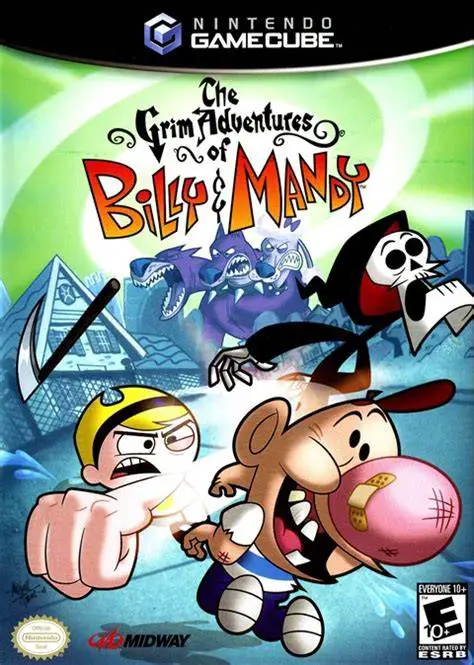
The Grim Adventures of Billy & Mandy is an energetic 3D a...
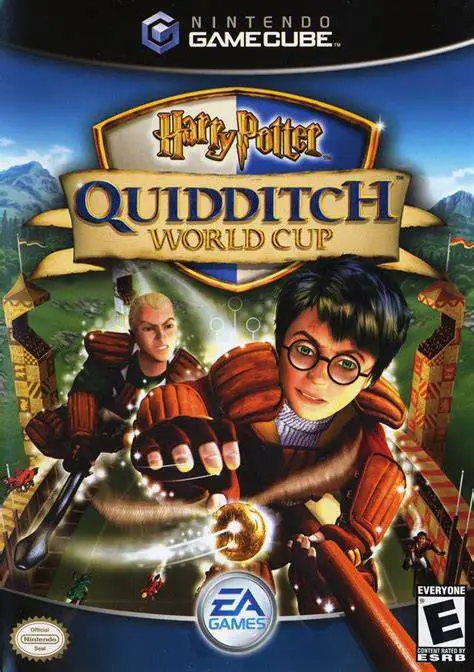
Harry Potter: Quidditch World Cup is an energetic sports ...
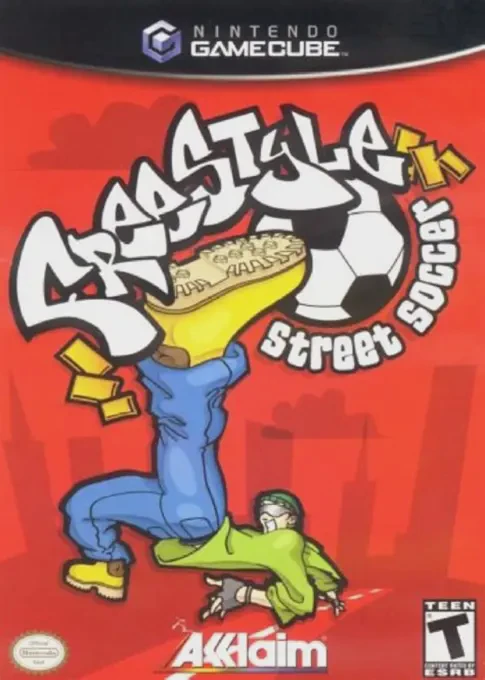
Freestyle Street Soccer (released in North America as Urb...
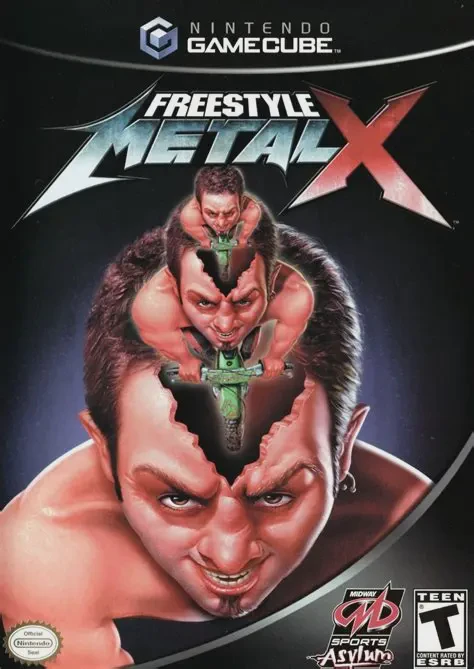
Freestyle Metal X is an extreme freestyle motocross (FMX)...