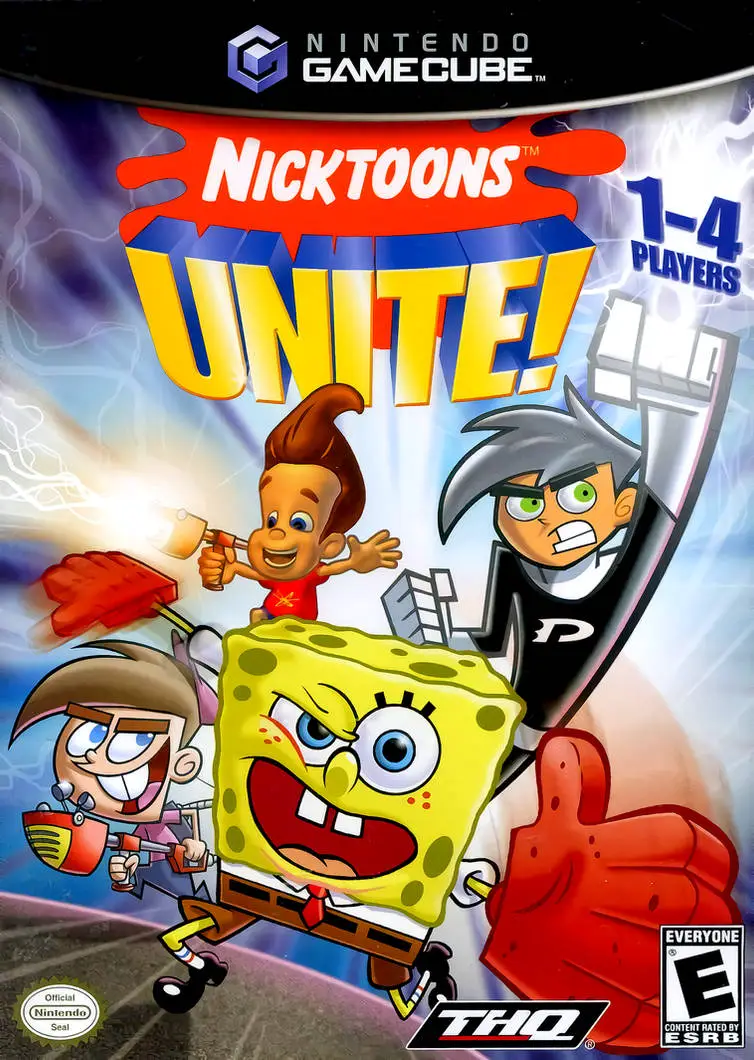
Nicktoons Unite!
Join forces with Nickelodeon’s greatest heroes in Nicktoo...

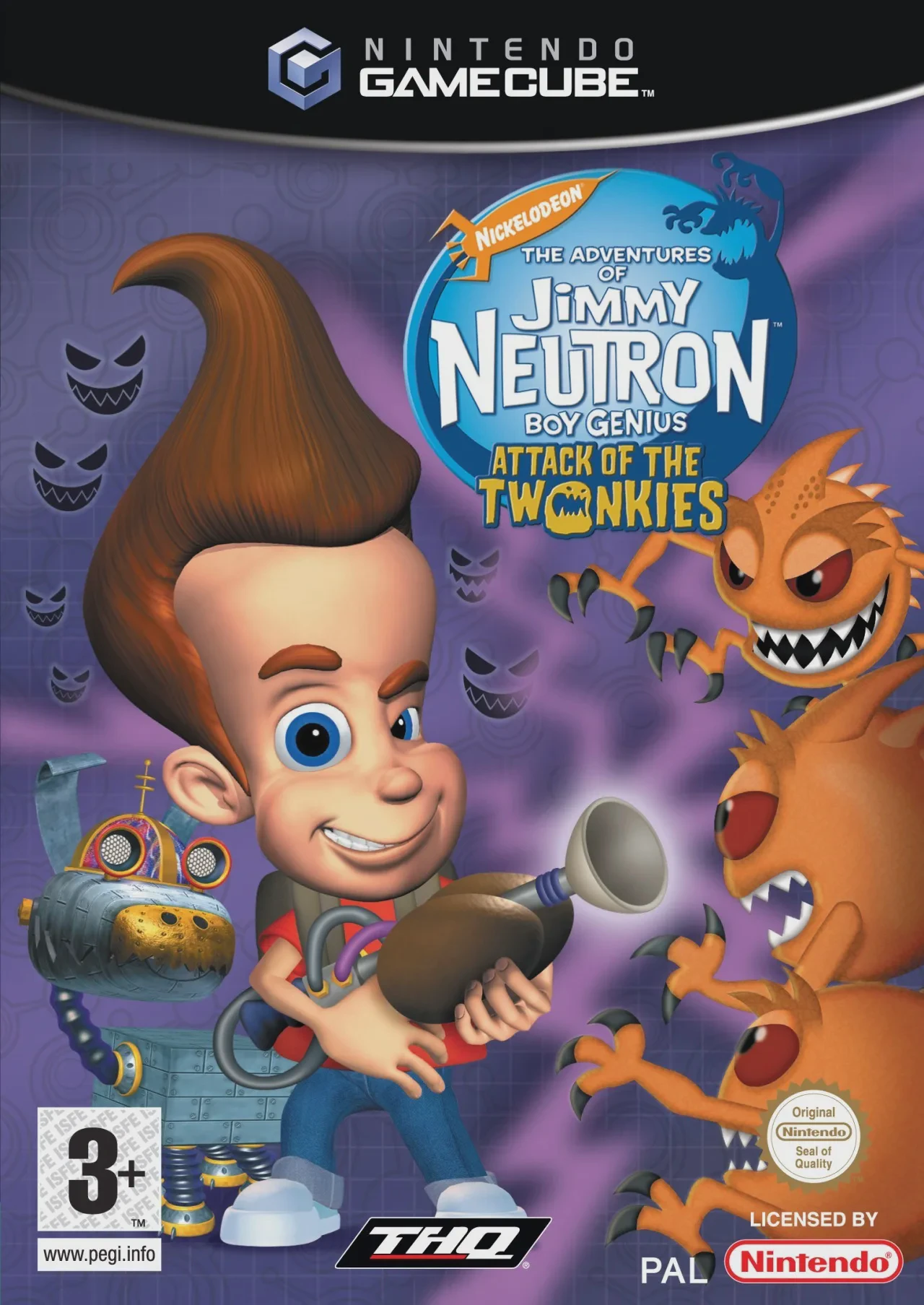
Jimmy Neutron Boy Genius: Attack of the Twonkies is a 3D action-adventure game developed by THQ Studio Australia and published by THQ. Recreating the humor, sci-fi tropes, and frantic energy of the hit Nickelodeon CGI series, the game challenges players to solve a full-scale alien invasion right in Jimmy's hometown.
The gameplay centers heavily on Jimmy's genius inventiveness and problem-solving skills. As Twonkies overrun Retroville High School, the retirement home, and town park, Jimmy must scavenge everyday household items—such as vacuum cleaners, tin cans, hair dryers, and soda bottles—to synthesize specialized gadgetry in his secret laboratory. These inventions include the Hypno-Beam, Vacuum-Grip Shoes, Sheen's Secret Weapon, and the Sonic Boom Box, each designed to capture or subdue mutated Twonkies.
On the Nintendo GameCube, the title features smooth 3D platforming, responsive controls, authentic voice acting from the television show cast, and dynamic gadget-combining mechanics. Throughout the game, Jimmy is joined by his faithful robotic dog Goddard and iconic friends Sheen and Carl, making for an entertaining sci-fi adventure for platforming fans.
Field | Detail |
|---|---|
Full Title | Jimmy Neutron Boy Genius: Attack of the Twonkies |
Platform | Nintendo GameCube (NGC) |
Genre | Action-Adventure / 3D Platformer |
Developer | THQ Studio Australia |
Publisher | THQ |
Release Date | September 13, 2004 (North America) / February 4, 2005 (Europe) |
Region Formats | NTSC-U / PAL |
Game Modes | Single-Player |
Display Options | 480i / 480p Progressive Scan Support |
Media Type | Nintendo GameCube Game Disc (1 Disc) |
GIZMO Invention System: Combine everyday household trash and items collected across levels to build high-tech gadgets, weapons, and tools.
Dynamic Mutation Mechanics: Face off against various types of mutated Twonkies that adapt and grow larger when exposed to different sound waves and musical beats.
Explore Retroville: Navigate iconic show locations including Retroville High School, Jimmy's secret underground lab, downtown streets, and the town dump.
Goddard Companion Functions: Command Goddard to transform into various helpful tools, such as a pogo stick, vehicle, or shield, to assist in platforming and combat.
Authentic Show Presentation: Features full voice acting from the original Nickelodeon voice cast, animated cutscenes, and signature show humor.
Twonkies are small, fluffball alien creatures that Jimmy brings back to Earth. While initially harmless and cute, hearing music causes them to instantly mutate into aggressive, dangerous monsters.
Players search levels for everyday parts like batteries, tin cans, and radio parts, then bring them to Jimmy's lab or portable invention workbench to build gadgets like the Vacuum-Grip Shoes, Hypno-Ray, or Sonic Boom Box.
You primarily control Jimmy Neutron throughout the adventure, but Sheen and Carl feature heavily in story cutscenes, dialogue sequences, and specialized level missions to aid Jimmy in capturing Twonkies.
Yes, Jimmy Neutron Boy Genius: Attack of the Twonkies supports 480p progressive scan output on the Nintendo GameCube for crisp visual performance on compatible displays.
Click the links below to go to the cloud drive download page
⚠️ Download Tips:
Join forces with Nickelodeon’s greatest heroes in Nicktoo...
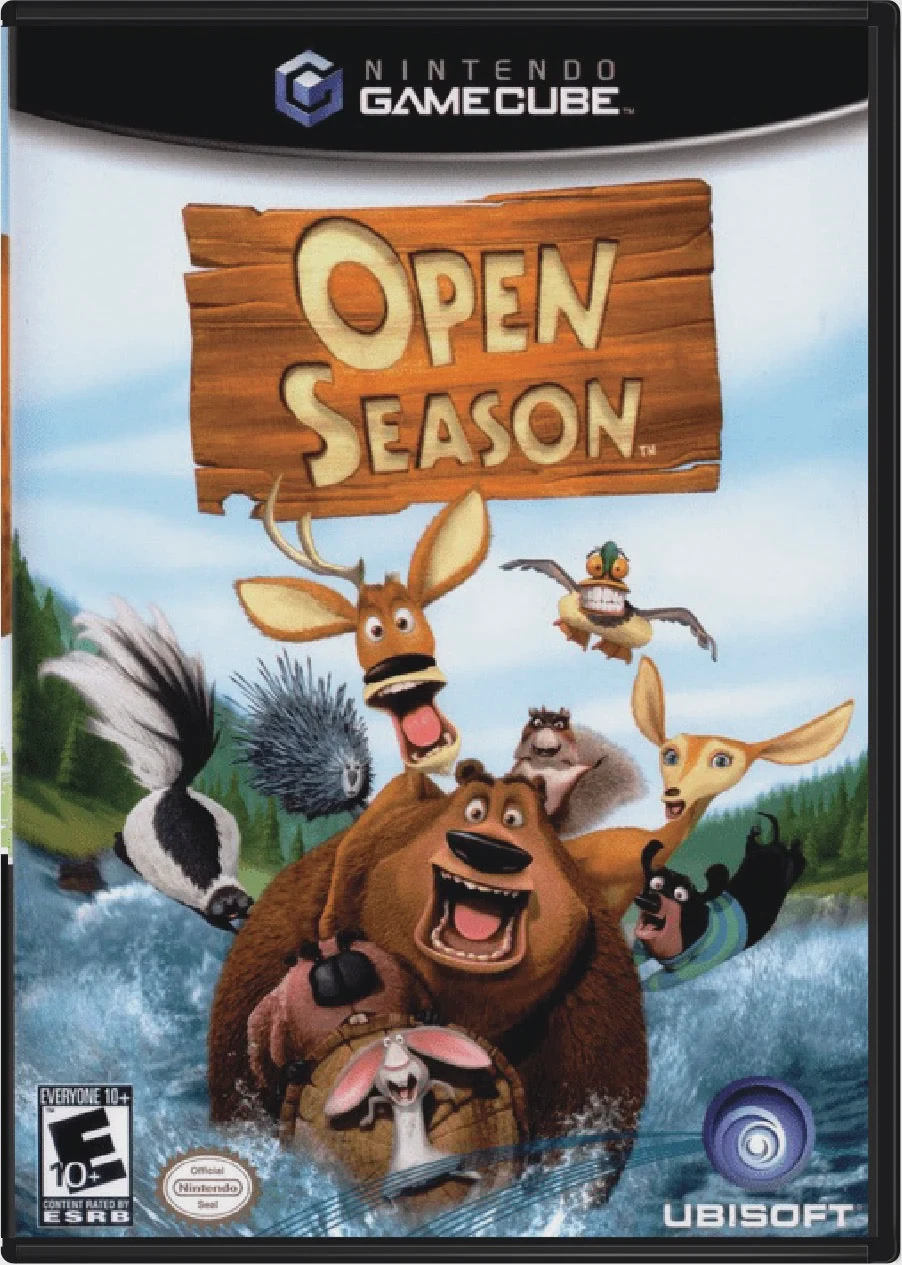
Jump into the wild and hilarious forest adventures of Ope...
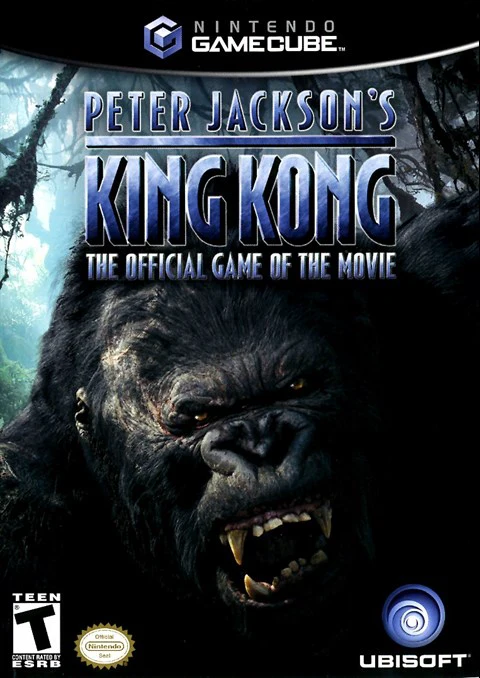
Experience an extraordinary cinematic adventure where you...
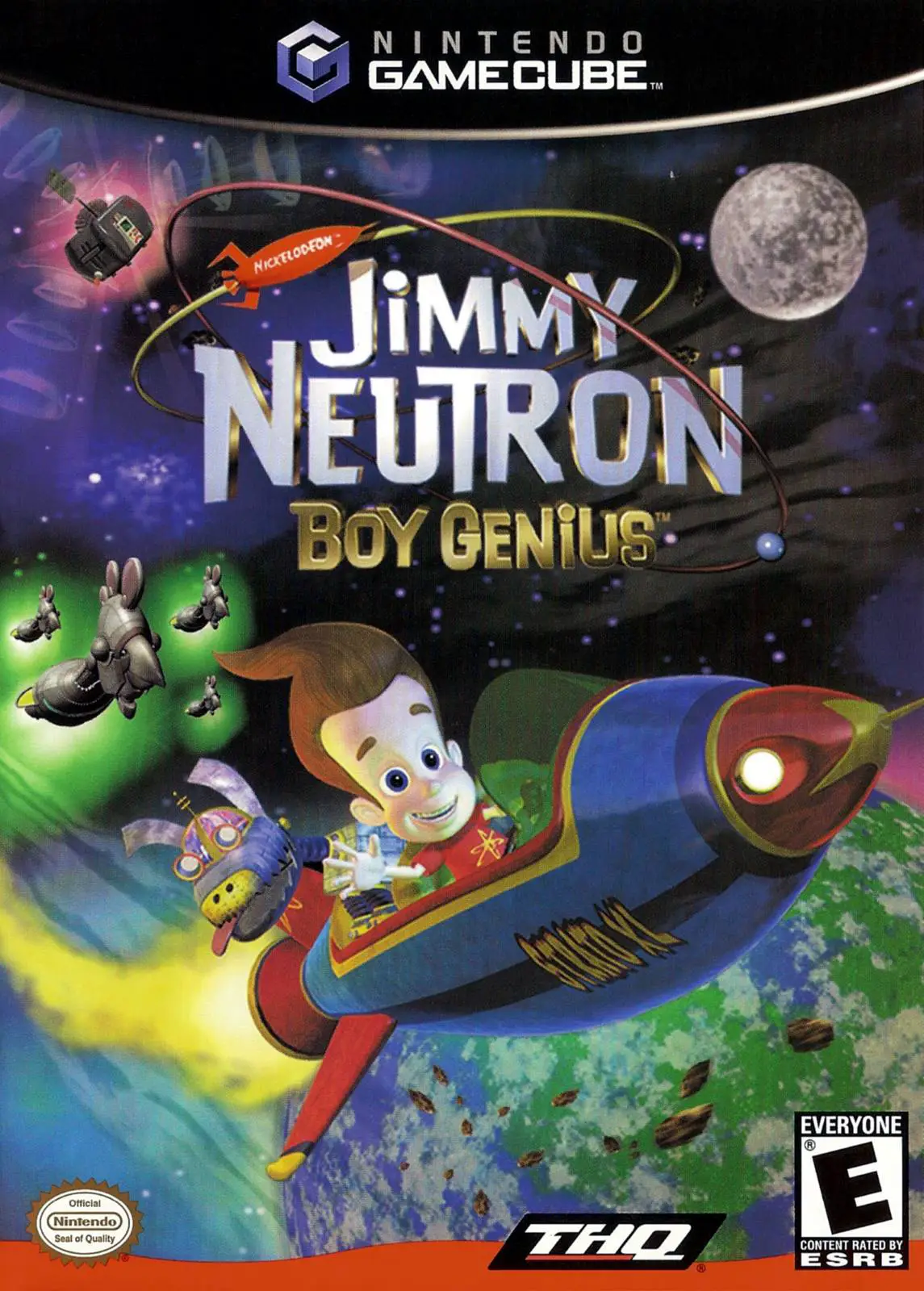
Blast off on a high-tech galactic rescue mission in Jimmy...
Step into the wild, hilarious, and secret world of farm a...