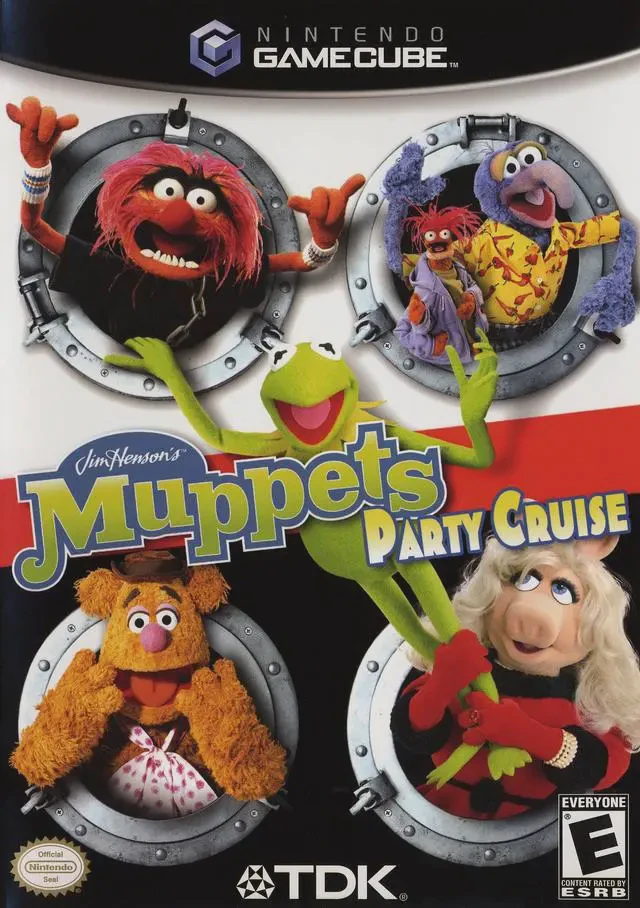
Muppets – Party Cruise
Set sail for chaotic multiplayer fun in Muppets – Party C...

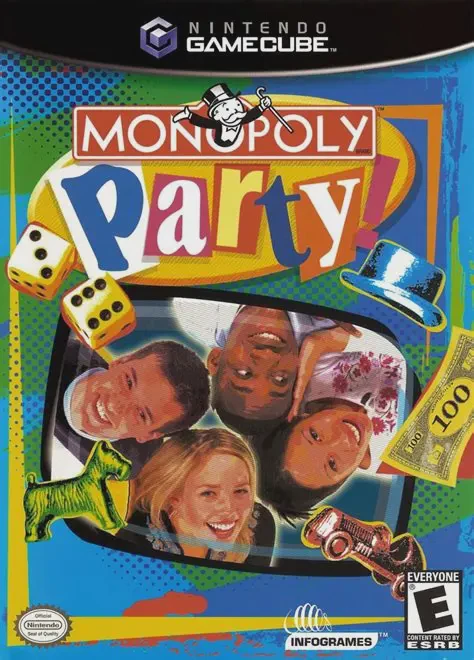
Monopoly Party is a digital board game developed by Hudson Soft and published by Infogrames under license from Hasbro. Designed to solve the slow-paced nature of traditional board games, this title introduces a dynamic gameplay engine tailored for quick, competitive party sessions.
The defining feature of Monopoly Party is its Simultaneous Play Mode. Instead of taking turns one by one, all four players roll their dice and move across the board at the exact same moment. Properties landed on by multiple players go up for instantaneous live bidding auctions, creating a fast-paced, chaotic environment. Players who prefer the authentic board game experience can also toggle on Classic Mode for traditional turn-based rules. The game features vibrant 3D animated environments—including Sci-Fi, Fantasy, Antique, and Prehistoric themed boards—complete with animated tokens and dynamic camera angles.
On the Nintendo GameCube, Monopoly Party offers smooth 60fps performance, intuitive controller mapping, customizable rule sets (such as double payouts for landing on Free Parking or short-game limits), and support for up to four local players.
Field | Detail |
Full Title | Monopoly Party |
Platform | Nintendo GameCube (NGC) |
Genre | Digital Board Game / Party |
Developer | Hudson Soft |
Publisher | Infogrames |
Release Date | October 29, 2002 (North America) / November 15, 2002 (Europe) |
Region Formats | NTSC-U / PAL |
Game Modes | Single-Player, Local Multiplayer (1–4 Players) |
Display Options | 480i / 480p Progressive Scan Support |
Media Type | Nintendo GameCube Game Disc (1 Disc) |
Simultaneous Play Mechanic: All four players roll dice, move across the board, build houses, and trade real estate at the same time for non-stop action.
Classic & Party Gameplay Modes: Choose between fast-paced Party Mode (simultaneous movement and real-time auctions) or traditional turn-based Classic Mode.
4 Unique Animated 3D Boards: Play across stylized 3D environments including Classic, Sci-Fi/Space, Fantasy Castle, and Prehistoric/Dinosaur themes.
Live Auction Battles: Unowned properties landed on by players immediately trigger fast-paced real-time bidding auctions among all players.
Custom House Rules: Adjust gameplay options including Free Parking jackpots, starting money, maximum game length limits, and property trading rules.
In Party Mode, all four players roll their dice simultaneously at the start of each turn. Everyone moves across the board together, and any property transactions, auctions, or house purchases occur in real time without waiting for individual player turns.
Yes! The game includes a Classic Mode option that follows traditional turn-based rules, allowing players to move one at a time according to standard Parker Brothers board game rules.
The game supports up to 4 players concurrently in local multiplayer mode using standard Nintendo GameCube controllers. AI opponents can fill any remaining empty player slots.
Yes, Monopoly Party supports 480p progressive scan output on the Nintendo GameCube for crisp and clear picture quality on compatible displays.
Click the links below to go to the cloud drive download page
⚠️ Download Tips:
Set sail for chaotic multiplayer fun in Muppets – Party C...
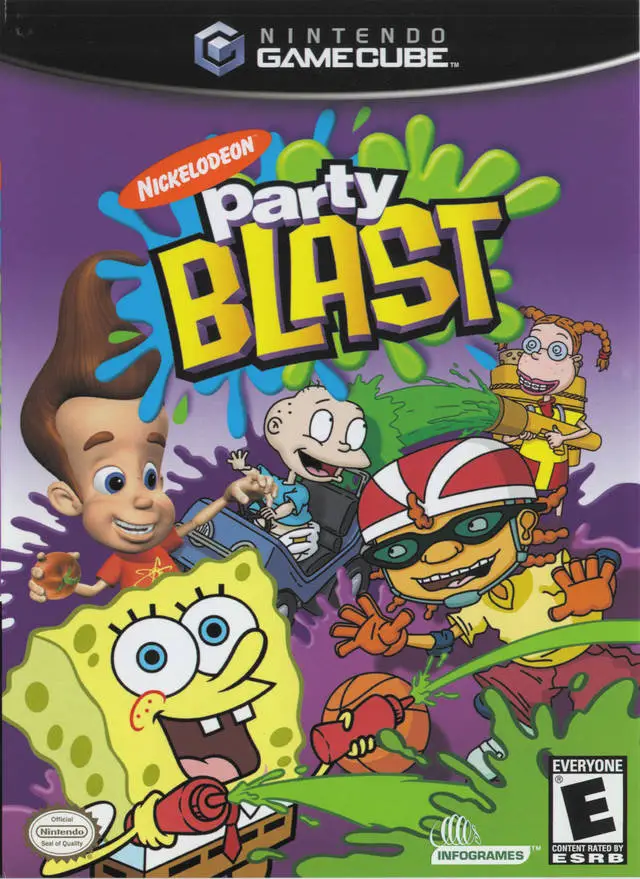
Gather your favorite classic cartoon stars for a fast-pac...
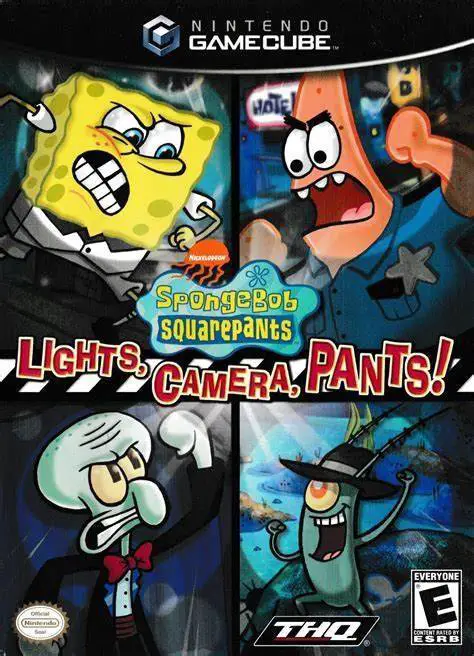
Get ready for audition madness in SpongeBob SquarePants: ...
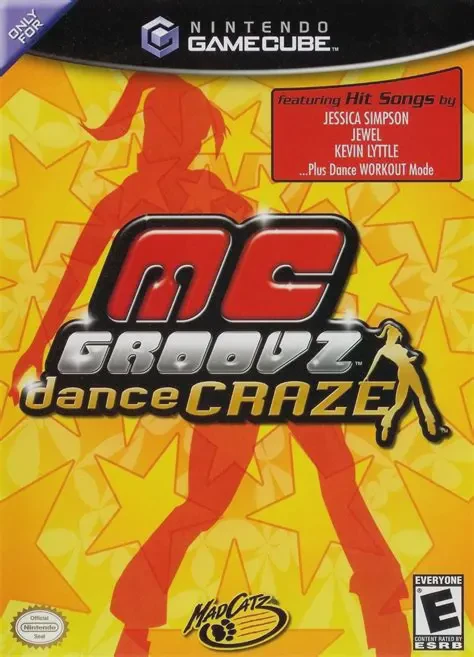
Get into the rhythm and hit the dance floor in MC Groovz ...
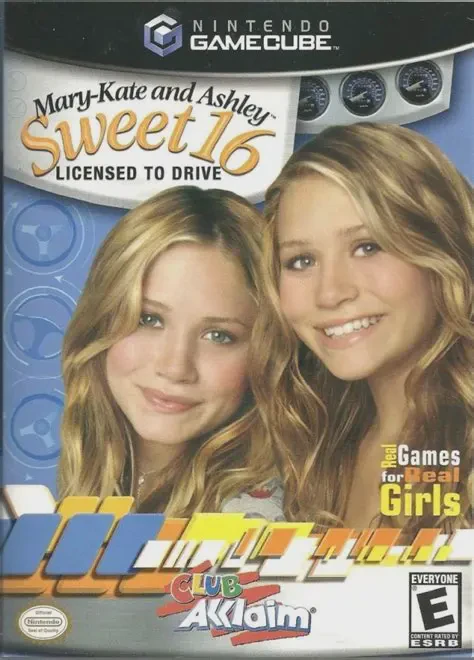
Hit the road with teen icons Mary-Kate and Ashley Olsen i...