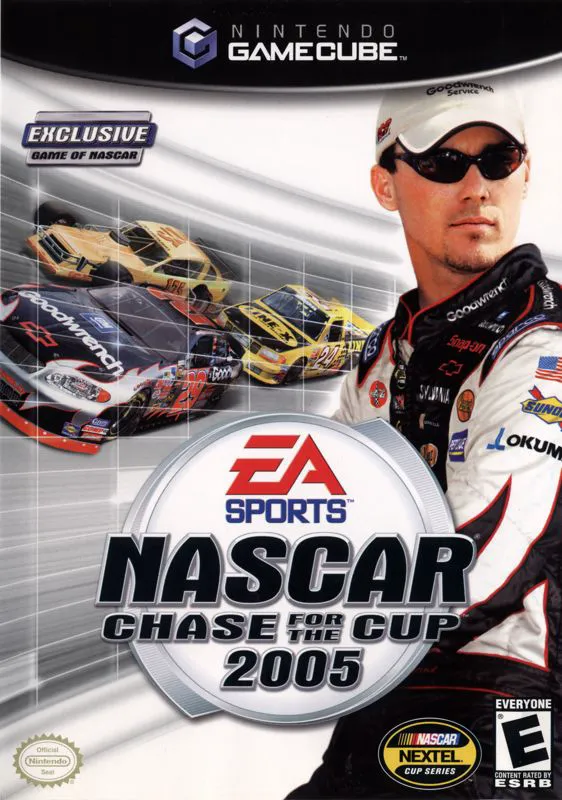
NASCAR 2005: Chase for th...
Experience the intensity, high-speed drama, and multi-ser...

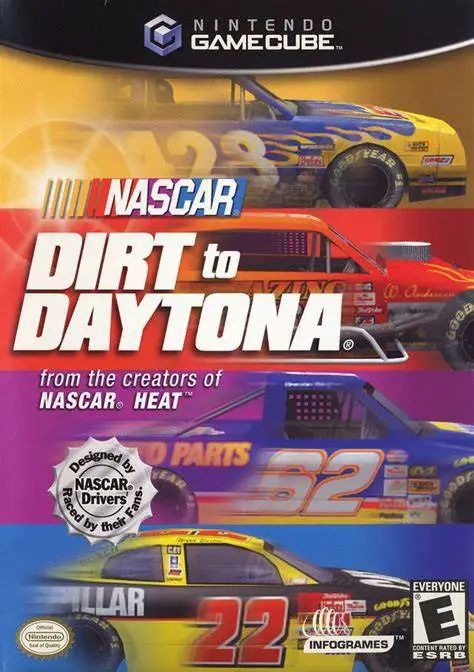
NASCAR: Dirt to Daytona is a stock car sim-racing game developed by Monster Games and published by Infogrames. Utilizing an upgraded iteration of the praised physics engine from NASCAR Heat, this title offered an unprecedented level of depth and grassroots progression before exclusive rights shifted to EA Sports.
The centerpiece of the game is its multi-series Career Mode, which forces players to earn every advancement. Starting with minimal cash in the Dodge Weekly Racing Series (Dirt division), players must manage car repairs, buy performance parts, and earn championship points to unlock higher tiers—progressing to the Featherlite Modified Series, Craftsman Truck Series, and finally the elite Winston Cup Series. Each division features distinct handling models, weight transfer mechanics, and specialized track layouts.
On the Nintendo GameCube, NASCAR: Dirt to Daytona features tight controller precision, smooth framerates, comprehensive vehicle telemetry tuning, a full 43-car field in Cup races, and interactive driving lessons hosted by real-world NASCAR stars.
Field | Detail |
Full Title | NASCAR: Dirt to Daytona |
Platform | Nintendo GameCube (NGC) |
Genre | Sports / Stock Car Racing Simulation |
Developer | Monster Games |
Publisher | Infogrames |
Release Date | November 12, 2002 (North America) |
Region Formats | NTSC-U |
Game Modes | Single-Player, Local Multiplayer (1–4 Players) |
Display Options | 480i / 480p Progressive Scan Support |
Media Type | Nintendo GameCube Game Disc (1 Disc) |
4 Racing Divisions: True career ladder progression through Dodge Weekly Racing (Dirt), Featherlite Modifieds, Craftsman Trucks, and the Winston Cup Series.
True Grassroots Career Mode: Spend earned prize money on over 100 engine and chassis component upgrades, manage repairs, and secure multi-tier team sponsorships.
31 Diverse Track Layouts: Race across a mix of real-world NASCAR speedways, local dirt ovals, short-track ovals, and road courses.
Beat the Heat & Pro Trainer: Complete specific scenario challenges and learn optimal racing lines with interactive advice from top NASCAR drivers.
Full 43-Car Winston Cup Fields: Battle through dense, realistic traffic featuring official drivers, team liveries, draft physics, and detailed vehicle damage.
Unlike most contemporary EA entries, NASCAR: Dirt to Daytona was developed by Monster Games and focuses on realistic grassroots racing ladder progression—starting on small dirt tracks before progressing to pavement series—with physics built on the NASCAR Heat engine.
Yes! As you earn money in races, you can buy and install over 100 individual upgrade parts—including engine blocks, tires, suspension setups, and body panels—to increase top speed, cornering grip, and durability.
The game supports up to 4 players simultaneously in local split-screen multiplayer matches using standard Nintendo GameCube controllers.
Yes, NASCAR: Dirt to Daytona supports 480p progressive scan output on the Nintendo GameCube for clean and sharp visual fidelity on compatible displays.
Click the links below to go to the cloud drive download page
⚠️ Download Tips:
Experience the intensity, high-speed drama, and multi-ser...
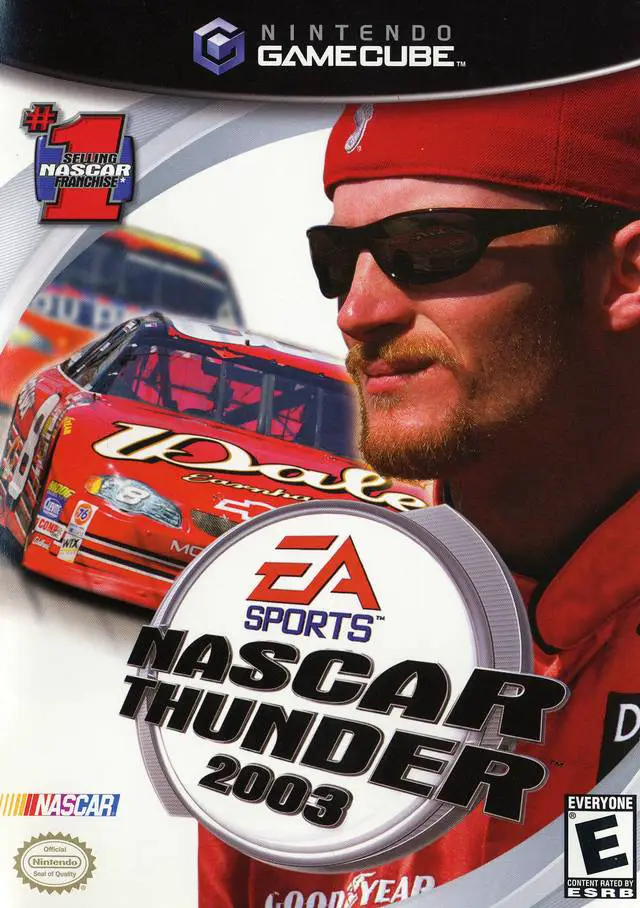
Feel the high-speed thrill and engine-roaring intensity o...
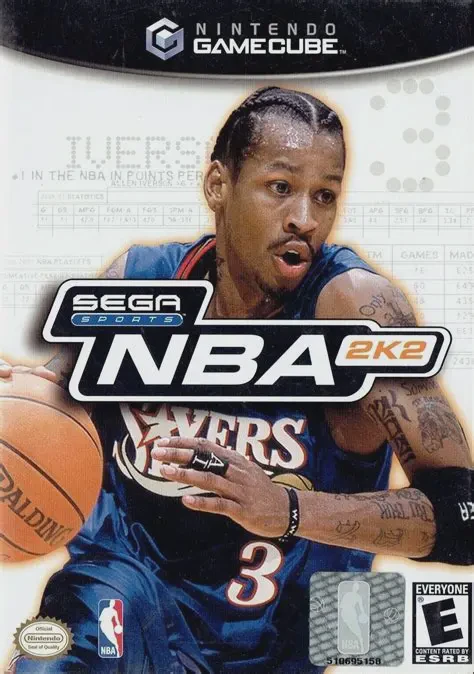
Experience the game-changing simulation basketball that d...
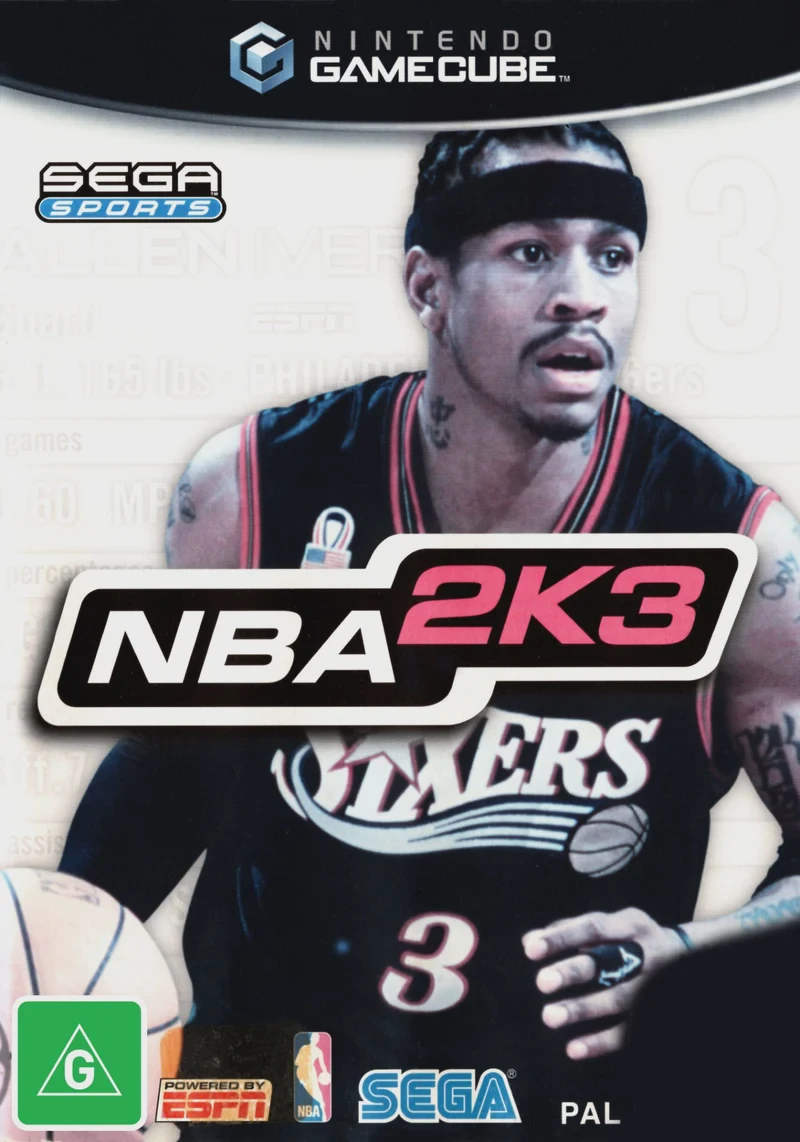
Experience the gold standard of simulation basketball in ...
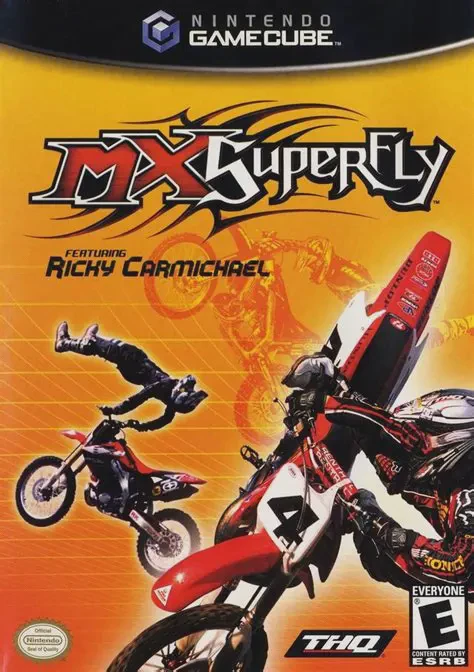
Catch massive air, execute bone-crushing stunts, and tear...