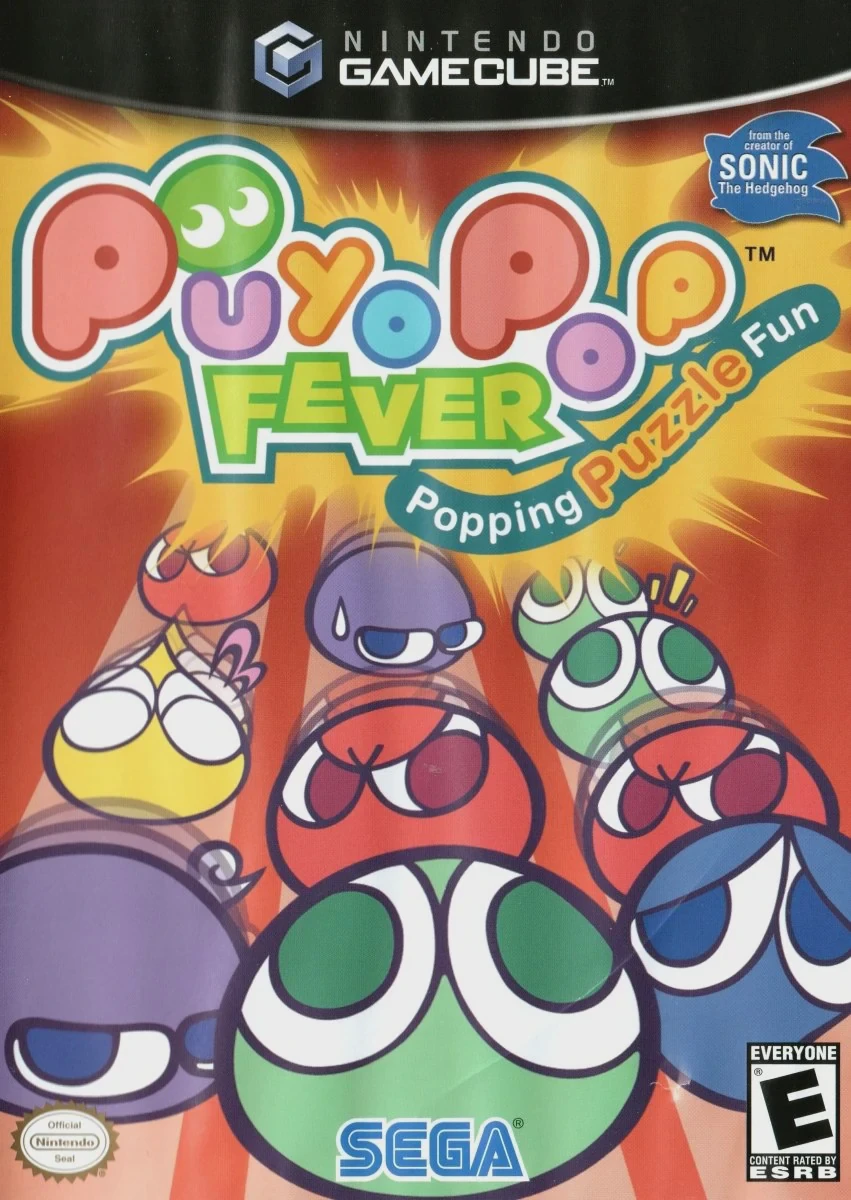
Puyo Pop Fever
Puyo Pop Fever (known in Japan as Puyo Puyo Fever) is an ...

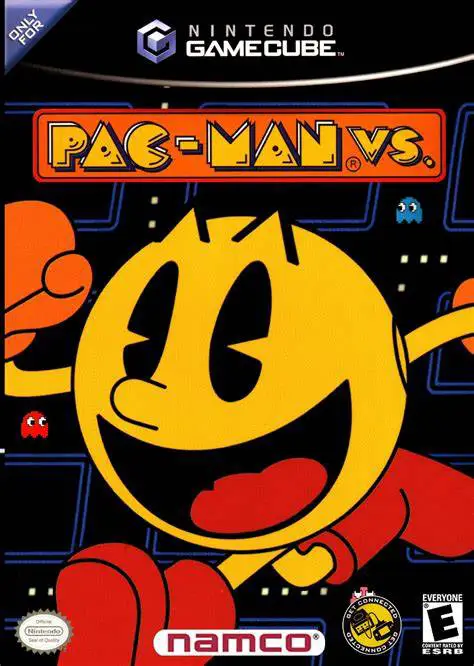
Pac-Man Vs. is a innovative action-puzzle game developed by Nintendo Entertainment Analysis & Development (EAD) in collaboration with Namco. Created under the creative vision of Shigeru Miyamoto, the title was designed specifically to showcase the unique hardware capability of linking Game Boy Advance handhelds directly into the Nintendo GameCube controller ports via the Nintendo GameCube Game Boy Advance Cable.
The core gameplay centers around asymmetrical local multiplayer across classic Pac-Man mazes. The player holding the Game Boy Advance controls Pac-Man in real time, viewing the entire map layout, dots, fruit spawns, and enemy positions on their personal screen. Meanwhile, up to three players use standard GameCube controllers to play as the ghosts (Blinky, Pinky, Inky, and Clyde) on the TV screen. However, ghost players are restricted to a narrow, limited line-of-sight spotlight around their character, requiring clear communication, strategy, and teamwork to corner and catch Pac-Man.
When a ghost successfully tags Pac-Man, the player who caught him takes control of Pac-Man for the next round on the GBA. The game continues until a player achieves a designated score target. Featuring full voice commentary by Mario (voiced by Charles Martinet), Pac-Man Vs. remains a masterclass in local party game design.
Field | Detail |
Full Title | Pac-Man Vs. |
Platform | Nintendo GameCube (NGC) |
Genre | Asymmetrical Multiplayer / Action Puzzle |
Developer | Nintendo EAD / Namco |
Publisher | Namco |
Release Date | December 2, 2003 (North America) / April 2, 2004 (Europe) |
Region Formats | NTSC-U / PAL / NTSC-J |
Game Modes | Local Multiplayer (2–4 Players) |
Display Options | 480i / 480p Progressive Scan Support |
Media Type | Nintendo GameCube Game Disc (1 Disc) |
Asymmetrical Hardware Gameplay: Utilizes the GBA-to-GameCube cable to provide secret single-player screen information alongside shared TV display multiplayer.
Cooperative vs. Competitive Dynamics: Ghosts must communicate and hunt together on the TV screen while Pac-Man plays a high-stakes game of hide-and-seek on the GBA.
Role Rotation Mechanics: Whichever ghost player tags Pac-Man instantly wins the right to hold the Game Boy Advance and score points as Pac-Man in the following round.
Dynamic Voice Commentary: Features lively real-time commentary from Mario (voiced by Charles Martinet), calling out ghost locations, fruit spawns, and key events.
Multiple Classic Maze Themes: Choose from various maze themes with custom music and layouts, ranging from retro arcade screens to interactive themed maps.
To play Pac-Man Vs., you need a Nintendo GameCube, at least one Game Boy Advance system (GBA, GBA SP, or Game Boy Micro), a Nintendo GameCube Game Boy Advance Cable, and standard GameCube controllers for the ghost players.
No, Pac-Man Vs. is strictly a local multiplayer party game requiring a minimum of 2 players (1 Pac-Man on GBA and 1 Ghost on TV) up to a maximum of 4 players.
Whenever a ghost player catches Pac-Man on the TV screen, the control passes to that player. The person who caught Pac-Man takes the Game Boy Advance to play as Pac-Man in the next round.
The dynamic in-game commentary is voiced by Charles Martinet using his famous Mario voice persona, offering real-time updates and commentary throughout each match.
Click the links below to go to the cloud drive download page
⚠️ Download Tips: