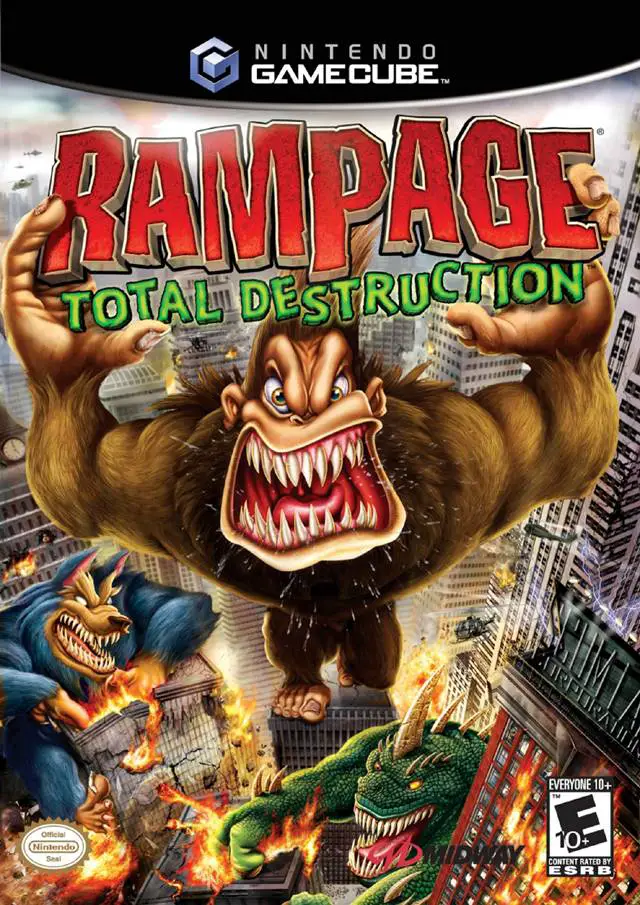
Rampage: Total Destruction
Rampage: Total Destruction is an explosive arcade action ...

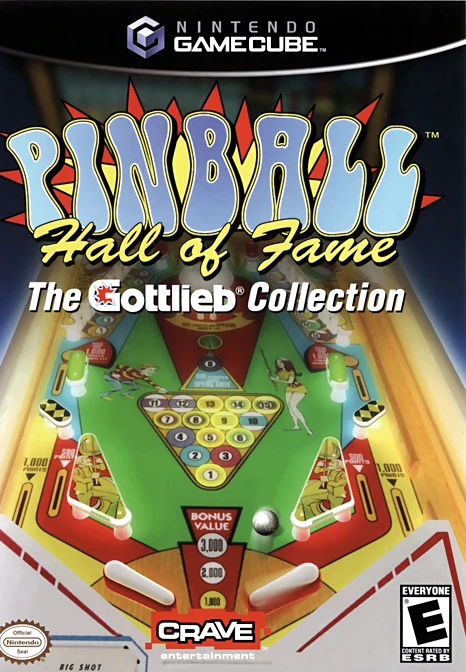
Pinball Hall of Fame: The Gottlieb Collection bridges the gap between classic arcade nostalgia and home console simulation. Released for the Nintendo GameCube in early 2005, the title was crafted by FarSight Studios—renowned for their dedication to authentic pinball recreations—to faithfully simulate classic tables spanning decades of arcade history.
Rather than featuring flashy fantasy elements or exaggerated particle effects, the game focuses on realistic physics, precise flipper response, and accurate tabletop geometry. Players gain access to a curated lineup of real-world Gottlieb pinball machines, ranging from vintage electro-mechanical classics from the 1950s and 1960s to complex solid-state electronic tables from the 1980s and 1990s.
The game is structured like a virtual arcade hall. Players can choose individual tables freely or enter tournament and challenge modes to earn credits, unlock historical brochures, view creator notes, and learn about the real-world history behind each machine. Included tables feature fan favorites such as Black Hole, Gorgar (variant style), Ace High, Centigrade 37, Diamond Lady, Teed Off, Rescue 911, and Bone Busters Inc. With supportive local multiplayer options and adjustable table angle perspectives, it stands as a premier pinball simulator on the GameCube.
Developer: FarSight Studios
Publisher: Crave Entertainment
Platform: Nintendo GameCube
Genre: Pinball Simulation / Arcade
Release Date: March 20, 2005 (North America), 2005 (Europe)
Modes: Single-player, Up to 4-Player Local Multiplayer (Turn-based)
Media: GameCube Optical Disc
Authentic Gottlieb Tables: Play virtual recreations of real-world pinball machines spanning multiple eras of Gottlieb history, from classic woodrails to modern multi-ball tables.
Hyper-Realistic Physics Engine: Experience true-to-life ball weight, bumper bounce, table nudging, friction, and flipper accuracy programmed by arcade preservationists.
Historical Archives & Unlockables: Unlock historical facts, original factory promotional flyers, design notes, and background information for each featured machine.
Turn-Based Local Multiplayer: Compete against up to four friends in classic arcade high-score tournament structures.
Multiple Camera Perspectives: Switch between static full-table views and dynamic, smooth-scrolling close-up camera angles that track the ball's movement.
A: The collection features a diverse selection of classic Gottlieb tables, including Black Hole, Centigrade 37, Ace High, Diamond Lady, Teed Off, Rescue 911, Bone Busters Inc., and Jungle Queen.
A: Yes, the game supports up to four players in a traditional arcade turn-based match setup where competitors pass the controller to beat each other's high scores on the same tables.
A: FarSight Studios built the game specifically for pinball purists, making the physics engine one of the most mechanically accurate simulations available on 6th-generation consoles, accounting for table tilt, dead passes, and slip friction.
A: Yes, the Nintendo GameCube version runs flawlessly on the Dolphin emulator, supporting native 60 FPS performance, high-definition internal resolution scaling, and modern controller button mapping.
Click the links below to go to the cloud drive download page
⚠️ Download Tips:
Rampage: Total Destruction is an explosive arcade action ...
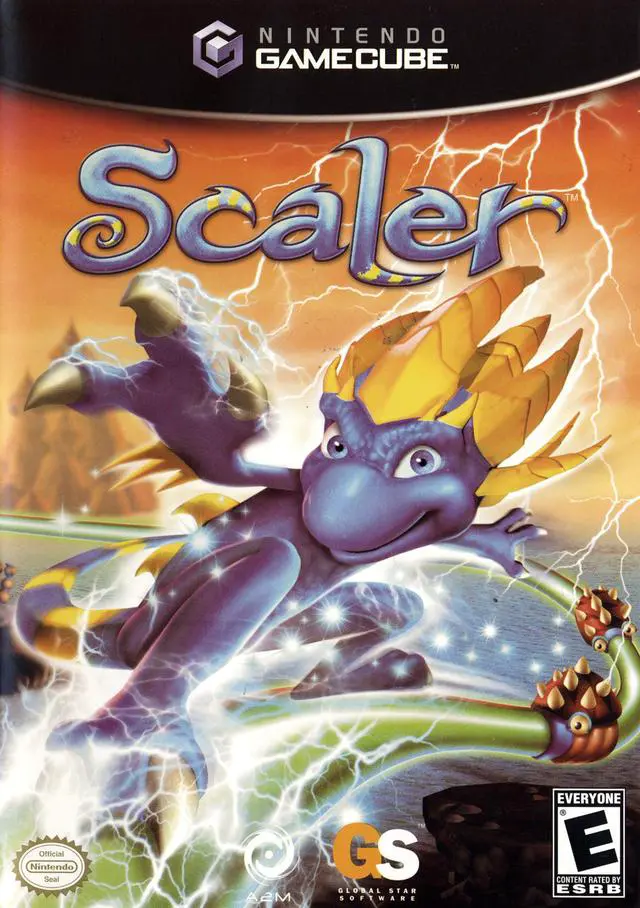
Scaler is an inventive 3D platforming action-adventure ga...
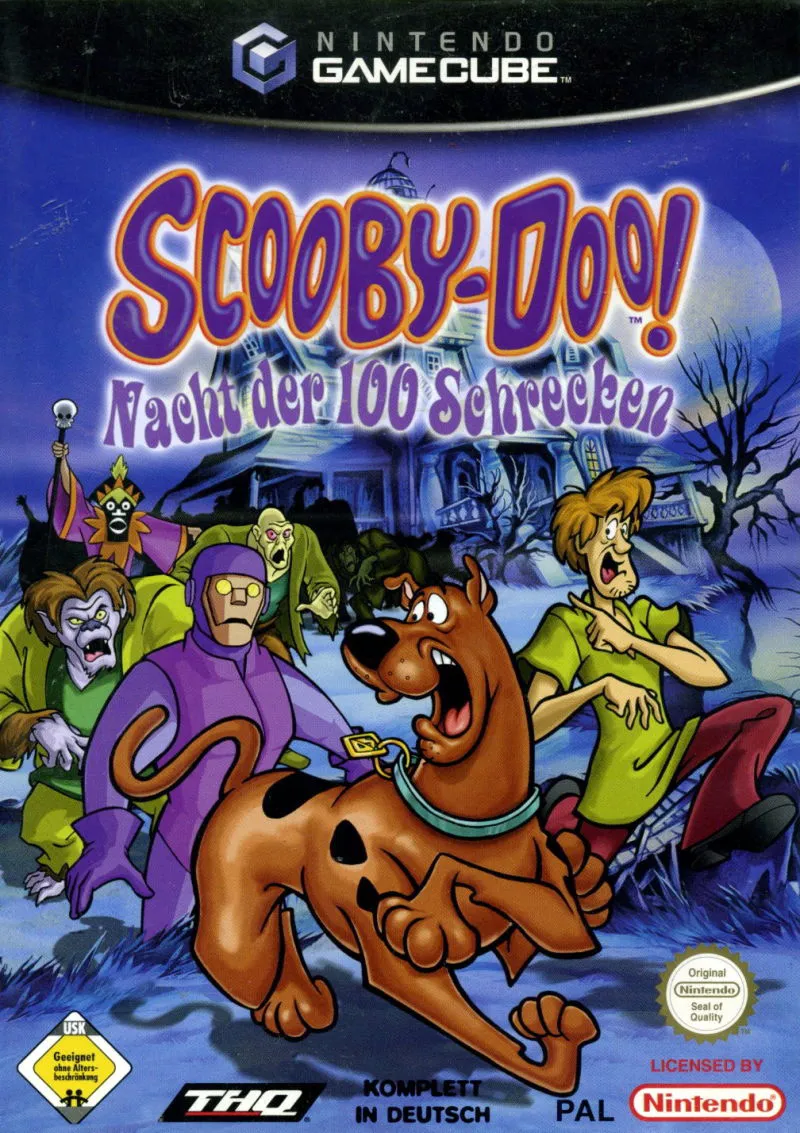
Scooby-Doo! Night of 100 Frights is an action-adventure 3...
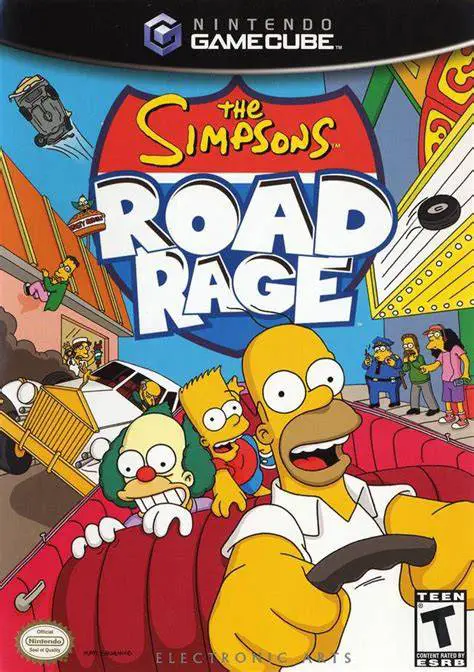
The Simpsons: Road Rage is an arcade-style vehicular comb...
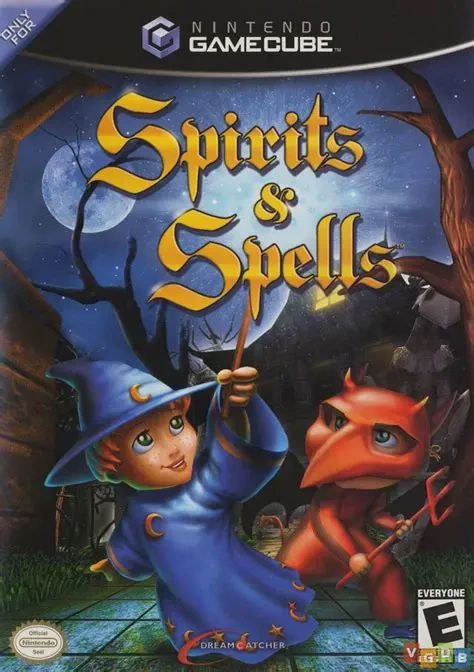
Spirits & Spells (known as Castleween in Europe) is a Hal...