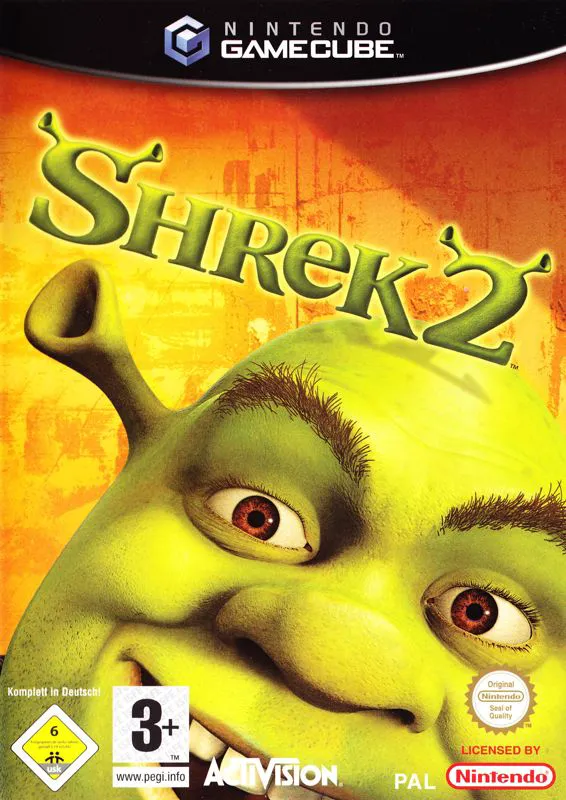
Shrek 2
Shrek 2 for the Nintendo GameCube is a highly entertainin...

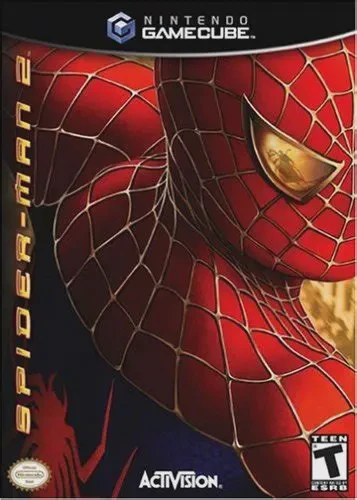
In Spider-Man 2, Peter Parker attempts to balance his ordinary college life, photography job, and romantic relationships while grappling with the return of Dr. Otto Octavius, who has been transformed into the villainous Doctor Octopus following a disastrous fusion reactor experiment. Players take full control of the web-slinger in a massive, open-world rendition of Manhattan, complete with dynamic pedestrian interactions, vehicular traffic, and vertical skyscrapers. The defining mechanic is the revolutionary "swing-detachment" physics system: unlike previous games where webs attached to the sky, webs must physically latch onto architectural structures, requiring players to time their momentum, altitude, and pendulum arcs. Alongside the main cinematic storyline, players can freely explore the city to engage in randomized street crimes—such as disarming bomb threats, stopping purse snatchers, returning lost balloons, and delivering pizzas—earning Hero Points to upgrade Spider-Man's combat combos, web-shooters, and acrobatic abilities. Featuring authentic voice performances by Tobey Maguire, Kirsten Dunst, and Alfred Molina, it remains a landmark title of the sixth-generation era.
Platform: Nintendo GameCube
Developer: Treyarch
Publisher: Activision
Release Date: June 28, 2004 (North America)
Genre: Action-Adventure / Open World
Players: 1 Player (Single-player)
ESRB Rating: T (Teen)
Physics-Based Web-Slinging: Master an unprecedented movement system where webs physically anchor to buildings, requiring precise timing and momentum control to swing across Manhattan.
Fully Open-World Manhattan: Explore a fully 3D sandbox environment filled with skyscrapers, hidden collectibles, landmarks, and randomized street-level emergency missions.
Comprehensive Hero Upgrade System: Earn Hero Points from missions and activities to unlock advanced combat combos, agile wall-running maneuvers, and web upgrades.
Authentic Movie Cast: Experience a cinematic narrative featuring voice acting and likenesses from the film's principal cast, including Tobey Maguire and Alfred Molina.
Unlike earlier Spider-Man games where webs attached to invisible ceilings, Spider-Man 2 requires physical anchor points. If there are no buildings nearby (such as in open parks or over water), Spider-Man cannot swing, forcing players to use street-level acrobatics or wall runs.
Hero Points act as experience currency earned by completing story missions, defeating thugs, and helping citizens. They are spent at the upgrade shop to purchase new combat combos, web improvements, health boosts, and acrobatic skills.
Yes! The open world features numerous side activities, including randomized street crimes, pizza delivery minigames, race challenges, hidden token collections, and iconic landmark photography.
While the core open-world gameplay, swing mechanics, and story are identical across all three sixth-generation consoles, the GameCube version features unique texture compression, tailored controller mapping for the GameCube pad, and exclusive promotional inserts.
Click the links below to go to the cloud drive download page
⚠️ Download Tips:
Shrek 2 for the Nintendo GameCube is a highly entertainin...
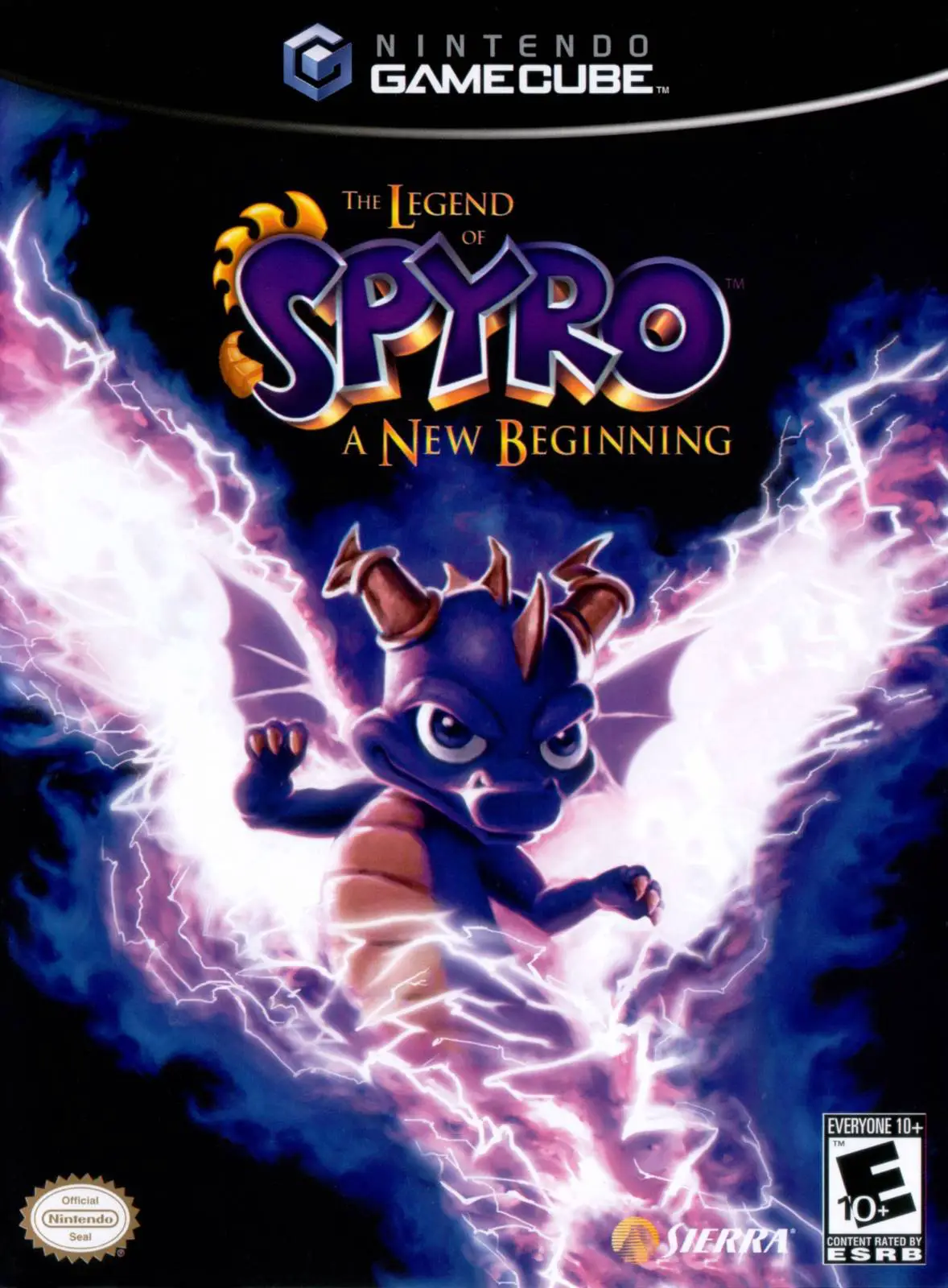
The Legend of Spyro: A New Beginning for the Nintendo Gam...
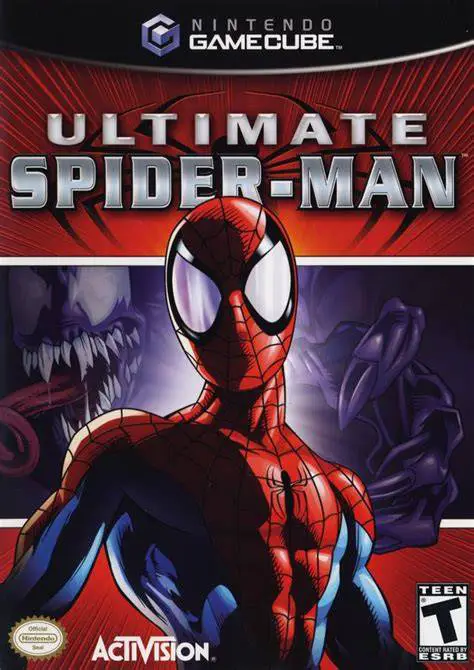
Ultimate Spider-Man for the Nintendo GameCube is a critic...
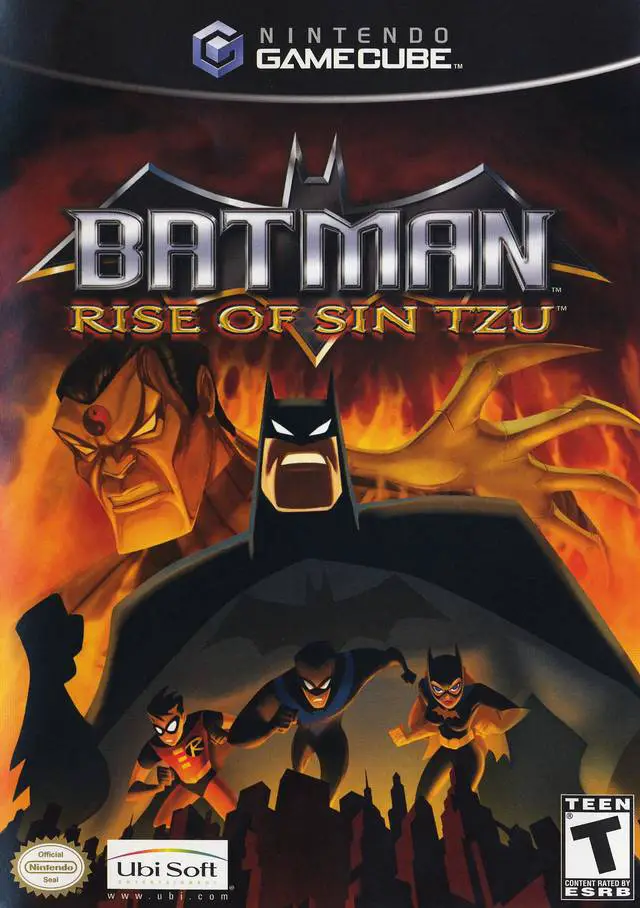
Batman: Rise of Sin Tzu for the Nintendo GameCube is an a...
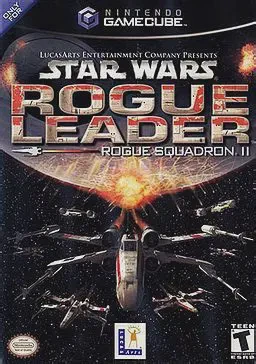
Star Wars Rogue Leader: Rogue Squadron II for the Nintend...