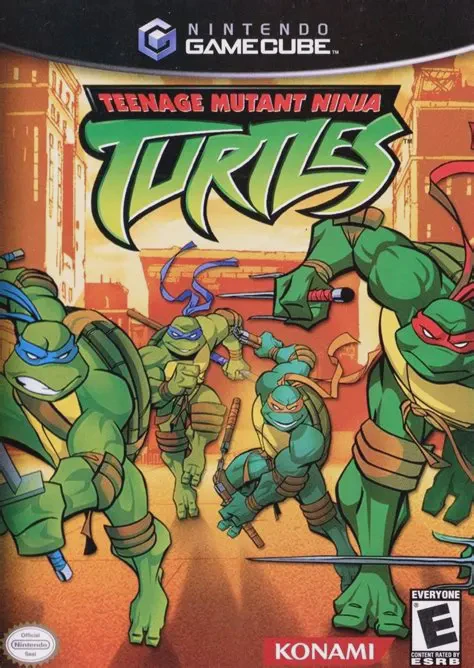
Teenage Mutant Ninja Turtles
Teenage Mutant Ninja Turtles is a 3D beat 'em up video ga...

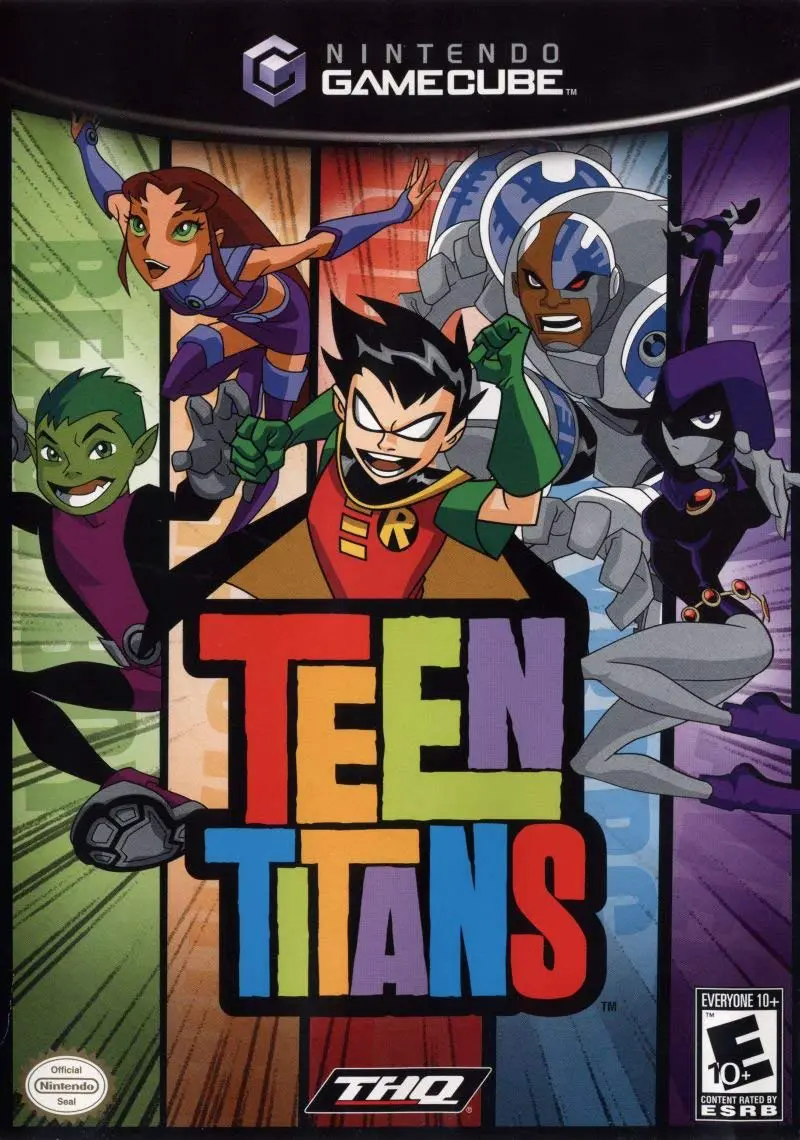
Teen Titans brings the high-energy superhero antics of the animated television series to home consoles in a chaotic 3D action-brawler format. Players can freely switch control between all five Titans on the fly to combine their distinct superpower skill sets against hordes of villains, robots, and henchmen.
The gameplay design focuses on fast-paced group combat, environmental destruction, and team-based strategies:
Real-Time Character Swapping: Instantly switch between Robin, Starfire, Cyborg, Raven, and Beast Boy at any moment to utilize their specialized abilities for combat situations and puzzle-solving.
Distinct Superhero Powers: Harness Robin's martial arts and batarangs, Starfire's starbolts and flight, Cyborg's sonic cannon and heavy lifting, Raven's telekinesis and dark energy shields, and Beast Boy's animal shape-shifting transformations (such as a gorilla, cheetah, or ram).
Team-Up Combo Attacks: Combine character powers to unleash devastating group super attacks, clearing full waves of enemies and heavy bosses.
Master Tournament Arena Mode: Beyond the story campaign, players can compete in a 4-player arena fighting mode featuring over 30 playable heroes and villains unlocked by discovering hidden cards throughout the main campaign.
The story campaign spans multi-level missions set across jump-padded city rooftops, underground sewers, alien starships, and Slade's hidden hideouts, complete with full voice acting provided by the original TV show cast.
Game Title: Teen Titans
Platform: Nintendo GameCube
Developer: Artificial Mind and Movement (A2M)
Publisher: Majesco Entertainment
Release Date: May 24, 2006 (North America)
Genre: Beat 'em Up / Action
Game Modes: Single-player, Local Cooperative & Versus (1–4 Players)
ESRB Rating: E10+ (Everyone 10 and older)
Full Animated Cast Voiceover: Features complete voice acting from the original TV series cast, including Scott Menville, Hynden Walch, Khary Payton, Tara Strong, and Greg Cipes.
5 Playable Lead Heroes: Play as Robin, Starfire, Cyborg, Raven, and Beast Boy, utilizing real-time character switching during single-player and co-op modes.
4-Player Simultaneous Co-Op: Battle through the entire story campaign with up to four players concurrently in local multiplayer.
Master Tournament Mode: Unlock and select from over 30 playable characters—including Slade, Trigon, Gizmo, Jinx, Mammoth, and Cinderblock—in head-to-head arena battles.
Authentic TV Presentation: Cel-shaded visuals, comic-style visual gags, and original music tracks maintain the look and spirit of the animated show.
The GameCube version supports up to 4 players simultaneously in both the main story campaign (local cooperative play) and the unlockable Master Tournament mode (local 4-player arena fighting).
Yes, all five main cast members from the Cartoon Network series reprised their roles for the game, including Scott Menville (Robin), Hynden Walch (Starfire), Khary Payton (Cyborg), Tara Strong (Raven), and Greg Cipes (Beast Boy).
Players unlock new playable characters and arenas for Master Tournament mode by collecting hidden golden and silver character cards scattered across the levels in the single-player/co-op campaign.
Click the links below to go to the cloud drive download page
⚠️ Download Tips:
Teenage Mutant Ninja Turtles is a 3D beat 'em up video ga...
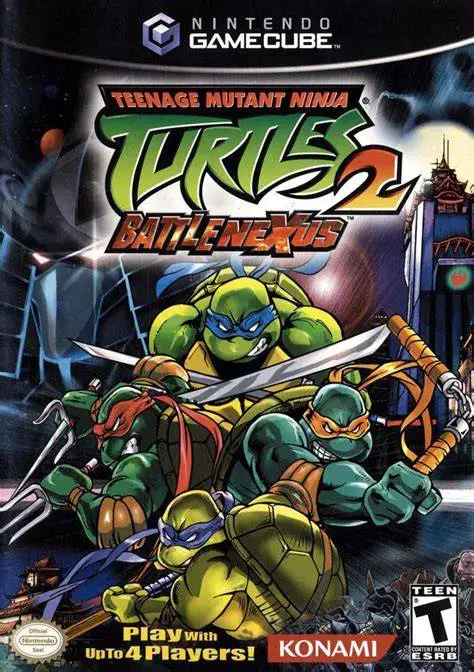
Teenage Mutant Ninja Turtles 2: Battle Nexus is an action...
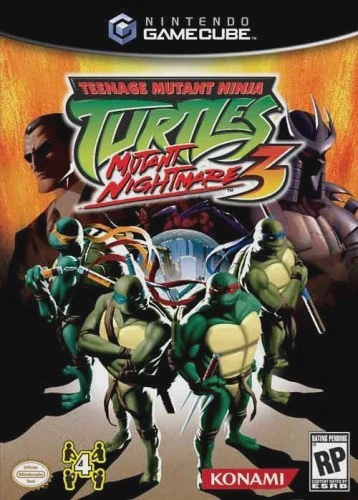
Teenage Mutant Ninja Turtles 3: Mutant Nightmare is a 3D ...
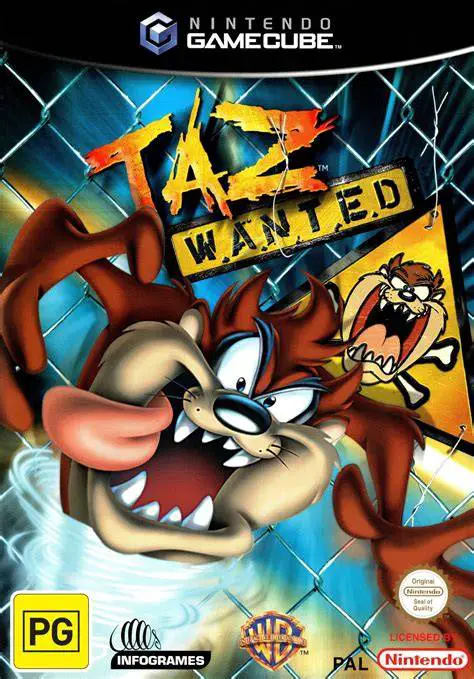
Taz: Wanted is an action-adventure platforming video game...
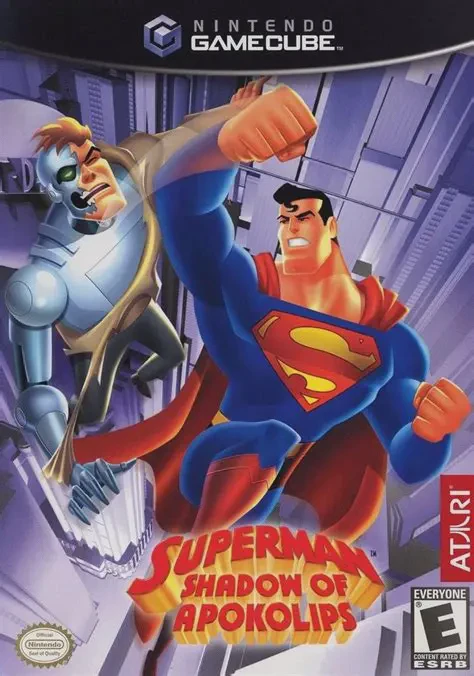
Superman: Shadow of Apokolips is a third-person action-ad...