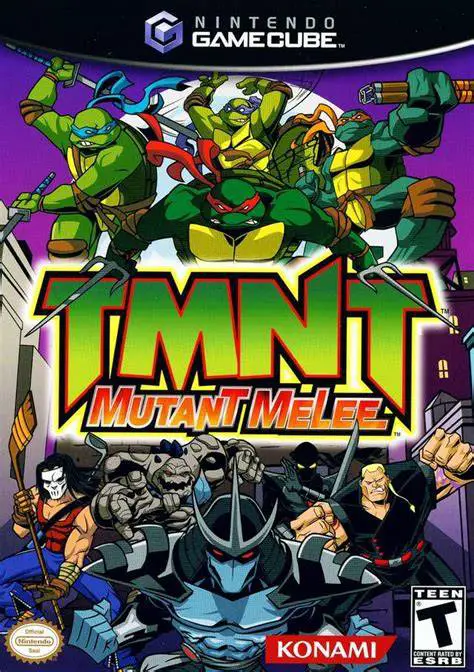
TMNT: Mutant Melee
TMNT: Mutant Melee is a fast-paced 3D arena fighting and ...

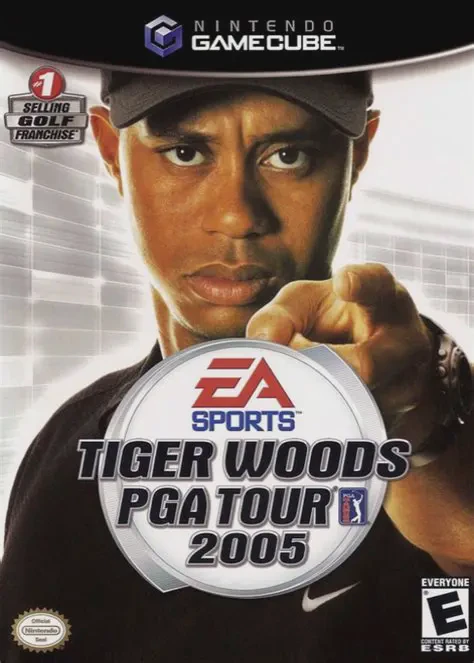
Tiger Woods PGA Tour 2005 refines the gold standard of digital golf with deep career progression, intuitive gameplay controls, and unprecedented course customization. Players create and personalize their own custom golfer using EA Sports Game Face before embarking on a quest to challenge golf history's greatest icons.
The central gameplay pillar of the 2005 edition revolves around course modification and historical showdowns:
Tiger Proofing Mechanics: Modify real-world and fantasy courses by altering fairway widths, green speeds, rough depth, bunker positioning, tree placement, and weather conditions to create the ultimate golfing challenge.
Legends Tour Mode: Travel through time to compete against legendary hall-of-fame golfers across historical eras, including Arnold Palmer, Jack Nicklaus, Ben Hogan, Gary Player, and Seve Ballesteros.
Precision Analog Swing Controls: Master shot execution using the GameCube's analog stick to control draw, fade, backspin, and power boost timing in real time.
Expansive Course Selection: Play on 14 authentic licensed courses—including Pebble Beach, St Andrews, Pinehurst No. 2, and Torrey Pines—alongside fantasy courses like Emerald Dragon and Greek Isles.
In addition to traditional PGA Tour calendar events and skins matches, players earn prestige points and tournament prize money to unlock exclusive gear, apparel, attribute boosts, and course modification rights.
Game Title: Tiger Woods PGA Tour 2005
Platform: Nintendo GameCube
Developer: EA Redwood Shores
Publisher: EA Sports
Release Date: September 20, 2004 (North America)
Genre: Sports / Golf Simulation
Game Modes: Single-player, Local Multiplayer (1–4 Players)
ESRB Rating: E (Everyone)
Innovative "Tiger Proofing" Engine: Customize every aspect of course design—from green firmness and fairway narrowing to weather and pin placements—and earn money by inviting CPU pros to test your tracks.
Play Against Golfing Legends: Face off against legendary real-world hall-of-famers, including Jack Nicklaus, Arnold Palmer, Ben Hogan, and Gary Player.
Deep EA Sports Game Face Creator: Design custom golfers down to micro-facial details, swing styles, apparel, and personal equipment brands.
Authentic Real-World & Fantasy Courses: Tee off on 14 pristine real-world courses alongside fantastical custom environments.
4-Player Local Party Modes: Compete locally in classic golf modes, including Stroke Play, Match Play, Skins, Battle Golf, and Speed Golf.
"Tiger Proofing" is a custom course design feature that allows players to adjust fairway width, rough density, green speed, weather, wetness, and hazard placements across any course in the game to increase or decrease difficulty.
The game features famous historical icons including Jack Nicklaus, Arnold Palmer, Ben Hogan, Gary Player, Seve Ballesteros, and Gene Sarazen alongside modern PGA stars.
Yes, the Nintendo GameCube version supports up to 4 players in local split-screen or turn-based multiplayer across various match types including Skins, Battle Golf, and Stroke Play.
Click the links below to go to the cloud drive download page
⚠️ Download Tips:
TMNT: Mutant Melee is a fast-paced 3D arena fighting and ...

Tom and Jerry in War of the Whiskers is a cartoon 3D aren...
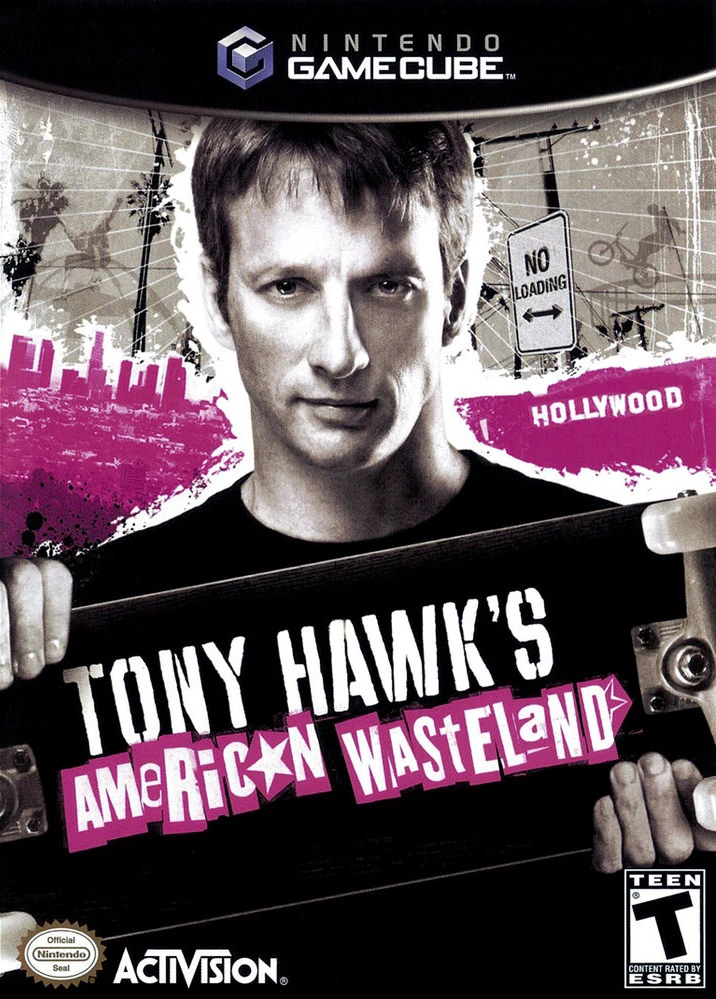
Tony Hawk's American Wasteland is an open-ended extreme s...
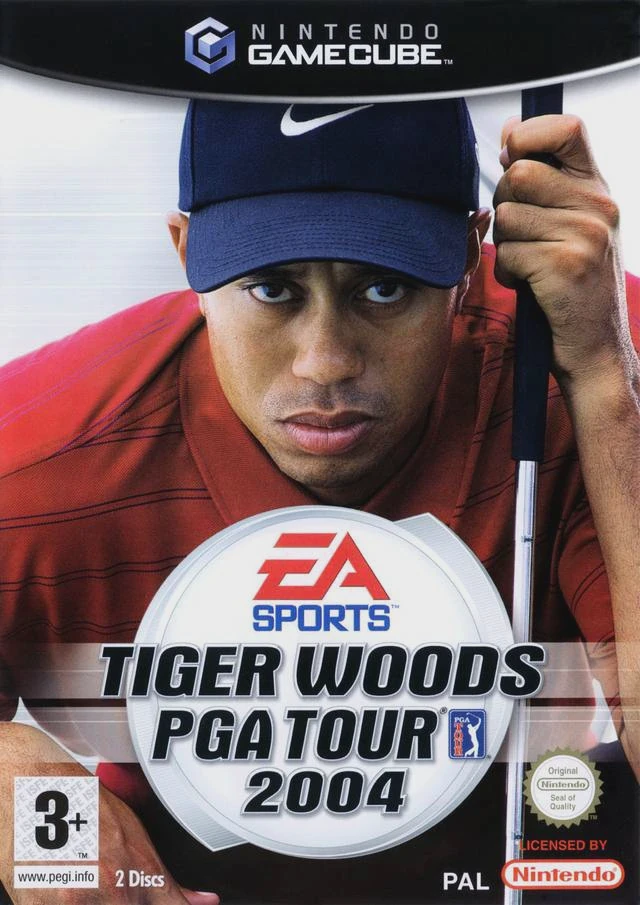
Tiger Woods PGA Tour 2004 is an acclaimed sports simulati...
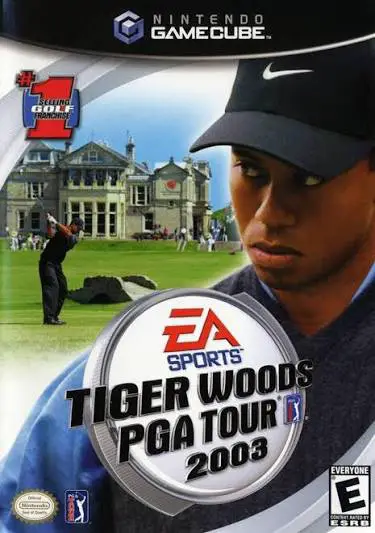
Tiger Woods PGA Tour 2003 is a landmark golf simulation v...