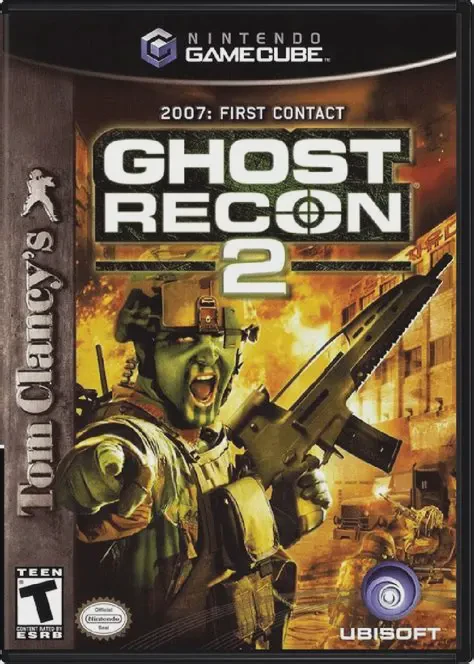
Tom Clancy's Ghost Recon 2
Tom Clancy's Ghost Recon 2 is a tactical third-person mil...

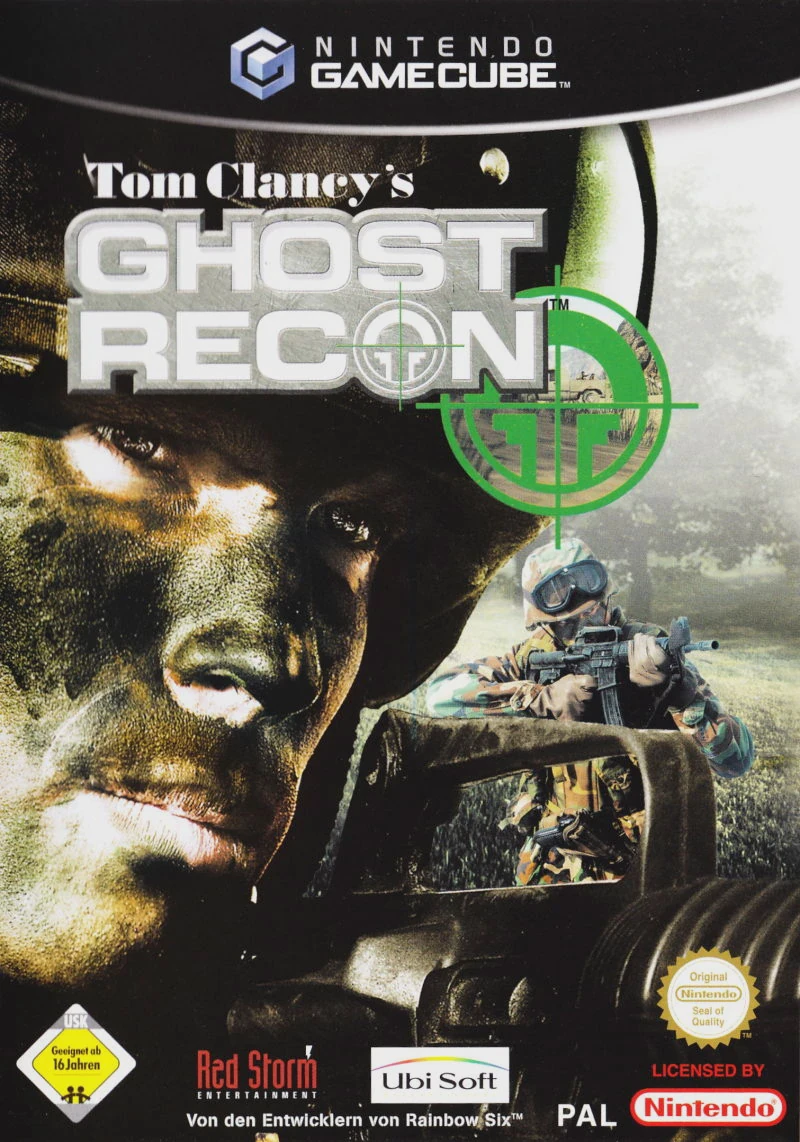
Tom Clancy's Ghost Recon eschews typical arcade shooter tropes in favor of realistic infantry tactics and lethal engagement distance. Set in 2008, the narrative follows a rogue ultranationalist political group attempting to rebuild the Soviet Empire by force, drawing the Ghosts into high-stakes covert operations across Russia, Georgia, and the Baltic region.
Gameplay requires careful reconnaissance, fireteam maneuvering, and precise marksmanship:
Real-Time Squad Control: Switch seamlessly between two tactical fireteams (Alpha and Bravo) composed of specialized soldier classes, including Riflemen, Support, Snipers, and Demolitions experts.
Command Map & Waypoints: Utilize a comprehensive satellite map interface to plan movement corridors, issue holding orders, and designate overlapping fields of fire for automated team AI.
High-Lethality Ballistics: Experience uncompromising damage modeling where a single rifle bullet or sniper round can instantly eliminate a Ghost or enemy combatant.
Custom Fireteam Loadouts: Equip authentic military hardware including the M4 carbine, OICW prototype rifle, M24 sniper system, M249 SAW, and AT4 anti-tank rockets.
The single-player campaign challenges players to complete diverse objectives—such as rescuing downed pilot crews, destroying radar sites, clearing enemy encampments, and defending diplomatic outposts—across wide-open forest, swamp, and urban battlefields.
Game Title: Tom Clancy's Ghost Recon
Platform: Nintendo GameCube
Developer: Red Storm Entertainment
Publisher: Ubisoft
Release Date: November 10, 2002 (North America)
Genre: Tactical First-Person Shooter
Game Modes: Single-player, Local Co-op (2 Players)
ESRB Rating: T (Teen)
Realistic Tactical Combat: Unforgiving damage physics and long-range engagements demand patient cover usage, prone camouflage, and tactical awareness.
Dual Fireteam Command: Switch directly between fireteams Alpha and Bravo or issue strategic movement and engagement orders via the tactical command map.
Four Specialized Soldier Classes: Build your squad using Riflemen for assault, Support for heavy suppressing fire, Snipers for long-range recon, and Demolitions for heavy armor destruction.
Expansive Outdoor Maps: Infiltrate large, non-linear environments featuring dense fog, thick foliage, variable weather, and dynamic line-of-sight obstruction.
Local 2-Player Co-op Campaign: Team up with a partner in local split-screen mode to tackle campaign operations and custom Terrorist Hunt assignments together.
No, the game utilizes a realistic injury system without traditional health bars. A soldier can be killed instantly by a single shot or crippled by leg/arm injuries that affect aiming stability and movement speed.
Yes, players can select individual soldiers for Alpha and Bravo teams based on their specialized class skills, and customize their weapon primary/secondary loadouts prior to launching each operation.
Yes, the Nintendo GameCube version includes a local 2-player split-screen cooperative mode, allowing two players to coordinate tactical breaches and clear campaign missions together.
Click the links below to go to the cloud drive download page
⚠️ Download Tips:
Tom Clancy's Ghost Recon 2 is a tactical third-person mil...
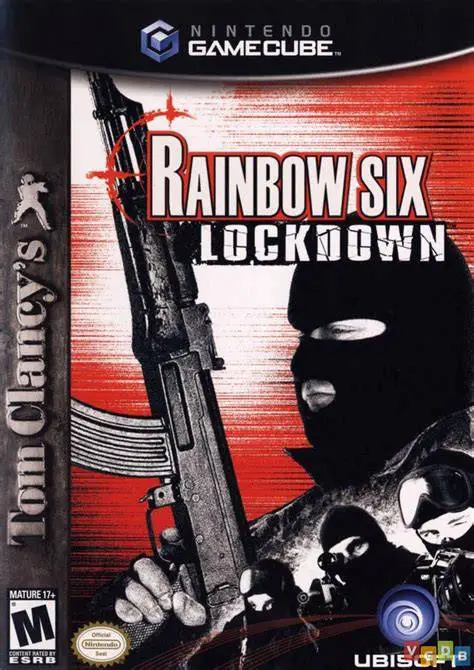
Tom Clancy's Rainbow Six: Lockdown is a tactical first-pe...
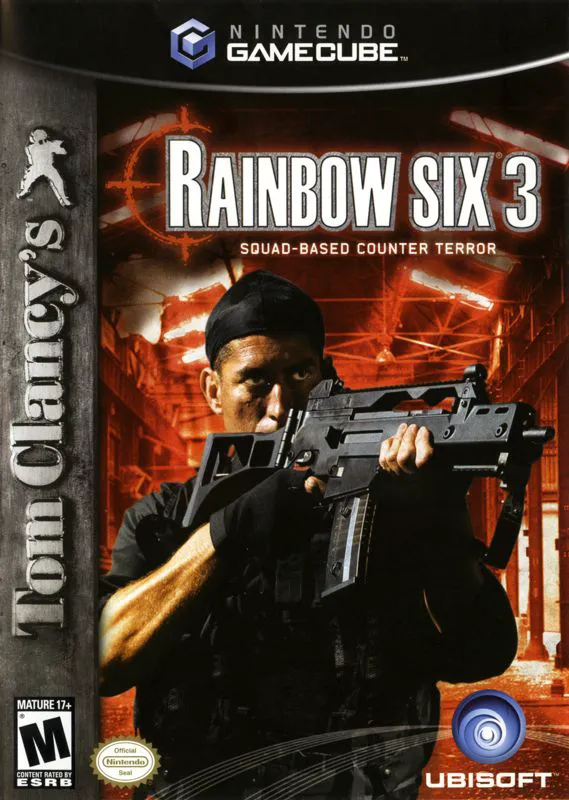
Tom Clancy's Rainbow Six 3 is a tactical first-person sho...
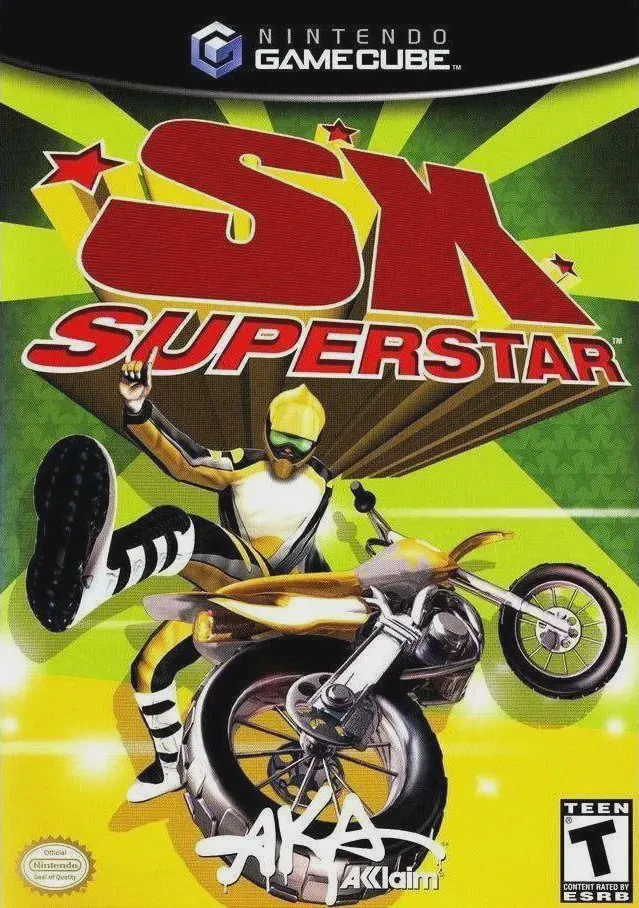
SX Superstar is an arcade-style supercross and motocross ...
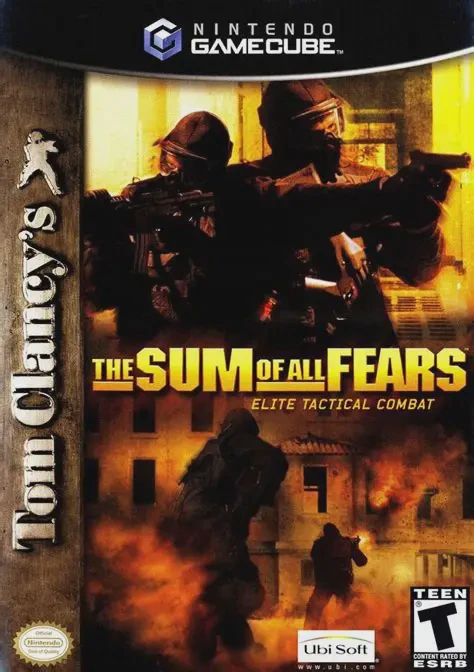
The Sum of All Fears is a tactical first-person shooter v...