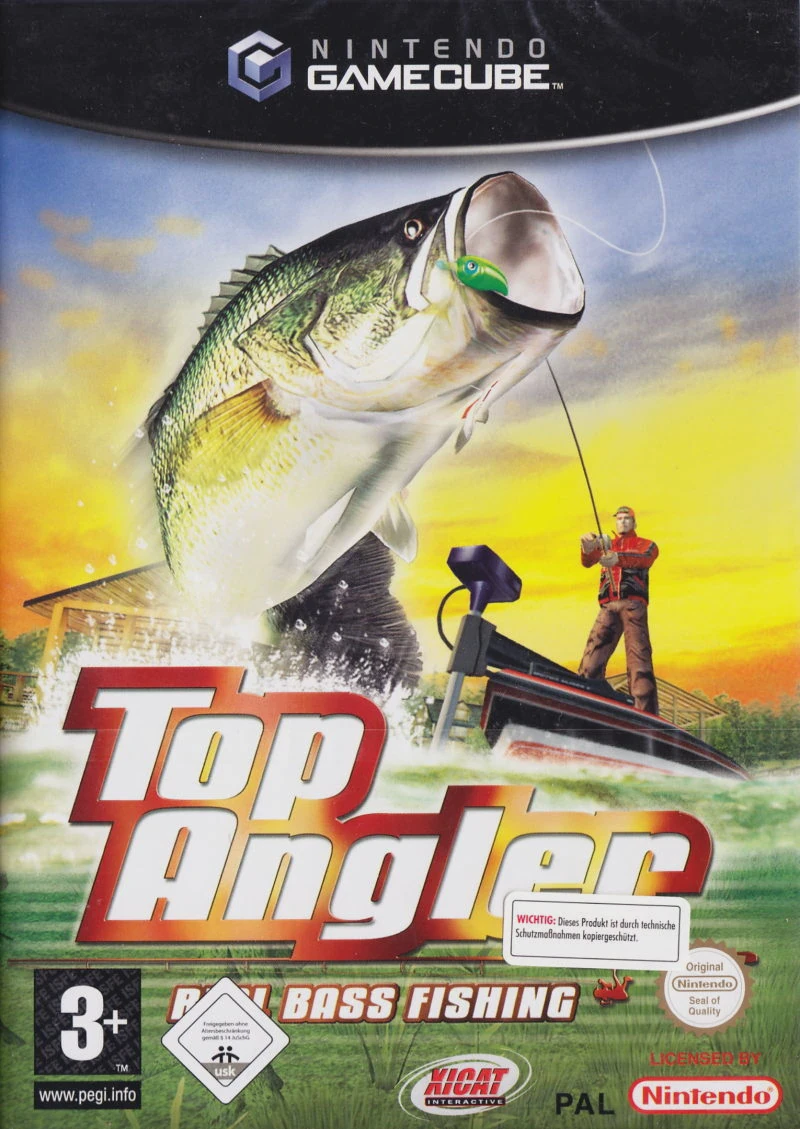
Top Angler: Real Bass Fis...
Top Angler: Real Bass Fishing is an arcade-style sports f...

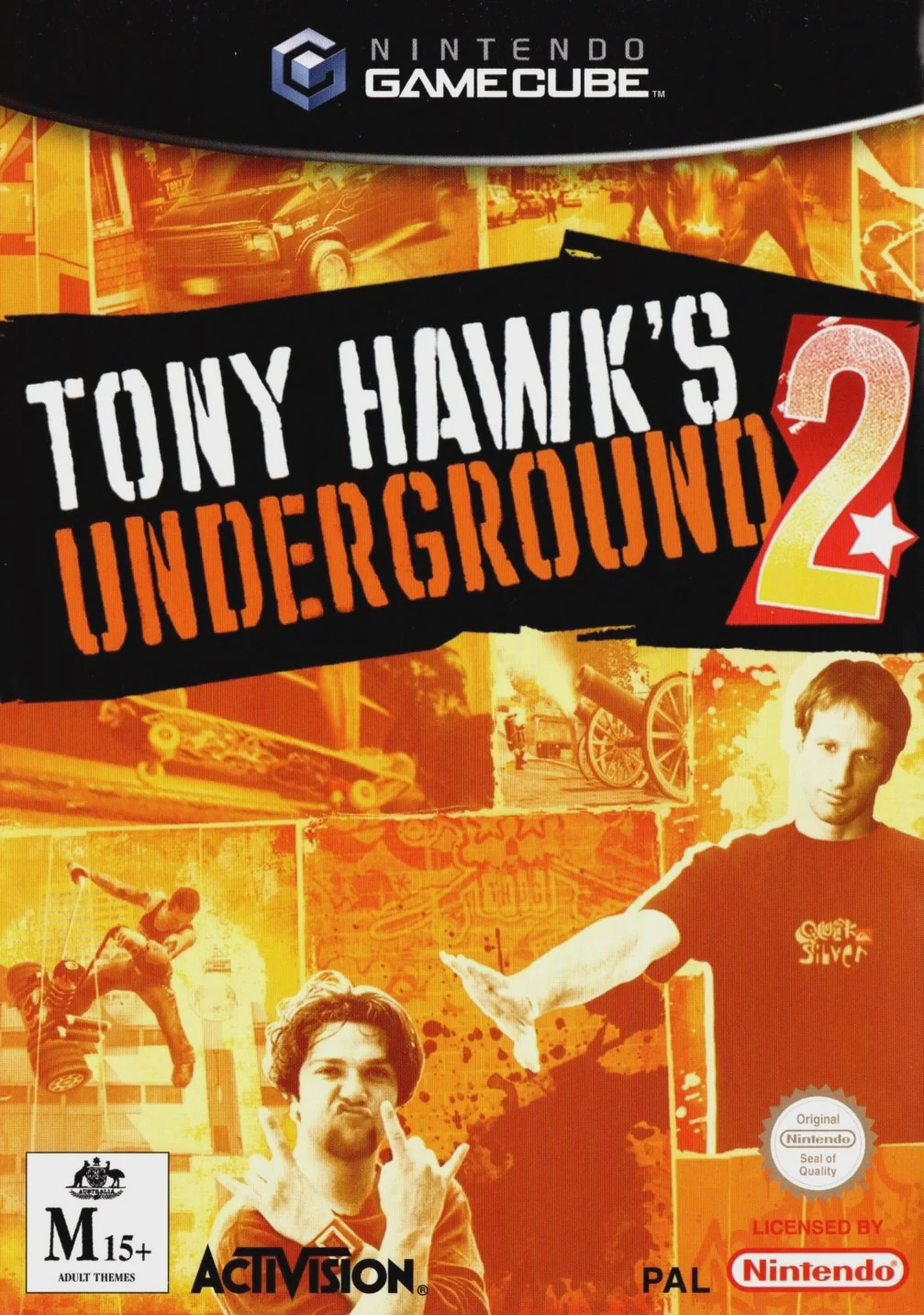
Tony Hawk's Underground 2 takes the franchise's signature arcade skating gameplay and infuses it with high-energy chaos, dark humor, and unpredictable stunt challenges. The single-player Story Mode splits the skateboarding world into two competing teams—Team Hawk and Team Bam—as they travel through real-world cities and fictional zones executing outrageous pranks, smashing property, and pulling off insane combo lines.
Gameplay expands significantly upon its predecessor with several defining mechanical additions:
Classic Mode: A nostalgic throwback mode for purists that brings back traditional timed runs, high-score goals, and classic tape collection mechanics.
Focus Mode: Trigger slow-motion at any time during a trick or manual to carefully line up balance meters for massive, multi-million point combo strings.
Natas Spin: Balance your board on top of narrow poles, fire hydrants, and parking meters to rack up extra points and bridge vertical gaps.
Graffiti & Sticker Slam: Toss stickers onto walls or spray-paint custom tags while launching off ramps during multiplayer match sessions.
Alongside the campaign, the game features an expanded "Create-a-Park," "Create-a-Skater," and "Create-a-Goal" suite, allowing players to build custom skate parks and share challenges. With local 2-player split-screen multiplayer supporting various party modes like Tag, Horse, and Graffiti, THUG 2 remains a fan-favorite pinnacle of the GameCube's sports library.
Game Title: Tony Hawk's Underground 2
Platform: Nintendo GameCube
Developer: Neversoft
Publisher: Activision
Release Date: October 27, 2004 (North America)
Genre: Extreme Sports / Skateboarding / Arcade
Game Modes: Single-player, Local Multiplayer (2 Players)
ESRB Rating: T (Teen)
World Destruction Tour Storyline: Embark on an anarchic global prank tour across Barcelona, Berlin, New Orleans, Australia, and Skatopia.
Dual Game Modes: Experience an open-ended narrative Story Mode or switch to classic arcade timed runs with the dedicated Classic Mode.
Advanced Trick Mechanics: Master the Natas Spin, Focus slow-motion mode, and plant-and-bump wall interactions to extend massive combos.
Star-Studded Roster: Skate as professional legends like Tony Hawk, Bam Margera, Rodney Mullen, and Bob Burnquist, alongside unlockable secret characters like Shrek and CKY.
Deep Creation Suite: Design custom skateparks, personalize skaters down to their decks, and craft custom trick goals to share with friends.
The story revolves around Tony Hawk and Bam Margera assembling teams of professional skateboarders to compete in a destructive, global prank-and-skate tour known as the "World Destruction Tour."
Yes, in addition to the story campaign, the game includes a "Classic Mode" that lets players experience traditional 2-minute timed runs and classic goal completion reminiscent of the original Tony Hawk's Pro Skater games.
Yes, the game features local 2-player split-screen multiplayer with competitive party modes such as Graffiti, Horse, Slap, and King of the Hill.
Click the links below to go to the cloud drive download page
⚠️ Download Tips:
Top Angler: Real Bass Fishing is an arcade-style sports f...
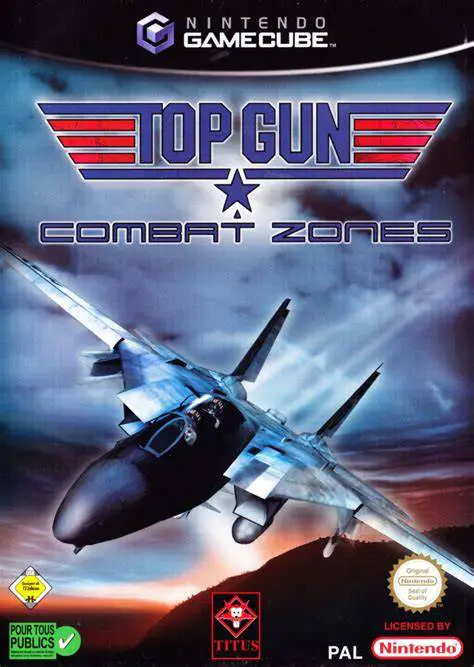
Top Gun: Combat Zones is an arcade-style jet fighter flig...
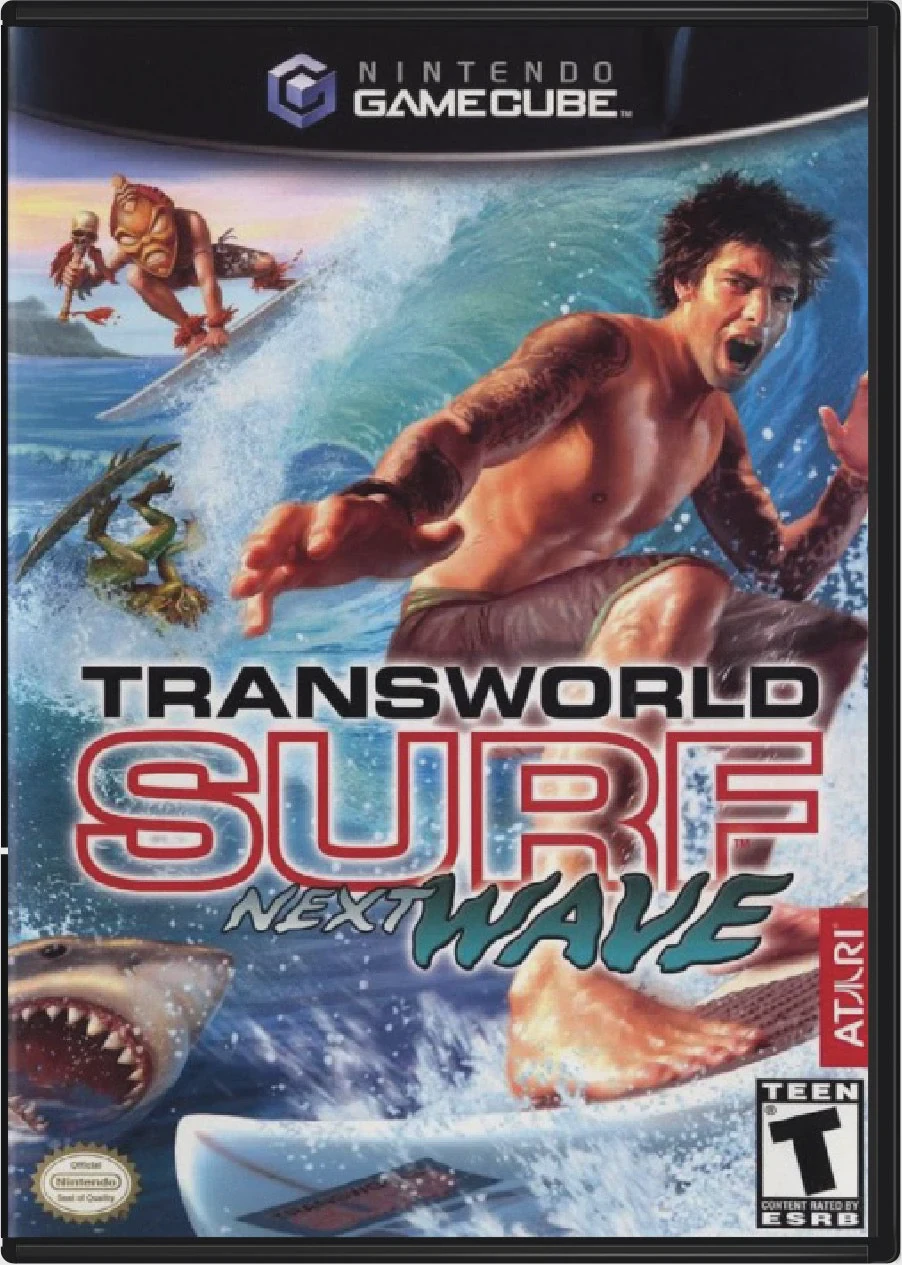
TransWorld Surf: Next Wave is an arcade-style extreme spo...
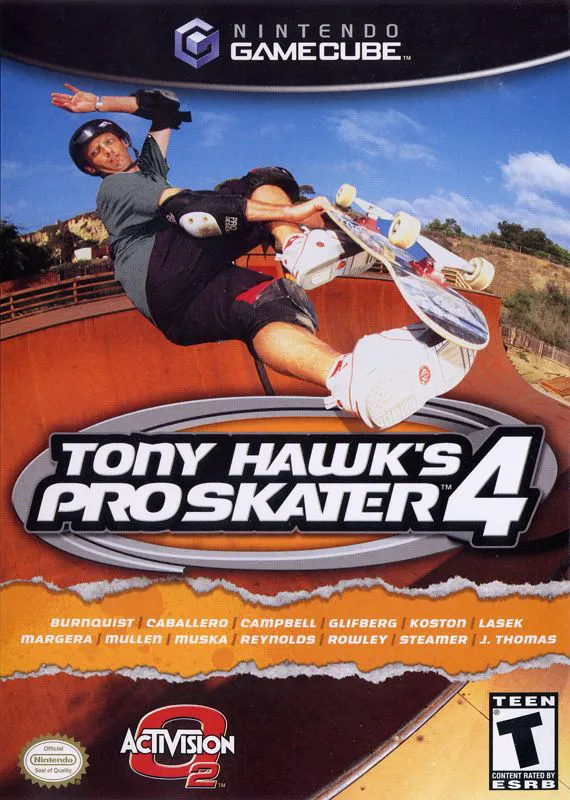
Tony Hawk's Pro Skater 4 is a landmark extreme sports gam...
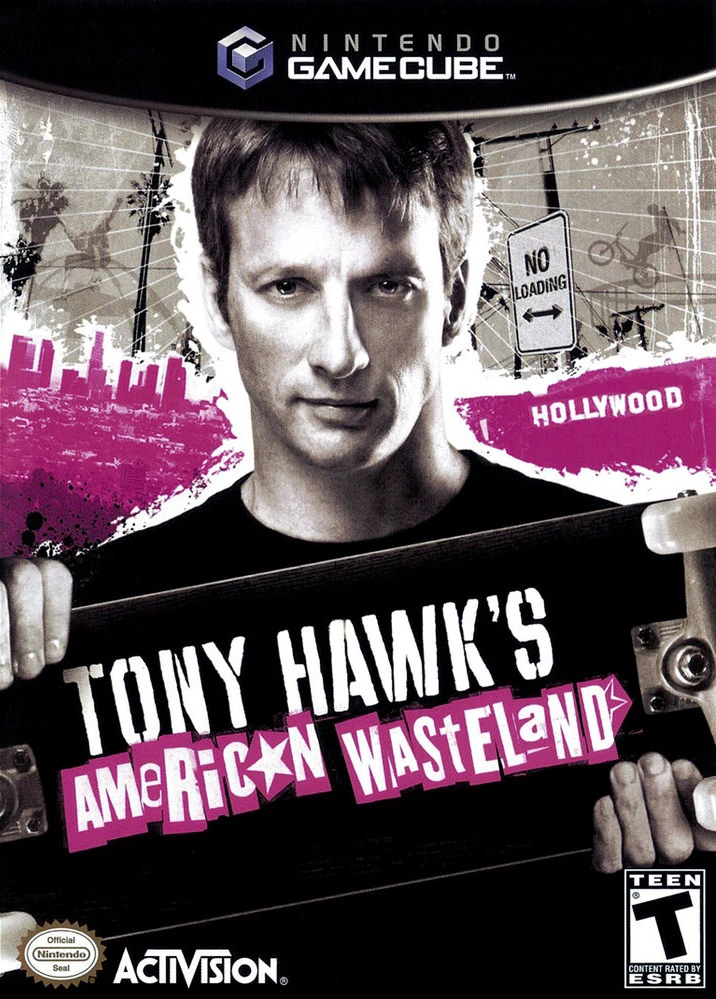
Tony Hawk's American Wasteland is an open-ended extreme s...