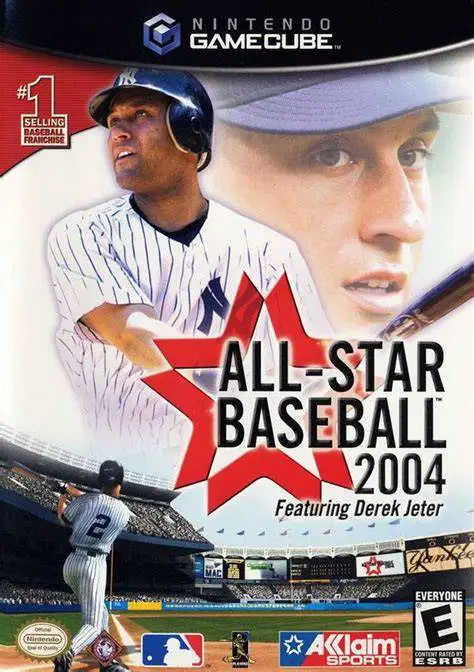
All-Star Baseball 2004 fe...
All-Star Baseball 2004 featuring Derek Jeter is a realist...

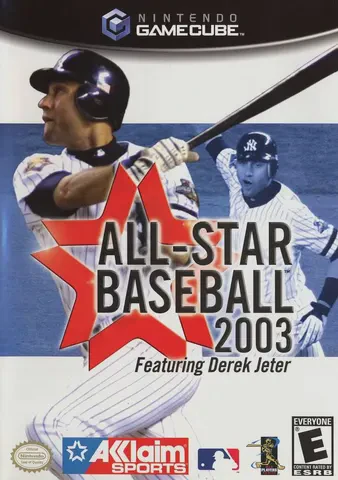
All-Star Baseball 2003 delivers a comprehensive major league baseball experience built on authentic physics and visual detail. Developed by Acclaim Studios Austin, the GameCube release utilized the console’s hardware capabilities to render stadium environments, realistic ball dynamics, and dynamic lighting for day and night games.
The title features complete licensing from Major League Baseball (MLB) and the Major League Baseball Players Association (MLBPA), offering all 30 MLB franchises, official team logos, authentic home/away uniforms, and updated 2002-season rosters. Gameplay is built around the series' signature 3D cursor batting mechanic, which grants players precise control over contact points, swing angles, power, and placement. Modes include Exhibition, Season, Home Run Derby, Expansion Mode, and a multi-year Franchise Mode complete with player drafting, trades, spring training, and stadium management.
Specification | Details |
Title | All-Star Baseball 2003 featuring Derek Jeter |
Platform | Nintendo GameCube |
Genre | Sports Simulation / Baseball |
Developer | Acclaim Studios Austin |
Publisher | Acclaim Entertainment |
Release Date | March 7, 2002 (North America) / August 8, 2002 (Japan) |
Game Modes | Single-player, Local Multiplayer (Up to 4 players) |
Media Format | Nintendo GameCube Game Disc |
3D Batting Cursor Interface: Features Acclaim’s signature target-based hitting system, allowing players to tilt the batting cursor to hit grounders, line drives, high flies, or pull shots.
MLB & MLBPA Official Licensing: Drive all 30 real-world MLB teams across official stadiums, featuring true-to-life player likenesses, stances, and stat profiles.
Expansion & Franchise Modes: Manage a club across multi-year campaigns with trading, roster cuts, dynamic player fatigue, or establish a brand-new expansion franchise.
Cooperstown Legends Roster: Unlock legendary baseball Hall of Famers—such as Ted Williams, Reggie Jackson, Honus Wagner, and Babe Ruth—for custom teams and exhibition games.
Dynamic Camera Angles & Broadcast Audio: Includes broadcast-style camera work accompanied by play-by-play commentary from veteran announcer Bob Brenly and Thom Brennaman.
A: Players control an oval cursor representing the barrel and sweet spot of the bat inside the strike zone. Moving and tilting the cursor adjusts the pitch angle, allowing hitters to aim for gaps, lift fly balls, or pull pitches into the stands.
A: Yes. Expansion Mode allows players to design a custom MLB expansion franchise, select home city locations, pick custom logos and jerseys, and participate in an expansion draft to select players from existing clubs.
A: The game features over 60 Hall of Fame Cooperstown legends, including classic baseball icons like Babe Ruth, Lou Gehrig, Ty Cobb, Cy Young, Honus Wagner, and Willie Mays.
A: Yes. Up to four players can compete locally in head-to-head matches or cooperative team play using standard GameCube controllers.
Click the links below to go to the cloud drive download page
⚠️ Download Tips:
All-Star Baseball 2004 featuring Derek Jeter is a realist...
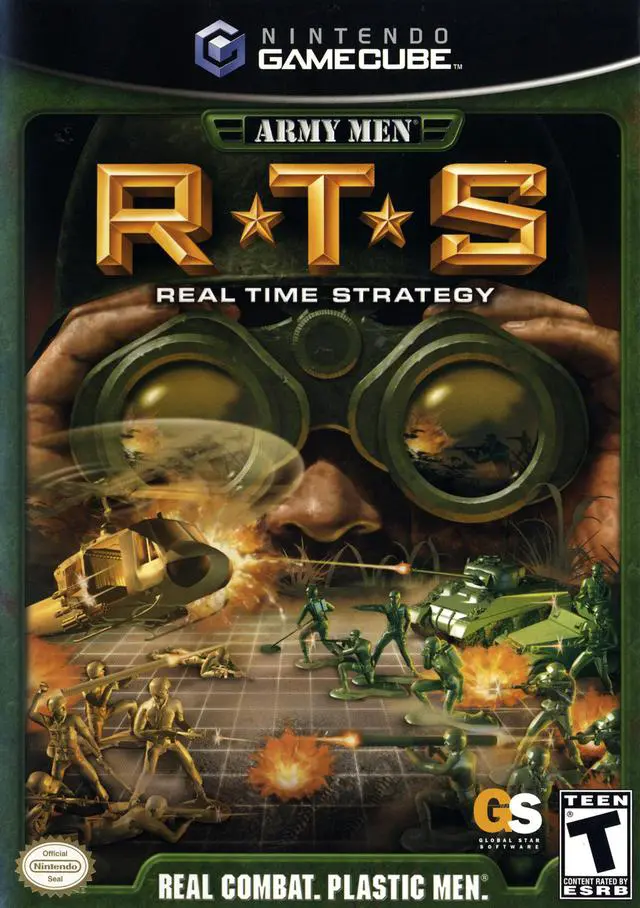
Army Men: RTS is a real-time strategy video game develope...
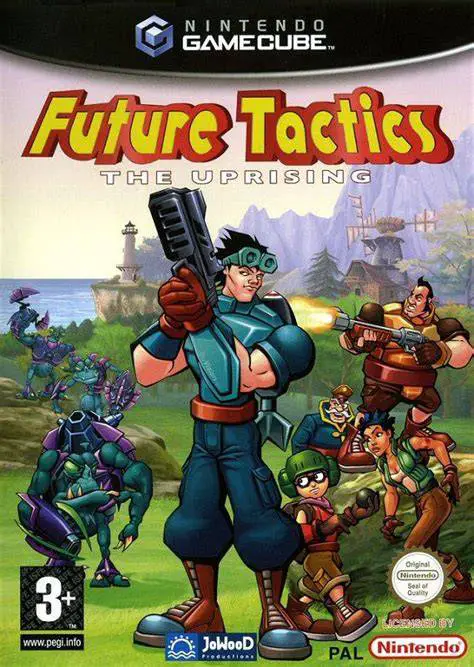
Future Tactics: The Uprising is a unique turn-based tacti...
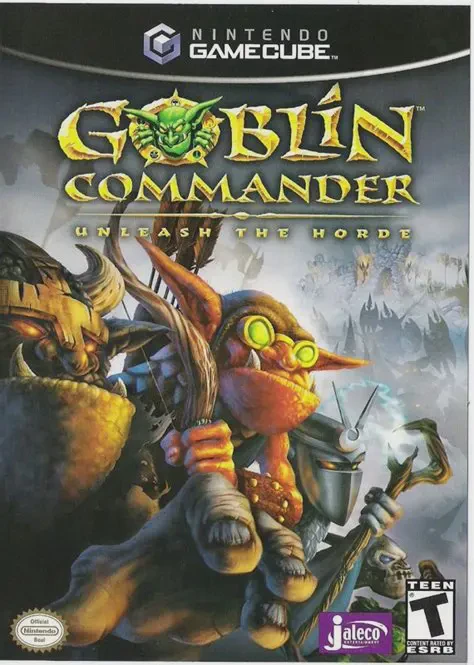
Goblin Commander: Unleash the Horde is an accessible real...

All-Star Baseball 2002 is a realistic baseball simulation...