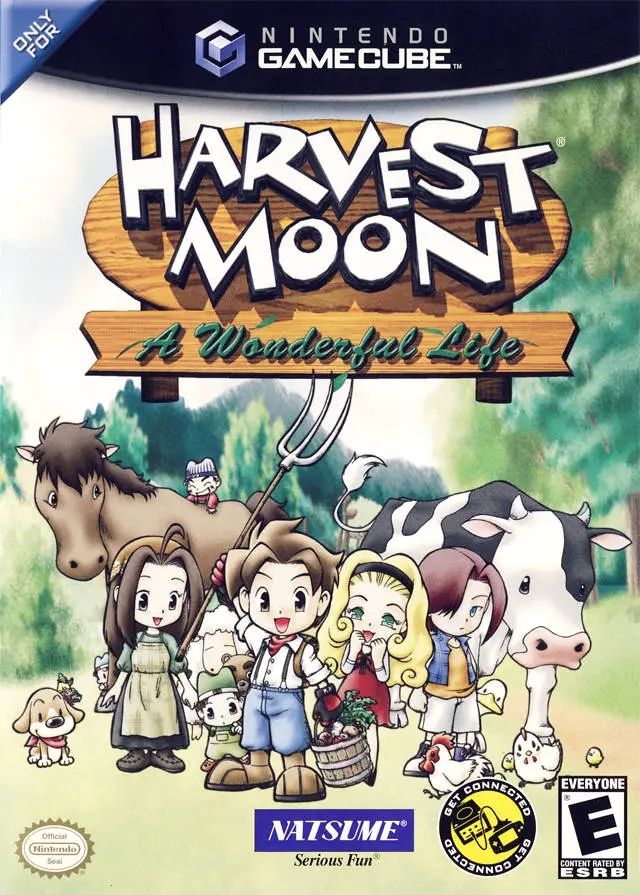
Harvest Moon: A Wonderful...
Harvest Moon: A Wonderful Life is a groundbreaking life s...

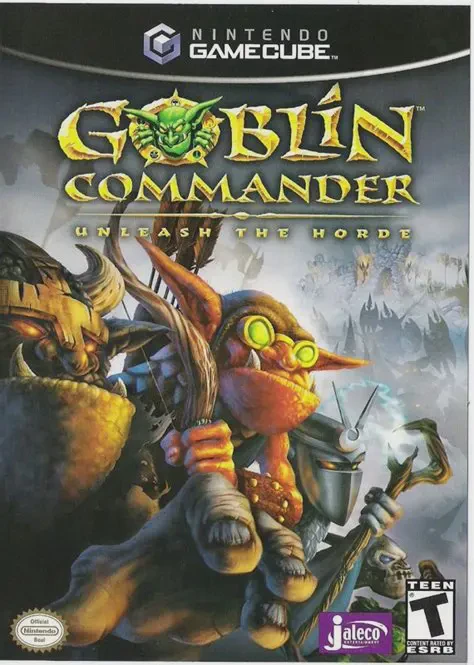
Goblin Commander: Unleash the Horde streamlines traditional real-time strategy gameplay to deliver a fluid, action-oriented experience tailored for the GameCube controller. Instead of complex cursor micro-management, the game utilizes direct squad selection and simplified resource harvesting.
Players lead up to ten goblin units divided across five specialized clans—Stonekrusher, Hellfire, Stormbringer, Plaguespitter, and Nighthorde:
Clan Diversity & Squad Management: Combine units from distinct clans to form balanced tactical forces, utilizing melee bruisers, ranged archers, siege machines, and specialized spellcasters.
Direct Control & Titan Units: Take direct first-person or close third-person control of powerful Titan units (such as giant Ogres, Stone Giants, or Fire Demons) to tear through enemy fortifications and turn the tide of battle.
Resource & Facility Control: Capture Soul Fountains to generate Souls (used to spawn units) and mine Gold from wrecked structures to upgrade clan abilities and construct specialized clan halls.
Featuring a 16-mission single-player campaign set across diverse environments—including volcanic caverns, lush forests, and icy tundra—alongside a local head-to-head multiplayer mode, Goblin Commander offers an engaging strategic experience.
Attribute | Details |
Title | Goblin Commander: Unleash the Horde |
Platform | Nintendo GameCube |
Developer | Jaleco Entertainment |
Publisher | Jaleco |
Release Date | November 2003 |
Genre | Real-Time Strategy (RTS) / Action |
Modes | Single-player, Local Multiplayer (1–2 Players) |
Media Type | GameCube Game Disc |
Console-Optimized RTS Controls: Enjoy an intuitive control scheme tailored for the GameCube controller without demanding complex keyboard shortcuts.
Five Distinct Goblin Clans: Command unique clans featuring specialized units: Stonekrusher, Hellfire, Stormbringer, Plaguespitter, and Nighthorde.
Playable Titan Units: Take direct manual control of massive Titan creatures to smash enemy armies and destroy fortified structures.
Dynamic Resource System: Capture Soul Fountains and gather Gold to spawn reinforcements, upgrade troops, and construct new clan halls.
2-Player Split-Screen Multiplayer: Battle head-to-head against a friend in custom local split-screen multiplayer skirmishes.
A: The game replaces traditional mouse-and-keyboard setups with controller-friendly face buttons to command specific clan squads, use special abilities, and directly control Titan units.
A: There are five playable clans: Stonekrusher (brawlers), Hellfire (fire/bombs), Stormbringer (lightning/range), Plaguespitter (poison), and Nighthorde (stealth/dark magic).
A: Yes, Goblin Commander features a local 2-player split-screen multiplayer mode where players can battle each other with customized clan armies.
A: Yes, while you generally issue command orders to squads, you can take direct manual control of giant Titan units to control their movement and attacks directly.
Click the links below to go to the cloud drive download page
⚠️ Download Tips:
Harvest Moon: A Wonderful Life is a groundbreaking life s...
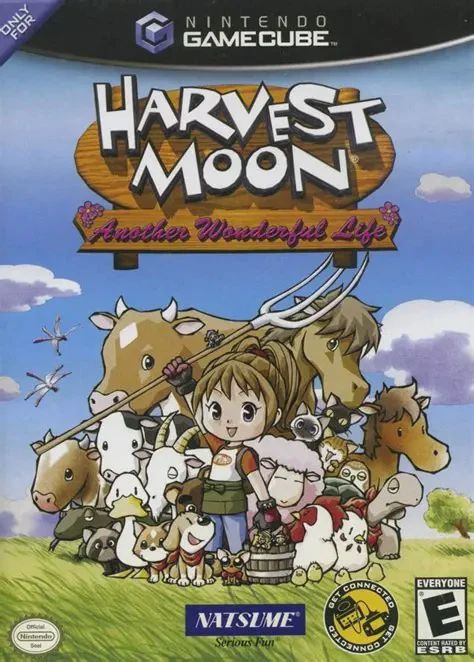
Harvest Moon: Another Wonderful Life is a charming life s...
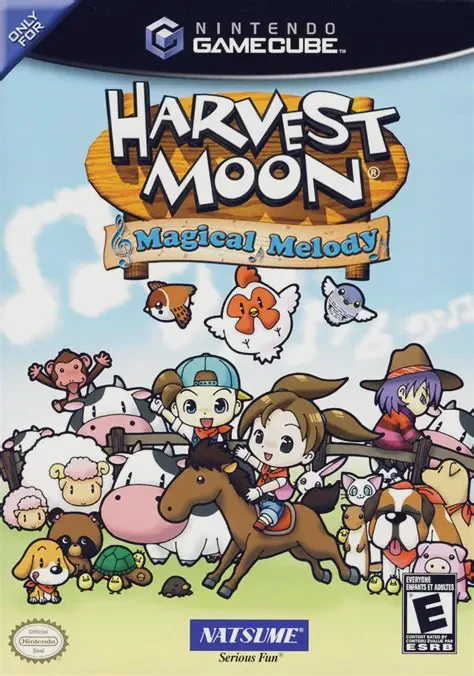
Harvest Moon: Magical Melody is a beloved life simulation...
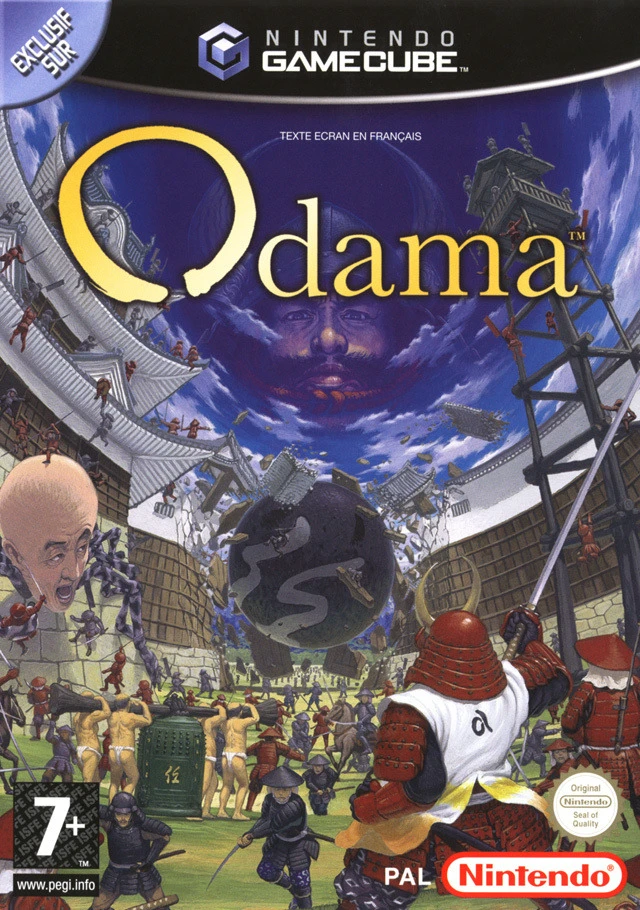
Step into a groundbreaking blend of pinball mechanics and...
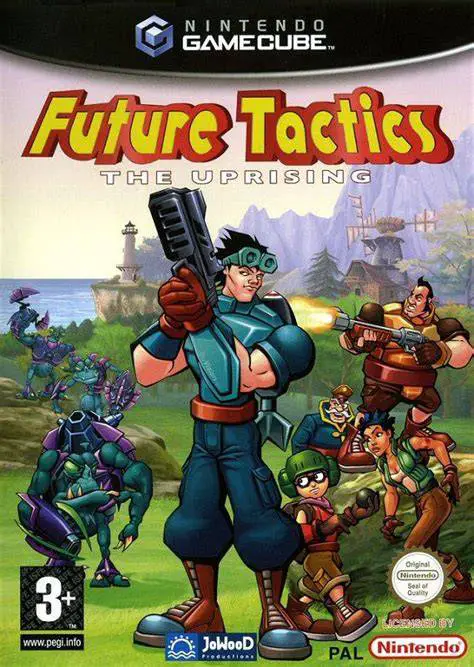
Future Tactics: The Uprising is a unique turn-based tacti...