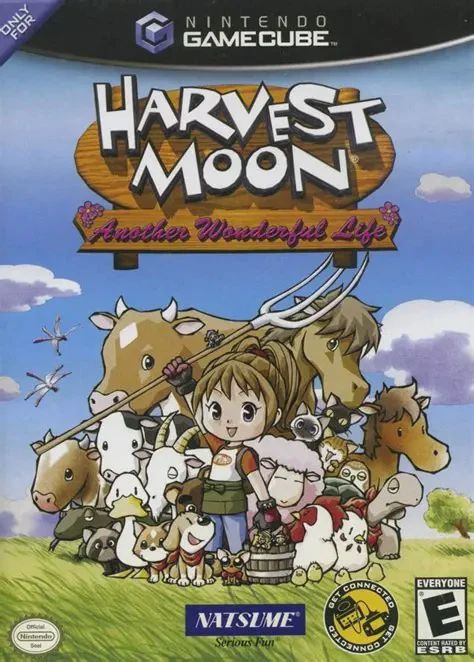
Harvest Moon: Another Won...
Harvest Moon: Another Wonderful Life is a charming life s...

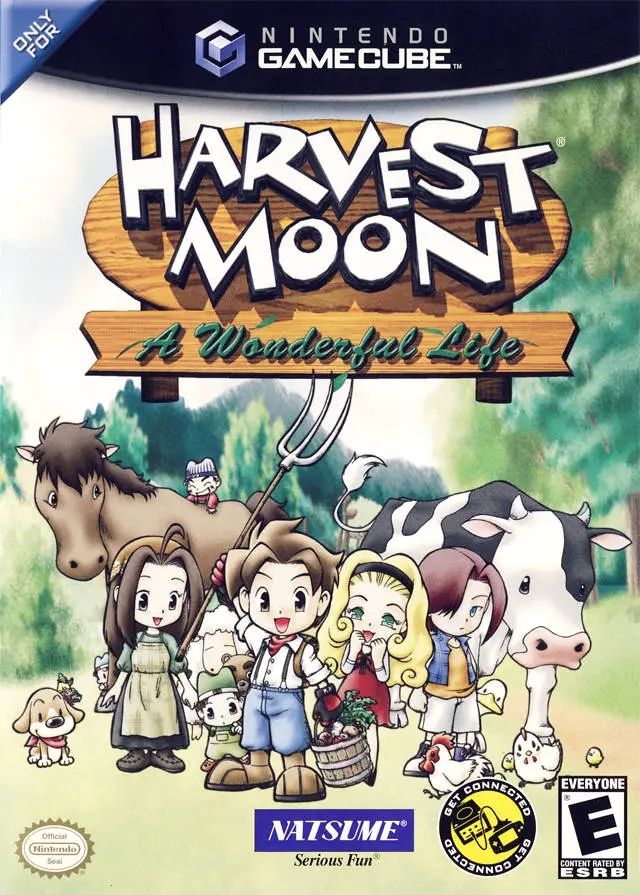
Harvest Moon: A Wonderful Life reimagines the traditional farming simulator by placing heavy emphasis on the progression of time, family bonds, and community growth on the Nintendo GameCube. Rather than focusing strictly on infinite wealth, the game structures your life journey into six multi-year chapters, watching the valley and its residents age dynamically over time.
Players step into the boots of a young male farmer, tasked with building a self-sustaining homestead while adapting to changing seasons:
Farming & Hybridization: Cultivate crops, purchase land upgrades, and experiment with seed hybridization by combining plant types with the help of Tartan, a mysterious two-headed plant.
Animal Husbandry: Care for cows, sheep, horses, ducks, and chickens while managing realistic animal lifecycles, breeding schedules, and milk yields.
Courtship & Family: Court one of three eligible bachelorettes—Celia, Muffy, or Nami—and marry by the end of Chapter 1. The way you interact with your child and the tools you expose them to directly influence their developing skills, hobbies, and career path as they grow into an adult.
Complemented by ambient weather effects, fishing, artifact digging at the archaeological site, and Game Boy Advance connectivity, Harvest Moon: A Wonderful Life offers a deeply atmospheric and nostalgic simulation experience.
Attribute | Details |
Title | Harvest Moon: A Wonderful Life |
Platform | Nintendo GameCube |
Developer | Marvelous Interactive |
Publisher | Natsume |
Release Date | March 2004 (US) / November 2003 (JP) |
Genre | Life Simulation / Farming RPG |
Modes | Single-player |
Media Type | GameCube Game Disc |
Multi-Generational Story Arc: Experience a unique multi-chapter life cycle where your farmer, spouse, child, and fellow villagers visually age and change over time.
Child Personality & Career System: Shape your child's personality and future career choice (such as farming, art, music, or athletics) through daily interactions and gifts.
Innovative Seed Hybridization: Splice basic seeds together using Tartan to discover dozens of unique second- and third-generation hybrid crops.
Realistic Livestock Care: Manage dynamic livestock lifecycles including breeding requirements, milking periods, and seasonal pasture grazing.
Game Boy Advance Connectivity: Link with Harvest Moon: Friends of Mineral Town via GBA Cable to unlock extra records, character visits, and bonus items.
A: Players can court and marry one of three eligible bachelorettes living in Forget-Me-Not Valley: Celia, Muffy, or Nami.
A: Marriage is mandatory for the story to progress. If you do not propose to a bachelorette using a Blue Feather or accept a proposal by the end of Winter in Chapter 1, the game ends.
A: Your child's career interest is influenced by your interactions, where you take them, who they spend time with, and the toys or tools you show them as they grow through each chapter.
A: Connecting a GBA running Harvest Moon: Friends of Mineral Town using a GameCube GBA Link Cable triggers NPC traveling visits, unlocks new jukebox records, and updates town news between both games.
Click the links below to go to the cloud drive download page
⚠️ Download Tips:
Harvest Moon: Another Wonderful Life is a charming life s...
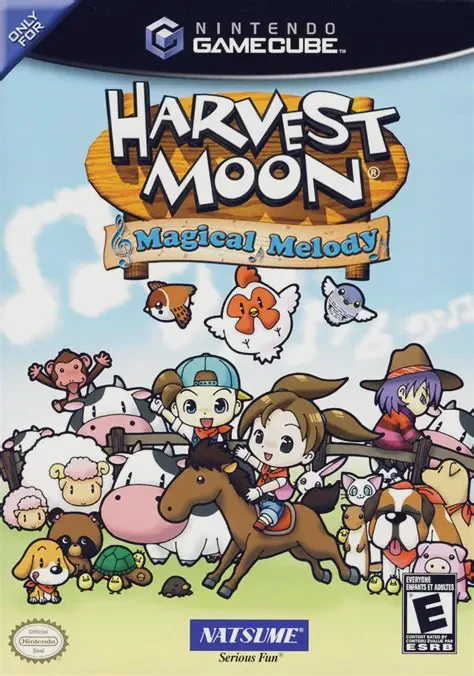
Harvest Moon: Magical Melody is a beloved life simulation...
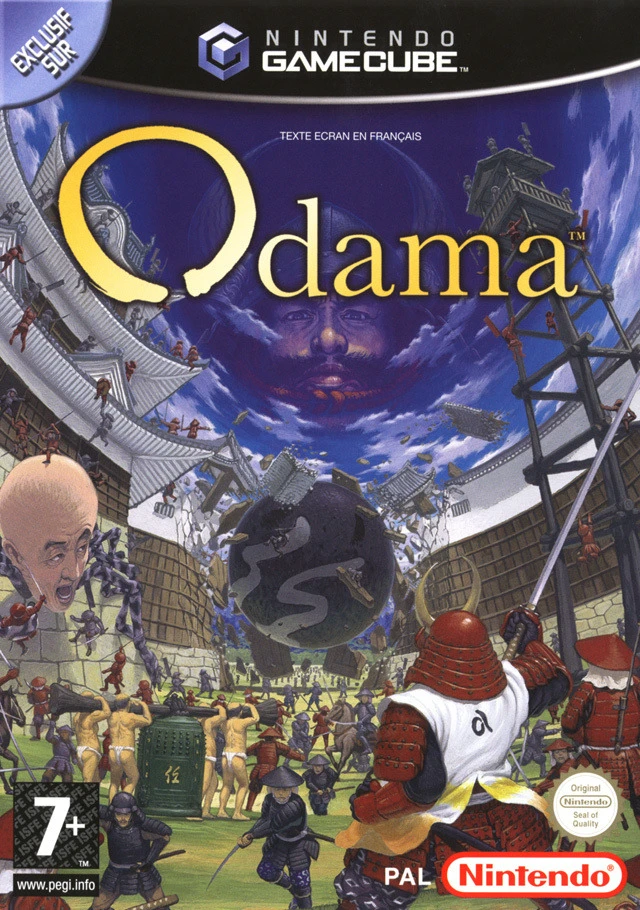
Step into a groundbreaking blend of pinball mechanics and...
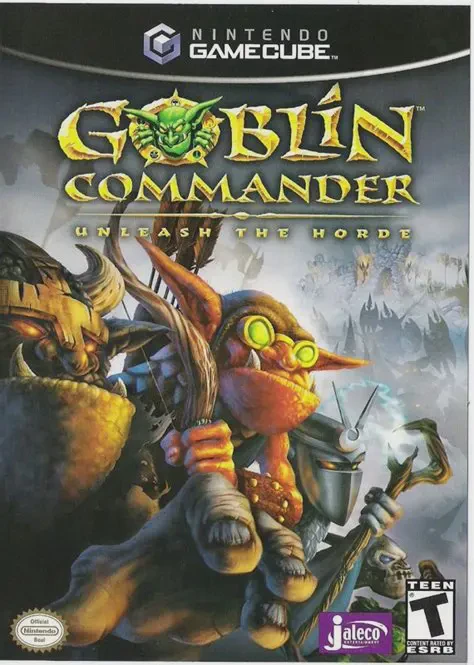
Goblin Commander: Unleash the Horde is an accessible real...
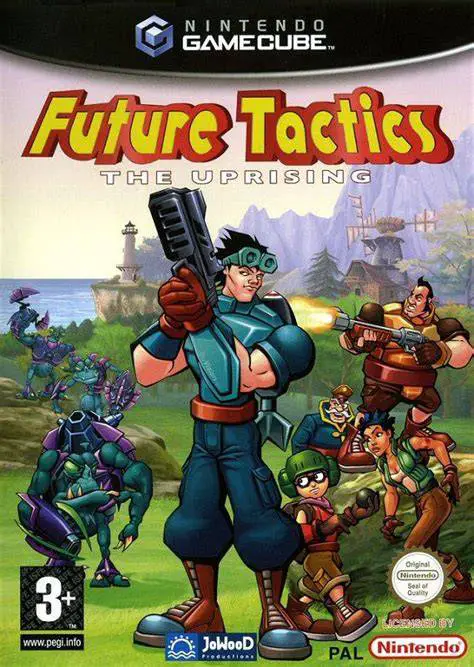
Future Tactics: The Uprising is a unique turn-based tacti...