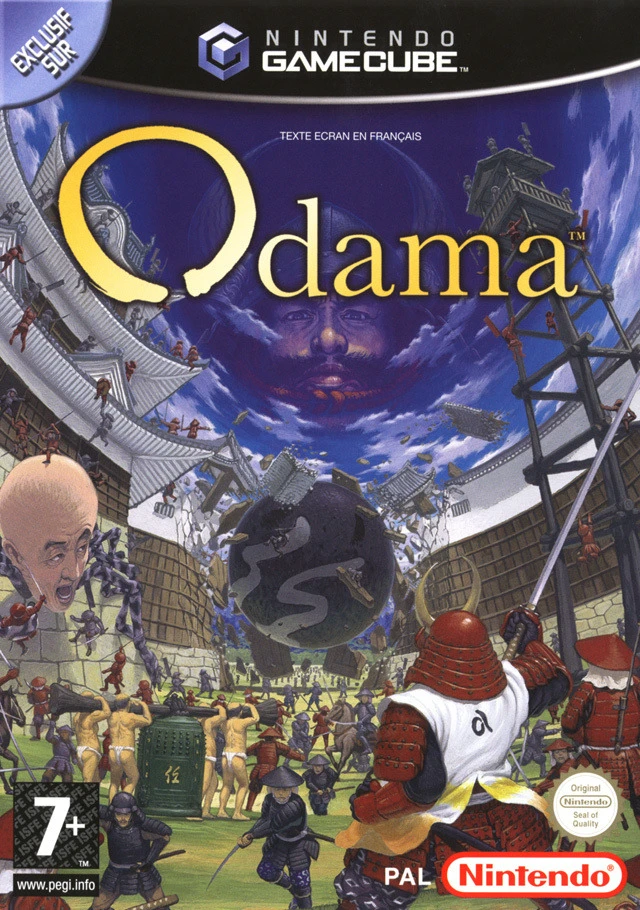
Odama
Step into a groundbreaking blend of pinball mechanics and...

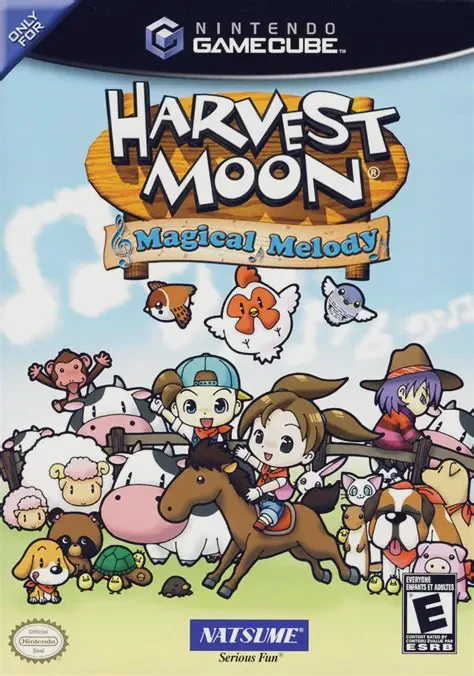
Harvest Moon: Magical Melody offers a expansive farming and social simulation experience on the Nintendo GameCube. Players can choose to play as either a male (Adam) or female (Amanda) protagonist, setting out to cultivate land, build a thriving homestead, and reignite the community spirit of Flowerbud Village.
The primary goal centers around awakening the Harvest Goddess by collecting 100 Musical Notes, which are awarded for accomplishing diverse milestones—such as shipping 1,000 crops, winning seasonal festival competitions, making friends with villagers, or upgrading your home:
Farming & Animal Husbandry: Clear wild land to plant seasonal crops, tend orchards, and raise livestock including cows, sheep, horses, chickens, and ducks.
Property & Construction: Unlike prior entries, players can purchase multiple plots of land across Flowerbud Village to expand fields, construct specialized barns, or build vacation homes.
Social Life & Marriage: Interact with over 20 eligible bachelors and bachelorettes, attend seasonal town events, get married, and start a family.
With additional activities such as fishing, deep-cave mining, foraging, and participating in competitive multiplayer mini-games, Harvest Moon: Magical Melody delivers endless hours of charming countryside simulation.
Attribute | Details |
Title | Harvest Moon: Magical Melody |
Platform | Nintendo GameCube |
Developer | Marvelous Interactive |
Publisher | Natsume |
Release Date | March 2006 |
Genre | Life Simulation / Farming RPG |
Modes | Single-player, Local Multiplayer (1–4 Players for Mini-Games) |
Media Type | GameCube Game Disc |
Musical Note Collection System: Collect 100 hidden Musical Notes earned through everyday accomplishments to compose the Magical Melody that awakens the Harvest Goddess.
Playable Gender Choice: Play as either a male or female farmer for the first time in a console Harvest Moon release, with distinct marriage candidates for each.
Expandable Land Purchasing: Buy multiple land parcels throughout Flowerbud Village to customize farm layouts, construct barns, and plant sprawling crops.
Deep Social Mechanics: Befriend villagers, court eligible marriage candidates, participate in seasonal festivals, marry, and raise a child.
4-Player Party Mini-Games: Compete with friends in local multi-player mini-games unlocked through story progression, including fishing contests and horse races.
A: Yes, players can choose to play as either a boy (Adam) or a girl (Amanda) at the start of the game, opening up different sets of marriage candidates.
A: You must collect at least 50 of the 100 available Musical Notes by completing various tasks—such as farming, fishing, upgrading tools, attending festivals, and befriending villagers.
A: Yes, as you earn money and Mayor Theodore's trust, you can purchase various unoccupied property plots around Flowerbud Village for farming, building extra barns, or planting trees.
A: Yes, the game features a collection of 4-player competitive mini-games accessible from the main menu, which are unlocked as you play through the single-player story.
Click the links below to go to the cloud drive download page
⚠️ Download Tips:
Step into a groundbreaking blend of pinball mechanics and...
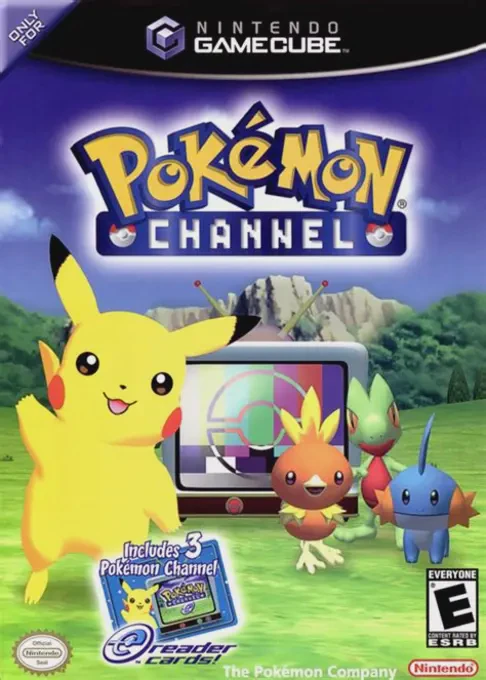
Pokémon Channel (known in Japan as Pokémon Channel: Toget...
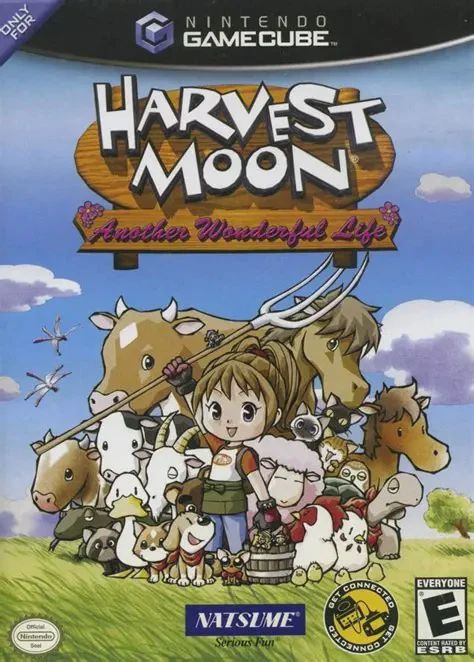
Harvest Moon: Another Wonderful Life is a charming life s...
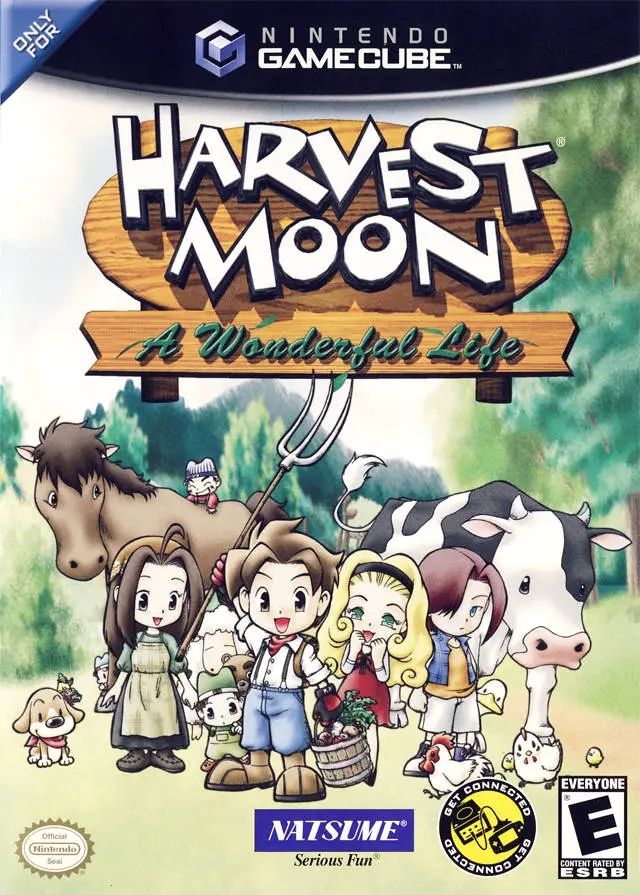
Harvest Moon: A Wonderful Life is a groundbreaking life s...
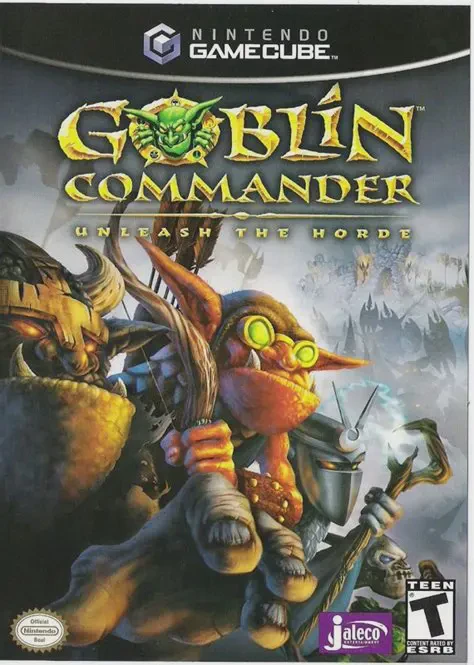
Goblin Commander: Unleash the Horde is an accessible real...