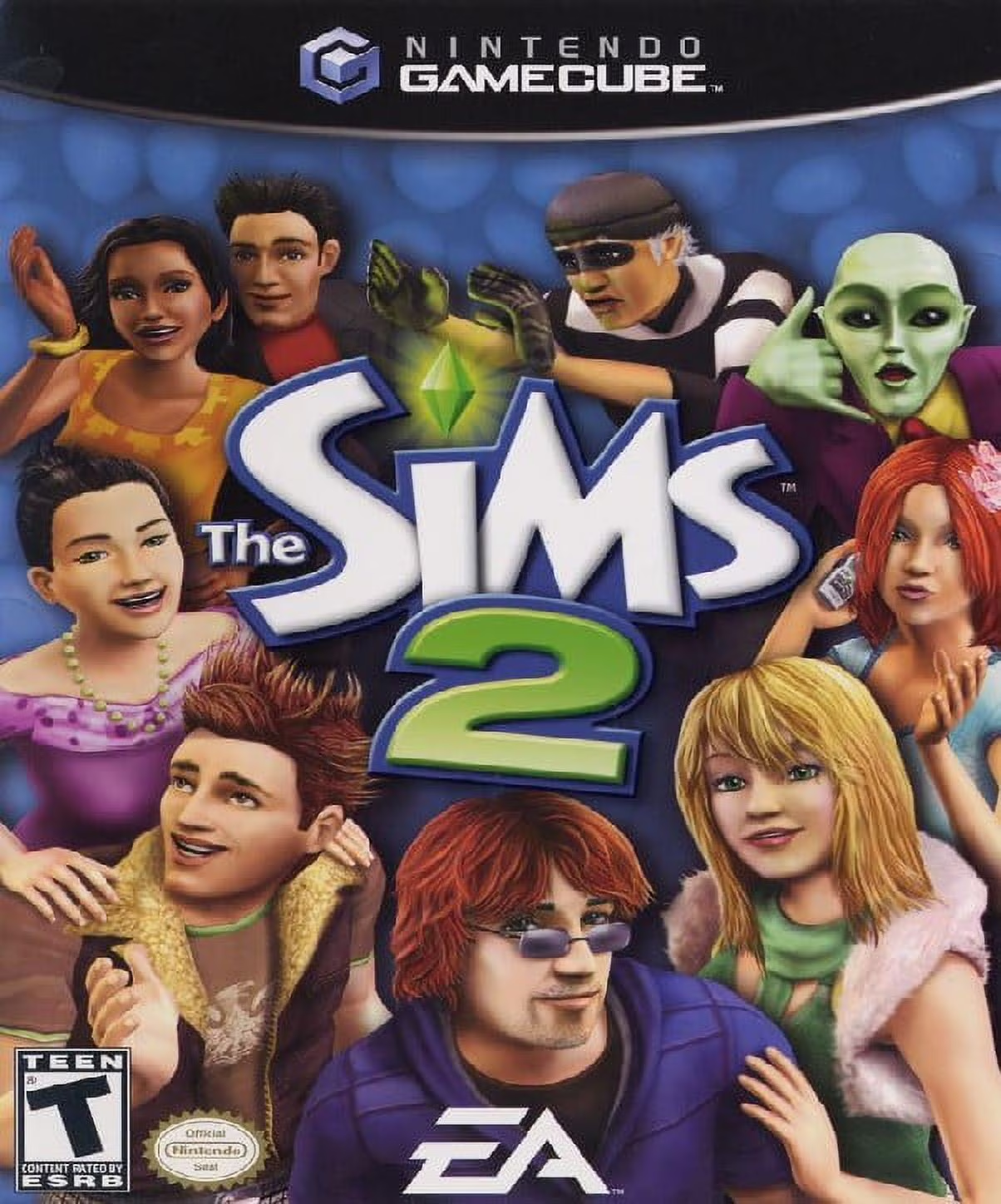
The Sims 2
The Sims 2 is a life simulation video game developed by M...

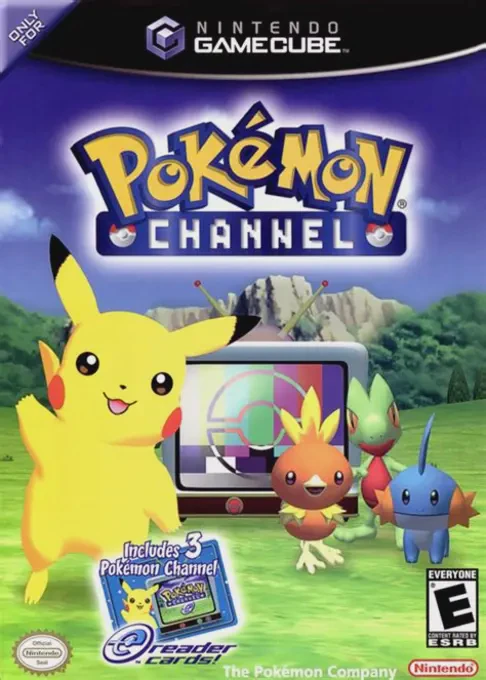
Pokémon Channel brings a relaxing, interactive simulation experience to the Nintendo GameCube. Developed by Ambrella and released in mid-2003, the title takes advantage of the console’s real-time clock system to create an evolving daily routine where players build a friendship with Pikachu while exploring a variety of television programming.
The game begins with Professor Oak selecting the player to help test "Pokémon Channel," a new television network designed for human and Pokémon enjoyment. Over the course of several in-game days, players watch TV alongside Pikachu in their virtual bedroom, tuning into diverse channels hosted by various Pokémon. Programs range from Squirtle’s News Network and Smoochum’s Exercise Class to Pichu Bros. animated episodes, quiz shows, and shopping channels where players can purchase items to decorate their room.
Beyond watching television, players can take Pikachu outside to explore surrounding environments like Springleaf Field, Viridian Forest, and Mt. Snowfall. In these zones, players interact with wild Pokémon, answer trivia questions, collect Pokémon Nice Cards, and play mini-games on a virtual Pokémon Mini handheld console. Notably, the European and Australian versions of the game included a special bonus: the ability to unlock and transfer the mythical Pokémon Jirachi to Pokémon Ruby and Pokémon Sapphire via a Nintendo GameCube Game Boy Advance Cable.
Developer: Ambrella
Publisher: Nintendo / The Pokémon Company
Platform: Nintendo GameCube
Genre: Virtual Pet / Digital Media Simulation
Release Date: July 18, 2003 (Japan), December 1, 2003 (North America), April 2, 2004 (Europe)
Modes: Single-player
Media: GameCube Optical Disc
Interactive Pikachu Companion: Build a bond with Pikachu by talking, playing with toys, decorating the bedroom, and watching TV shows together.
Diverse TV Broadcast Channels: Enjoy over 12 unique channels, including news programs, fortune-telling, art classes, quiz shows, and animated shorts.
Full Anime Episodes: Unlock and watch all 5 parts of the exclusive 3D anime short Pichu Bros. in Party Panic! directly within the game's TV player.
Playable Virtual Pokémon Mini: Collect 6 different virtual handheld games inside the simulator, featuring classic 8-bit style mini-games like Snorlax's Lunch Time.
Mythical Jirachi Transfer (PAL/Europe Version): Transfer an exclusive Jirachi to Pokémon Ruby and Pokémon Sapphire using a GBA Link Cable in European and Australian releases.
A: In the PAL (European/Australian) version of the game, completing the main story unlocks a special option on the main menu. Connecting a Game Boy Advance running Pokémon Ruby or Pokémon Sapphire via a GameCube-GBA Cable allows players to transfer a Level 5 Jirachi directly into their save file.
A: Yes, developed by the same studio (Ambrella), Pokémon Channel continues the virtual pet concept, updating the interaction mechanics for the GameCube without requiring the N64 Voice Recognition Unit.
A: Yes, the game progresses in real-time based on the GameCube's internal hardware clock, unlocking new television programs, items, and weather effects over consecutive real-world days.
A: Yes, the Nintendo GameCube version runs smoothly on the Dolphin emulator, supporting native high-definition resolution scaling, 16:9 widescreen display adjustments, and modern controller configurations.
Click the links below to go to the cloud drive download page
⚠️ Download Tips:
The Sims 2 is a life simulation video game developed by M...
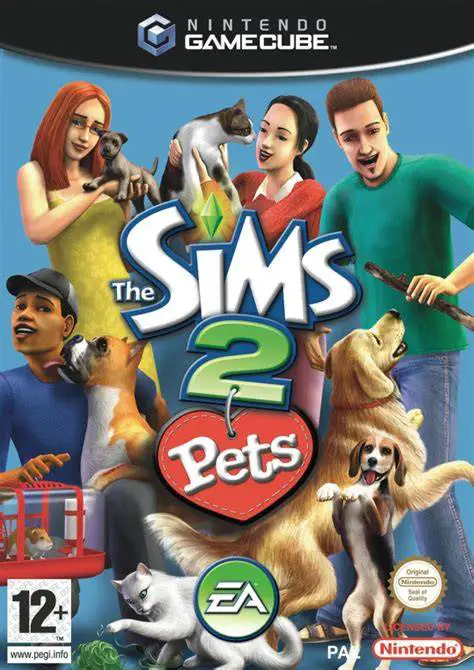
The Sims 2: Pets is a life simulation video game develope...
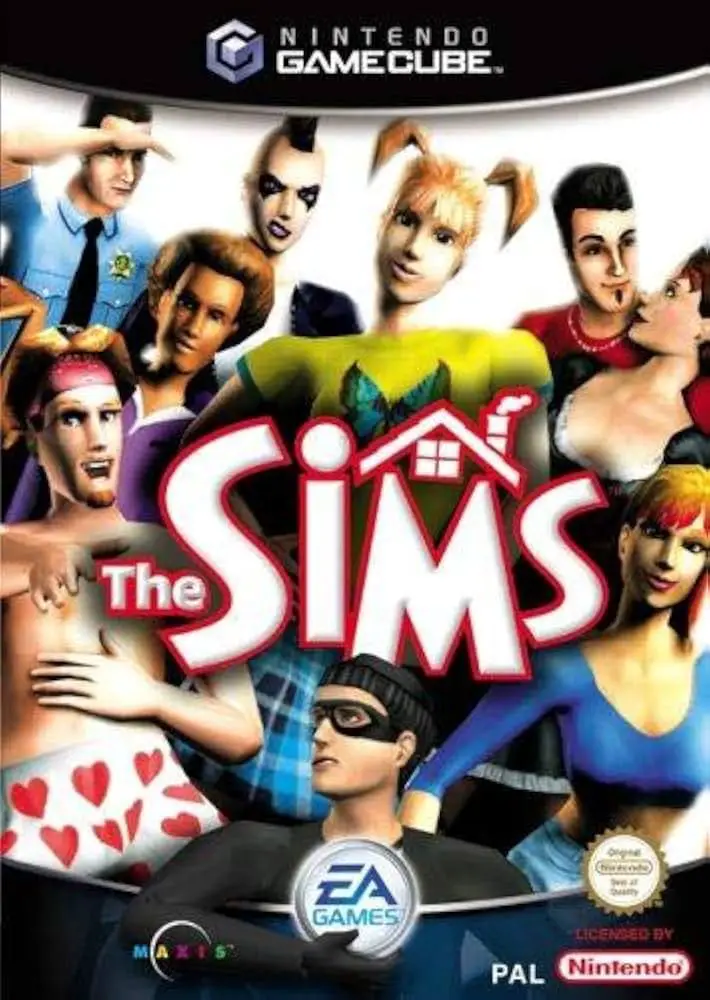
The Sims is a life simulation video game developed by Edg...
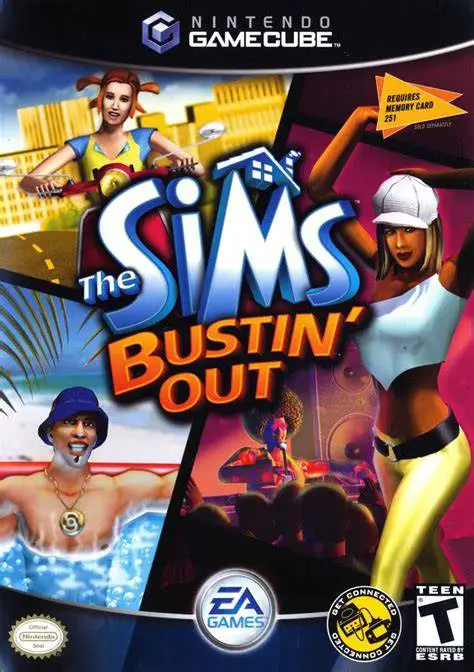
The Sims: Bustin' Out is a life simulation video game dev...
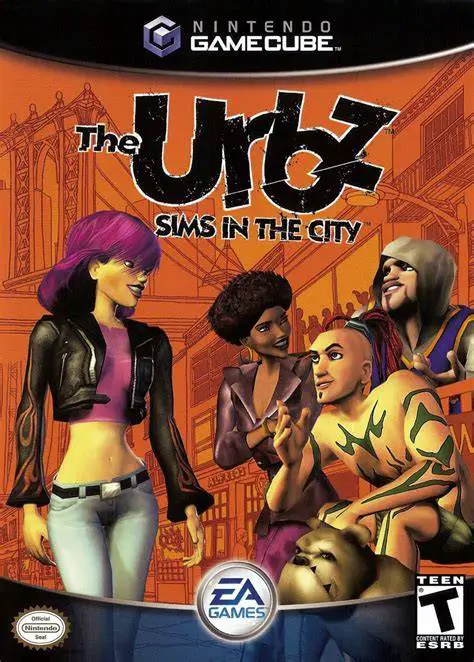
The Urbz: Sims in the City is an energetic, urban-themed ...