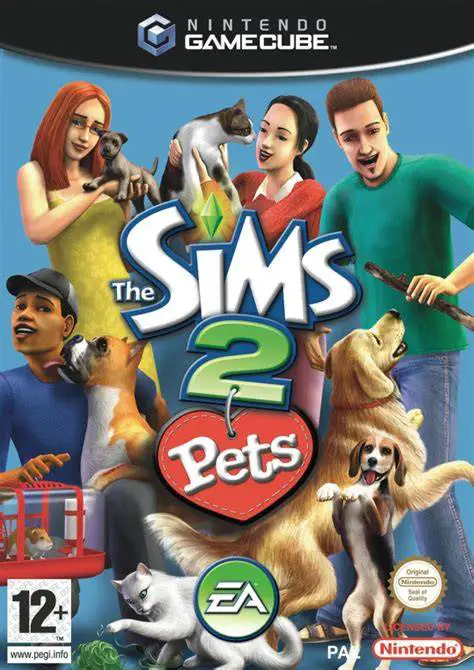
The Sims 2: Pets
The Sims 2: Pets is a life simulation video game develope...

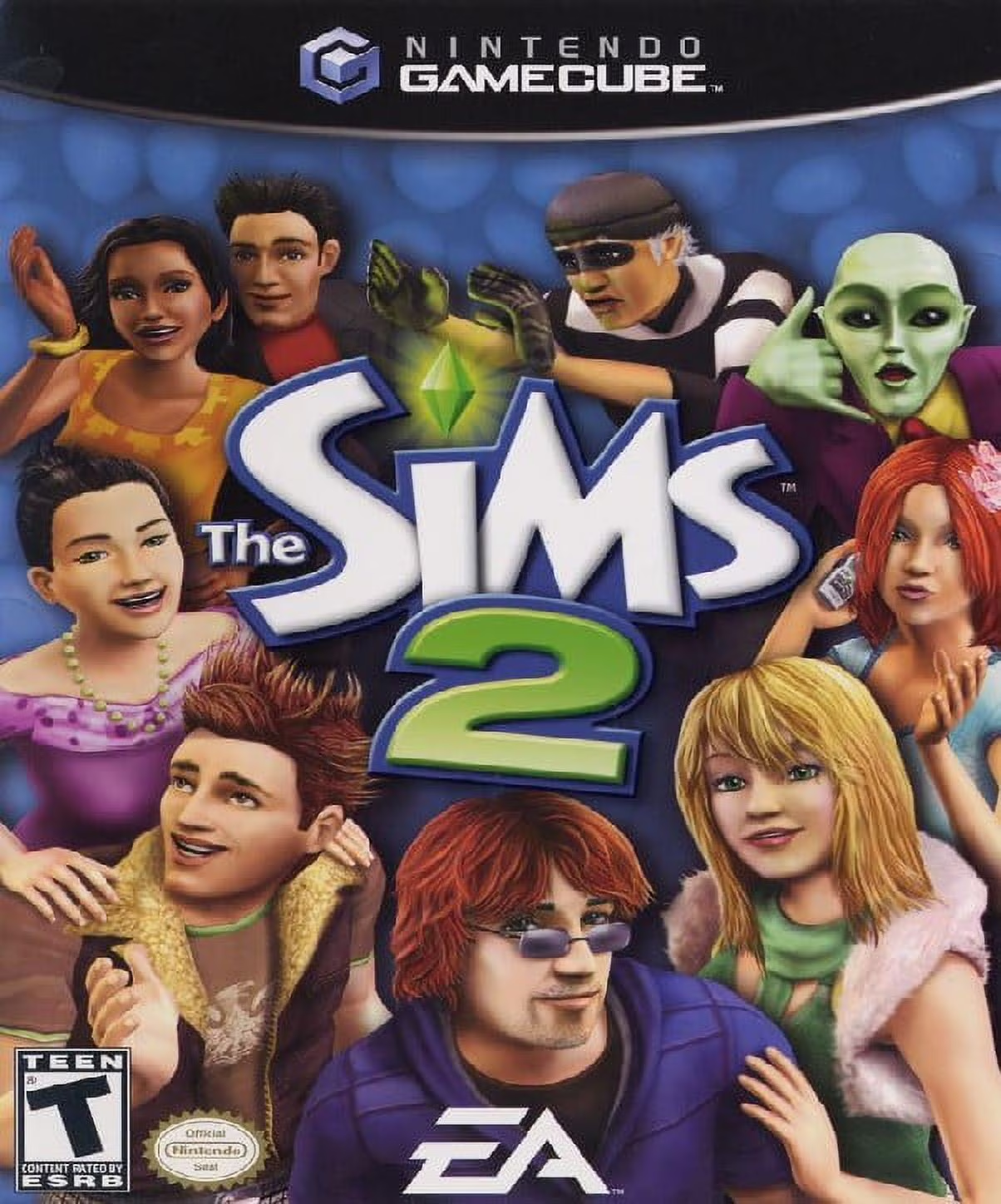
The Sims 2 reinterprets the series' signature sandbox gameplay into a story-driven, console-centric experience with real-time direct character control and unique crafting systems.
The core gameplay centers on managing aspirations, personal growth, and custom recipes while advancing through Strangetown:
Direct Character Control: Take full control of your Sim's movement using the GameCube control stick, driving actions, movement, and environmental interactions directly in a 3D perspective.
Aspiration & Wants System: Select core life goals—such as Fortune, Popularity, Knowledge, Romance, or Creativity—and fulfill real-time Wants while avoiding severe Fears to maintain your Sim's mental sanity and score Aspiration points.
Custom Food Creation System: Experiment with mix-and-match ingredients in kitchen appliances to craft custom culinary recipes, granting specialized stat boosts, mood modifiers, or bizarre magical effects to those who consume them.
Strangetown Story Mode: Progress through distinct narrative locations—such as Roswell's house, Cliffside Retreat, and the Alien Crash Site—by completing location-specific social goals, career promotions, and personal secrets.
2-Player Split-Screen Co-Op: Partner with a friend in local split-screen mode to control two Sims simultaneously within the same household, completing campaign goals or enjoying sandbox creation together.
With deep character customization, direct camera manipulation, and hundreds of buyable objects, the game delivered an engaging console spin on the PC classic.
Game Title: The Sims 2
Platform: Nintendo GameCube
Developer: Maxis
Publisher: Electronic Arts
Release Date: October 24, 2005 (North America)
Genre: Life Simulation
Game Modes: Single-player, Local Cooperative Multiplayer (1–2 Players)
ESRB Rating: T (Teen)
Direct Character Movement: Control your Sim directly using analog stick inputs instead of strictly relying on indirect point-and-click commands.
Custom Culinary Crafting: Combine distinct ingredients to invent custom meals with unique nutritional and social effects.
Aspiration Drive Mechanics: Fulfill dynamic Wants and evade Fears to build long-term happiness and earn exclusive reward items.
Strangetown Campaign: Venture through an interconnected story mode packed with eccentric characters, alien mysteries, and secret locations.
Split-Screen Local Co-Op: Play through story levels and sandbox environments alongside a second player in real-time split-screen.
Unlike the classic PC version's cursor interface, the GameCube version allows players to directly drive their Sim around the environment using the analog stick, while still offering a classic cursor control mode if preferred.
No, unlike the PC version which features full generational aging from infancy to elders, Sims in the console version stay in their young adult state and do not age or die of old age.
The console version features a unique cooking mini-game mechanics where players gather up to four distinct ingredients from refrigerators and gardens to create custom dishes that impart distinct stat buffs and mood changes.
Click the links below to go to the cloud drive download page
⚠️ Download Tips:
The Sims 2: Pets is a life simulation video game develope...
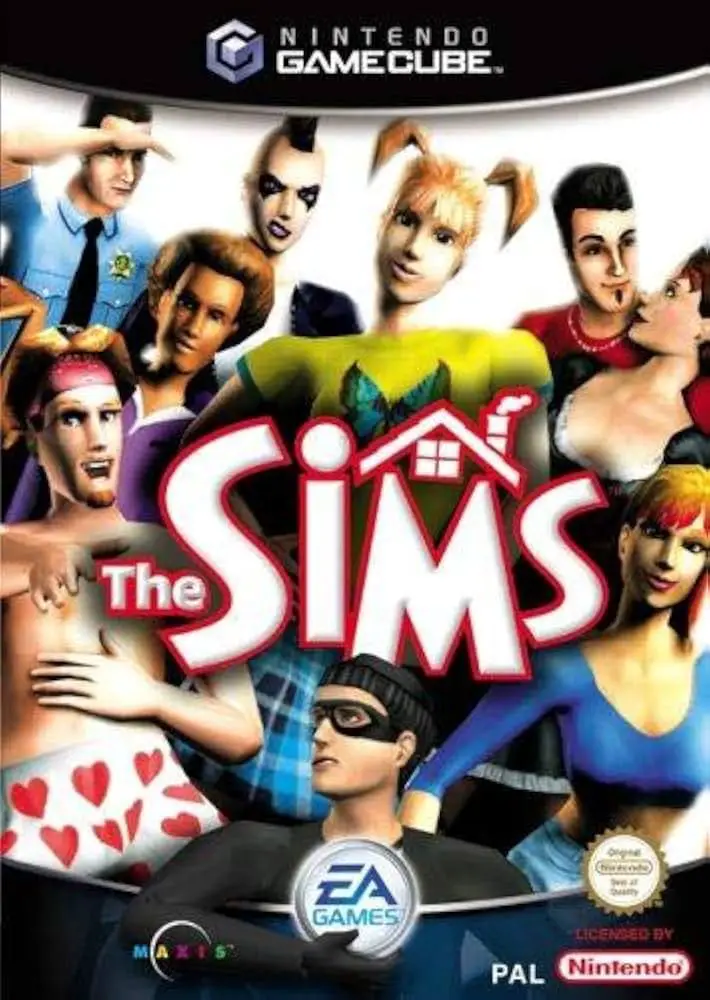
The Sims is a life simulation video game developed by Edg...
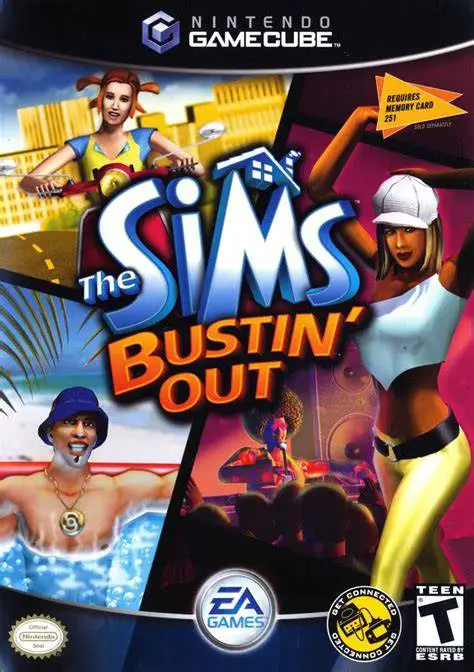
The Sims: Bustin' Out is a life simulation video game dev...
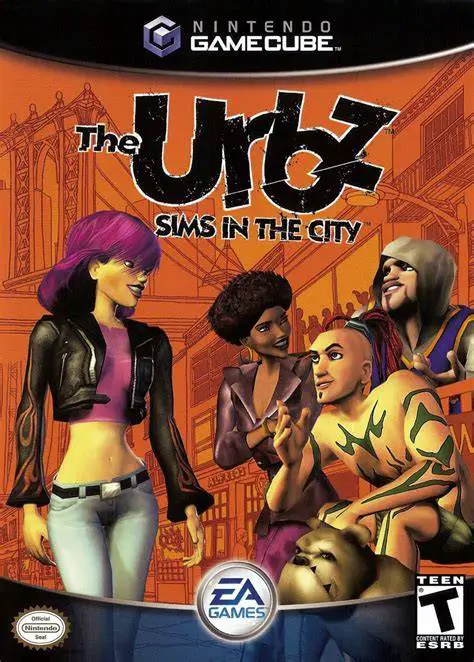
The Urbz: Sims in the City is an energetic, urban-themed ...
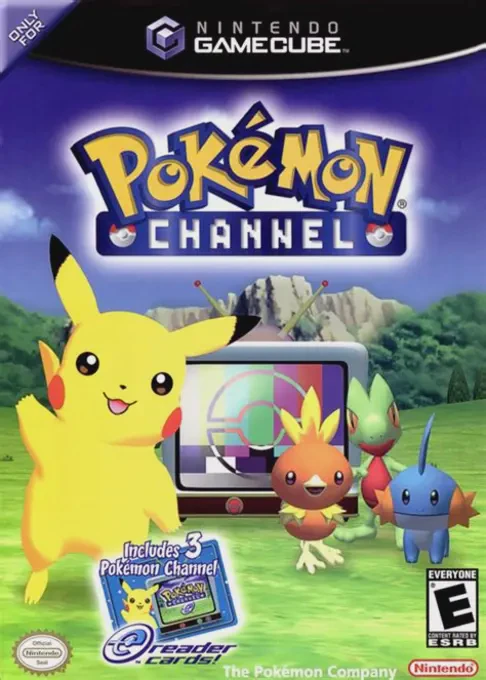
Pokémon Channel (known in Japan as Pokémon Channel: Toget...