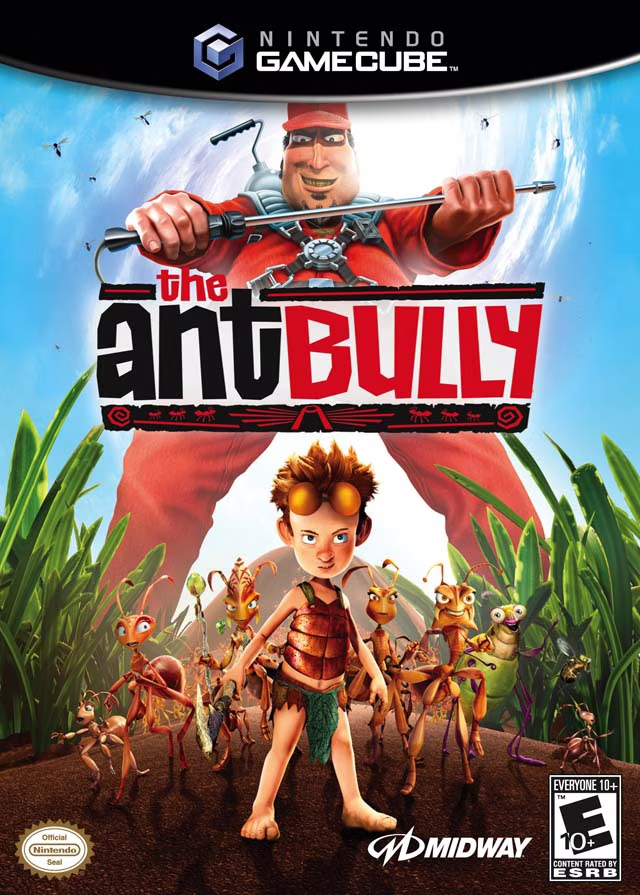
The Ant Bully
The Ant Bully is a third-person action-adventure video ga...

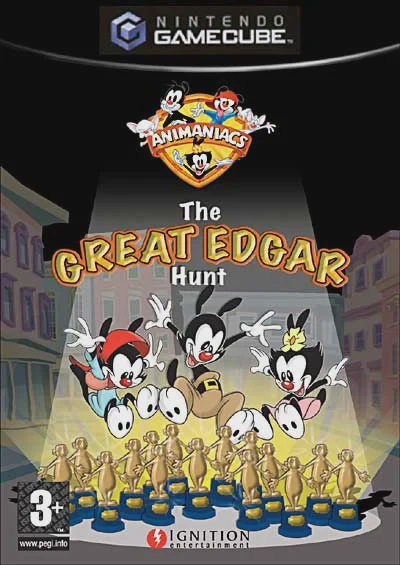
Animaniacs: The Great Edgar Hunt captures the signature slapstick humor, fourth-wall breaking, and frantic pace of the original animated series. Developed by UK-based Warthog Games, the title features full 3D character models and environments, complemented by original voice performances from the series' official voice cast, including Rob Paulsen, Jess Harnell, and Tress MacNeille.
The story kicks off when the "Edgars"—Hollywood's most prestigious film awards—are stolen by the megalomaniacal lab mice Pinky and the Brain as part of their latest scheme for global domination. Brain hides the statuettes across distinct movie sets on the Warner Bros. studio backlot. To save the studio and foil Brain's plans, players must freely swap between Yakko, Wakko, and Dot, utilizing each sibling's unique physical abilities to solve puzzles, defeat studio guards, complete minigames, and recover all 300 stolen Edgar awards across varied movie-themed worlds.
Specification | Details |
Title | Animaniacs: The Great Edgar Hunt |
Platform | Nintendo GameCube |
Genre | 3D Action-Adventure / Platformer |
Developer | Warthog Games |
Publisher | Ignition Entertainment / Warner Bros. Interactive Entertainment |
Release Date | September 20, 2005 (North America) / July 29, 2005 (Europe) |
Game Modes | Single-player |
Media Format | Nintendo GameCube Game Disc |
3 Playable Warner Siblings: Switch dynamically between Yakko, Wakko, and Dot, leveraging their distinct abilities—Yakko uses his paddleball for long-range interactions, Wakko smashes obstacles with his mallet, and Dot uses charm to distract enemies.
Movie Studio Backlot Hub: Explore movie set stages parodying classic Hollywood film genres, including Westerns, horror films, epic mythology, and sci-fi blockbusters.
Authentic Voice Cast: Features original voice recordings from the series cast, including Rob Paulsen (Yakko / Pinky), Jess Harnell (Wakko), Tress MacNeille (Dot), and Maurice LaMarche (The Brain).
300 Edgar Statuettes to Collect: Search every corner of the studio backlot to recover hidden Edgar awards necessary to unlock new movie stages and final boss encounters.
Integrated Minigames & Boss Battles: Engage in comedic boss battles against famous series antagonists like Ralph the Guard, Ralph's dog, and Pinky and the Brain in giant mechanical suits.
A: No. Pinky and the Brain serve as the primary antagonists of the main story, though players interact with them frequently during cutscenes and boss encounters throughout the studio.
A: Players can switch between Yakko, Wakko, and Dot on the fly to utilize their individual skill sets. For example, Wakko's mallet is required to smash heavy switches, while Yakko's paddleball is needed to hit distant targets.
A: No. It features an original story written specifically for the game, though it retains all the classic character dynamics, musical cues, and humor of the animated series.
A: No. Animaniacs: The Great Edgar Hunt on the Nintendo GameCube is strictly a single-player 3D platforming campaign.
Click the links below to go to the cloud drive download page
⚠️ Download Tips:
The Ant Bully is a third-person action-adventure video ga...
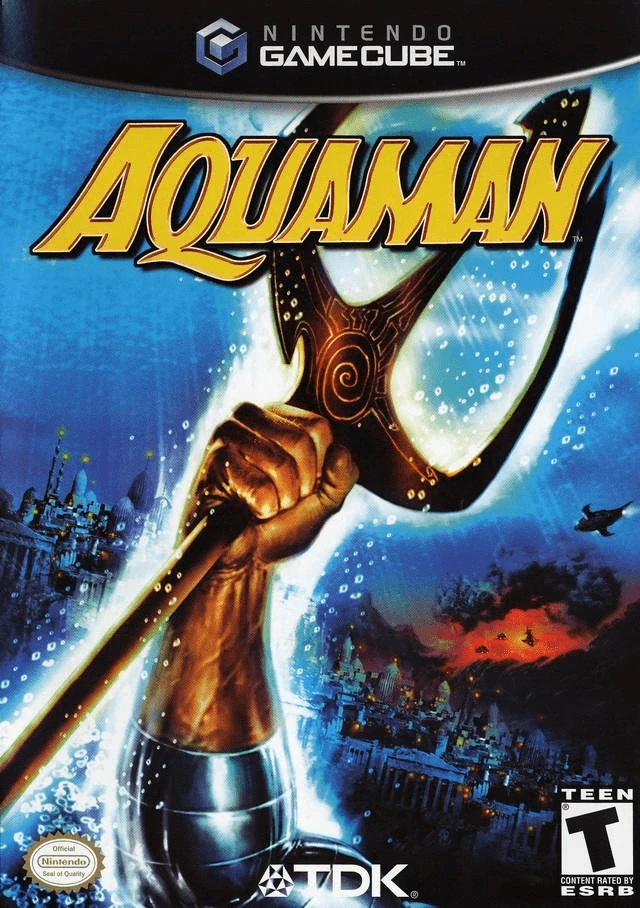
Aquaman: Battle for Atlantis is a underwater action-adven...
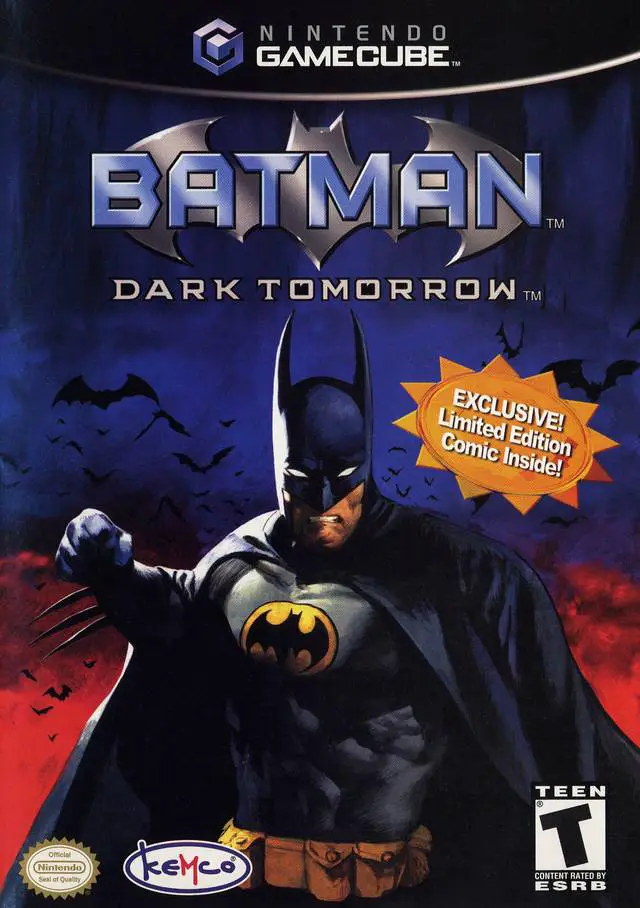
Batman: Dark Tomorrow is a third-person action-adventure ...
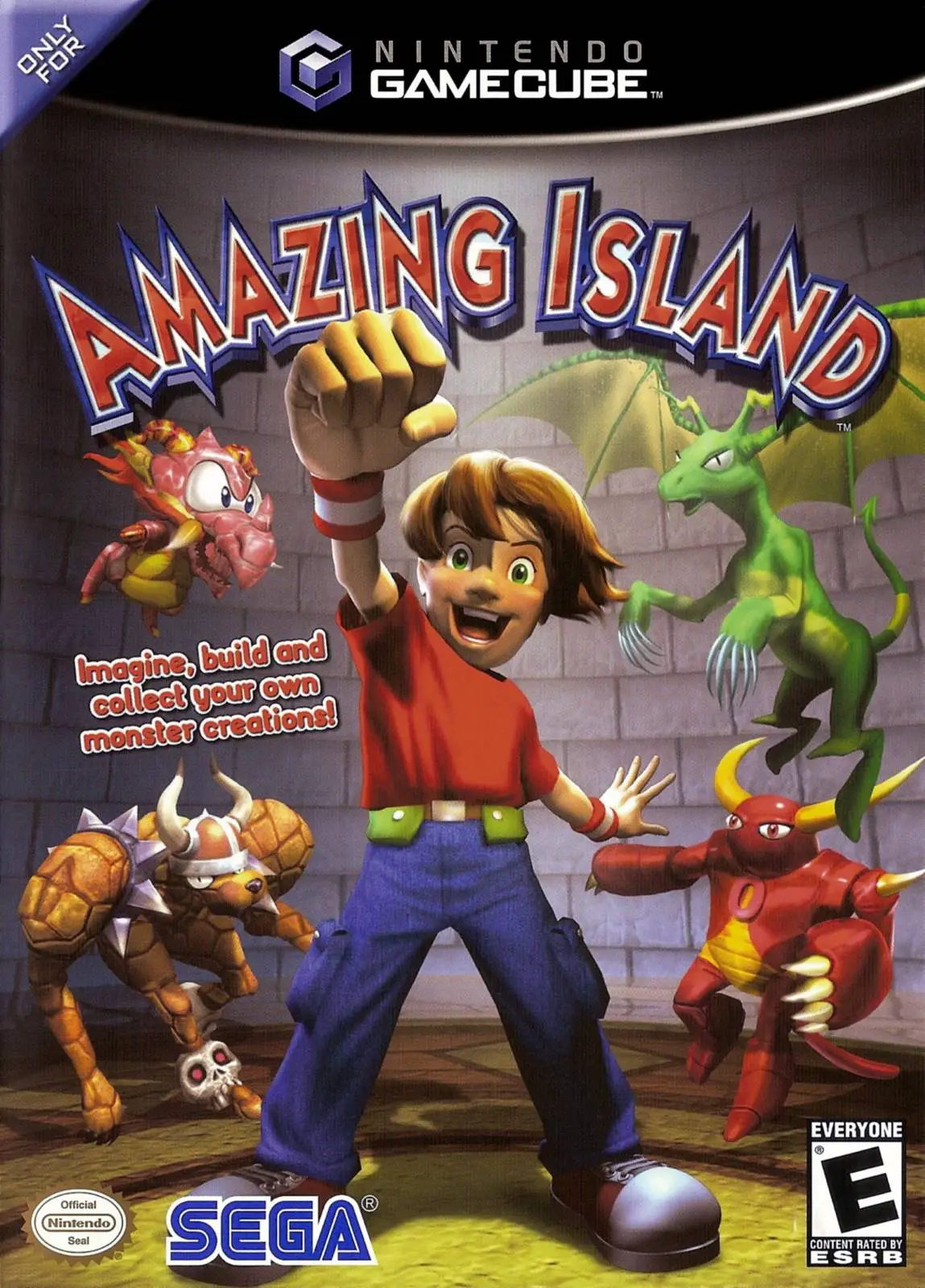
Amazing Island is an action-adventure video game develope...
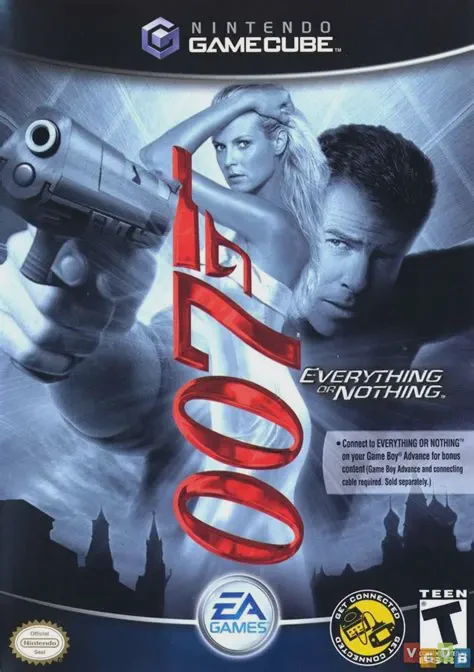
007: Everything or Nothing (officially titled James Bond ...