
The Chronicles of Narnia:...
The Chronicles of Narnia: The Lion, the Witch and the War...

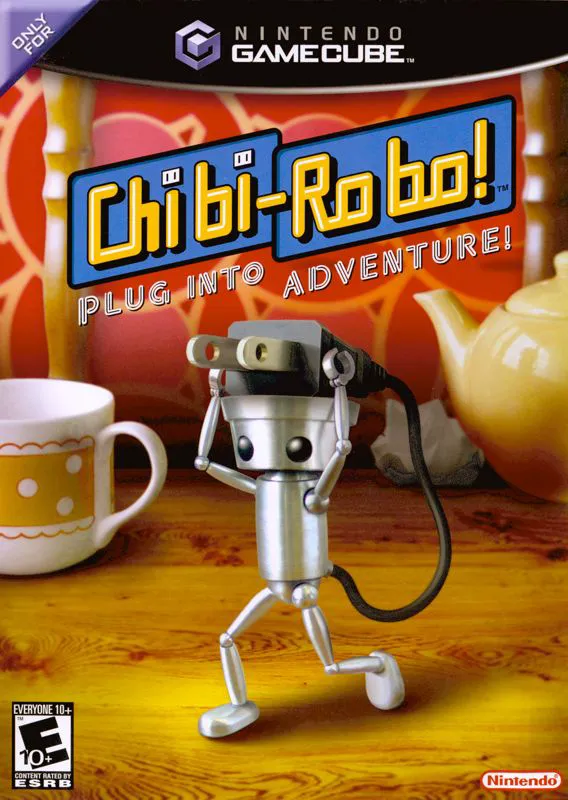
Chibi-Robo! Plug into Adventure! is one of the most eccentric and heart-warming original titles in the GameCube library. Developed by Skip Ltd. under the direction of Kenichi Nishi, the game combines exploration, light platforming, household chores, and narrative-driven adventure from a microscopic perspective.
As Chibi-Robo, players navigate the multi-story Sanderson home, completing daily tasks like scrubbing floor stains, picking up trash, and solving questlines for eccentric living toys—including a superhero action figure, a wooden princess, and a plush dinosaur. However, every action consumes battery power, requiring players to constantly monitor their energy levels and plug their tail into wall outlets around the house to recharge. Earned "Happy Points" and Moolah allow players to purchase battery capacity upgrades, utility tools (such as a toothbrush or syringe), and specialized "Chibi-Suits" that grant new abilities. Balancing cheerful charm with surprisingly deep narrative themes, the title stands as a beloved cult classic.
Specification | Details |
Title | Chibi-Robo! Plug into Adventure! |
Platform | Nintendo GameCube |
Genre | Action-Adventure / Life Simulation / Platformer |
Developer | Skip Ltd. |
Publisher | Nintendo |
Release Date | June 23, 2005 (JP) / February 6, 2006 (NA) / May 26, 2006 (EU) |
Game Modes | Single-player |
Media Format | Nintendo GameCube Game Disc |
Microscopic Perspective: Explore a giant suburban home from the viewpoint of a tiny four-inch robot, turning tables, stairs, and furniture into massive platforming levels.
Battery Management Mechanic: Monitor battery reserves while performing tasks, using Chibi-Robo’s trailing power plug to connect to wall sockets and recharge.
Happy Point Progression: Earn Happy Points by cleaning messes and helping household members to climb global Chibi-Robo rank leaderboards and gain battery upgrades.
Chibi-Gear & Utility Costumes: Utilize specialized tools like a toothbrush, spoon, and Chibi-Copter, along with costumes that grant unique abilities and unlock new dialogue.
Charming Toy Character Roster: Interact with a rich cast of living toys and family members, completing emotional and humorous side-quests to solve their problems.
A: Moving, jumping, cleaning, and using tools gradually depletes Chibi-Robo's battery meter. If power reaches zero, Chibi-Robo collapses and loses half his Moolah before being reassembled at the Chibi-House. Players must regularly plug into wall sockets to keep charged.
A: Happy Points measure how much joy Chibi-Robo brings to the household. Accumulating Happy Points increases Chibi-Robo's global ranking among all manufactured Chibi-Robos, unlocking expanded battery capacity upgrades from the CitrusSoft online shop.
A: Yes. At night or in specific areas, dark spider-like mechanical creatures known as Spidors appear. Chibi-Robo can use the Chibi-Blaster attachment to shoot and dismantle them to harvest scrap metal.
A: Yes. In Japan, the original GameCube title was ported to the Nintendo Wii in 2009 under the New Play Control! series with motion controls, though that version was not localized in North America or Europe.
Click the links below to go to the cloud drive download page
⚠️ Download Tips:
The Chronicles of Narnia: The Lion, the Witch and the War...
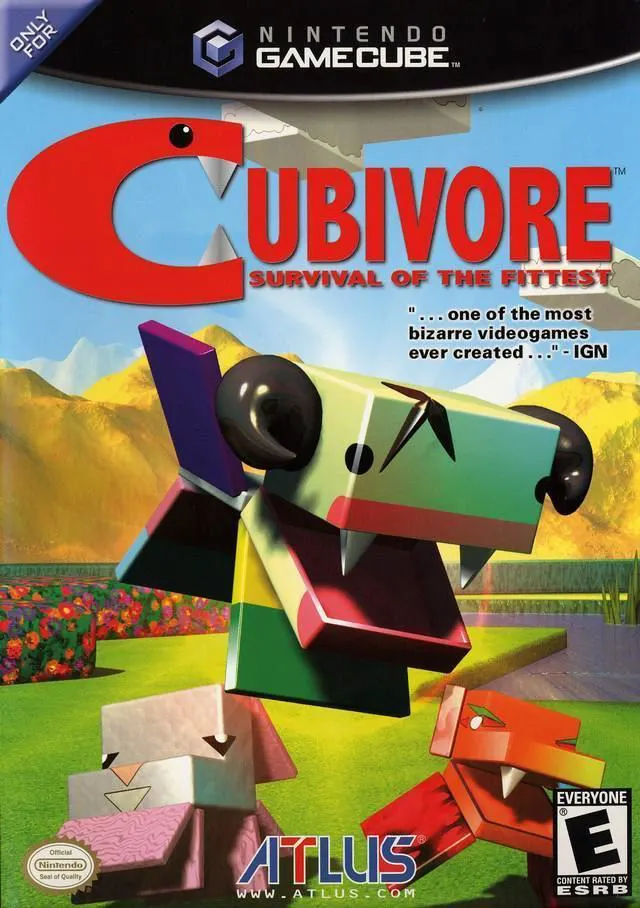
Cubivore: Survival of the Fittest (released in Japan as A...
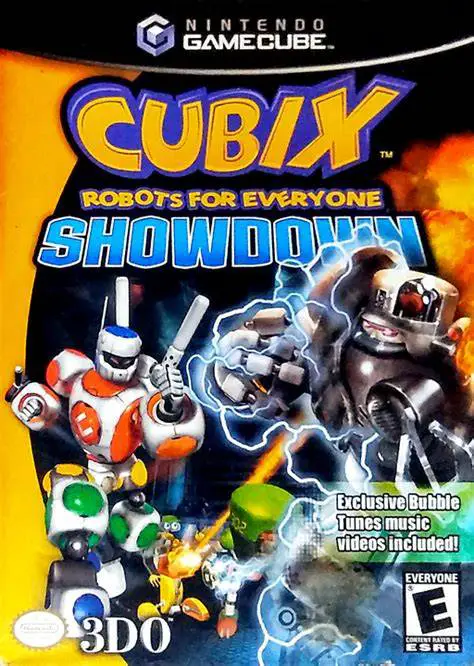
Cubix Robots for Everyone: Showdown is a 3D action-advent...

Charlie and the Chocolate Factory is a whimsical action-a...
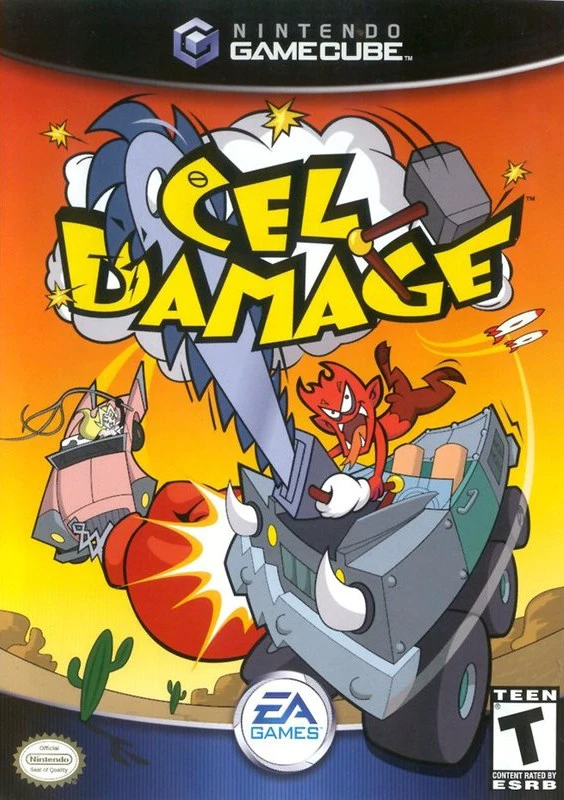
Cel Damage is a vehicular combat game developed by Pseudo...