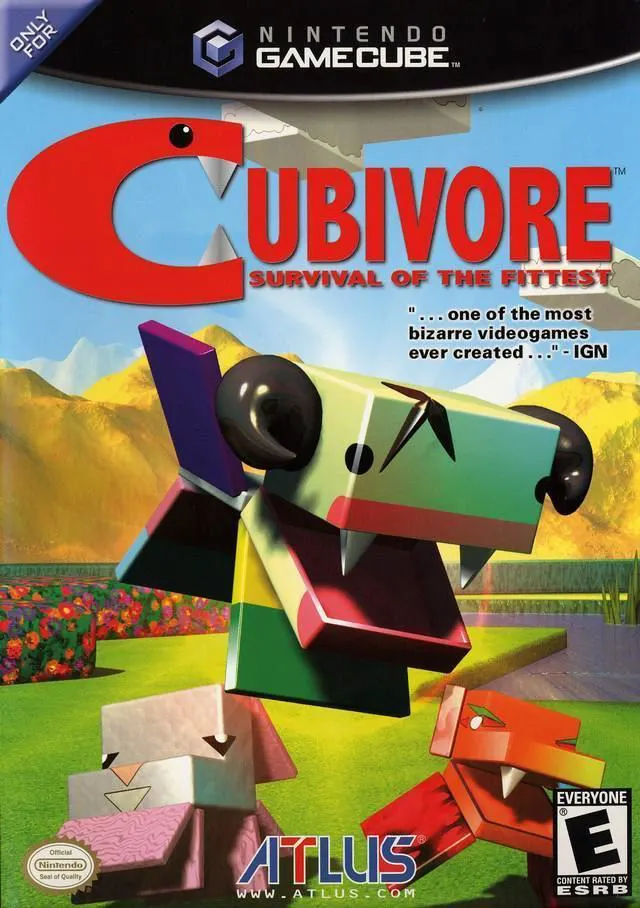
Cubivore: Survival of the...
Cubivore: Survival of the Fittest (released in Japan as A...

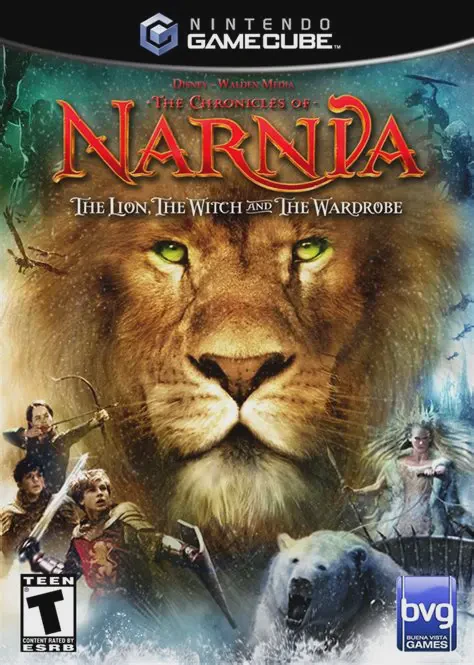
The Chronicles of Narnia: The Lion, the Witch and the Wardrobe combines cooperative action combat, puzzle-solving, and team-based mechanics within cinematic fantasy environments. Developed by Traveller's Tales, the game closely follows the narrative arc of the feature film, seamlessly blending movie footage with gameplay.
Players take command of all four Pevensie siblings, each possessing distinct abilities essential for progression: Lucy can heal allies and fit into small crawlspaces; Edmund excels at climbing and agile melee attacks; Susan uses ranged archery and throwables; and Peter provides heavy brute strength to break obstacles. Gameplay emphasizes real-time character switching and "Team-Up" combo moves—such as Peter swinging Lucy to hit high levers or Edmund lifting Susan to reach high platforms. Players fight off hordes of the White Witch’s army, including Minotaurs, Cyclopes, and Boggles, culminating in large-scale strategic battles like the iconic Battle of Beruna.
Specification | Details |
Title | The Chronicles of Narnia: The Lion, the Witch and the Wardrobe |
Platform | Nintendo GameCube |
Genre | Action-Adventure / Hack and Slash |
Developer | Traveller's Tales |
Publisher | Buena Vista Games |
Release Date | November 14, 2005 (North America) / November 25, 2005 (Europe) |
Game Modes | Single-player, Local Cooperative Multiplayer (Up to 2 players) |
Media Format | Nintendo GameCube Game Disc |
4 Playable Pevensie Siblings: Switch seamlessly between Peter, Susan, Edmund, and Lucy, using their unique combat skills and abilities to solve environmental puzzles.
Cooperative "Team-Up" Abilities: Combine sibling strengths to perform special dual maneuvers, extra-heavy melee attacks, and cooperative platforming maneuvers.
Cinematic Movie Integration: Features voice talents from the film cast, licensed soundtrack scores, and direct full-motion video cutscenes from the motion picture.
Varied Level Design: Traverse 15 icy and spring-themed Narnian environments, ranging from frozen lakes and dark forests to giant siege battlefields.
2-Player Drop-In/Drop-Out Co-op: Experience the entire adventure with a friend locally in cooperative campaign mode.
A: Yes. The GameCube version features two-player local drop-in/drop-out cooperative play throughout the main story campaign.
A: Each child fulfills a specific role: Lucy heals and enters small spaces; Edmund climbs trees and walls; Susan targets distant enemies with her bow and tennis-ball throwables; and Peter smashes heavy objects and deals high physical damage.
A: Yes. Collecting secret Narnian statues and coins throughout levels unlocks bonus film clips, concept art, behind-the-scenes cast interviews, and special combat upgrade abilities.
A: Yes. The game closely adapts the storyline of the 2005 film, covering events from the WWII air raid evacuation in London to entering Narnia, meeting Mr. Tumnus, rescuing Edmund, and defeating the White Witch.
Click the links below to go to the cloud drive download page
⚠️ Download Tips:
Cubivore: Survival of the Fittest (released in Japan as A...
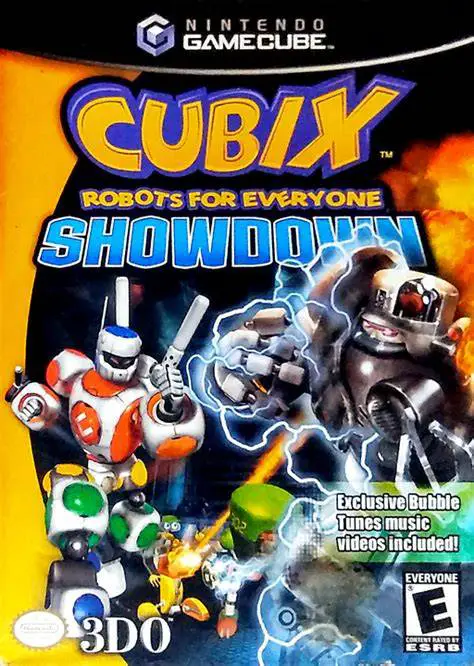
Cubix Robots for Everyone: Showdown is a 3D action-advent...
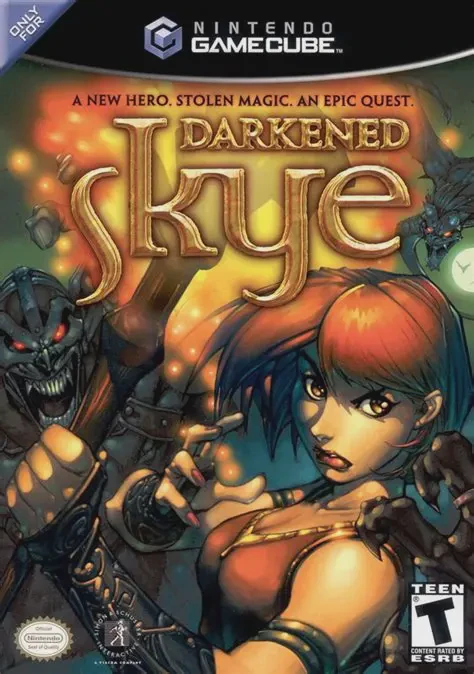
Darkened Skye is a third-person action-adventure fantasy ...
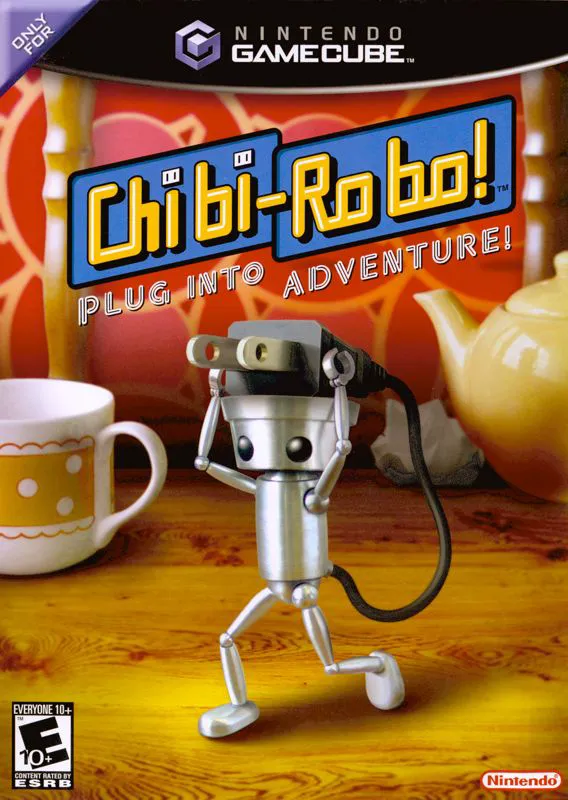
Chibi-Robo! Plug into Adventure! (released in Japan and E...
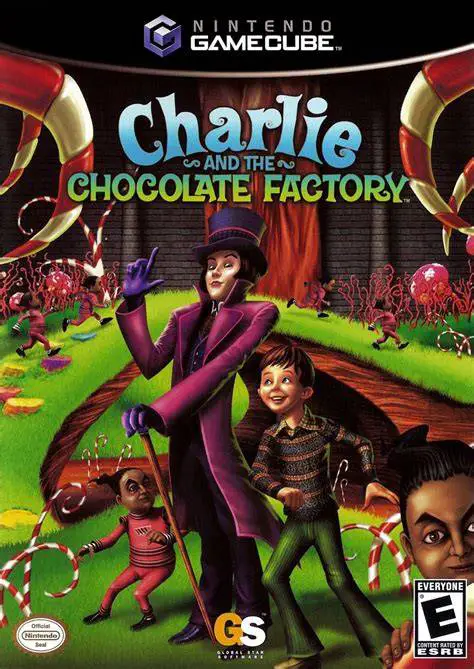
Charlie and the Chocolate Factory is a whimsical action-a...