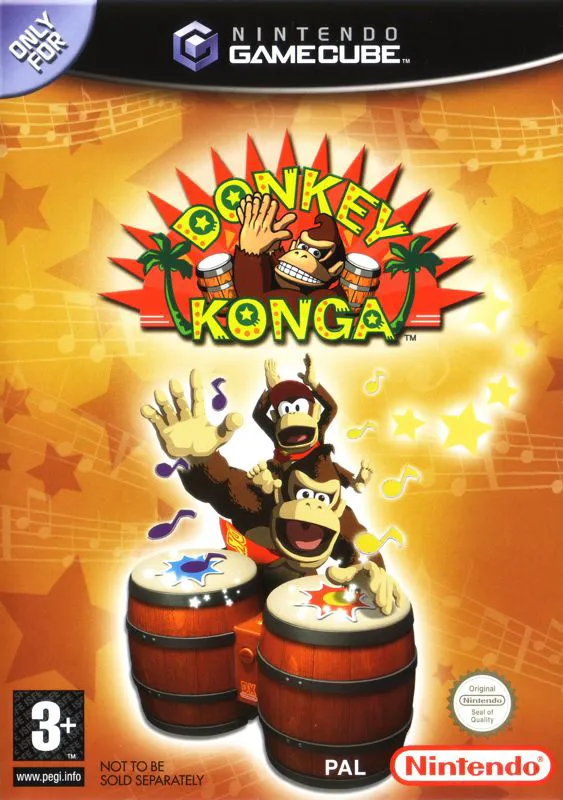
Donkey Konga
Donkey Konga is an innovative rhythm-action music game de...

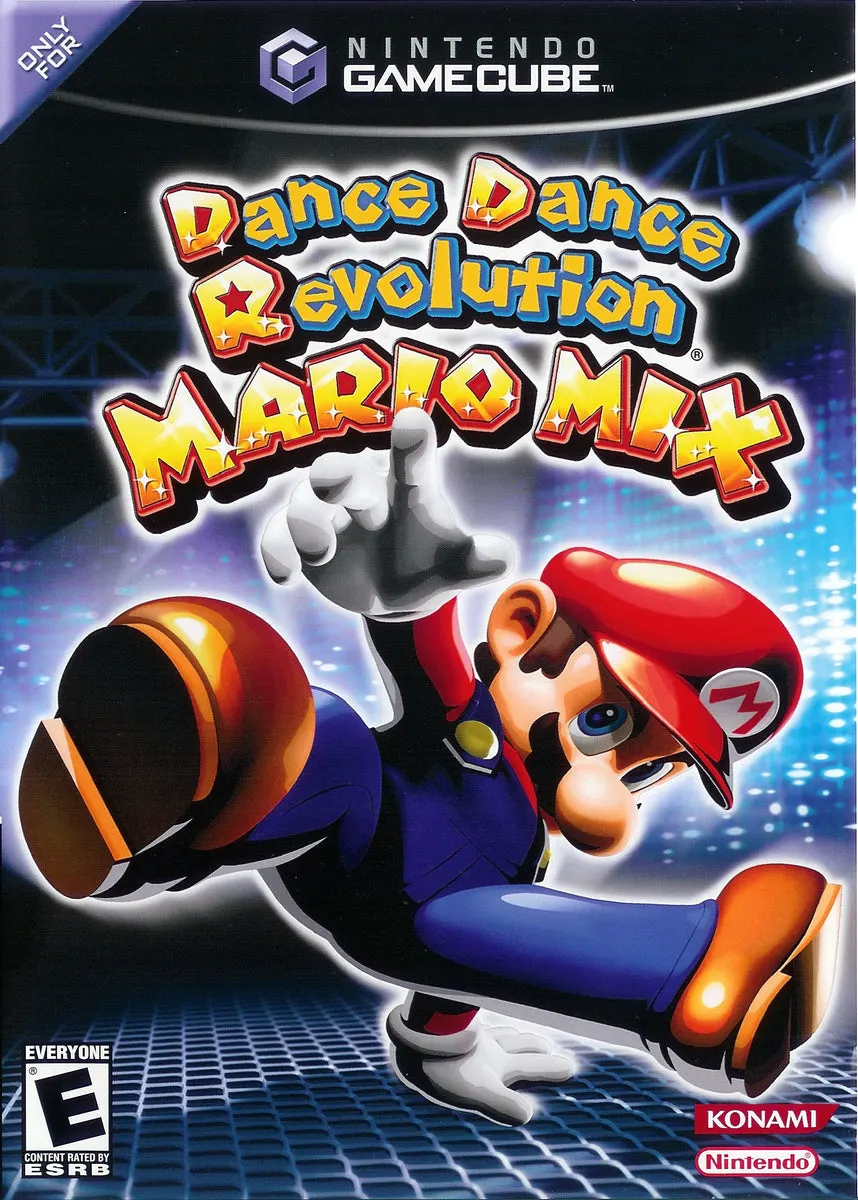
Dance Dance Revolution: Mario Mix brings rhythm-based footwork to the GameCube, utilizing a custom dance mat controller bundled with the game to make physical movement the primary control scheme. Developed by Konami, the title is specifically designed to be accessible to players of all ages and skill levels while retaining the core challenge of rhythm matching.
The story mode follows Mario and Luigi as they attempt to recover the four musical instruments stolen by the villain Waluigi, who plans to use their hypnotic melodies to hypnotize the world. Players traverse world maps, selecting stages where they must step on corresponding arrows (Up, Down, Left, Right) on the dance mat as scrolling directional prompts cross the screen in time with the music. The tracklist is packed with beloved Nintendo tunes, including remixes of themes from Super Mario Bros., The Legend of Zelda, Super Mario World, and classical pieces by Bach and Mozart. Beyond the main story campaign, the game features a variety of wacky mini-games that utilize the dance pad for activities like stomping Goombas, dodging obstacles, and playing musical instruments.
Specification | Details |
Title | Dance Dance Revolution: Mario Mix |
Platform | Nintendo GameCube |
Genre | Rhythm / Music / Dance |
Developer | Konami |
Publisher | Nintendo |
Release Date | July 14, 2005 (JP) / October 24, 2005 (NA) / October 28, 2005 (EU) |
Game Modes | Single-player, Local Multiplayer (Up to 2 players) |
Media Format | Nintendo GameCube Game Disc (bundled with the Mario Mix Dance Pad) |
Custom Nintendo Dance Pad Integration: Bundled with a specialized GameCube dance pad controller for physical rhythm-based gameplay.
Iconic Nintendo Soundtrack: Features remixes of classic tunes from Super Mario Bros., Super Mario World, The Legend of Zelda, and traditional classical tracks.
Story Campaign: Join Mario and Luigi on a quest across the Mushroom Kingdom to retrieve stolen musical instruments from Waluigi and other adversaries.
Wacky Rhythm Mini-Games: Unlock and play cooperative and competitive mini-games that test footwork through unique actions like jumping barrels and kicking Goombas.
Multiplayer Dance Battles: Compete head-to-head or cooperatively with a friend in split-screen or dual-pad dance modes.
A: Yes. The game was sold as a bundle that included the official Nintendo GameCube Dance Pad controller, which is required to play the game using your feet (though standard controllers can be used for select mini-games).
A: Yes. The game supports two players using two separate dance pads connected to the GameCube console for head-to-head dance-offs or cooperative play.
A: The soundtrack consists largely of upbeat dance remixes of classic Nintendo background music, including the Overworld theme from Super Mario Bros., the Underworld theme, Zelda puzzle themes, and famous classical arrangements.
A: Players can choose to play as either Mario or Luigi for the main adventure and select from a wider variety of Mushroom Kingdom characters and costumes as they progress through free-play and multiplayer modes.
Click the links below to go to the cloud drive download page
⚠️ Download Tips:
Donkey Konga is an innovative rhythm-action music game de...
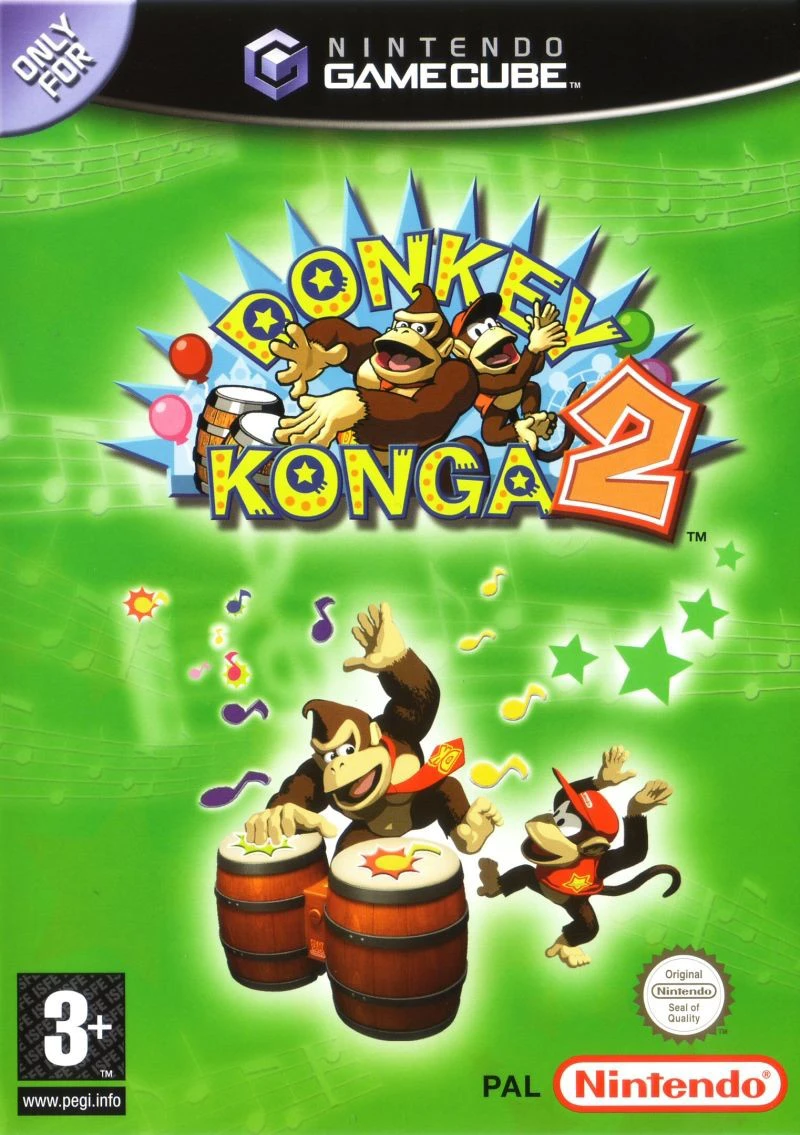
Donkey Konga 2 is a rhythm-action music game developed by...
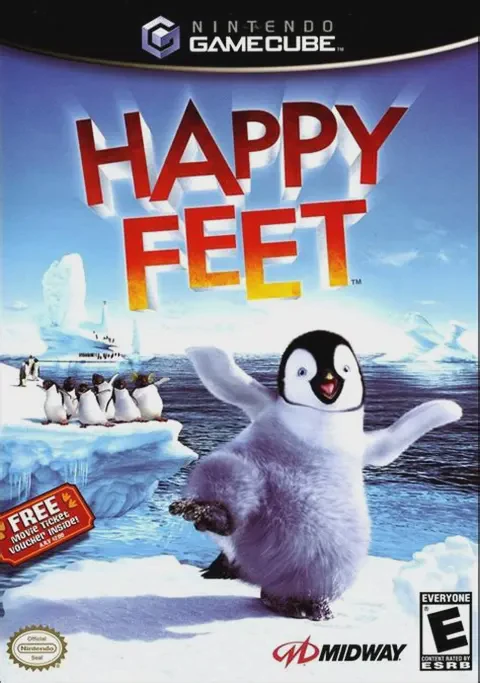
Happy Feet is a lively 3D rhythmic action-adventure video...
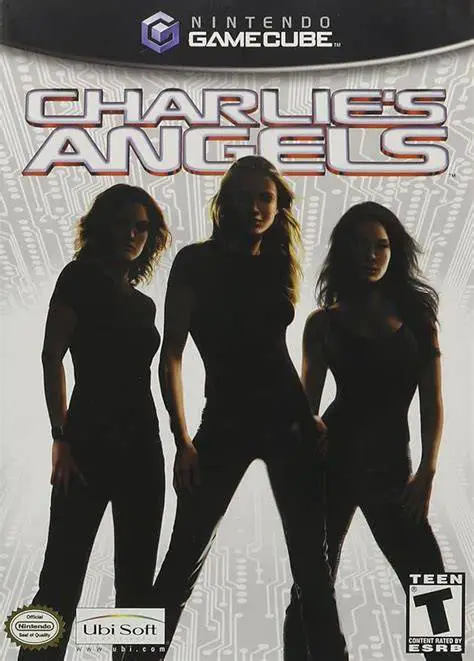
Charlie's Angels is a beat-'em-up action game developed b...
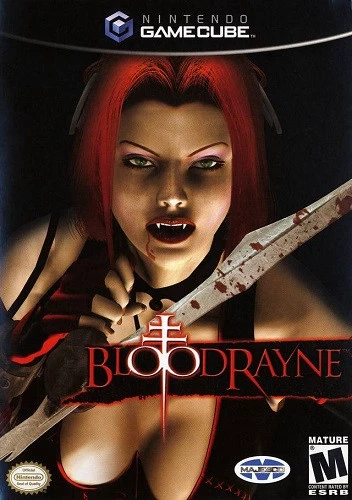
BloodRayne is a third-person hack-and-slash action-advent...