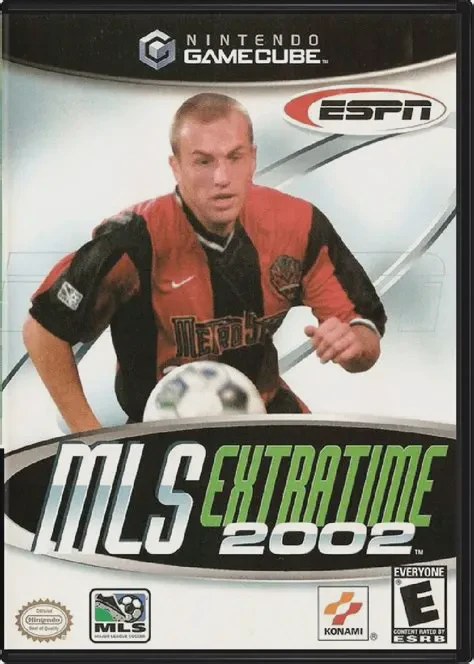
ESPN MLS ExtraTime 2002
Experience authentic Major League Soccer action with ESPN...

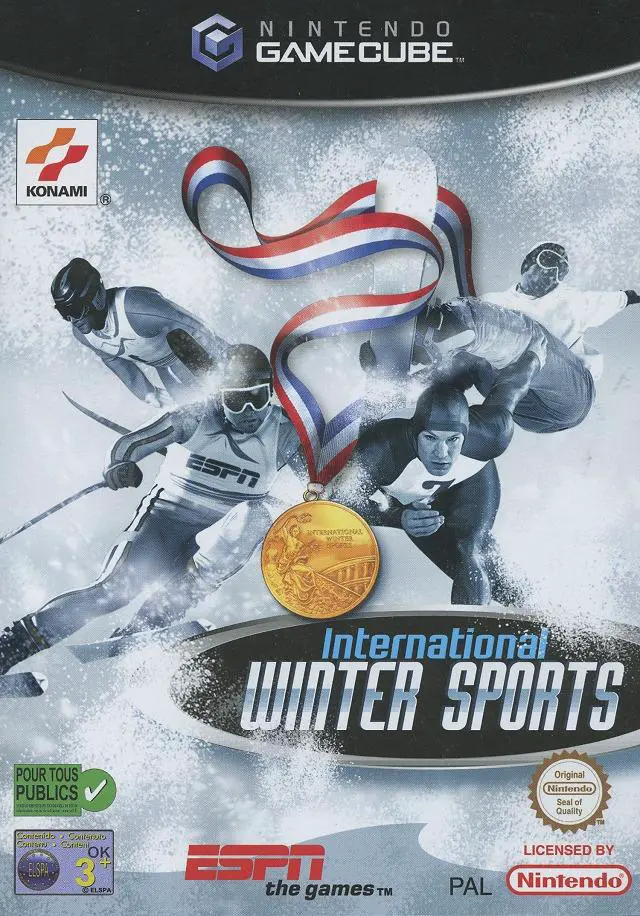
ESPN International Winter Sports 2002 brings the thrill and variety of international winter competition directly to the Nintendo GameCube. Developed and published by Konami, this sports title captures the competitive spirit of winter games through accessible, arcade-style gameplay mechanics.
The game challenges players across ten distinct winter sports disciplines, categorizable into speed, precision, and performance events. Alpine categories like Downhill Skiing and Slalom demand tight cornering lines and split-second dodging, while momentum-driven events such as the Bobsled and Speed Skating test rhythm and raw button-mashing endurance. In technical events like Ski Jumping and Figure Skating, exact execution timing and balance control determine overall scoring judges' feedback.
Players can represent their home country across several game modes, including Trial Mode for individual discipline practice, Championship Mode for a comprehensive multi-event tournament, and Head-to-Head Multiplayer. With broadcast-style ESPN graphics, responsive analog controls, and local multiplayer support for up to four players, ESPN International Winter Sports 2002 delivers engaging winter sports action.
Game Name: ESPN International Winter Sports 2002
Platform: Nintendo GameCube
Genre: Sports / Olympics / Winter Athletics
Developer: Konami Computer Entertainment Osaka
Publisher: Konami
Release Date: March 26, 2002 (North America) / April 26, 2002 (Europe)
Game Modes: Single-Player, Local Multiplayer (1–4 Players)
ESRB Rating: Everyone (E)
Media Type: Nintendo GameCube Game Disc
Region Code: NTSC-U / PAL
10 Winter Sports Events: Compete across diverse disciplines including Downhill, Slalom, Bobsled, Luge, Speed Skating, Ski Jumping, and Figure Skating.
ESPN Broadcast Presentation: Experience TV-style event intros, dynamic camera cuts, live leaderboards, and official ESPN interface layouts.
Rhythm & Precision Controls: Master a mix of button-mashing speed mechanics, analog balance adjustments, and precise timing prompts.
Multiple Tournament Modes: Compete in single-event Practice, full multi-event Championships, or high-stakes Trial modes to shatter global records.
International Rosters & Nations: Select from top international sports nations and customize athlete gear to represent your team on the podium.
4-Player Local Multiplayer: Challenge friends in head-to-head or turn-based multi-event tournaments using standard GameCube controllers.
Yes, the original GameCube disc is fully playable on backward-compatible Nintendo Wii models (model RVL-001) equipped with GameCube controller ports and memory card slots.
ESPN International Winter Sports 2002 supports up to 4 players simultaneously for local split-screen or alternating turn-based multiplayer matches using GameCube controllers.
The game features 10 distinct winter sports disciplines, including Downhill Skiing, Slalom, Giant Slalom, Bobsled, Luge, K120 Ski Jumping, Freestyle Moguls, Speed Skating, Short Track Speed Skating, and Figure Skating.
Click the links below to go to the cloud drive download page
⚠️ Download Tips:
Experience authentic Major League Soccer action with ESPN...
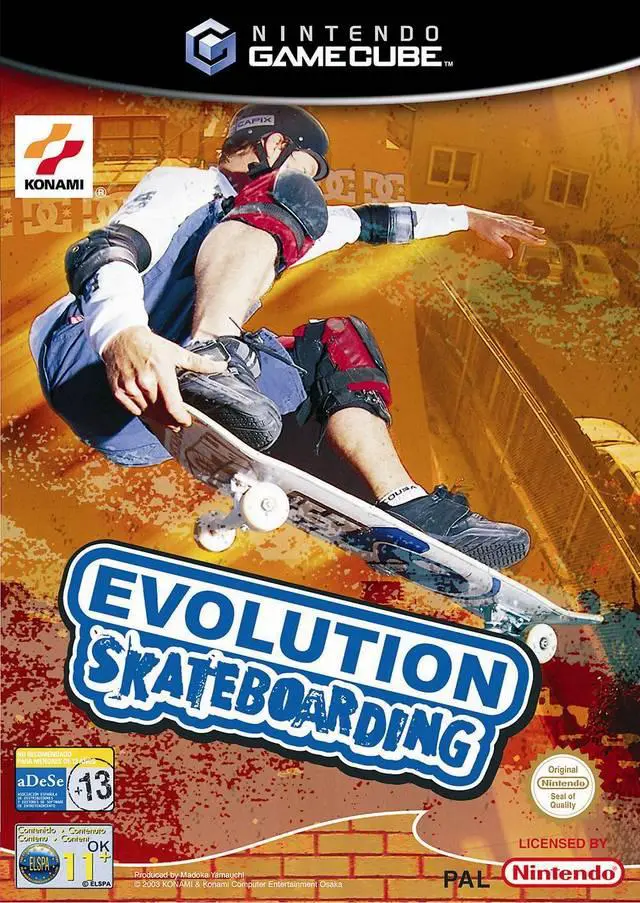
Experience high-octane extreme sports action with Evoluti...
Experience action-packed extreme sports with Evolution Sn...

Experience deep tactical management and total pitch contr...
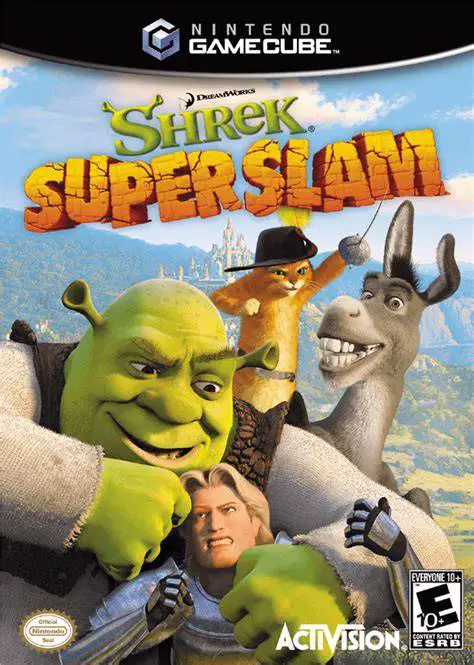
Experience fairy-tale arena brawling with DreamWorks Shre...