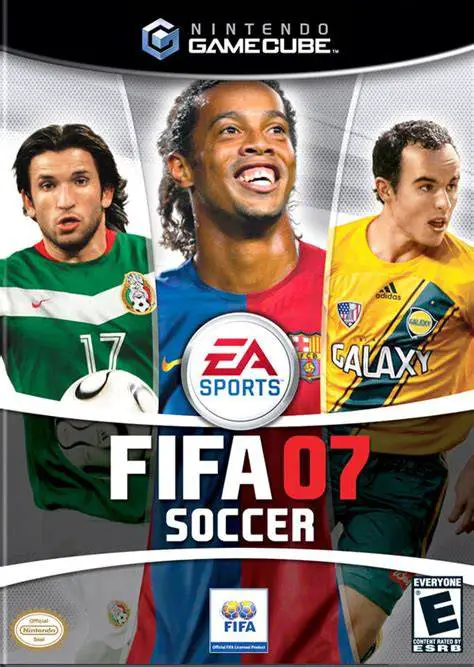
FIFA Soccer 07
Experience authentic pitch intensity with FIFA Soccer 07 ...

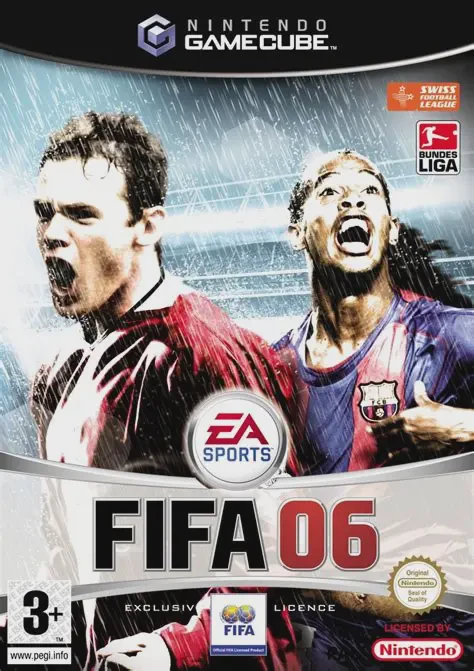
FIFA Soccer 06 (released as FIFA 06 in Europe) marks a substantial upgrade in tactical depth and mechanical responsiveness for the series on Nintendo GameCube. Developed by EA Canada and published by EA Sports, this title overhauled core gameplay systems to deliver greater fluid control, strategic versatility, and authentic team physics on the pitch.
The core gameplay centers around redesigned control mechanics that put total precision at your fingertips. Players can execute rapid short-pass combinations, context-sensitive through-balls, and dynamic set-piece plays using intuitive button configurations. The refined physics engine creates natural ball collisions, realistic momentum shifts, and organic shot trajectories, ensuring every goal feels earned through calculated build-up play.
The centerpiece of FIFA Soccer 06 is its rich 15-season Manager Mode. Players step into the shoes of a club manager to oversee complete team operations—negotiating player transfers, balancing team payrolls, hiring coaching staff, and managing squad chemistry to fulfill board expectations. Complemented by the retro "EA Sports Retro Zone" unlockables, authentic stadium atmospheres, and support for up to four players locally, FIFA Soccer 06 stands as a quintessential sports title for GameCube sports gamers.
Game Name: FIFA Soccer 06
Platform: Nintendo GameCube
Genre: Sports / Soccer / Simulation
Developer: EA Canada
Publisher: EA Sports (Electronic Arts)
Release Date: October 4, 2005 (North America) / September 30, 2005 (Europe)
Game Modes: Single-Player, Local Multiplayer (1–4 Players)
ESRB Rating: Everyone (E)
Media Type: Nintendo GameCube Game Disc
Region Code: NTSC-U / PAL
Expanded 15-Season Manager Mode: Manage club budgets, negotiate player contracts, upgrade coaching staff, and balance squad morale to achieve long-term success.
Redesigned Set Pieces & Tacticals: Take total control over free kicks and corner routines, assigning specific player runs and defensive structures.
Intuitive Ball Control & Passing: Execute fluid touch-and-go passes, directional through-balls, and skill moves to slice through stubborn defensive formations.
Extensive Global Licensing: Features over 500 licensed teams, 21 official domestic leagues, and over 10,000 real-world athletes with accurate attributes.
EA Sports Retro Zone: Unlock classic FIFA moments, historical video highlights, and iconic retro game modes from throughout franchise history.
4-Player Local Multiplayer: Compete head-to-head or cooperatively with friends using standard GameCube controllers.
Yes, the original GameCube game disc runs smoothly on backward-compatible Nintendo Wii models (model RVL-001) equipped with GameCube controller ports and memory card slots.
FIFA Soccer 06 supports up to 4 players simultaneously for local multiplayer matches using four standard GameCube controllers.
Manager Mode allows you to lead a club over 15 seasons, managing transfer budgets, staff upgrades, team chemistry, player contracts, and match tactics while meeting annual board expectations.
Click the links below to go to the cloud drive download page
⚠️ Download Tips:
Experience authentic pitch intensity with FIFA Soccer 07 ...
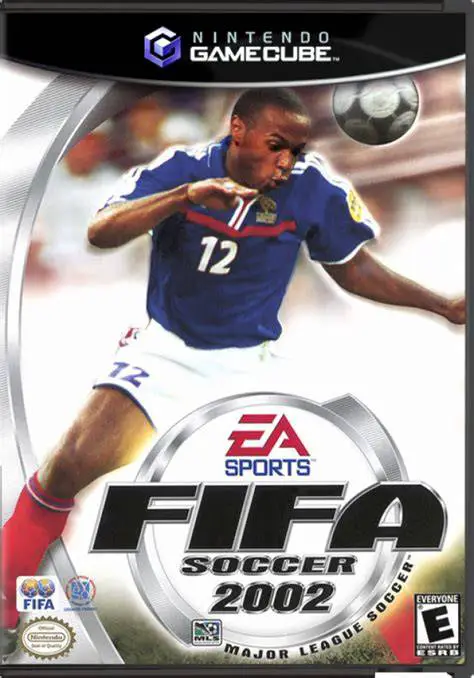
Experience classic 11v11 professional soccer with FIFA So...
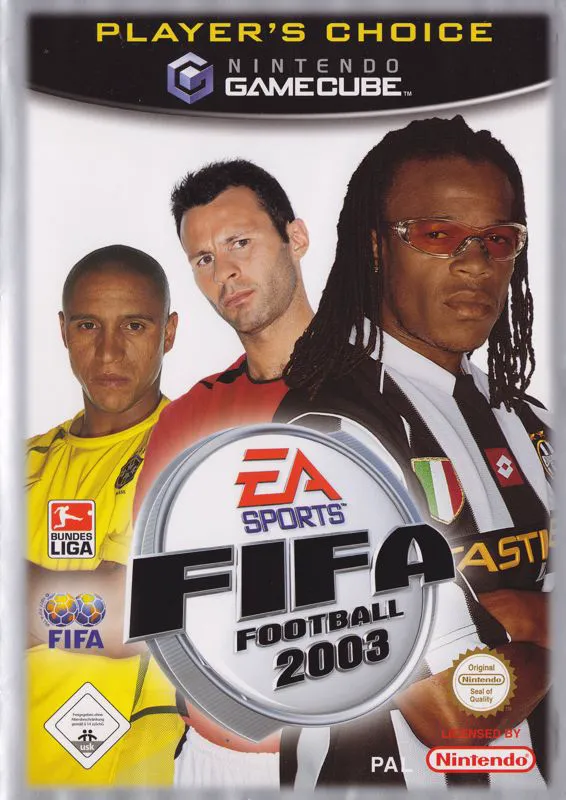
Experience refined 11v11 professional soccer with FIFA So...
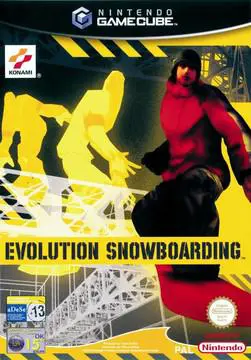
Experience action-packed extreme sports with Evolution Sn...
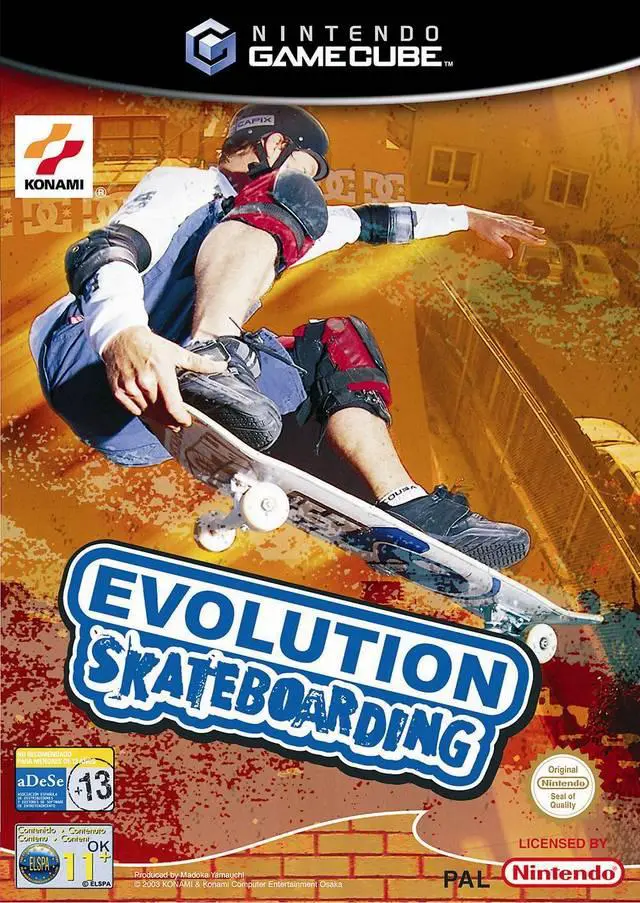
Experience high-octane extreme sports action with Evoluti...