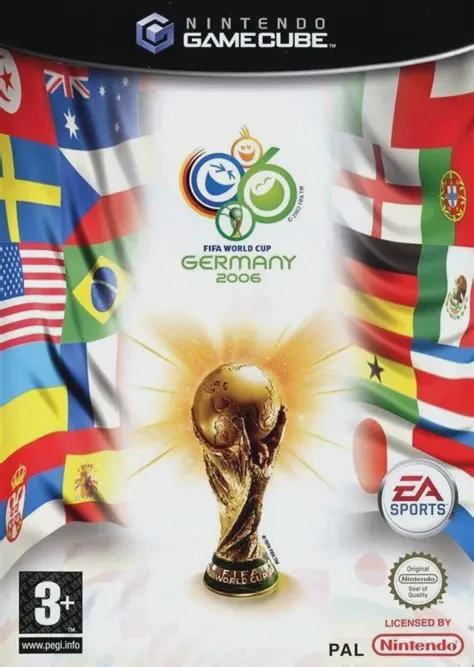
2006 FIFA World Cup
2006 FIFA World Cup is the official 3D association footba...

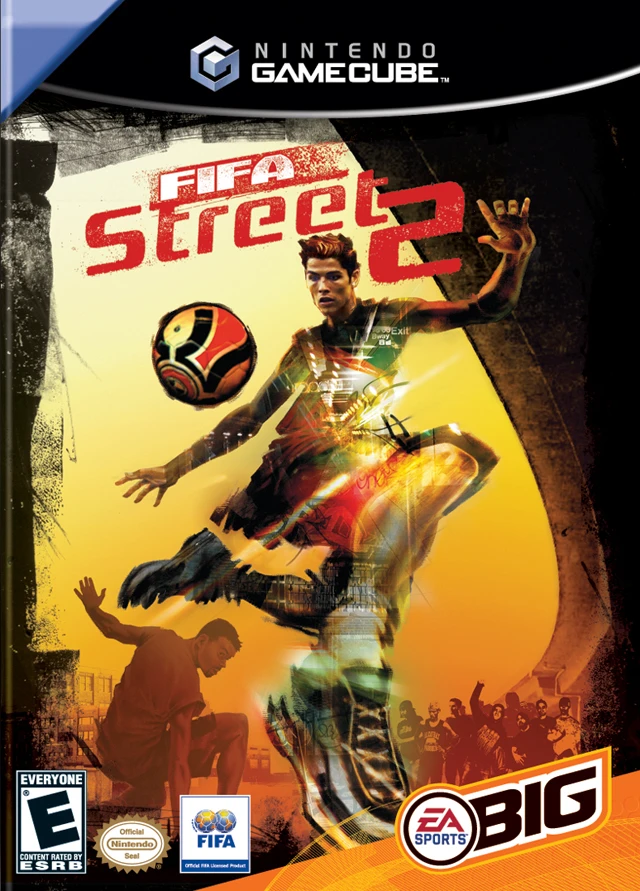
FIFA Street 2 brings arcade-style street soccer directly to the Nintendo GameCube, emphasizing flair, style, and skill over traditional match rules. Developed by EA Canada and published under the EA Sports Big label, this second iteration refines the fast-paced 4v4 soccer gameplay with improved analogue stick controls, intuitive trick systems, and brand-new juggling mechanics.
Players compete on enclosed urban pitches located across global hotspots. The core gameplay focuses on stringing together complex skill moves to fill the "Gamebreaker" meter. Unleashing a Gamebreaker triggers dramatic camera angles and devastating, near-unstoppable shots that can instantaneously swing match momentum or outright erase your opponent's points.
The career mode, titled "Rule the Street," lets you create a custom street player and take them on a journey from local park courts to international street dominance. Along the way, you earn skill points, unlock gear, and recruit famous real-world superstars as well as street icons. The game features over 320 real-life professional players representing 20 national teams alongside a rich assortment of local street masters. With customizable pitches, flexible game modes, and multiplayer support for up to four players, FIFA Street 2 delivers an electrifying sports arcade experience tailored for competitive couch play.
Game Name: FIFA Street 2
Platform: Nintendo GameCube
Genre: Sports / Arcade / Street Soccer
Developer: EA Canada
Publisher: EA Sports Big (Electronic Arts)
Release Date: February 28, 2006 (North America) / March 3, 2006 (Europe)
Game Modes: Single-Player, Local Multiplayer (1–4 Players)
ESRB Rating: Everyone (E)
Media Type: Nintendo GameCube Game Disc
Region Code: NTSC-U / PAL
Enhanced Trick & Juggling Controls: Perform intuitive skill combos, nutmegs, and dynamic juggle moves using the right analogue stick to outmaneuver defenders.
Devastating Gamebreaker Shots: Build your meter with trick chains to unleash power shots that can shift momentum or bypass defense instantly.
Rule the Street Career Mode: Create a custom street athlete, earn reputation, acquire authentic apparel, and recruit elite players to conquer global tournaments.
Licensed Roster & Street Legends: Play with more than 320 licensed professional players from 20 national teams plus iconic street players.
Pitch Creator & Global Venues: Customize your own pitch environment and play in urban locations reflecting worldwide soccer cultures.
4-Player Local Multiplayer: Compete against friends in fast, intense 4v4 matches for ultimate bragging rights.
Yes, the game runs on original Nintendo GameCube hardware as well as backward-compatible Wii consoles (model RVL-001) with GameCube ports and memory card slots. Ensure the ISO/disc region matches your system or use region-free firmware.
FIFA Street 2 supports up to 4 players simultaneously for local multiplayer matches using four standard GameCube controllers.
Unlike realistic 11v11 FIFA simulation games, FIFA Street 2 features 4v4 arcade-style street soccer with wall rebounds, trick combos, street tricks, and special Gamebreaker moves.
Click the links below to go to the cloud drive download page
⚠️ Download Tips:
2006 FIFA World Cup is the official 3D association footba...
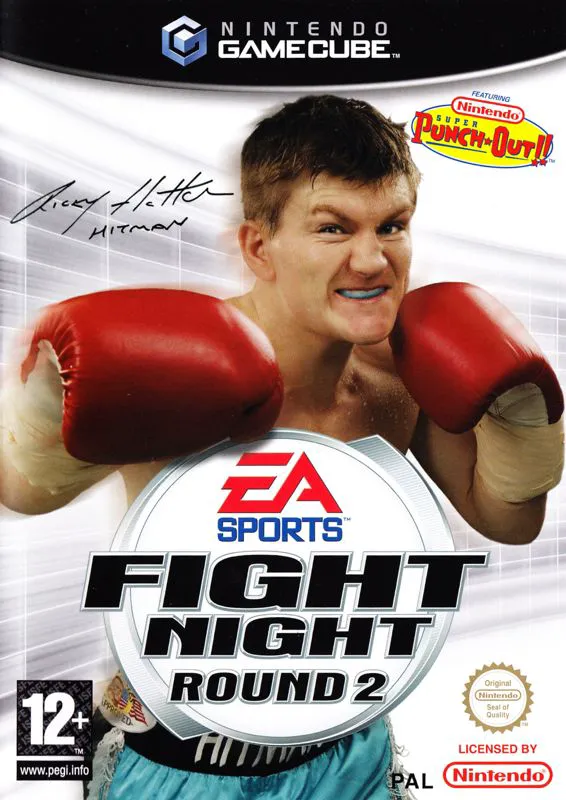
Fight Night Round 2 is an acclaimed 3D boxing sports vide...
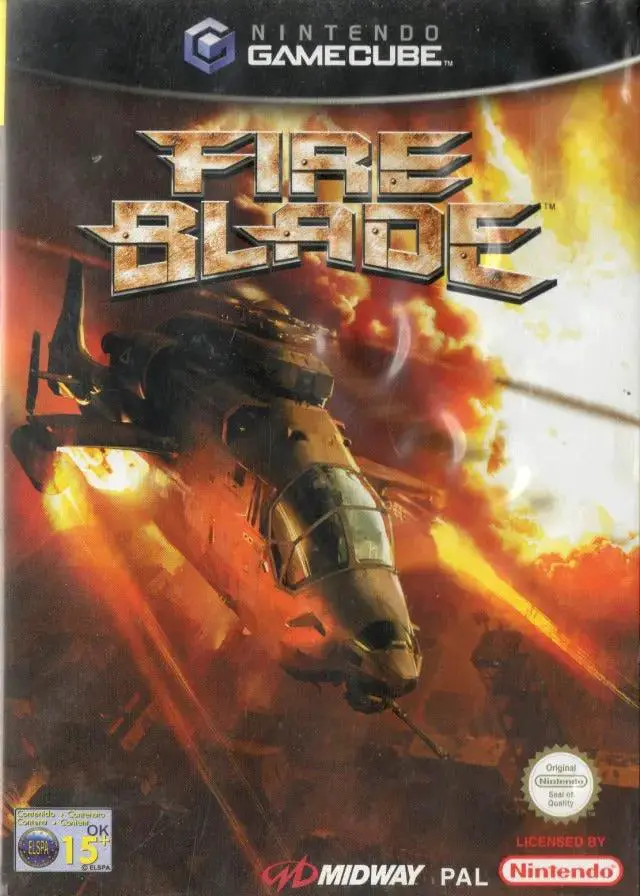
FireBlade is an intense 3D military helicopter combat sim...
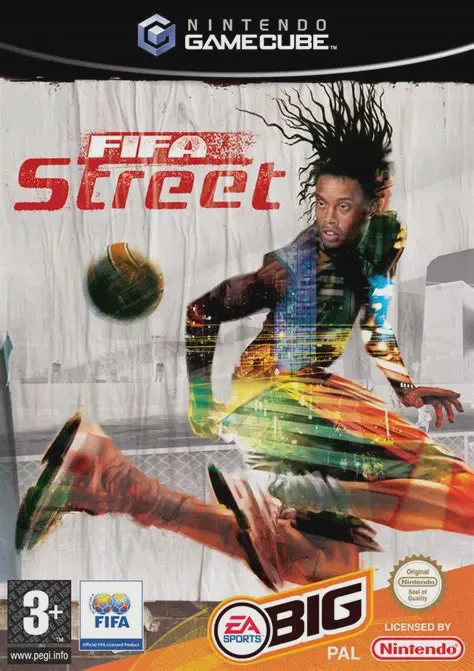
Experience fast-paced, 4v4 street soccer action with FIFA...
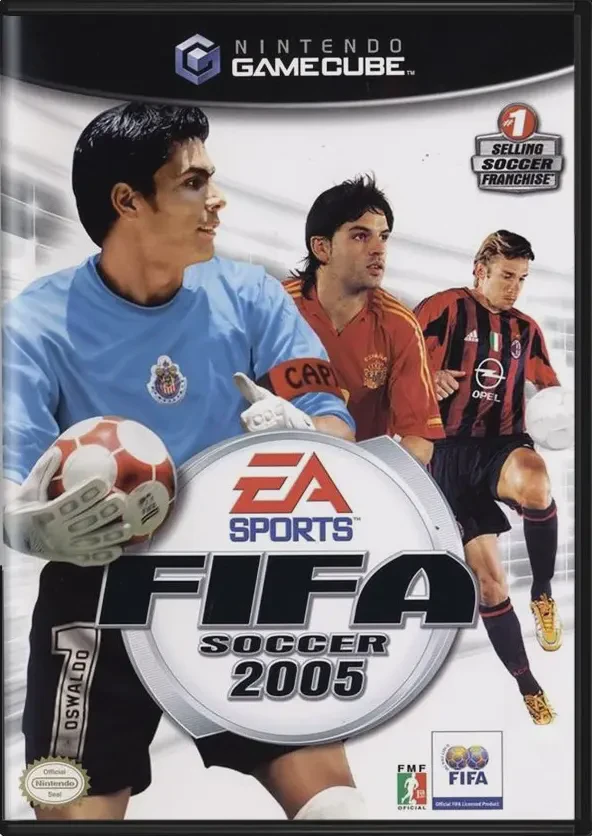
Experience classic 11v11 professional soccer with FIFA So...