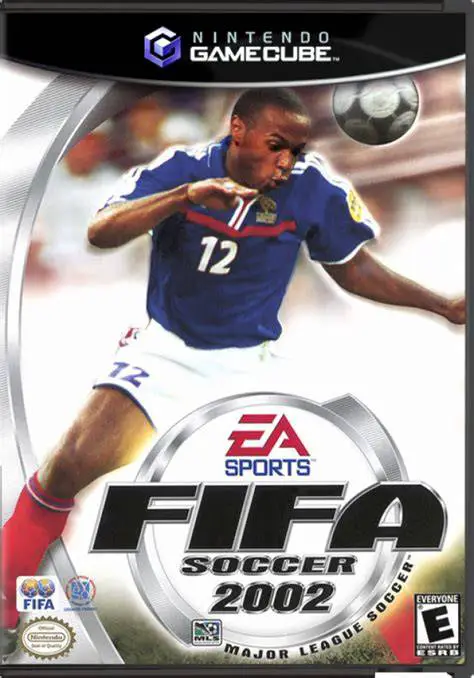
FIFA Soccer 2002
Experience classic 11v11 professional soccer with FIFA So...

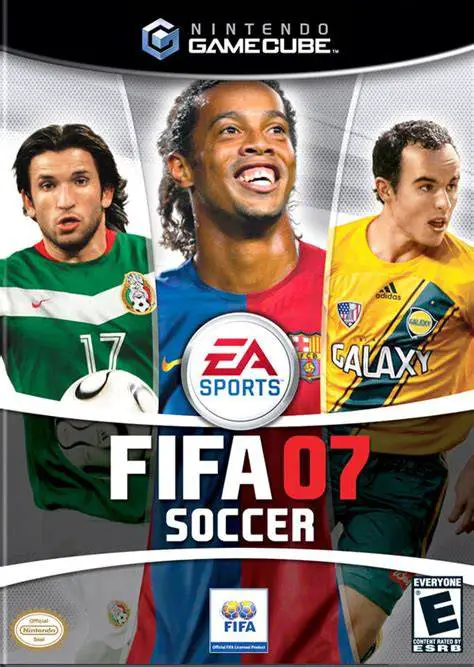
FIFA Soccer 07 (released as FIFA 07 in Europe) delivers a highly refined soccer simulation experience to the Nintendo GameCube. Developed by EA Canada and published by EA Sports, this iteration focused heavily on organic gameplay mechanics, realistic ball trajectory, and a total revamp of team momentum dynamics.
A major gameplay highlight in FIFA Soccer 07 is the updated animation and physics engine. Ball movement is decoupled from automated player tracks, allowing for unpredictable deflections, organic skill moves, and authentic shooting power depending on context and positioning. Passing, crossing, and tackle mechanics feel more responsive, encouraging strategic build-up play and disciplined defensive setups.
The single-player centerpiece is the expanded Manager Mode. Gamers can manage club finances, growth strategies, player morale, youth squad development, and realistic transfer market negotiations across multiple seasons. Featuring official licenses for over 27 leagues, 500 teams, and thousands of real-world players, alongside dynamic broadcast presentation and local four-player multiplayer, FIFA Soccer 07 stands as one of the most complete football titles on GameCube.
Game Name: FIFA Soccer 07
Platform: Nintendo GameCube
Genre: Sports / Soccer / Simulation
Developer: EA Canada
Publisher: EA Sports (Electronic Arts)
Release Date: October 3, 2006 (North America) / September 29, 2006 (Europe)
Game Modes: Single-Player, Local Multiplayer (1–4 Players)
ESRB Rating: Everyone (E)
Media Type: Nintendo GameCube Game Disc
Region Code: NTSC-U / PAL
Expanded Manager Mode: Take control of team finances, staff, youth scouting, and transfer negotiations while managing manager popularity and board expectations.
Realistic Ball Physics & Trajectory: Experience unpredictable bounces, spin mechanics, and organic shot power influenced by player positioning and momentum.
Contextual Shooting & Skill System: Perform precise finesse shots, long-range drives, and smooth dribbling skill moves to beat defenders in tight spaces.
Extensive Global Licensing: Features over 500 officially licensed teams and 27 real-world domestic and international leagues.
Dynamic Match Presentation: Enjoy realistic crowd audio, real-time commentary, authentic stadium atmospheres, and licensed team kits.
4-Player Local Multiplayer: Compete against friends in local matches or play cooperatively through tournament modes using standard GameCube controllers.
Yes, the original GameCube disc can be played on backwards-compatible Wii hardware (model RVL-001) that features built-in GameCube controller ports and memory card slots.
FIFA Soccer 07 supports up to 4 players simultaneously for local competitive and cooperative matches.
FIFA Soccer 07 introduced significantly overhauled ball physics, more realistic player positioning mechanics, and a far deeper Manager Mode with improved financial and transfer realism.
Click the links below to go to the cloud drive download page
⚠️ Download Tips:
Experience classic 11v11 professional soccer with FIFA So...
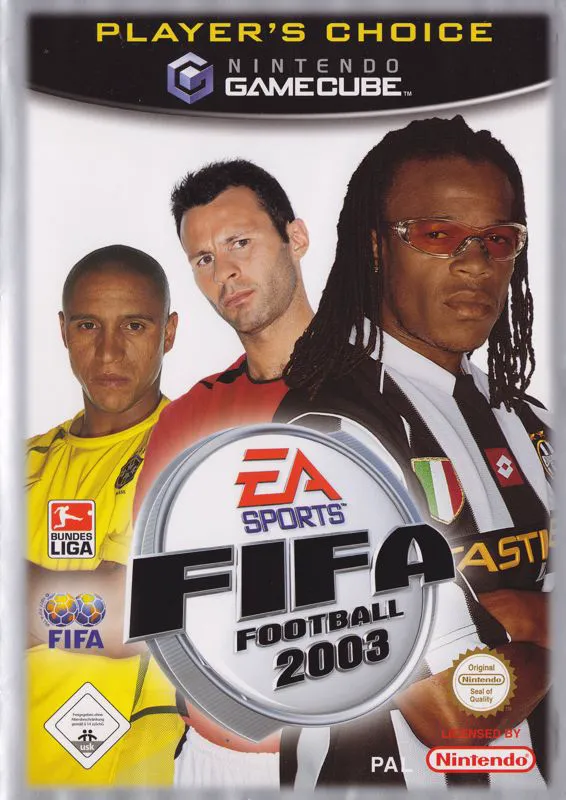
Experience refined 11v11 professional soccer with FIFA So...
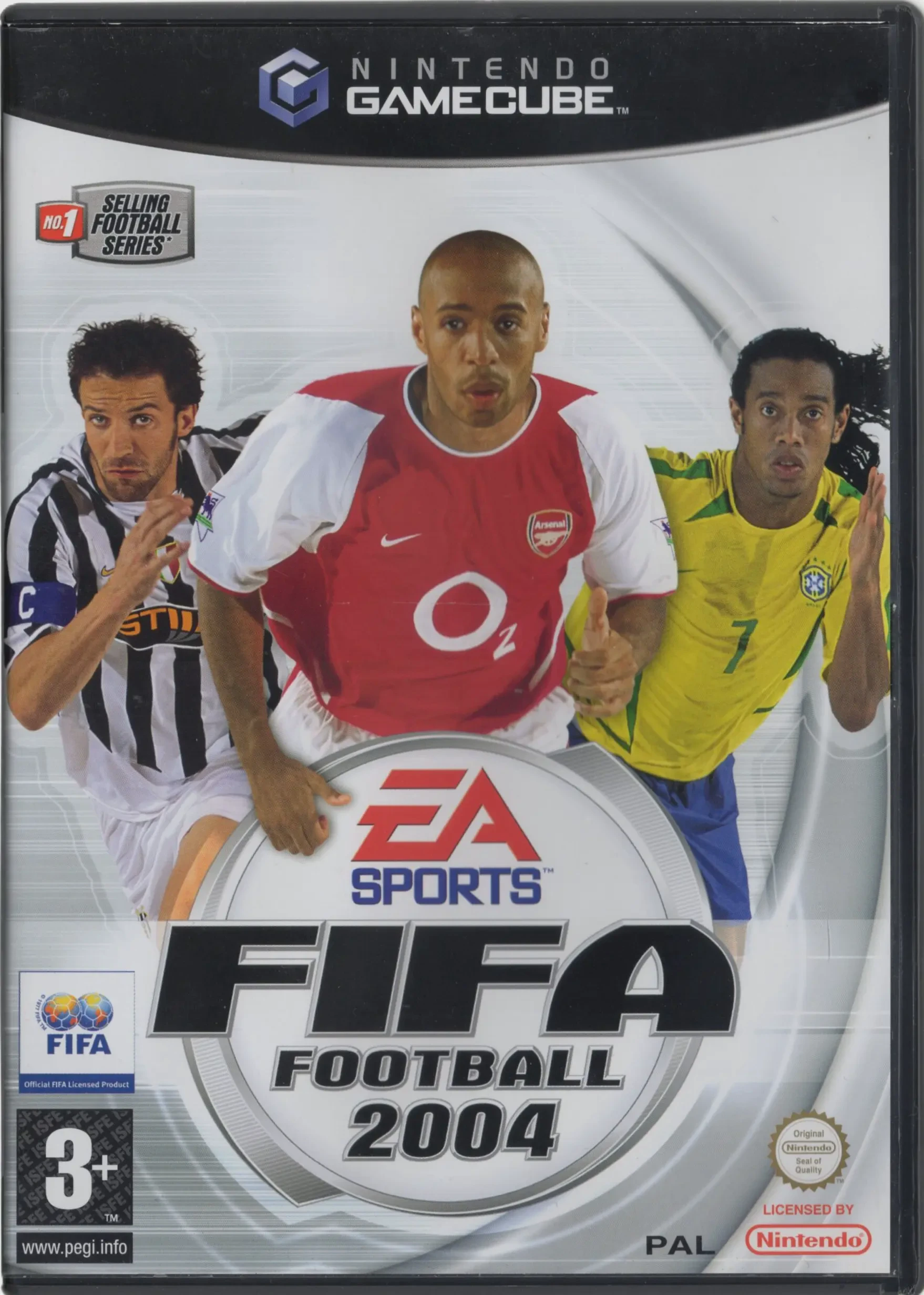
Experience total club management and authentic 11v11 acti...
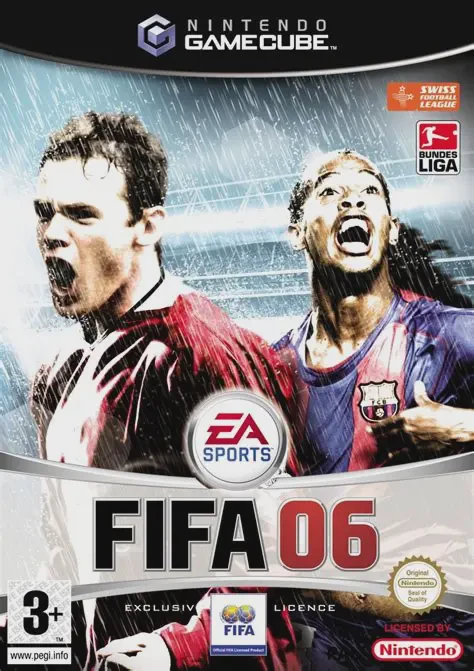
Experience deep tactical management and total pitch contr...
Experience action-packed extreme sports with Evolution Sn...