FIFA Street
Experience fast-paced, 4v4 street soccer action with FIFA...

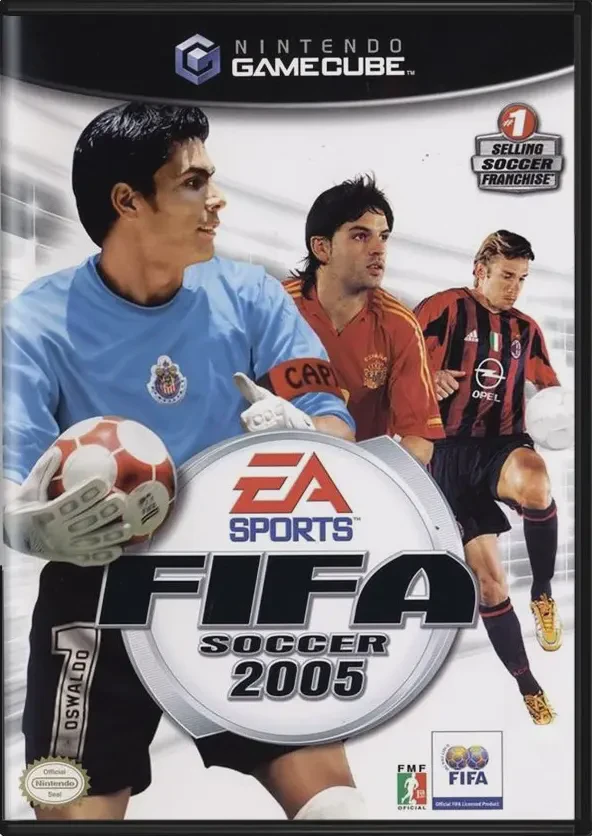
FIFA Soccer 2005 (known as FIFA Football 2005 in Europe) brings comprehensive professional soccer simulation to the Nintendo GameCube. Developed by EA Canada and published by EA Sports, this entry refines tactical gameplay while introducing advanced ball responsiveness to replicate authentic match momentum.
The landmark addition to FIFA Soccer 2005 is the "First Touch" control system. This mechanic lets players trap, flick, or shield the ball instantly as it arrives, creating realistic space away from pressing defenders and facilitating smooth counter-attacks. Coupled with refined off-the-ball movement controls, passing lanes and attacking runs feel direct and deliberate.
The title features extensive official licensing, encompassing more than 350 official teams, over 20 national leagues, and thousands of real-world players across global competitions. The deep 15-season Career Mode allows managers to draft, transfer, build squad depth, and manage club expectations through successive seasons. With full local multiplayer support for up to four players, custom tournament creation, and dynamic broadcast presentation, FIFA Soccer 2005 remains a classic football simulation on GameCube.
Game Name: FIFA Soccer 2005
Platform: Nintendo GameCube
Genre: Sports / Soccer / Simulation
Developer: EA Canada
Publisher: EA Sports (Electronic Arts)
Release Date: October 12, 2004 (North America) / October 8, 2004 (Europe)
Game Modes: Single-Player, Local Multiplayer (1–4 Players)
ESRB Rating: Everyone (E)
Media Type: Nintendo GameCube Game Disc
Region Code: NTSC-U / PAL
Innovative First Touch System: Execute rapid touch-and-go maneuvers, shielding techniques, or instant direction changes the second the ball touches your player's feet.
Deep 15-Season Career Mode: Manage squad rosters, conduct player transfers, handle club budgets, and meet performance targets across multiple domestic campaigns.
Extensive Licensing: Includes over 350 licensed clubs, 20 international leagues, and officially licensed stadium environments worldwide.
Enhanced Off-the-Ball Control: Direct off-screen runners, execute decoy runs, and trigger precise crossing positions using intuitive button inputs.
Authentic Broadcast Presentation: Features real-time play-by-play commentary, detailed stadium atmospheres, dynamic camera angles, and true-to-life kit designs.
4-Player Local Multiplayer: Compete against friends in fast-paced head-to-head matches or cooperative tournament play.
Yes, the original Nintendo GameCube game disc can be played on Wii models (model RVL-001) equipped with GameCube controller ports and memory card slots.
FIFA Soccer 2005 supports up to 4 players simultaneously on GameCube for local co-op and competitive matches using standard controllers.
The primary feature introduced in FIFA Soccer 2005 is the First Touch control mechanic, which gives players total control over how a athlete receives and directs the ball upon receiving a pass.
Click the links below to go to the cloud drive download page
⚠️ Download Tips:
Experience fast-paced, 4v4 street soccer action with FIFA...
Experience fast-paced, 4v4 street soccer action with FIFA...
2006 FIFA World Cup is the official 3D association footba...
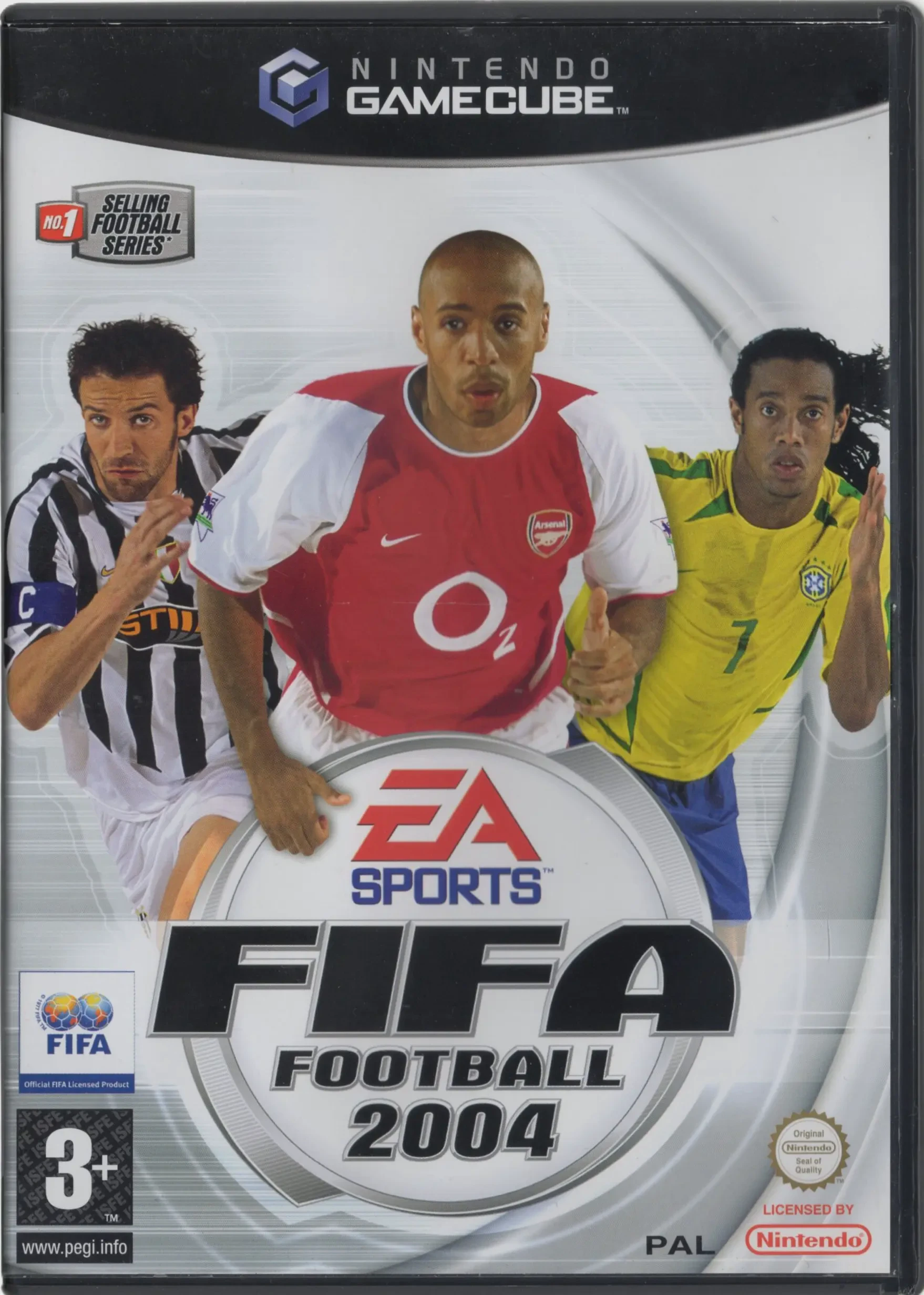
Experience total club management and authentic 11v11 acti...
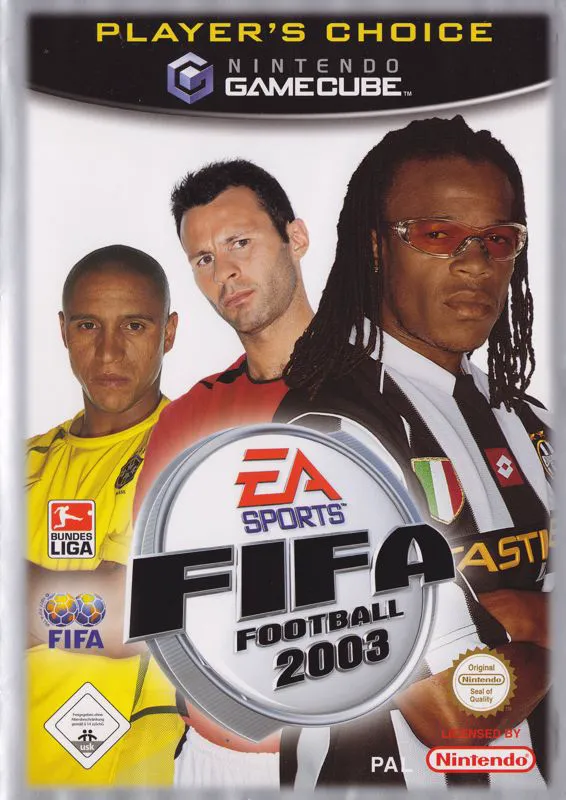
Experience refined 11v11 professional soccer with FIFA So...