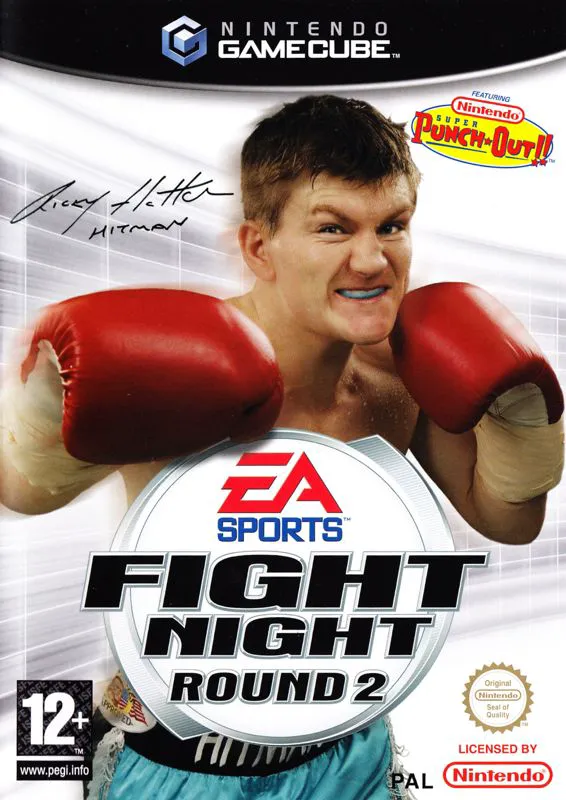
Fight Night Round 2
Fight Night Round 2 is an acclaimed 3D boxing sports vide...

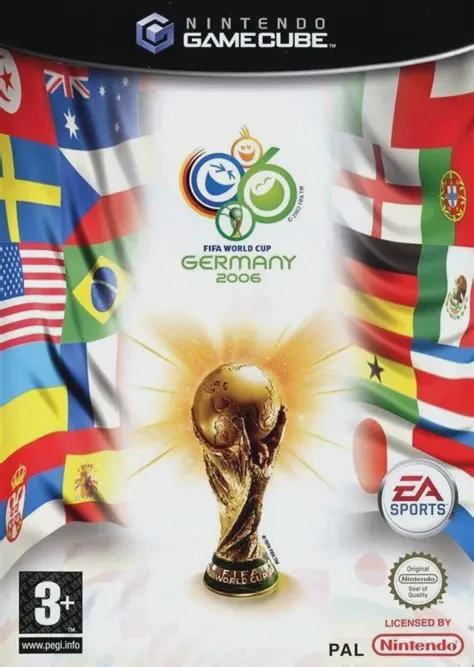
2006 FIFA World Cup refines the core football mechanics of FIFA 06 on the Nintendo GameCube, delivering faster-paced, more responsive gameplay tuned specifically for international tournament pressure. The game captures the grand spectacle of the event through dynamic crowd chants, detailed stadium art, and country-specific fan displays.
The gameplay emphasizes tactical control, set-piece execution, and high-stakes international competition:
Global Qualification & Tournament Modes: Choose from 127 national teams and play through complete regional qualification groups to earn a spot in the 32-team World Cup finals in Germany.
Contextual Shooting & Penalty Shootouts: A revamped shooting engine factors in player momentum, body positioning, and defensive pressure, while an intense penalty shootout system simulates high-stakes mental pressure.
Global Challenge Mode: Relive and rewrite history by participating in 40 classic scenarios based on iconic historical moments from previous FIFA World Cup tournaments.
Featuring a soundtrack of international world music, official match commentary, and local multi-player support, 2006 FIFA World Cup delivers a comprehensive international football simulation.
Attribute | Details |
Title | 2006 FIFA World Cup |
Platform | Nintendo GameCube |
Developer | EA Canada |
Publisher | Electronic Arts (EA Sports) |
Release Date | April 2006 |
Genre | Sports / Soccer / Simulation |
Modes | Single-player, Local Multiplayer (1–4 Players) |
Media Type | GameCube Game Disc |
Official World Cup Licensing: Features all 12 official German stadiums, authentic team kits, official match balls, and tournament trophies.
127 Playable National Teams: Take control of national squads from six regional federations, including major powerhouses and underdog qualifying nations.
Global Challenge Mode: Re-create 40 famous historical World Cup scenarios to unlock classic players, historical kits, and bonus stadium venues.
Enhanced Penalty Shootout System: Experience high-tension spot kicks using a composure meter that tests precision and nerve under pressure.
4-Player Local Multiplayer: Compete against or team up with up to three friends in local split-screen or single-screen tournament and exhibition matches.
A: The game features 127 national teams, allowing players to begin their journey in the qualification stages across North America, South America, Europe, Asia, Africa, and Oceania.
A: Yes, all 12 official venues used during the 2006 tournament in Germany—including the Olympiastadion in Berlin and the Allianz Arena in Munich—are faithfully recreated.
A: Global Challenge Mode presents 40 distinct scenarios based on famous moments from past World Cup matches, challenging players to overcome specific objectives (e.g., coming back from behind with ten minutes remaining) to earn points and unlock bonus content.
A: Yes, up to four players can play together locally using four connected GameCube controllers in both friendly exhibition matches and tournament modes.
Click the links below to go to the cloud drive download page
⚠️ Download Tips:
Fight Night Round 2 is an acclaimed 3D boxing sports vide...
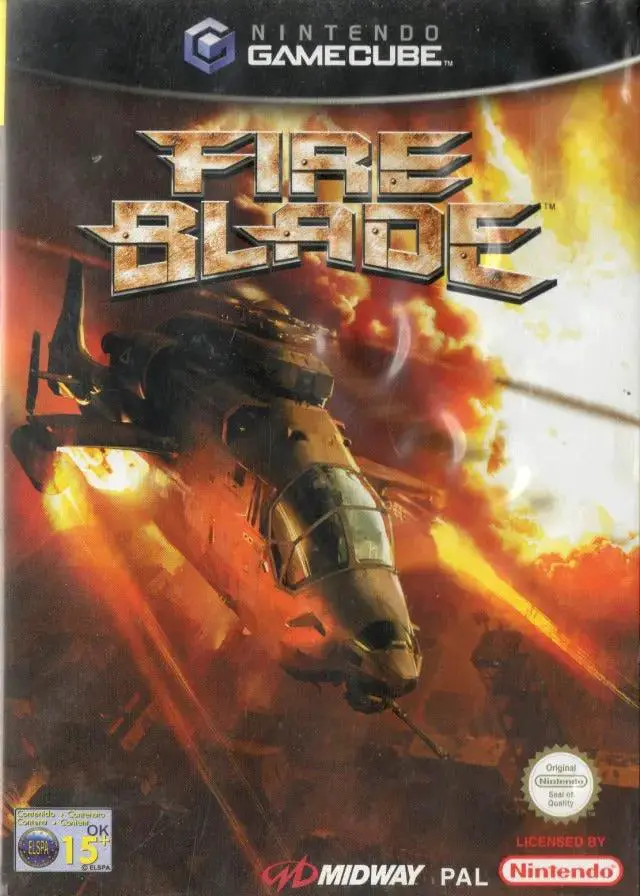
FireBlade is an intense 3D military helicopter combat sim...
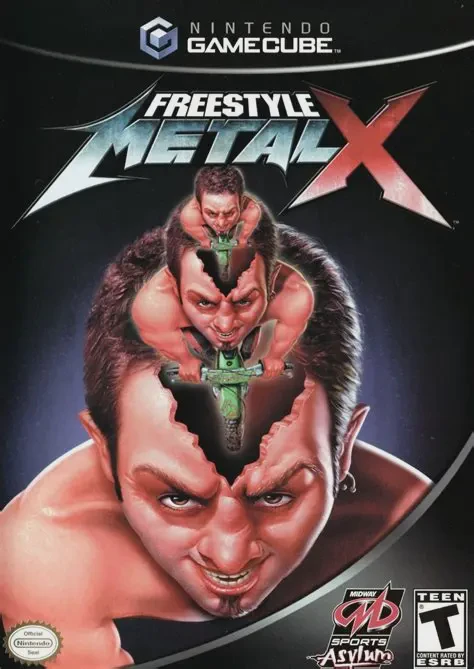
Freestyle Metal X is an extreme freestyle motocross (FMX)...
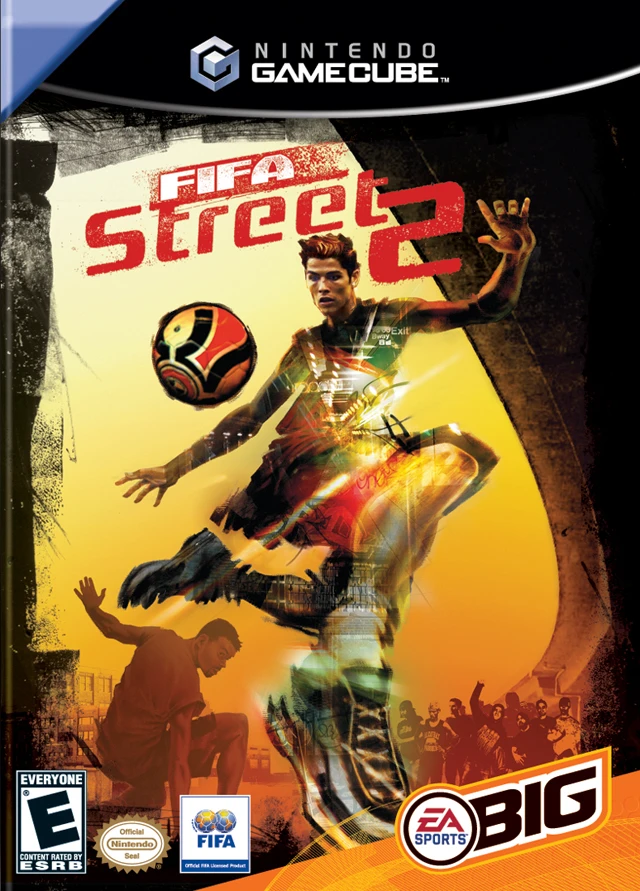
Experience fast-paced, 4v4 street soccer action with FIFA...
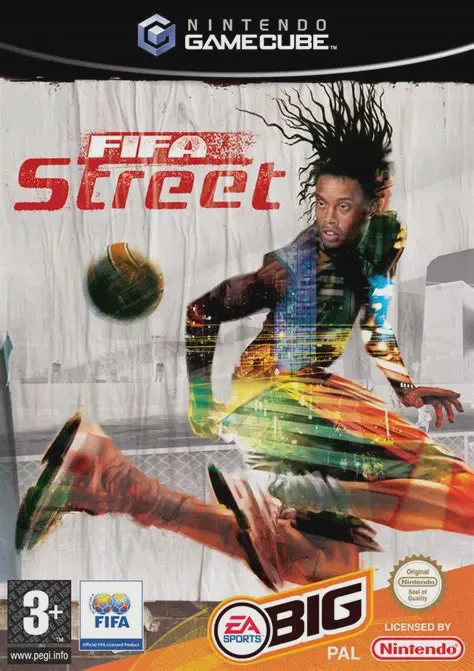
Experience fast-paced, 4v4 street soccer action with FIFA...