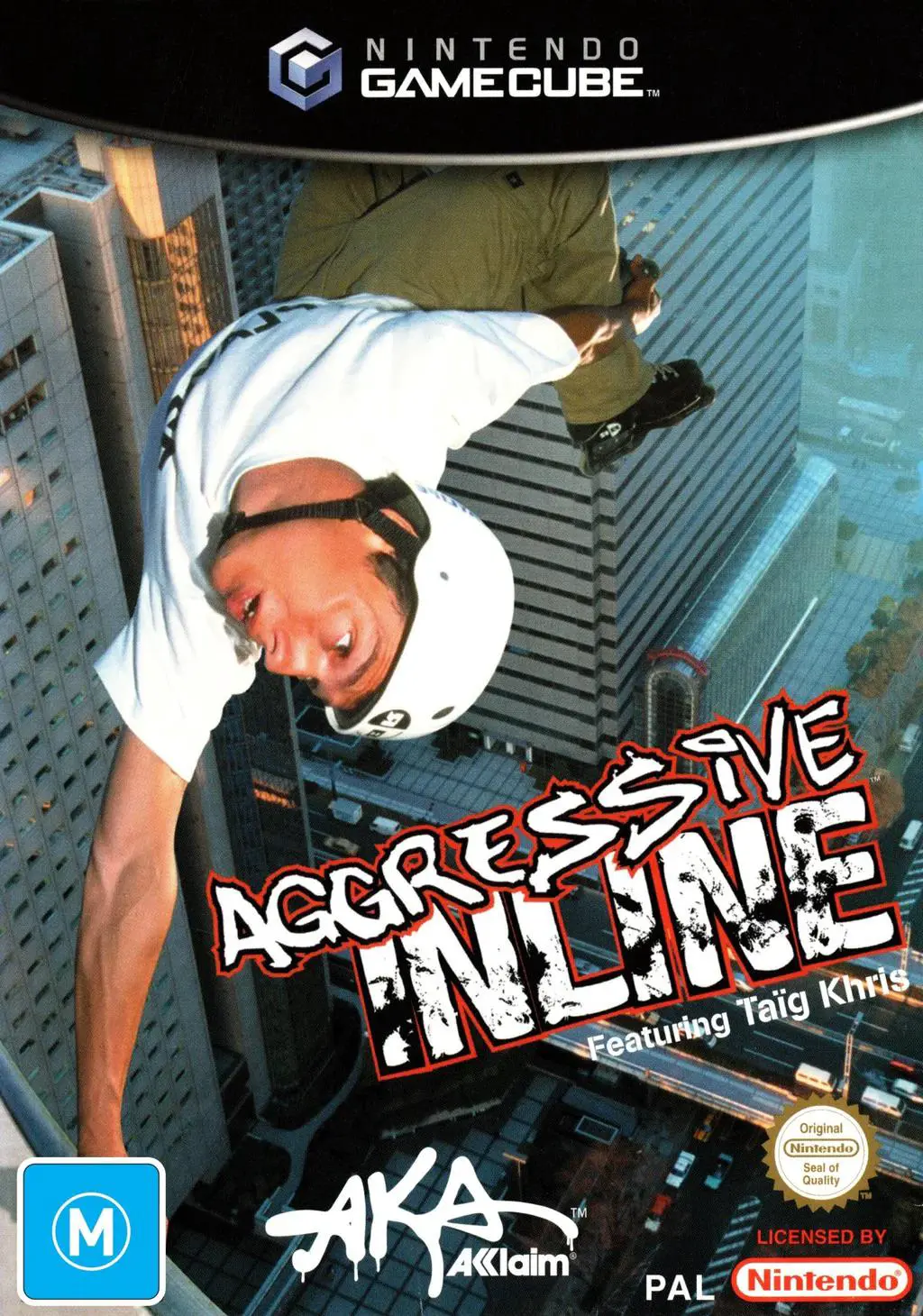
Aggressive Inline
Aggressive Inline is an extreme sports stunt-riding video...

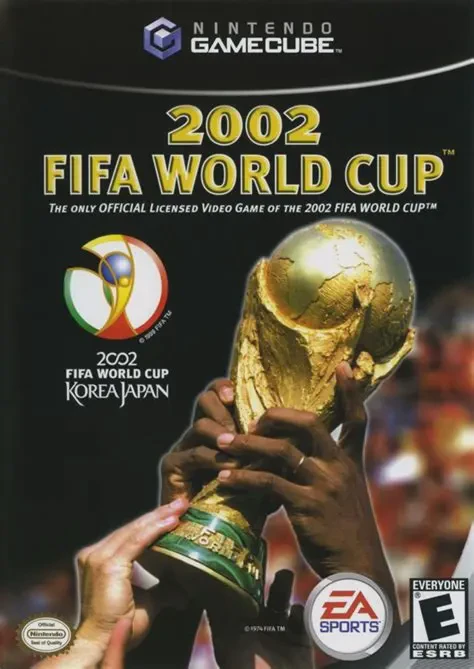
2002 FIFA World Cup builds upon the foundation of FIFA Football 2002, adapting the core gameplay engine with tournament-focused features and streamlined arcade-style mechanics. Developed by EA Canada, the GameCube release boasts enhanced player character detail, dynamic stadium lighting, realistic crowd chants, and dramatic broadcast camera angles designed to evoke the scale of the international tournament.
The game features all 32 qualified national teams from the 2002 tournament—alongside 9 additional national teams that did not qualify—competing across all 20 officially licensed South Korean and Japanese stadiums. Gameplay introduces a refined "Air Force" aerial ball control system and a brand-new Power Meter mechanic, granting precise control over shot power, trajectory, and swerve. Additionally, executing top-tier skill moves or scoring spectacular goals charges a "Star Player" meter, unlocking boosted speed and trajectory-warping fire shots for marquee football stars.
Specification | Details |
Title | 2002 FIFA World Cup |
Platform | Nintendo GameCube |
Genre | Sports Simulation / Football (Soccer) |
Developer | EA Canada |
Publisher | EA Sports |
Release Date | April 29, 2002 (North America) / April 26, 2002 (Europe) / May 2, 2002 (Japan) |
Game Modes | Single-player, Local Multiplayer (Up to 4 players) |
Media Format | Nintendo GameCube Game Disc |
Official 2002 World Cup License: Features all 32 qualified national squads with official rosters, team kits, player likenesses, and national anthems.
20 Authentic Host Stadiums: Play inside detailed 3D recreations of all 20 official tournament venues built across South Korea and Japan for the 2002 finals.
Star Player Mechanics: Key star athletes—such as David Beckham, Ronaldinho, Zinedine Zidane, and Thierry Henry—possess unique visual star markers and boosted skill attributes, enabling curved trajectory shots and rapid acceleration.
Refined Power Meter & Aerial Combat: Precise power meter charging allows players to carefully gauge header power, volley altitude, pass distance, and long-range curved shots.
Orchestral Broadcast Presentation: Includes dynamic commentary from John Motson and Andy Gray, paired with an official orchestral score recorded by the Vancouver Symphony Orchestra.
A: The game features 41 national teams in total, including all 32 qualified nations for the 2002 tournament plus 9 prominent non-qualifying nations (such as Australia, Netherlands, and Scotland).
A: Star Players are denoted by a glowing star above their heads during matches. They possess elevated base stats, superior ball handling, and can execute enhanced "fire shots"—high-velocity strikes with extreme ball curve and power.
A: Yes. In addition to playing the official 2002 FIFA World Cup tournament schedule, players can reconfigure group stage draws, swap participating national teams, or set up custom knockout brackets.
A: Yes. Up to four players can participate concurrently in cooperative squad play or competitive head-to-head matches using standard GameCube controllers.
Click the links below to go to the cloud drive download page
⚠️ Download Tips:
Aggressive Inline is an extreme sports stunt-riding video...
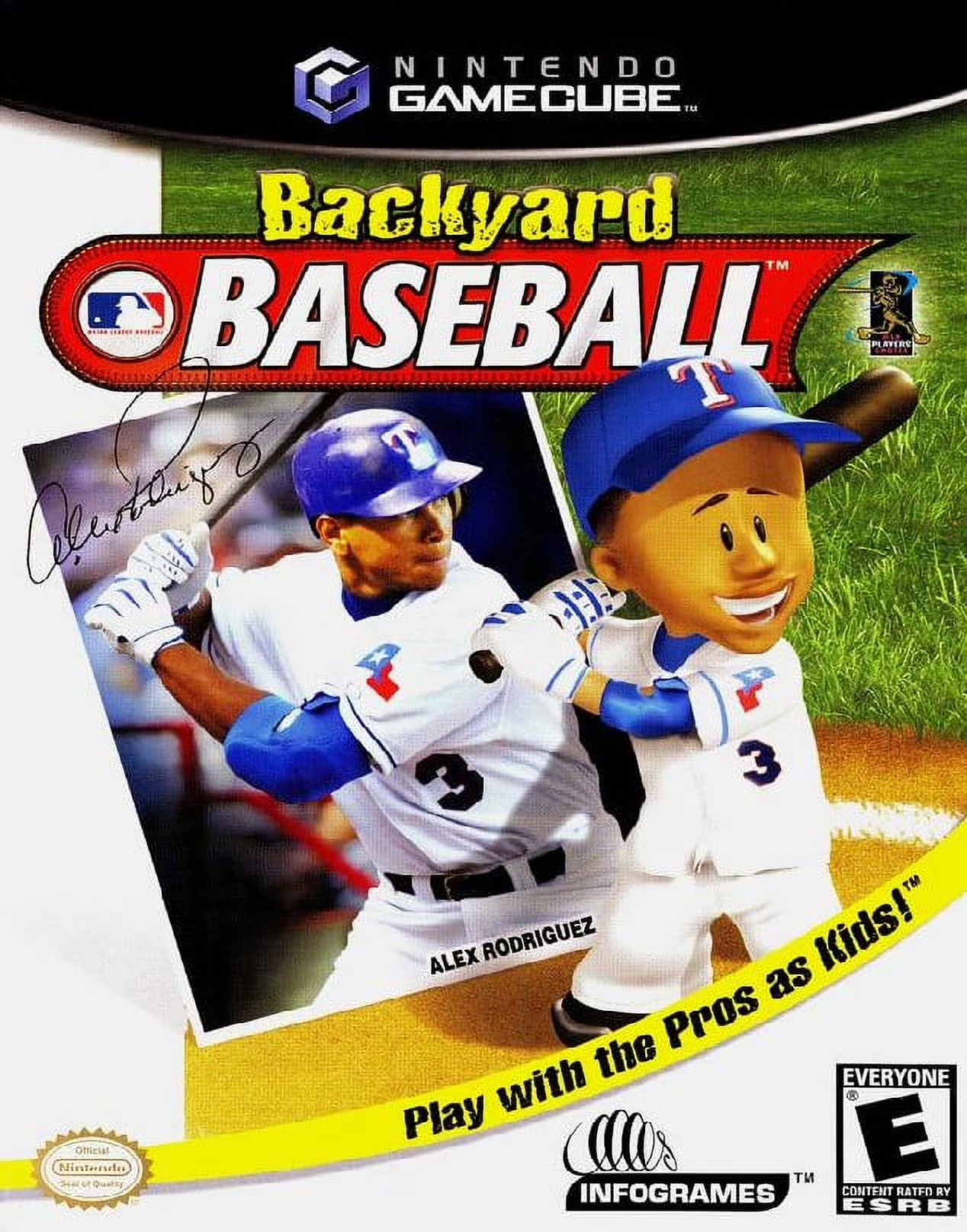
Backyard Baseball (often referred to as Backyard Baseball...
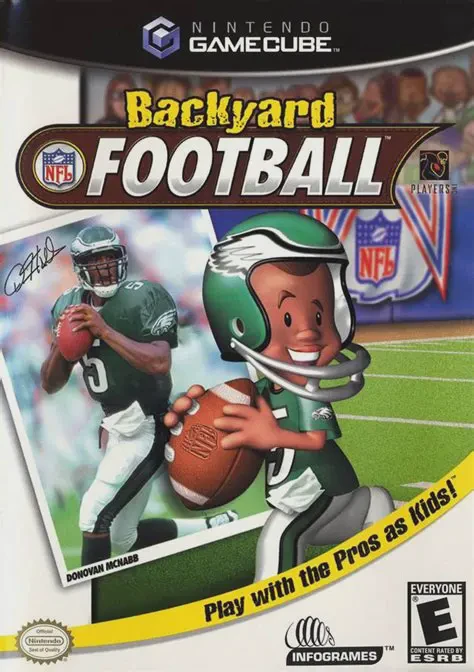
Backyard Football (often referred to as Backyard Football...
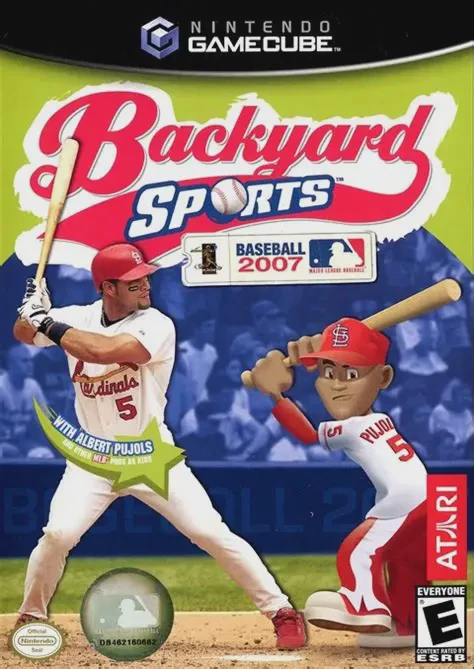
Backyard Sports: Baseball 2007 is an arcade-style youth s...
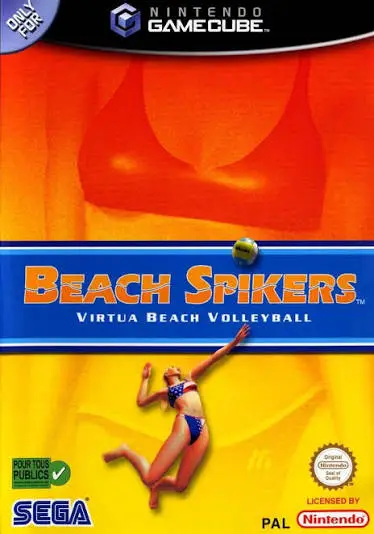
Beach Spikers: Virtua Beach Volleyball (originally releas...