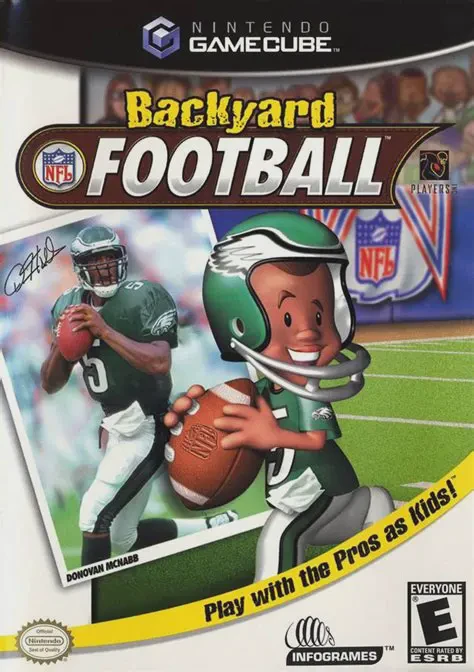
Backyard Football
Backyard Football (often referred to as Backyard Football...

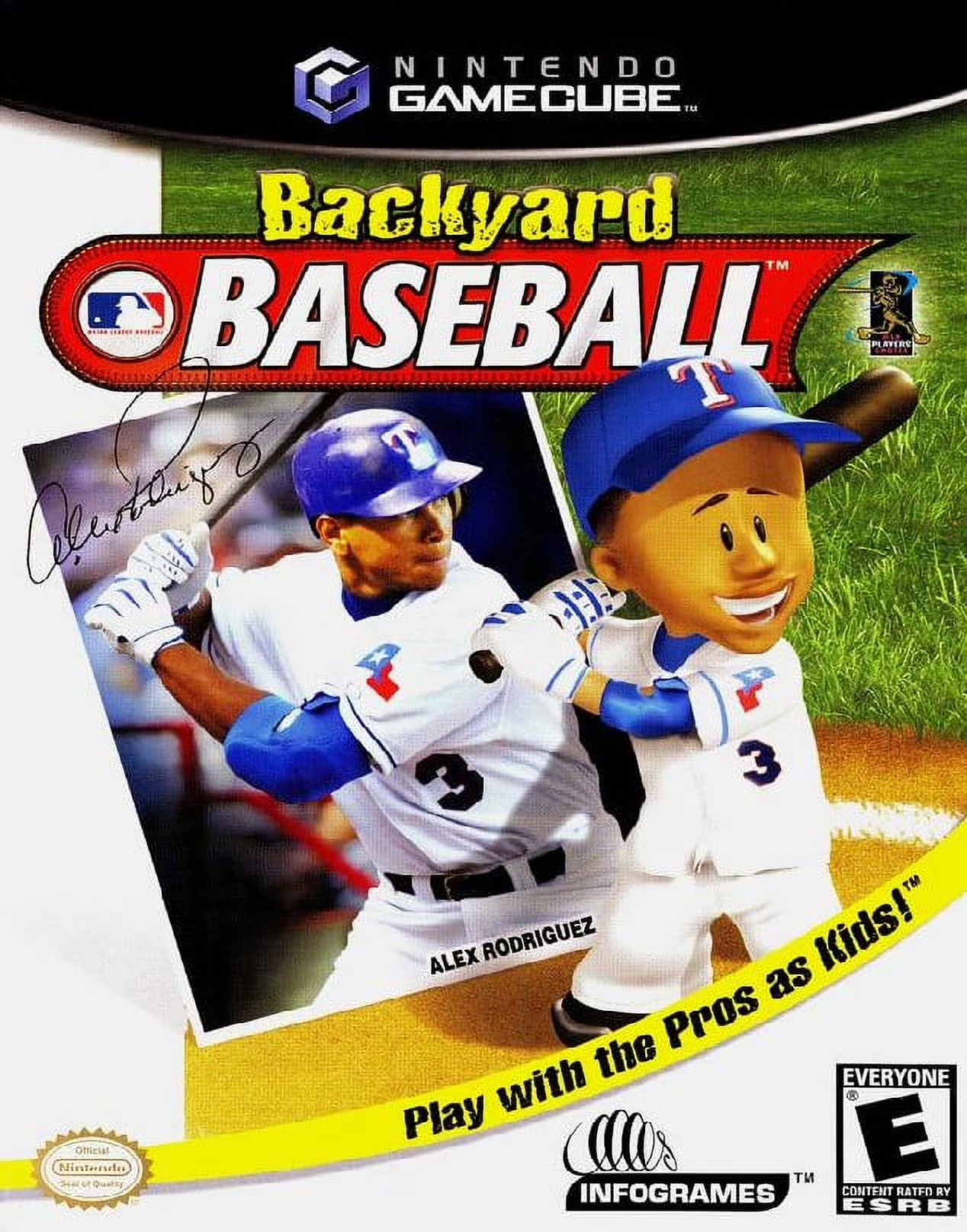
Backyard Baseball captures the nostalgic essence of playground sandlot baseball through accessible controls, colorful 3D graphics, and lighthearted humor. Developed by Humongous Entertainment, the GameCube release translated the click-and-point PC classic into a full-featured console sports title complete with direct controller inputs and smooth pitching and hitting mechanics.
Players take on the role of team manager, drafting a custom roster from a mix of original Backyard Kids—such as Pablo Sanchez, Stephanie Morgan, Pete Wheeler, and Achmed Khan—and kid versions of real-world MLB superstars like Barry Bonds, Derek Jeter, Sammy Sosa, Mike Piazza, and Alex Rodriguez. Games are played across iconic neighborhood venues, including asphalt parking lots, overgrown backyards, sandy beaches, and neighborhood parks. Gameplay features simple pitching, batting, baserunning, and fielding controls enhanced by game-changing "Power-Up" pitches and hits that bring fantasy arcade action to every inning.
Specification | Details |
Title | Backyard Baseball (Backyard Baseball 2003) |
Platform | Nintendo GameCube |
Genre | Arcade Sports / Baseball |
Developer | Humongous Entertainment |
Publisher | Infogrames |
Release Date | March 31, 2002 (North America) |
Game Modes | Single-player, Local Multiplayer (Up to 2 players) |
Media Format | Nintendo GameCube Game Disc |
Official MLB & MLBPA Licensing: Play with official MLB team logos and uniforms alongside child caricatures of 31 real-life Major League Baseball superstars.
Classic Backyard Roster: Draft iconic neighborhood characters including Pablo Sanchez, Keisha Phillips, Pete Wheeler, Kenny Kawaguchi, and Mikey Thomas.
Super Power-Up Shots & Pitches: Trigger outrageous abilities such as the Screaming Line Drive, Fireball Pitch, Underground Pitch, Crazyball, and Aluminum Bat.
Dynamic Sandlot Venues: Compete across whimsical neighborhood fields including Steele Stadium, Playground Commons, Dirt Yards, and Sandy Flats.
Season Campaign & Home Run Derby: Lead your drafted squad through a full Season play schedule to win the "Ultra Grand Championship," or compete in a fast-paced Home Run Derby mode.
A: Backyard Baseball (2002/2003) is the original GameCube entry developed by Humongous Entertainment based on the classic early-2000s PC game structure and roster. Backyard Sports: Baseball 2007 is a later sequel released in 2006 with an updated MLB player roster and modified graphic engine.
A: The game features kid caricatures of active 2001–2002 MLB stars, including Derek Jeter, Barry Bonds, Sammy Sosa, Alex Rodriguez, Mike Piazza, Cal Ripken Jr., Randy Johnson, Mark McGwire, Ken Griffey Jr., and Ichiro Suzuki.
A: Power-Ups are earned by turning double plays, striking out batters, or hitting extra-base hits. Players can activate special pitches (like a ball that zig-zags or turns invisible) or special hitting power-ups (like a guaranteed home run shot) from the menu before a play.
A: Yes. Two players can plug in GameCube controllers to draft custom teams and face off against each other in local exhibition matches.
Click the links below to go to the cloud drive download page
⚠️ Download Tips:
Backyard Football (often referred to as Backyard Football...
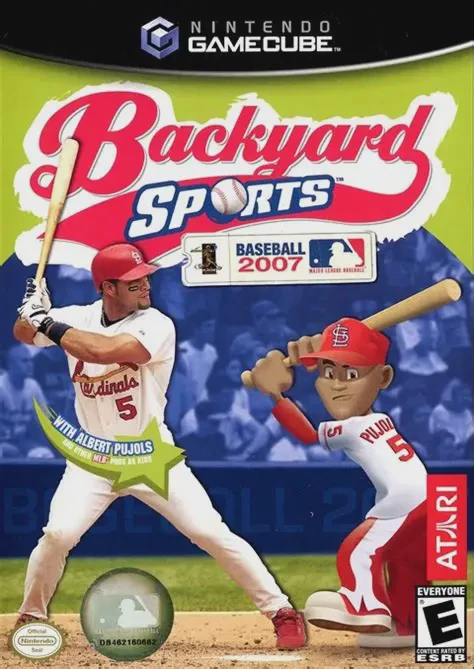
Backyard Sports: Baseball 2007 is an arcade-style youth s...
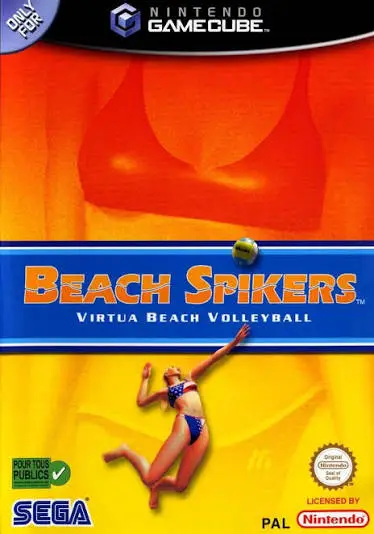
Beach Spikers: Virtua Beach Volleyball (originally releas...
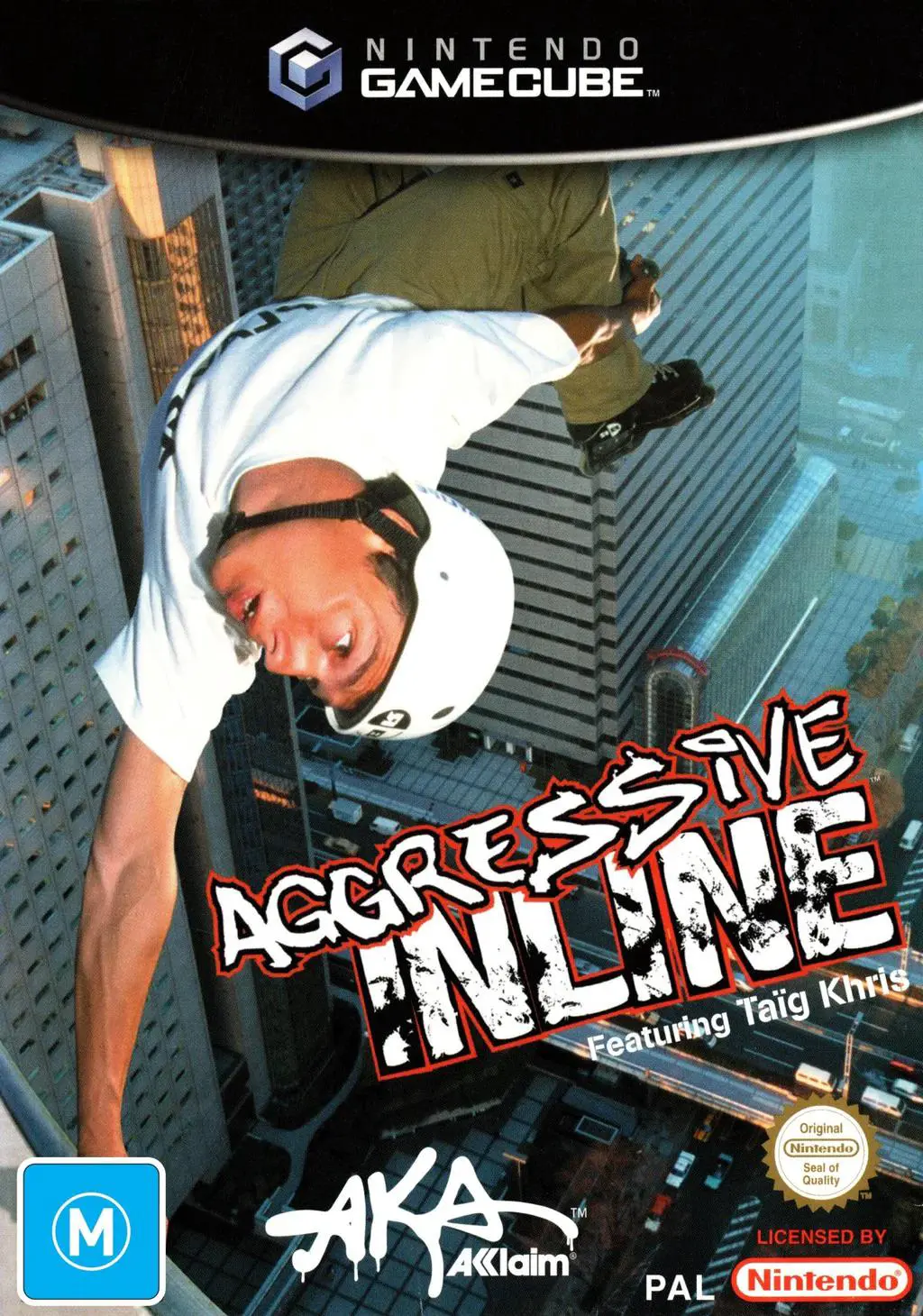
Aggressive Inline is an extreme sports stunt-riding video...
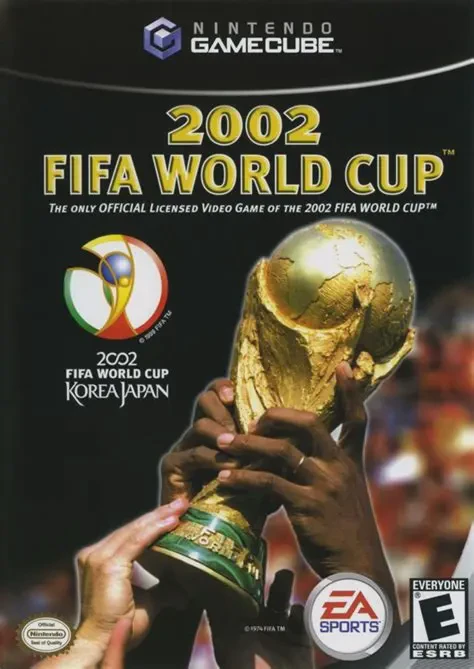
2002 FIFA World Cup is an official tournament sports simu...