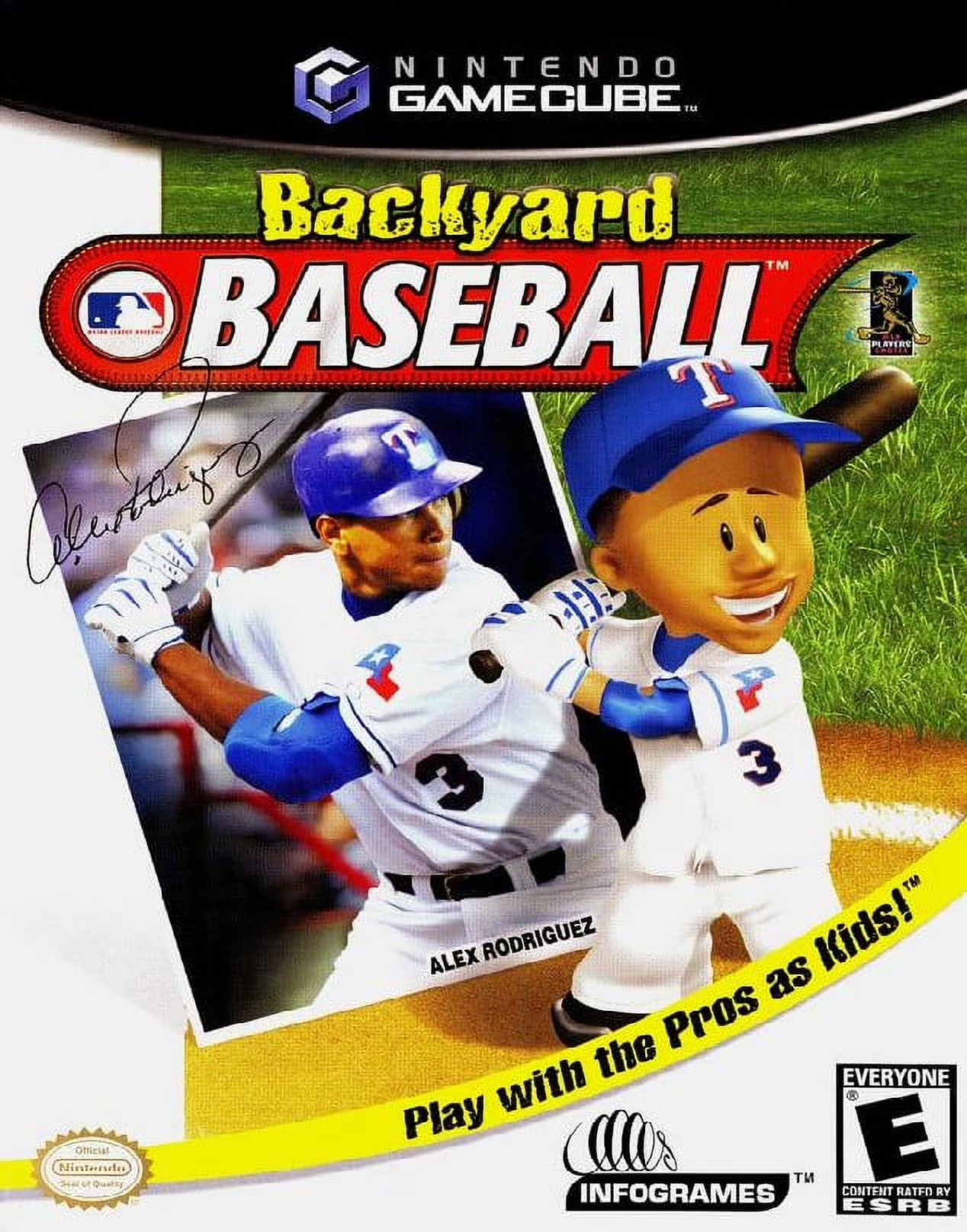
Backyard Baseball
Backyard Baseball (often referred to as Backyard Baseball...

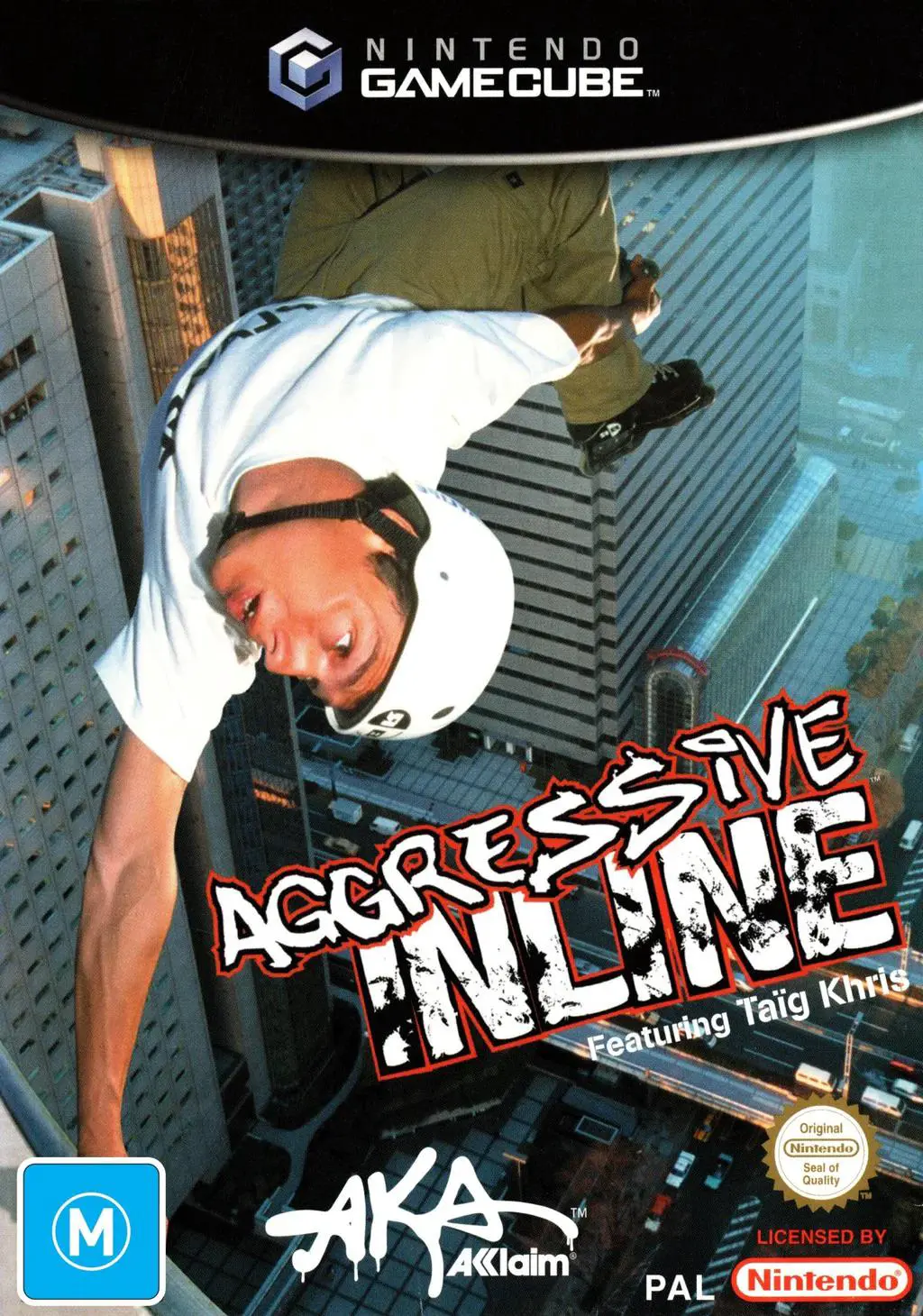
Aggressive Inline delivers fast-paced action that captures the culture and fluidity of street and vert inline skating. Developed by Z-Axis—the studio recognized for Dave Mirra Freestyle BMX—the GameCube release takes full advantage of the console's hardware capabilities to render massive, interconnected environments with smooth performance, interactive props, and dynamic destruction physics.
Players step into the skates of ten top professional inline skaters—such as Chris Edwards, Eito Yasutoko, Franky Morales, Jaren Grob, and Taïg Khris—or create their own skater. Abandoning the traditional two-minute run timer standard of early-2000s extreme sports titles, the game gives players freedom to explore expansive levels filled with NPCs, secret areas, and interactive environmental triggers. Performing grinds, vert airs, wall rides, manual balance moves, and complex trick combos builds the skater's Juice Meter while simultaneously leveling up individual stats—such as Jump, Grind, Speed, and Manual—in real-time based on the player's playstyle.
Specification | Details |
Title | Aggressive Inline |
Platform | Nintendo GameCube |
Genre | Extreme Sports / Action |
Developer | Z-Axis |
Publisher | Acclaim Entertainment |
Release Date | July 2, 2002 (North America) / August 30, 2002 (Europe) |
Game Modes | Single-player, Local Split-Screen Multiplayer (Up to 2 players) |
Media Format | Nintendo GameCube Game Disc |
Action-Driven Stat Progression: Attributes such as Jump, Speed, Grind, Manual, and Spin increase organically as you repeatedly execute those specific trick types during gameplay.
Timer-Free Exploration Mechanics: Levels feature no rigid run timers; instead, the session continues as long as the player keeps their "Juice Meter" filled by executing tricks and combos.
Pro Skater Roster & Licensed Soundtrack: Play as 10 real-world pro inline skaters set to a soundtrack featuring artists like P.O.D., Hoobastank, Student Rick, The Pharcyde, and Sublime.
Interactive & Evolving Level Environments: Trigger cinematic stage transformations—such as collapsing scaffolding, opening secret subway tunnels, or launching fireworks—to unlock new grind rails and vert gaps.
Park Editor Mode: Design, build, and skate custom park layouts using a full suite of ramps, quarterpipes, rails, and obstacles.
A: Rather than awarding spendable skill points at the end of levels, stats improve through direct usage. For example, spending time grinding rails levels up your Grind stat, while holding manuals increases your Manual balance meter.
A: No. The traditional overall level timer is replaced by the "Juice Meter." As long as you maintain momentum and land trick combinations, your Juice Meter remains filled, allowing for uninterrupted level exploration.
A: The game features ten real-life pros: Chris Edwards, Eito Yasutoko, Franky Morales, Jaren Grob, Taïg Khris, Shane Yost, Sven Boekhorst, Matt Salerno, Sam Fogarty, and Caesar Mora.
A: Yes. Two players can compete head-to-head in split-screen multiplayer across game modes like Animal Scavenger Hunt, Point Attack, 21-Trick Challenge, and Trick Attack.
Click the links below to go to the cloud drive download page
⚠️ Download Tips:
Backyard Baseball (often referred to as Backyard Baseball...
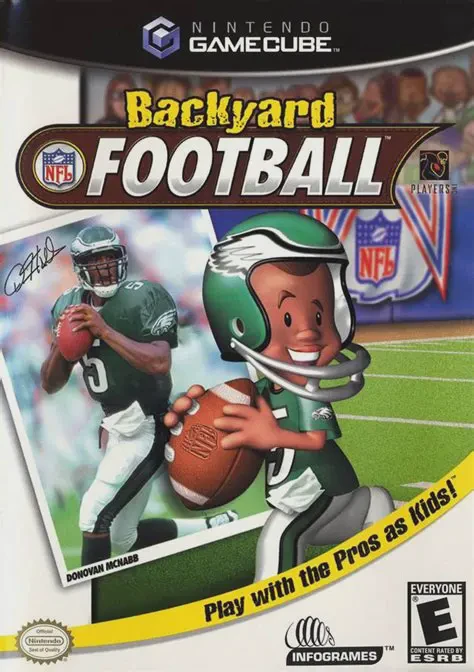
Backyard Football (often referred to as Backyard Football...
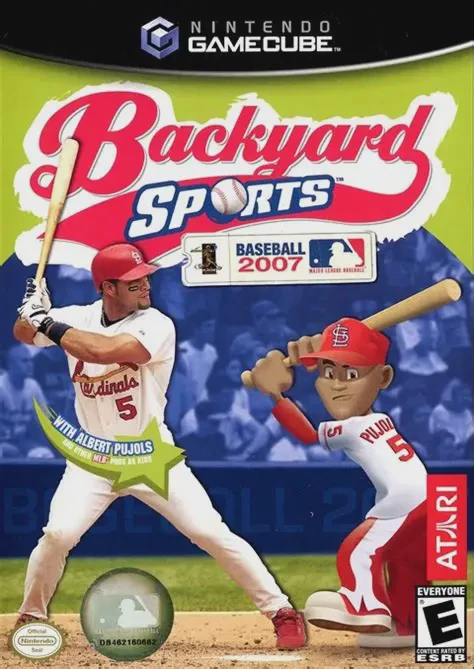
Backyard Sports: Baseball 2007 is an arcade-style youth s...
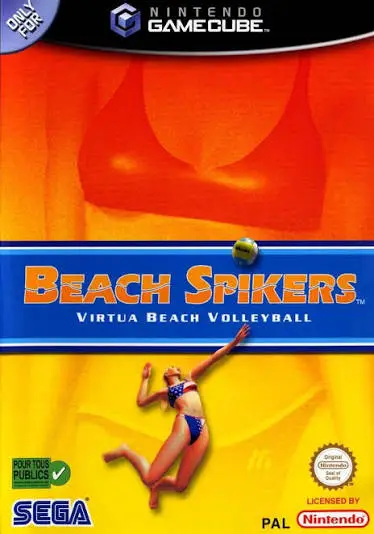
Beach Spikers: Virtua Beach Volleyball (originally releas...

2002 FIFA World Cup is an official tournament sports simu...