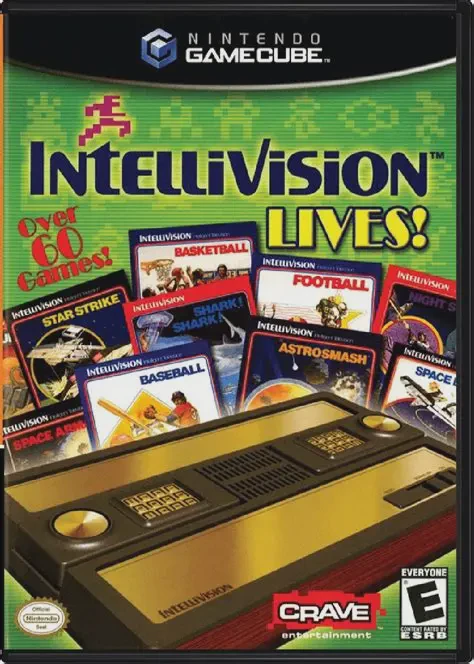
Intellivision Lives!
Intellivision Lives! is a comprehensive retro video game ...

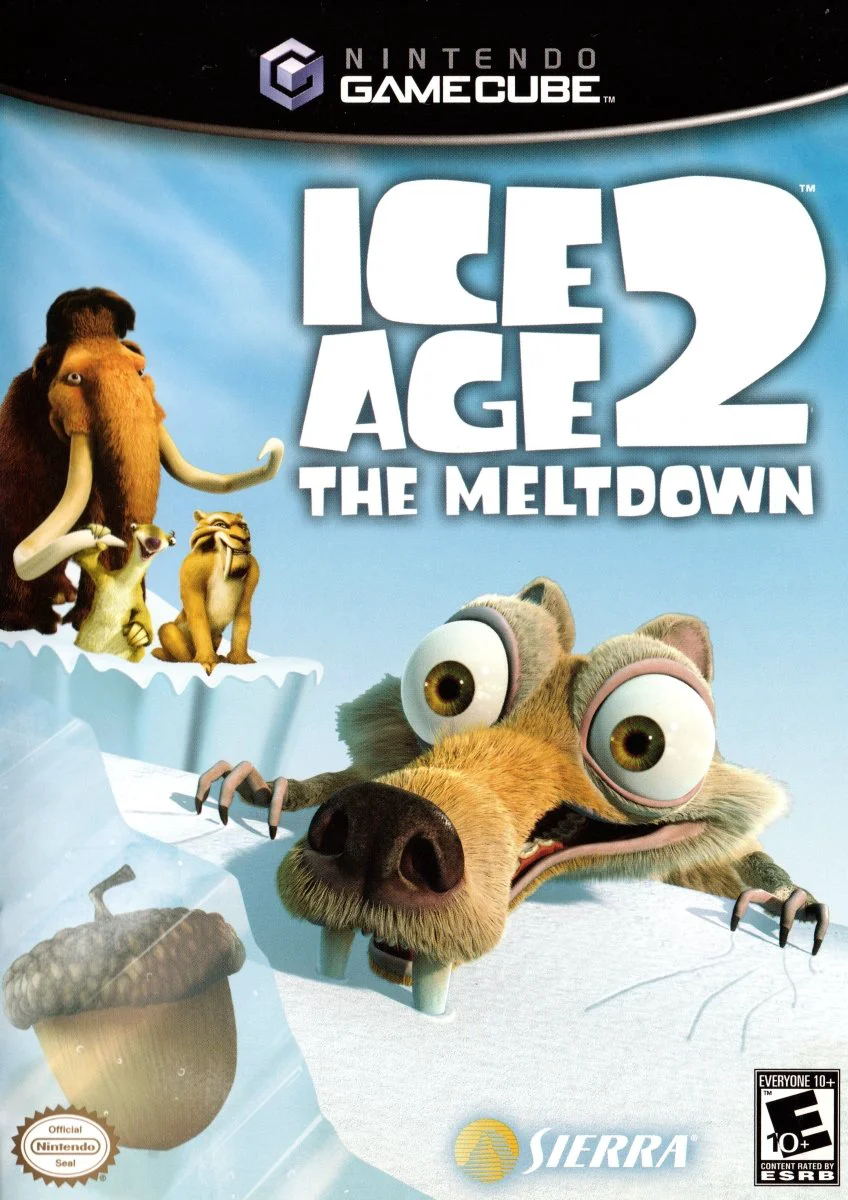
Ice Age 2: The Meltdown delivers a family-friendly 3D platforming experience that immerses players directly into the world of the hit movie on the Nintendo GameCube. As the prehistoric ice caps begin to thaw, flooding threatens the valley, forcing Scrat and the famous herd to embark on a rescue trek toward a giant ark boat.
While the story follows the central plot of the film, players spend most of their time controlling Scrat as he traverses slippery glaciers, muddy swamps, and treacherous mountain cliffs:
Scrat's Acorn Quest: Dig through snowdrifts, sniff out hidden treasures, swing from vines, and wall-jump across chasms to collect thousands of acorns and golden nuts.
Hero Cameos & Mini-Games: Take control of Sid the Sloth for wild river-sliding and penguin-bowling mini-games, fly through the air as Scrat in flying squirrel sequences, and solve environmental puzzles with Manny the Mammoth.
The game combines intuitive physical controls, fluid character animation, and colorful prehistoric environments filled with hostile wildlife like piranhas, wild boars, and prehistoric birds. With its rich assortment of unlockable bonus clips, secret minigames, and authentic movie-inspired humor, Ice Age 2: The Meltdown offers delightful action-platforming entertainment for gamers of all ages.
Attribute | Details |
Title | Ice Age 2: The Meltdown |
Platform | Nintendo GameCube |
Developer | Eurocom |
Publisher | Vivendi Universal Games / Sierra Entertainment |
Release Date | March 2006 |
Genre | 3D Platformer / Action-Adventure |
Modes | Single-player, Local Mini-Game Multiplayer (1–4 Players) |
Media Type | GameCube Game Disc |
Play as Scrat: Experience the world through Scrat's unique perspective—sniff, dig, climb, tail-spin, and roll to collect acorns and escape floodwaters.
Diverse Prehistoric Environments: Explore detailed stages ranging from melting ice valleys and steaming tar pits to dense tropical jungle forests.
Playable Movie Characters: Switch up the action by controlling Sid, Manny, and Diego in dedicated storyline mini-games and speed sequences.
Varied Mini-Game Collection: Enjoy over 6 interactive party mini-games, including Sid's slippery river-sliding challenges and penguin bowling.
Abundant Collectibles & Unlocks: Find thousands of acorns, walnuts, and hidden golden nuts across every level to unlock exclusive movie clips and concept art galleries.
A: You primarily control Scrat the saber-toothed squirrel for main platforming levels, though you also play as Sid, Manny, and Diego during specific story mini-games.
A: Yes, the game features family-friendly humor, intuitive controls, and accessible platforming challenges tailored for players of all skill levels.
A: Yes, while the main story campaign is single-player, the game includes a selection of party mini-games that support up to 4 players in local multiplayer.
A: Yes, the game follows the storyline, environments, and humor of the 20th Century Fox animated film Ice Age: The Meltdown.
Click the links below to go to the cloud drive download page
⚠️ Download Tips:
Intellivision Lives! is a comprehensive retro video game ...
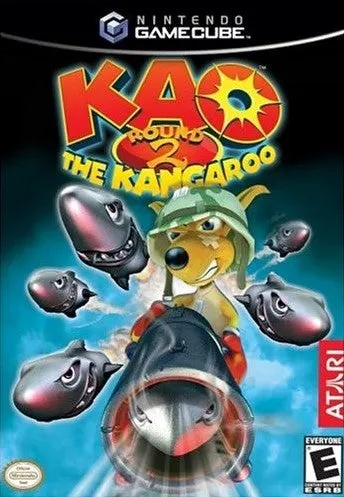
Kao the Kangaroo: Round 2 is a colorful 3D platform actio...
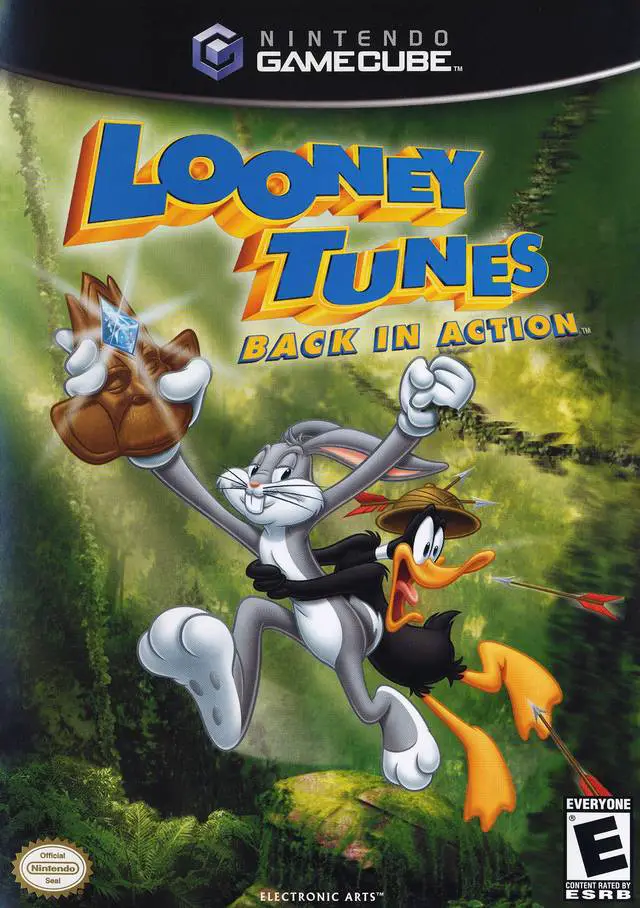
Join Bugs Bunny and Daffy Duck in an action-packed globe-...
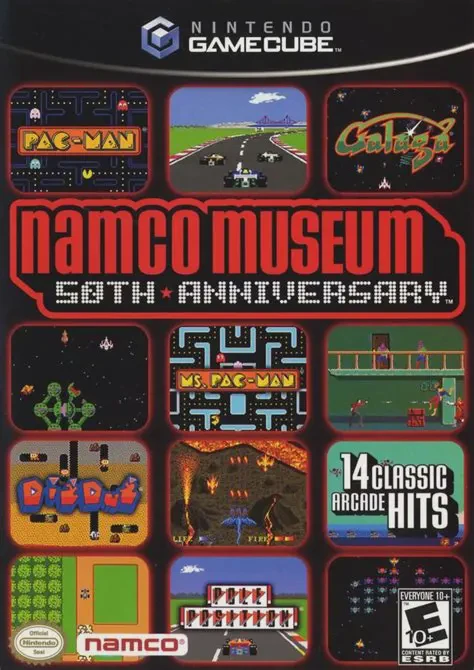
Celebrate five decades of arcade history in Namco Museum ...
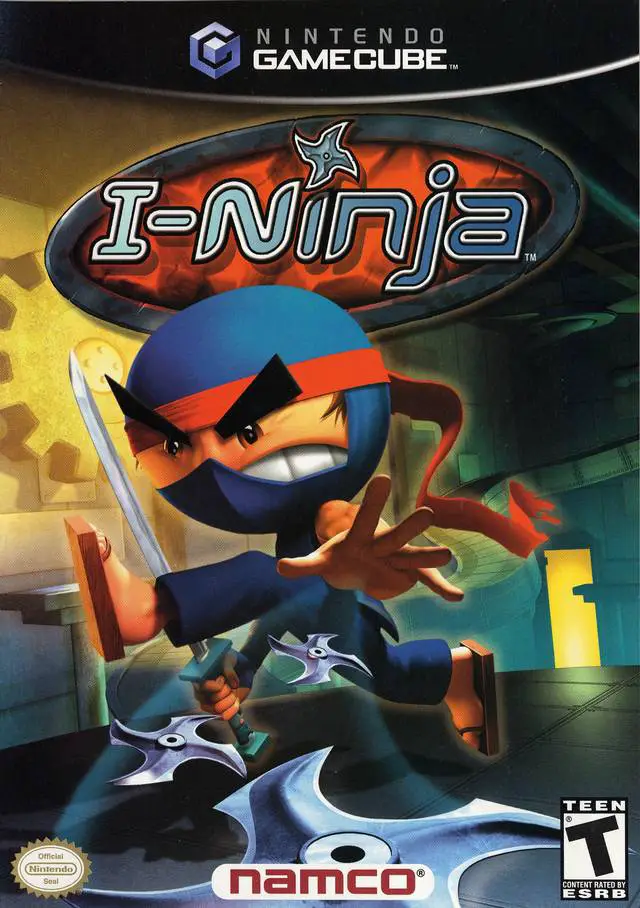
I-Ninja is a high-energy 3D platform action-adventure vid...