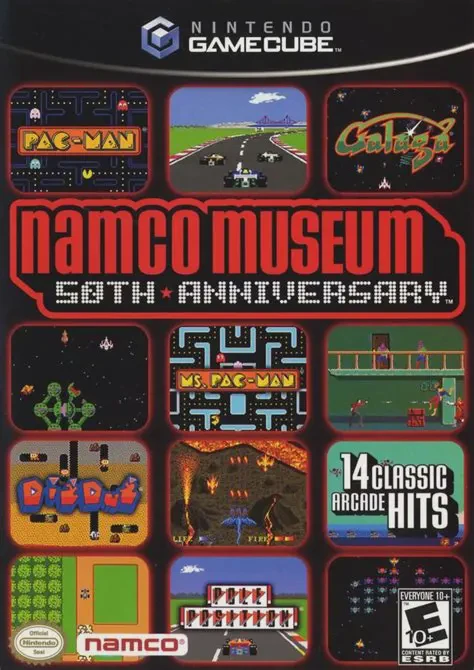
Namco Museum 50th Anniver...
Celebrate five decades of arcade history in Namco Museum ...

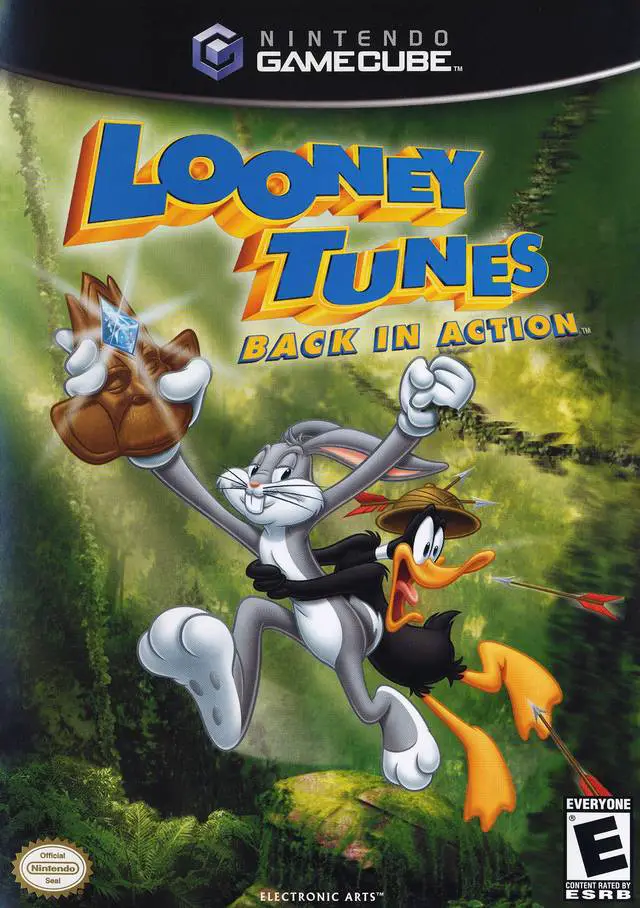
Looney Tunes: Back in Action was developed by Warthog Games and published by Electronic Arts under the EA Games banner. Designed as a companion title to the live-action/animated theatrical movie, the game captures the zany humor, physical comedy, and iconic characters of the classic Looney Tunes franchise.
The gameplay centers on dual-character puzzle solving and 3D platforming. Players explore expansive, hub-based levels across diverse global locations—including the Warner Bros. Movie Lot, the jungles of Africa, Paris, and Area 52. Each character possesses distinct abilities critical for progression: Bugs Bunny can dig underground, perform double jumps, and use disguise boxes to trick enemies, while Daffy Duck can swim underwater, flutter-jump, and interact with specialized ACME gadgets.
Throughout their quest to retrieve the mythical Blue Monkey Diamond, players collect ACME statues, complete character mini-games, and face off against classic Looney Tunes villains—including Marvin the Martian, Yosemite Sam, Elmer Fudd, and Tasmanian Devil.
On the Nintendo GameCube, Looney Tunes: Back in Action features vibrant cel-shaded visuals, cartoon physics, original orchestral arrangements of classic themes, and 480p progressive scan support.
Field | Detail |
Full Title | Looney Tunes: Back in Action |
Platform | Nintendo GameCube (NGC) |
Genre | 3D Platformer / Action-Adventure |
Developer | Warthog Games |
Publisher | Electronic Arts (EA Games) / Warner Bros. Interactive |
Release Date | November 24, 2003 (North America) / May 7, 2004 (Europe) |
Region Formats | NTSC-U / PAL |
Game Modes | Single-Player |
Display Options | 480i / 480p Progressive Scan Support / PAL60 |
Media Type | Nintendo GameCube Game Disc (1 Disc) |
Dual Character Tag-Team Mechanics: Switch instantly between Bugs Bunny and Daffy Duck on the fly to utilize their unique movement abilities and solve environmental puzzles.
Globe-Trotting Film Locations: Explore huge hub worlds inspired by the movie, including Area 52, the Hollywood Studios, Paris rooftops, and African jungles.
Classic ACME Gadgets & Disguises: Use wacky ACME power-ups, jetpacks, anvils, and disguise costumes to outsmart enemies and bypass security checkpoints.
Star-Studded Cartoon Roster: Encounter and battle classic Looney Tunes characters such as Foghorn Leghorn, Speedy Gonzales, Wile E. Coyote, and Taz.
Vibrant Animated Presentation: Features expressive character animations, cel-shaded environmental art, and classic cartoon sound effects.
Yes! You can swap between Bugs Bunny and Daffy Duck at almost any time with a button press. Many puzzles require combining Bugs' digging/disguise skills with Daffy's swimming and gadget abilities to progress.
No, the GameCube version of Looney Tunes: Back in Action is strictly a single-player platforming adventure, despite featuring two main characters on screen.
Yes, the narrative follows the storyline of the feature film, sending Bugs Bunny, Daffy Duck, DJ Drake, and Kate Houghton around the world to recover the Blue Monkey Diamond before the ACME Chairman can use it for world domination.
Yes, Looney Tunes: Back in Action supports 480p progressive scan output on the Nintendo GameCube for sharp, vibrant visuals on compatible screens.
Click the links below to go to the cloud drive download page
⚠️ Download Tips:
Celebrate five decades of arcade history in Namco Museum ...
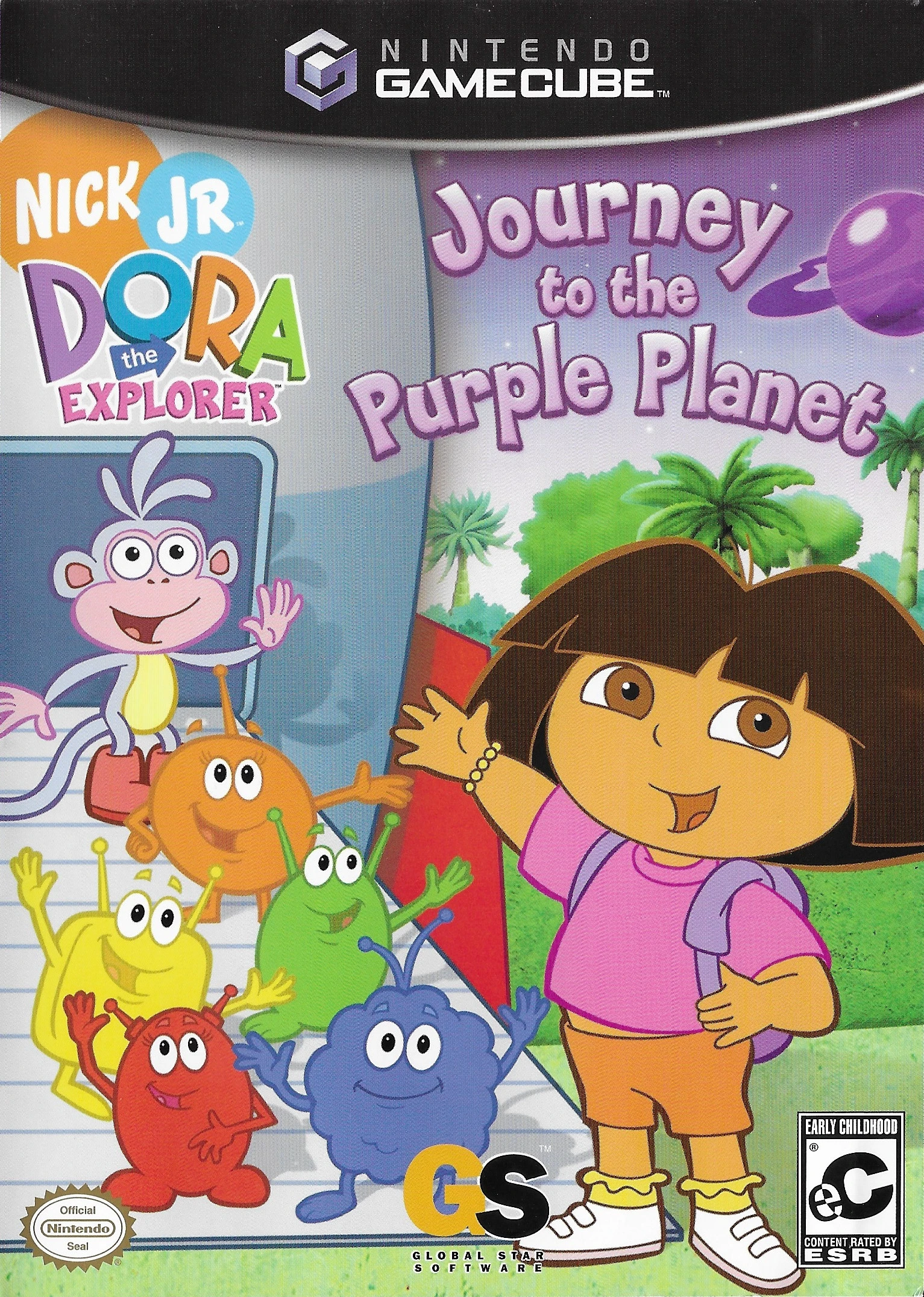
Embark on an out-of-this-world learning adventure with Do...
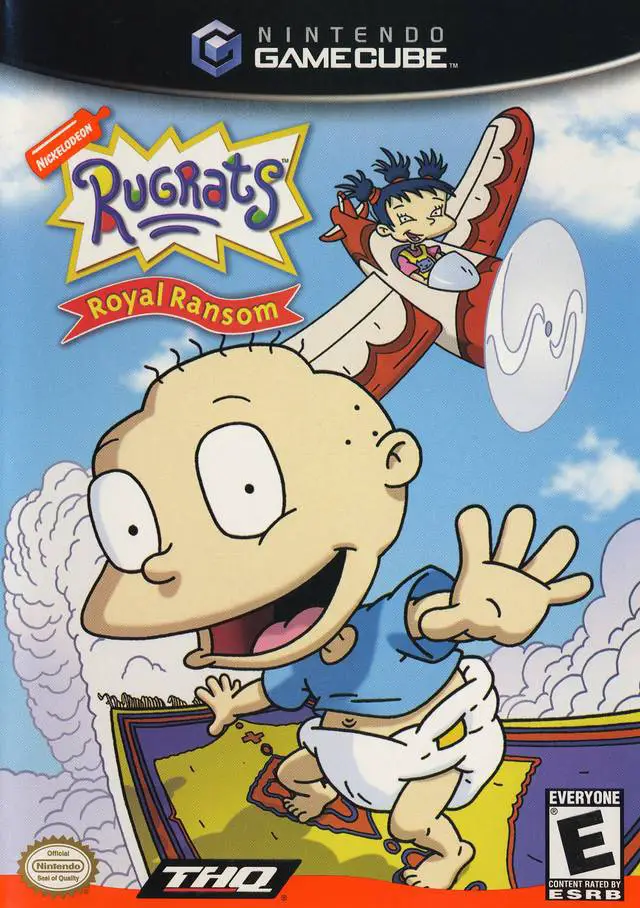
Step into a imaginative medieval adventure with Rugrats: ...
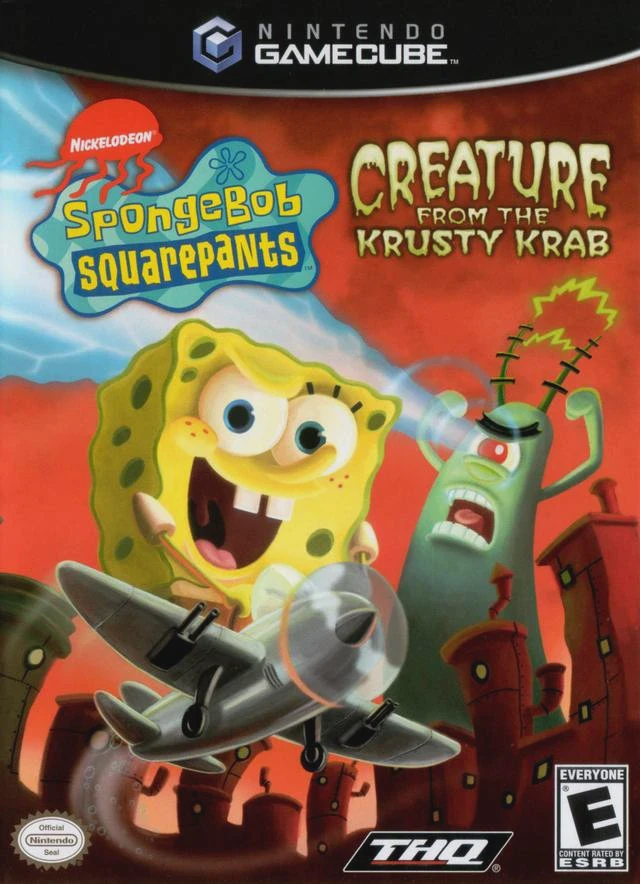
Prepare for a bizarre, dream-fueled adventure with Sponge...
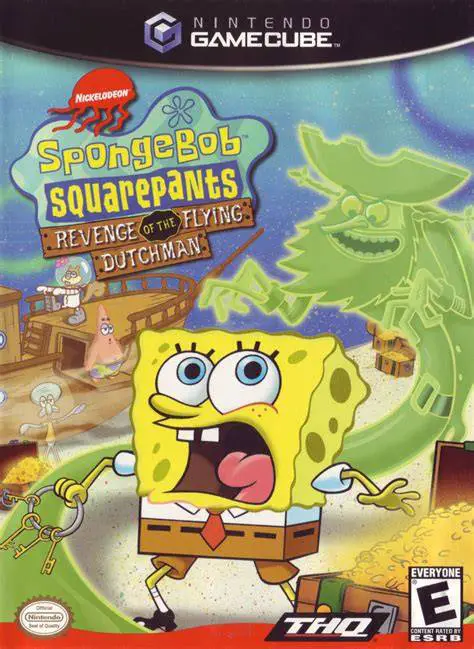
Embark on a classic undersea 3D platforming adventure in ...