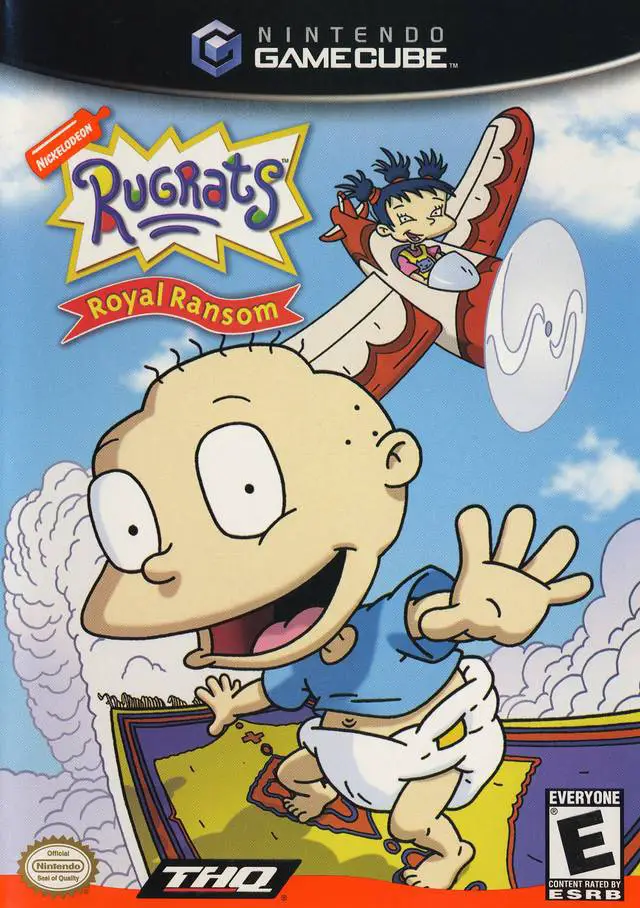
Rugrats: Royal Ransom
Step into a imaginative medieval adventure with Rugrats: ...

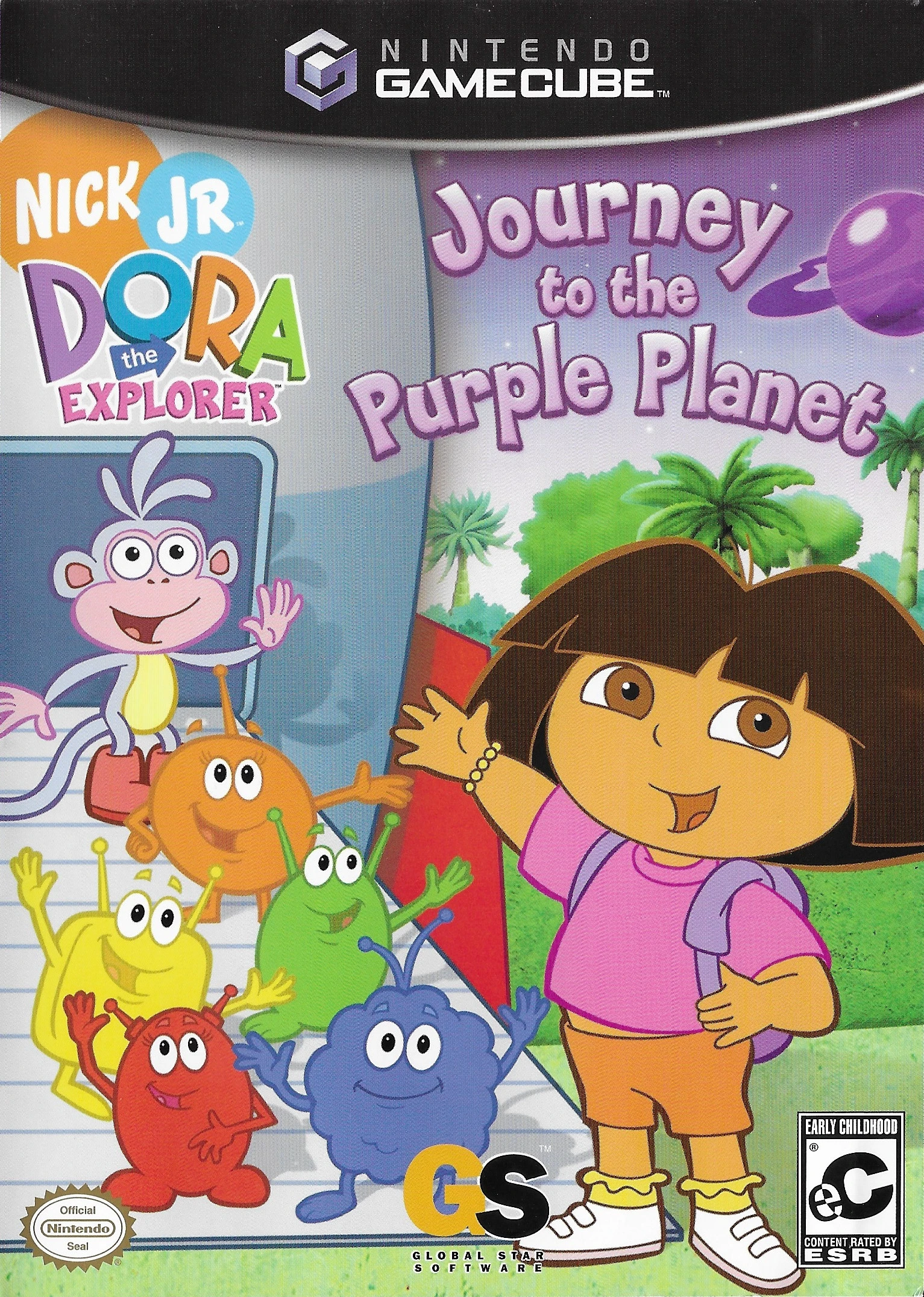
Dora the Explorer: Journey to the Purple Planet is an accessible 3D educational platformer developed by Monkey Bar Games and published by Global Star Software. Created with young gamers and preschoolers in mind, the game translates Nickelodeon’s popular animated series into an interactive, stress-free gaming environment.
The story follows Dora and Boots as they navigate through six distinct space-themed planets—including the Yellow Planet, Green Planet, and Purple Planet. Gameplay focuses on basic movement, pattern recognition, color and shape identification, and simple counting tasks. Unlike traditional platformers, the game eliminates health bars, time limits, and game-over states, ensuring a positive and encouraging experience for beginner players.
On the Nintendo GameCube, Dora the Explorer: Journey to the Purple Planet features bright, colorful 3D graphics, intuitive control schemes designed for small hands, authentic voice acting from the television series cast, and interactive bilingual (English/Spanish) educational prompts throughout the journey.
Field | Detail |
Full Title | Dora the Explorer: Journey to the Purple Planet |
Platform | Nintendo GameCube (NGC) |
Genre | Preschool / Educational 3D Platformer |
Developer | Monkey Bar Games |
Publisher | Global Star Software |
Release Date | October 13, 2005 (North America) / December 2, 2005 (Europe) |
Region Formats | NTSC-U / PAL |
Game Modes | Single-Player |
Display Options | 480i / 480p Progressive Scan Support |
Media Type | Nintendo GameCube Game Disc (1 Disc) |
Preschool-Friendly Design: Zero game-over screens, health mechanics, or time pressure, allowing young children to explore and learn at their own comfortable pace.
Interactive Educational Minigames: Teaches basic counting, color matching, shape recognition, and Spanish vocabulary integrated seamlessly into gameplay.
Six Unique Planets to Explore: Travel across colorful planetary worlds including the Starry Planet, Green Planet, and the destination Purple Planet.
Authentic TV Show Presentation: Features official voice actors, signature songs, Map routing segments, and classic characters like Swiper the Fox.
Collectible Space Gems & Stars: Gather hidden stars and colorful gems across levels to unlock special pictures and printable reward sticker pages in the gallery.
The game is tailored specifically for preschoolers and young children (ages 3 to 6) who are learning basic controller skills and foundational concepts like colors, counting, and shapes.
No. To keep the experience fun and frustration-free for young players, there are no health bars, enemies that cause damage, or game-over screens.
Yes, the game features Dora's signature bilingual prompts, teaching basic Spanish words, numbers, and phrases as players progress through space levels.
Yes, Dora the Explorer: Journey to the Purple Planet supports 480p progressive scan output on the Nintendo GameCube for crisp and clear visuals on compatible displays.
Click the links below to go to the cloud drive download page
⚠️ Download Tips:
Step into a imaginative medieval adventure with Rugrats: ...
Prepare for a bizarre, dream-fueled adventure with Sponge...
Embark on a classic undersea 3D platforming adventure in ...
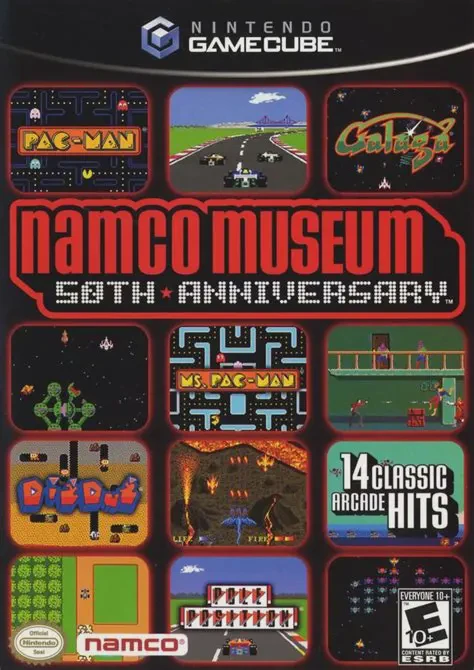
Celebrate five decades of arcade history in Namco Museum ...
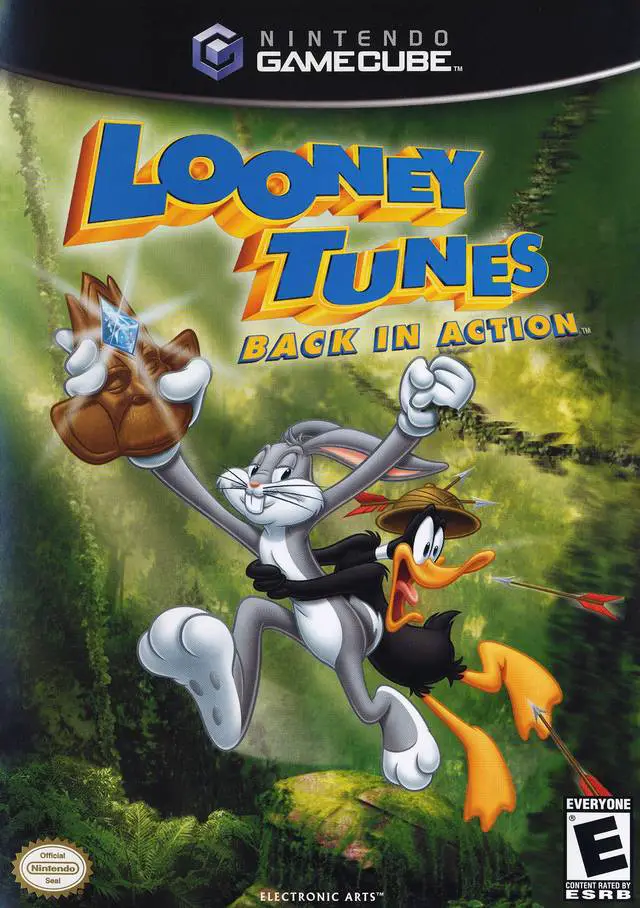
Join Bugs Bunny and Daffy Duck in an action-packed globe-...