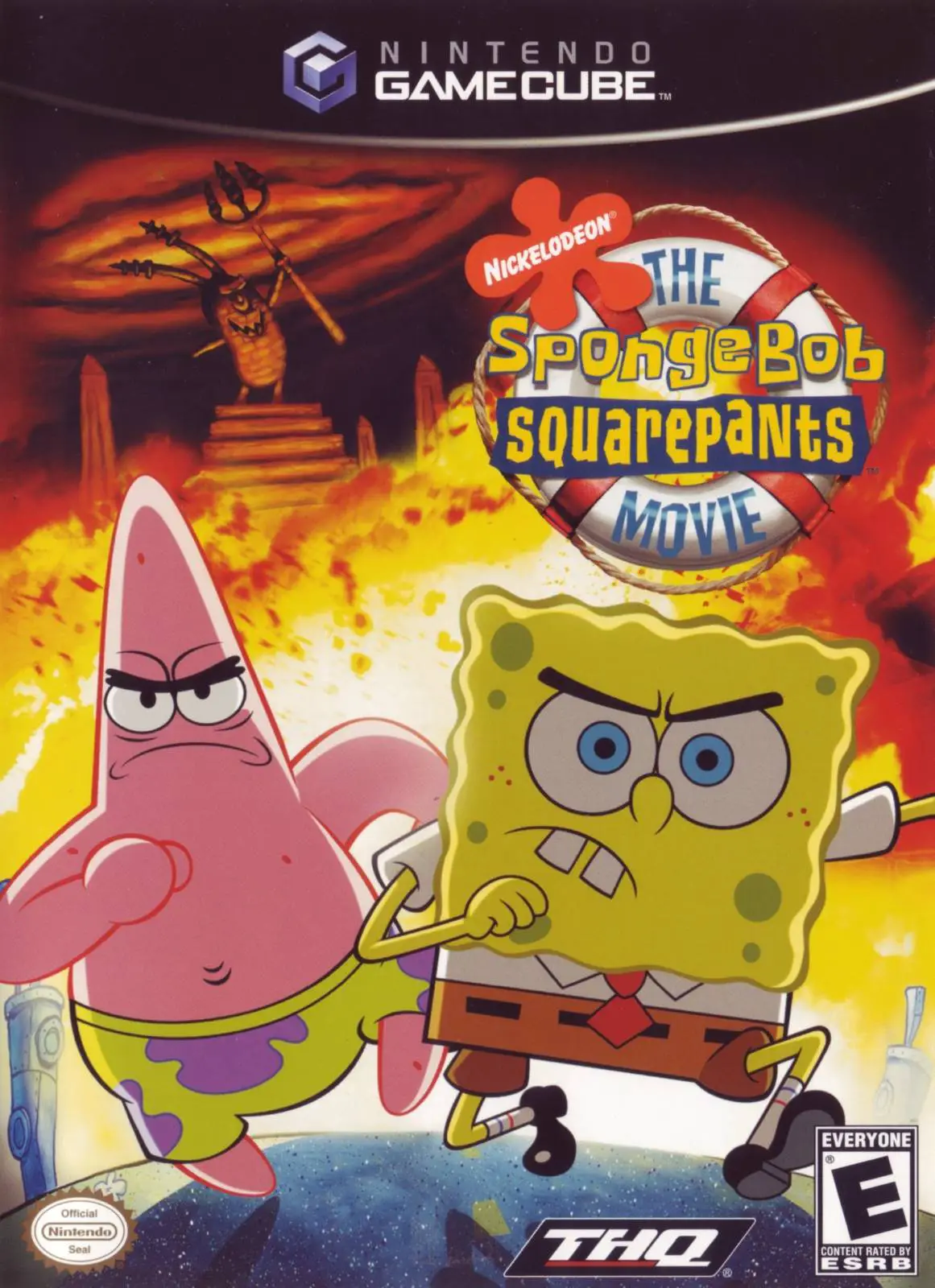
The SpongeBob SquarePants...
Dive into an epic undersea rescue mission with The Sponge...

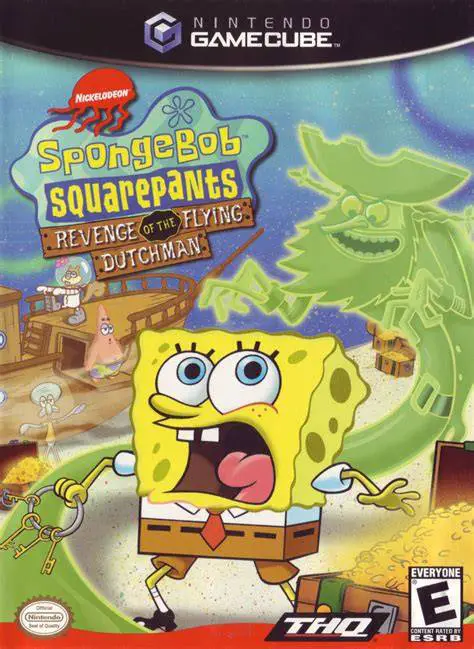
SpongeBob SquarePants: Revenge of the Flying Dutchman is a 3D action-platformer developed by Big Ape Productions and published by THQ. Serving as the very first 3D console platformer for the franchise, the game established the open-ended, collect-a-thon exploration formula that would define subsequent SpongeBob titles.
The plot centers around SpongeBob accidentally uncovering a magic chest in his yard, releasing the Flying Dutchman. To break the ghostly curse and recover Gary, SpongeBob must fulfill tasks for various Bikini Bottom residents (such as Patrick, Sandy, Squidward, and Mr. Krabs) to collect pirate doubloons and tile pieces.
Gameplay focuses on exploration, platforming, and costume-based puzzle solving. Throughout his quest, SpongeBob unlocks different outfits that grant special abilities—including the Jellycatcher Outfit for catching jellyfish, the Karate Outfit for executing martial arts strikes, and the Reef Blower Outfit for sucking up objects and blowing open new pathways. On the Nintendo GameCube, the game features colorful environments, original voice talent, and classic nautical humor.
Field | Detail |
Full Title | SpongeBob SquarePants: Revenge of the Flying Dutchman |
Platform | Nintendo GameCube (NGC) |
Genre | 3D Platformer / Action-Adventure |
Developer | Big Ape Productions |
Publisher | THQ |
Release Date | November 21, 2002 (North America) / March 14, 2003 (Europe) |
Region Formats | NTSC-U / PAL |
Game Modes | Single-Player |
Display Options | 480i / 480p Progressive Scan Support |
Media Type | Nintendo GameCube Game Disc (1 Disc) |
Costume-Based Abilities: Change into specialized outfits like the Karate Gear, Reef Blower, and Jellycatcher to gain unique powers needed to solve puzzles.
Classic Open-World Exploration: Explore iconic Bikini Bottom locations such as Jellyfish Fields, Goo Lagoon, Downtown, and the Flying Dutchman’s Graveyard.
Collect-a-Thon Gameplay: Collect hundreds of doubloons, letter tiles, and hidden items to unlock main story levels and secret areas.
Original Show Voice Cast: Features authentic voice acting from the original Nickelodeon television show cast members.
Interactive Mini-Games: Participate in varied mini-game challenges offered by town inhabitants to earn key quest items.
After SpongeBob digs up a mysterious treasure chest and opens it, he accidentally unleashes the Flying Dutchman. The ghost pirate puts a curse on SpongeBob's friends and kidnaps Gary the Snail, forcing SpongeBob to collect treasure across Bikini Bottom to rescue him.
Different outfits give SpongeBob unique powers necessary to progress. For instance, the Karate Outfit lets him smash through strong obstacles, the Reef Blower allows him to suck up and launch items, and the Jellycatcher lets him capture jellyfish for quest tasks.
No, SpongeBob is the sole playable character in Revenge of the Flying Dutchman. However, Patrick, Sandy, Squidward, Mr. Krabs, and Plankton appear throughout the world as major quest-givers and story characters.
Yes, the Nintendo GameCube version of SpongeBob SquarePants: Revenge of the Flying Dutchman supports 480p progressive scan mode for improved picture clarity on compatible setups.
Click the links below to go to the cloud drive download page
⚠️ Download Tips:
Dive into an epic undersea rescue mission with The Sponge...
Embark on the ultimate cooperative platforming adventure ...
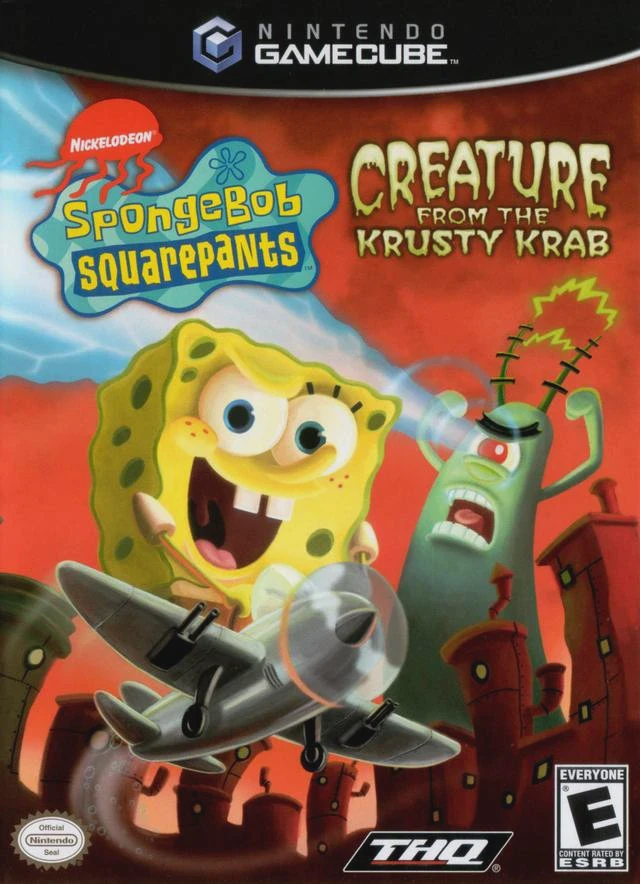
Prepare for a bizarre, dream-fueled adventure with Sponge...
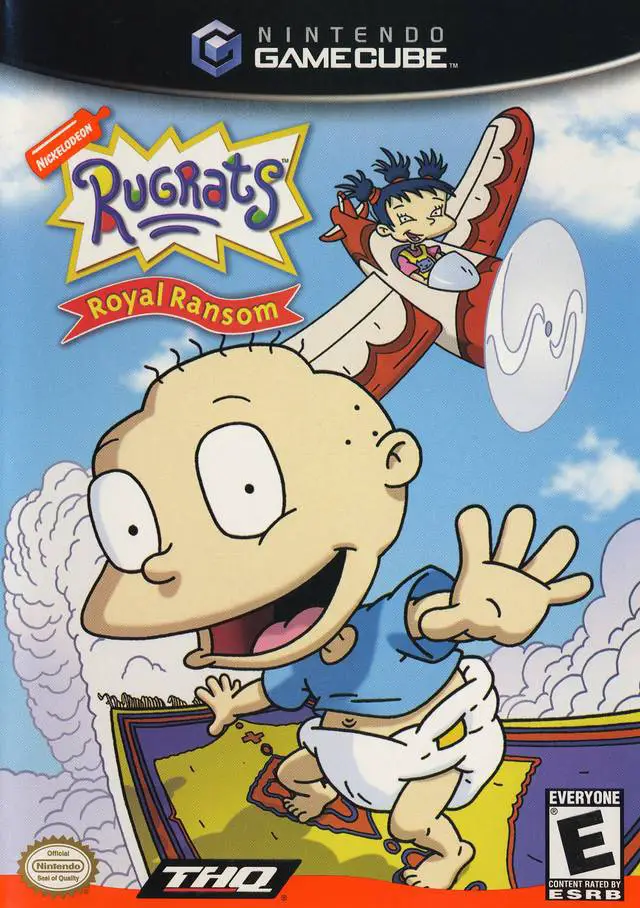
Step into a imaginative medieval adventure with Rugrats: ...
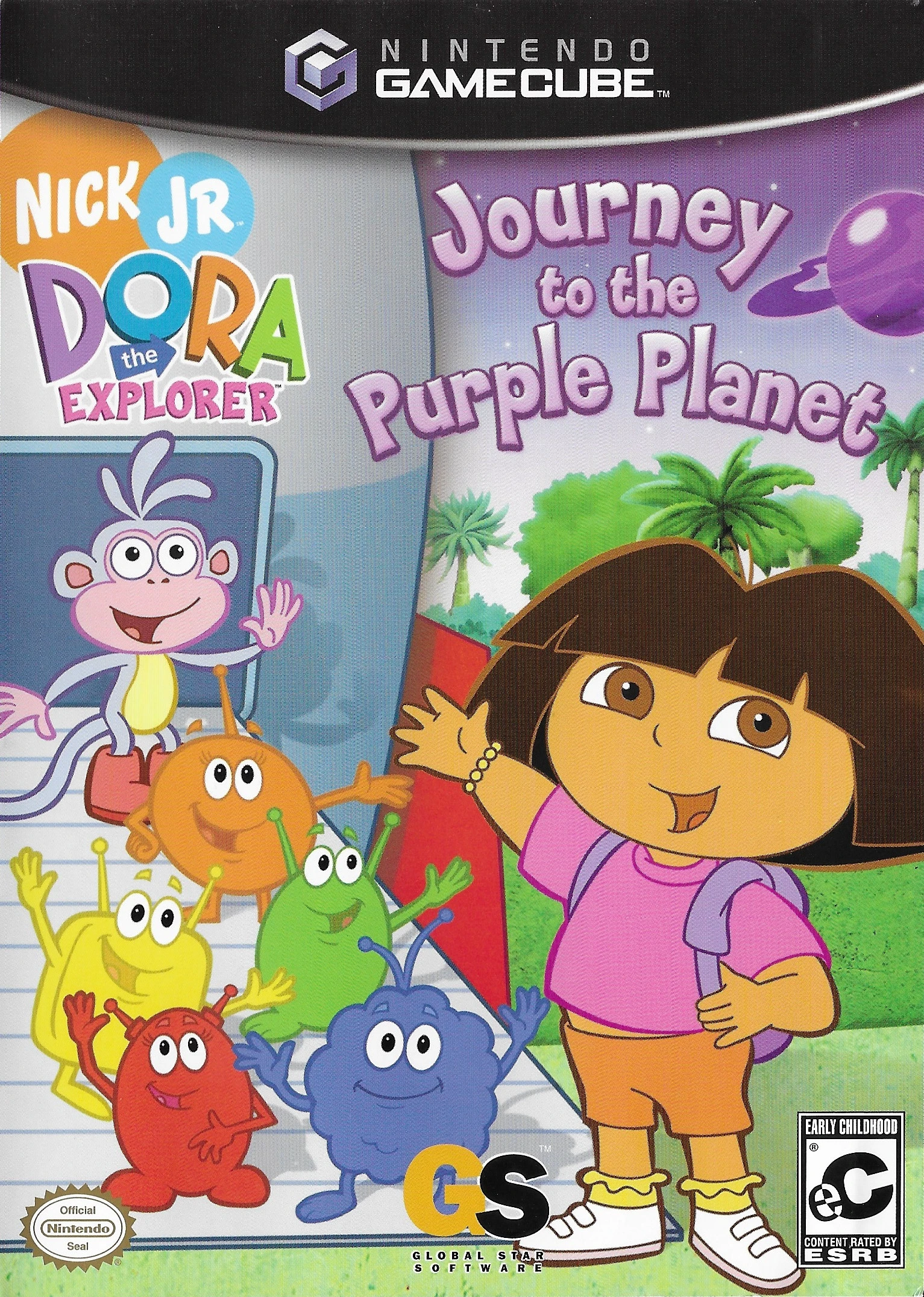
Embark on an out-of-this-world learning adventure with Do...