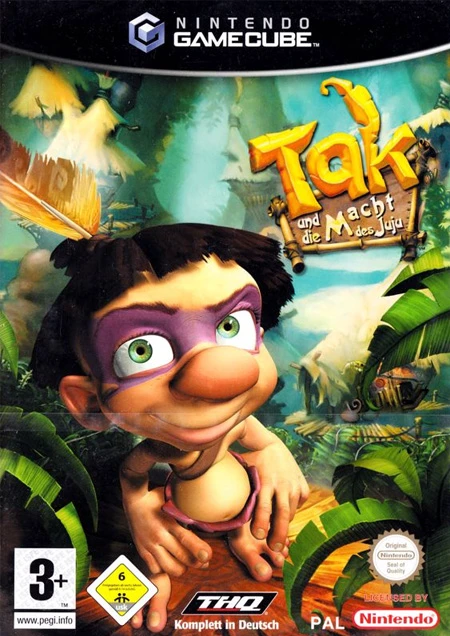
Tak: The Great Juju Chall...
Embark on the ultimate cooperative platforming adventure ...

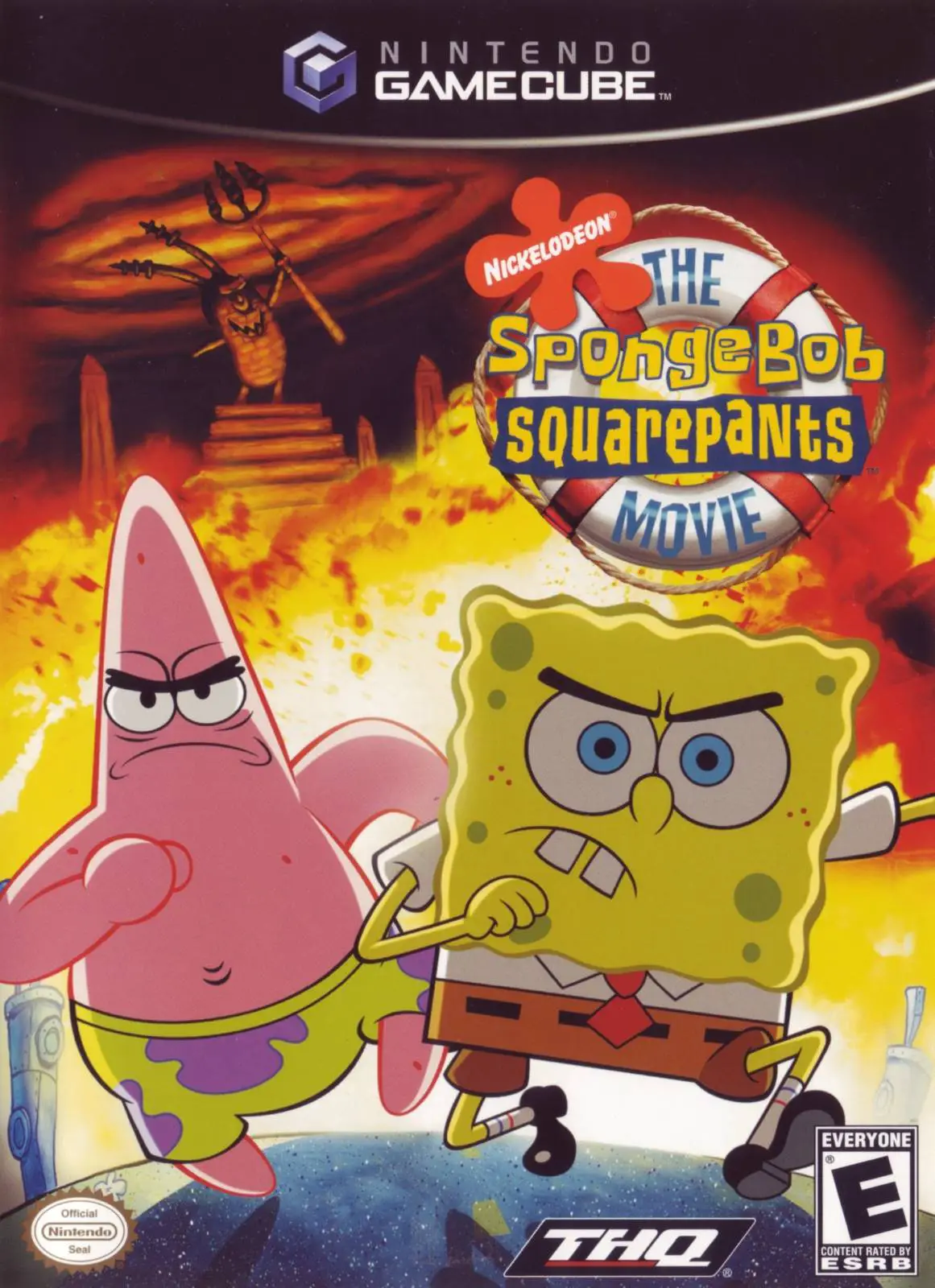
The SpongeBob SquarePants Movie is a 3D action-platformer developed by Heavy Iron Studios and published by THQ. Built on an upgraded version of the engine used for the legendary SpongeBob SquarePants: Battle for Bikini Bottom, the game delivers tight platforming mechanics, rich visual details, and movie-accurate levels filled with humor and adventure.
The narrative closely follows the movie's storyline: Plankton steals King Neptune's crown, frames Mr. Krabs, and takes over Bikini Bottom using mind-control helmets. SpongeBob and Patrick must travel across dangerous territories, including the Thug Tug, the Trench of Monsters, and Shell City, to retrieve the crown and save their home.
Gameplay alternates between SpongeBob and Patrick, each featuring distinct movesets and upgradeable skill trees. Players collect "Goofy Goober Tokens" by completing level challenges, which can be spent to upgrade abilities such as the Guided Sponge Bowl, Macho Smash, and Karate Spin. On the Nintendo GameCube, the game stands out with smooth framerates, expressive character animations, interactive vehicle sequences, and authentic voice acting from the film's cast.
Field | Detail |
Full Title | The SpongeBob SquarePants Movie |
Platform | Nintendo GameCube (NGC) |
Genre | 3D Platformer / Action-Adventure |
Developer | Heavy Iron Studios |
Publisher | THQ |
Release Date | October 27, 2004 (North America) / February 4, 2005 (Europe) |
Region Formats | NTSC-U / PAL |
Game Modes | Single-Player |
Display Options | 480i / 480p Progressive Scan Support |
Media Type | Nintendo GameCube Game Disc (1 Disc) |
Dual Playable Protagonists: Switch between SpongeBob and Patrick, each offering distinct combat skills, acrobatic moves, and upgradeable power-ups.
Upgradeable Superpowers: Collect Goofy Goober Tokens to enhance special abilities, including SpongeBob's Sonic Wave Guitar and Patrick's Star Bowl.
Varied Gameplay Styles: Engage in traditional 3D platforming, high-speed Patty Wagon racing, sliding track minigames, and sponge-bowling puzzles.
Movie-Accurate Campaign: Experience iconic locations and scenes directly from the feature film, featuring authentic movie audio clips and cinematic cutscenes.
Heavy Iron Engine Quality: Built by Heavy Iron Studios using the acclaimed Battle for Bikini Bottom engine for fluid platforming physics and sharp GameCube graphics.
While it uses an upgraded version of the same game engine and control mechanics as Battle for Bikini Bottom, The SpongeBob SquarePants Movie features an entirely new story, level designs, upgrade system, combat moves, and driving sequences based directly on the 2004 film.
You can play as both SpongeBob SquarePants and Patrick Star. Certain levels require specific character skills, such as SpongeBob's bowling/wand attacks or Patrick's heavy lifting and smash attacks.
Goofy Goober Tokens are hidden collectibles awarded for completing optional level tasks and combat arenas. They are used in the Upgrade Menu to unlock and enhance SpongeBob and Patrick's special combat moves and health upgrades.
Yes, the Nintendo GameCube version of The SpongeBob SquarePants Movie supports 480p progressive scan mode for crisp, vibrant visuals on compatible displays.
Click the links below to go to the cloud drive download page
⚠️ Download Tips:
Embark on the ultimate cooperative platforming adventure ...
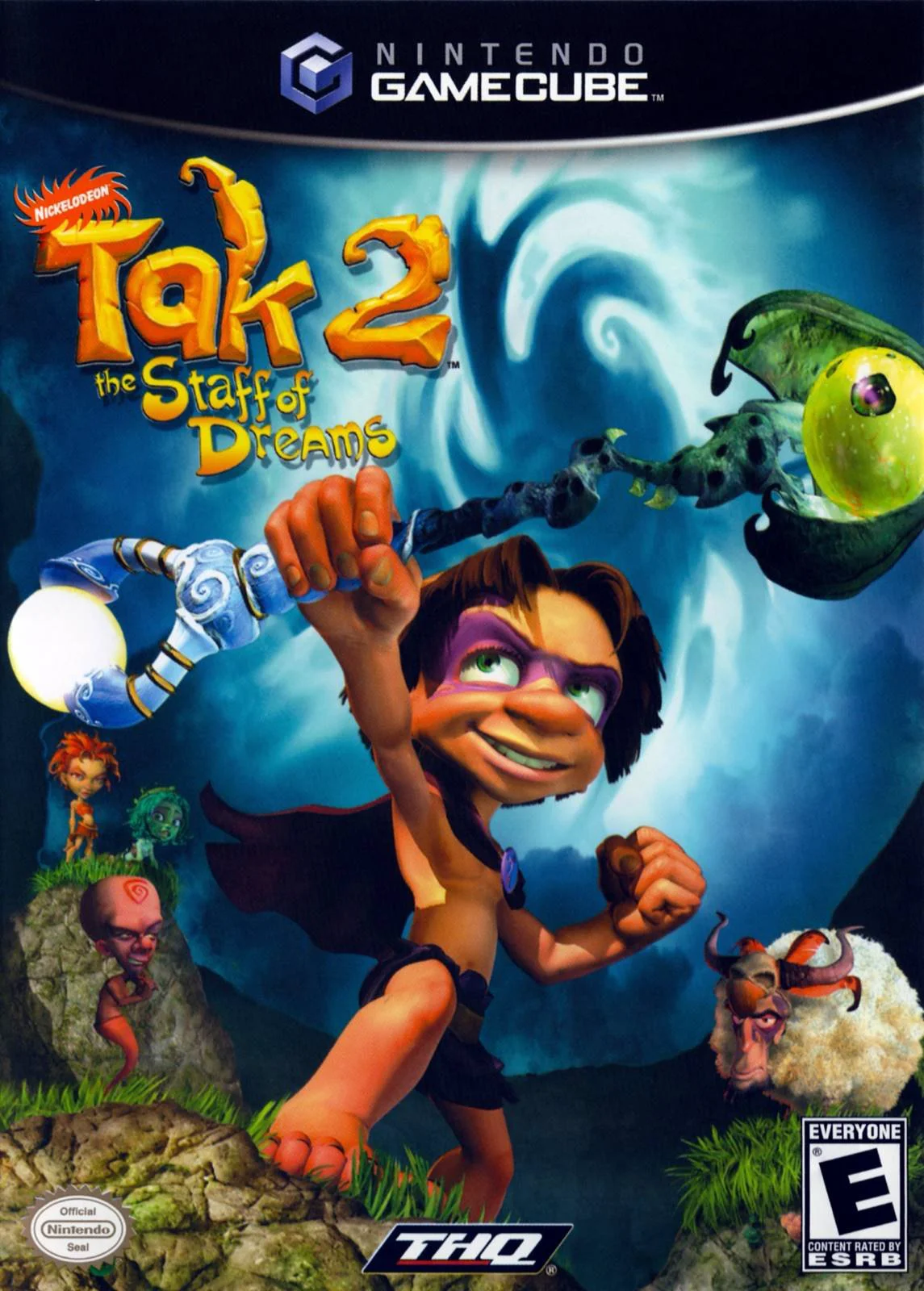
Embark on a mystical 3D platforming adventure in Tak 2: T...
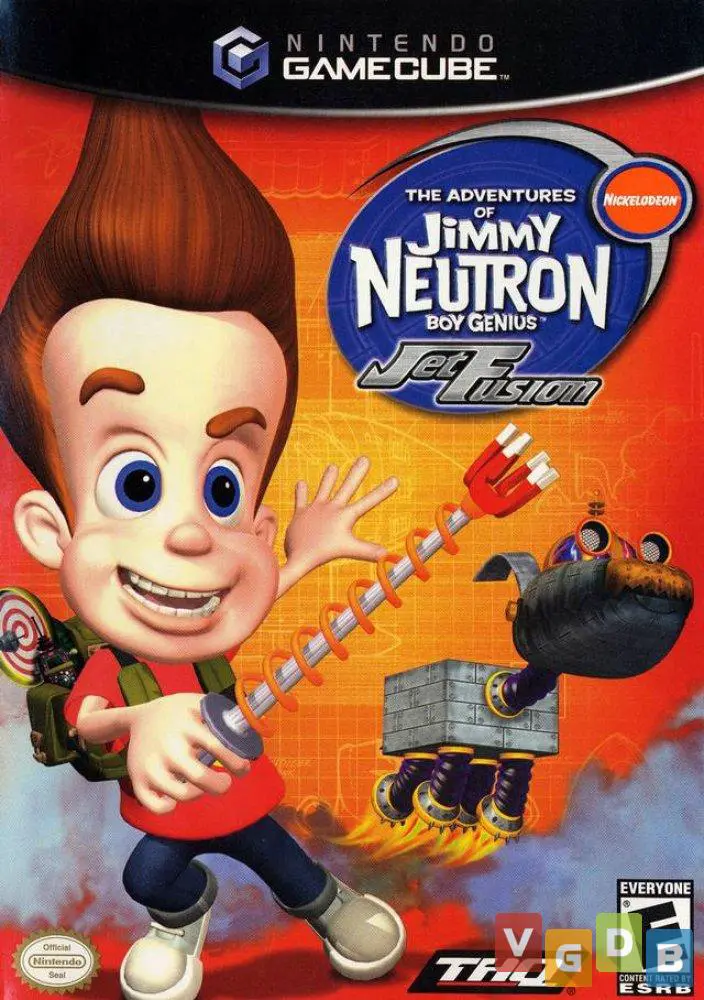
Blast off into a high-octane spy-fi adventure with The Ad...
Embark on a classic undersea 3D platforming adventure in ...
Prepare for a bizarre, dream-fueled adventure with Sponge...