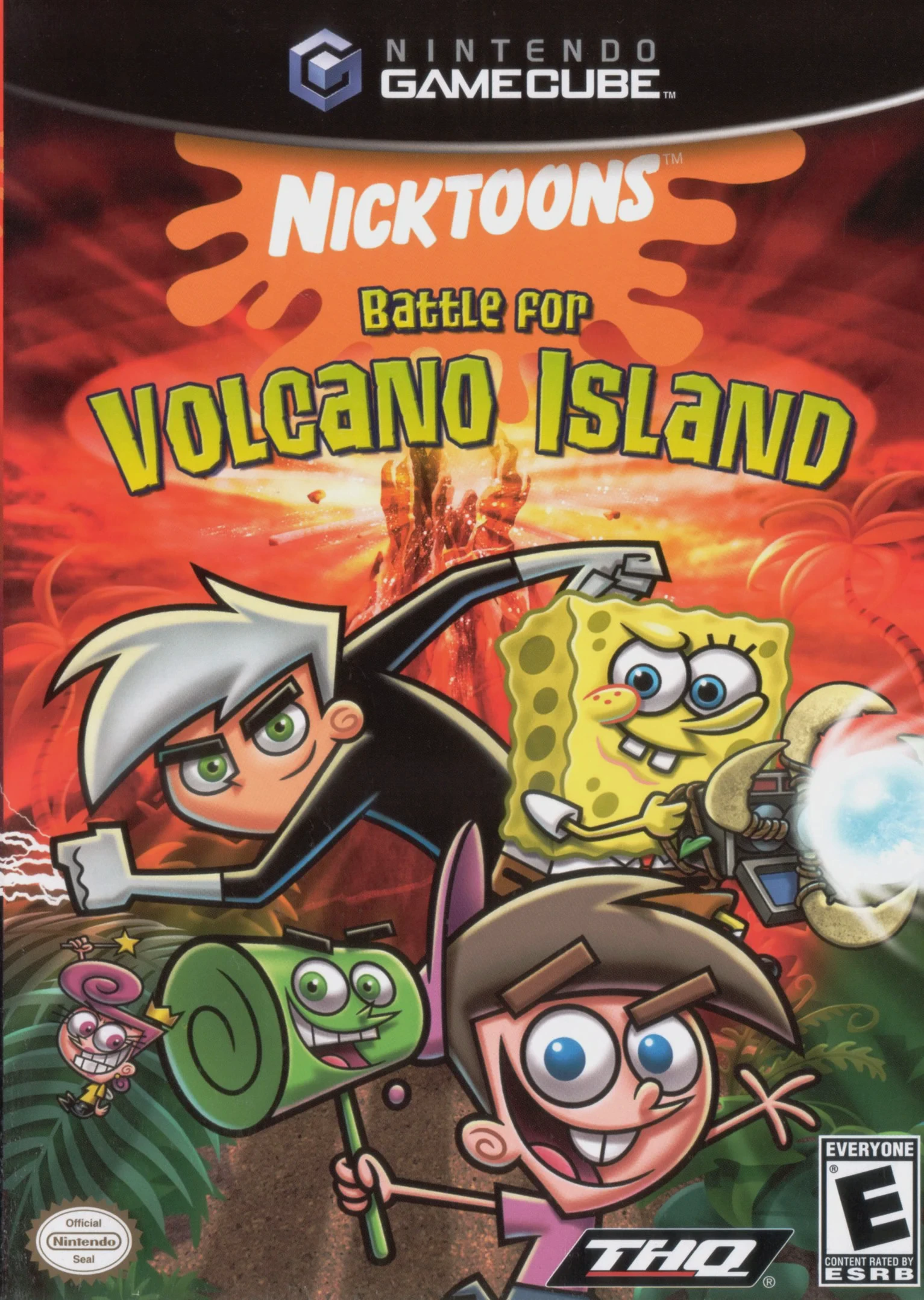
Nicktoons: Battle for Vol...
Return to the Nicktoons multiverse in Nicktoons: Battle f...

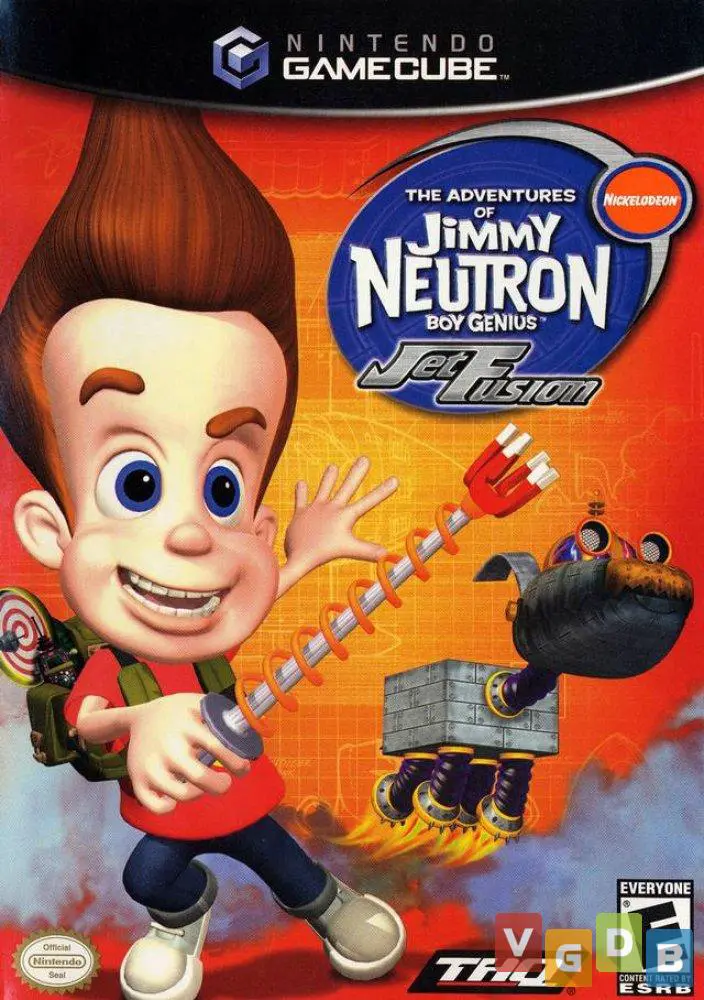
The Adventures of Jimmy Neutron Boy Genius: Jet Fusion is a third-person action-adventure platformer developed by Krome Studios and published by THQ. Recreating the colorful world of Nickelodeon's popular CGI animated series, the title successfully merges classic 3D platforming with creative gadget-based combat and puzzle-solving mechanics.
The story follows Jimmy Neutron as he uncovers a plot orchestrated by the evil Professor Calamitous, who has kidnapped the famed spy hero Jet Fusion and plans to turn the world's most popular film locations into real-life weapons of mass destruction. Jimmy must construct and utilize his own invention inventions—including the Shrink Ray, Goddard Lasso, Magnetizing Pin, and Neutronic Backpack—to navigate hazardous terrain, hack security terminals, and defeat dangerous bosses.
On the Nintendo GameCube, the game features smooth 3D platforming, vibrant cel-shaded style graphics, responsive controls, and authentic voice acting from the original TV show cast. Throughout the game, players also get to pilot various vehicles like the Jimmy-Copter and hovercraft, keeping the gameplay dynamic and engaging.
Field | Detail |
Full Title | The Adventures of Jimmy Neutron Boy Genius: Jet Fusion |
Platform | Nintendo GameCube (NGC) |
Genre | 3D Platformer / Action-Adventure |
Developer | Krome Studios |
Publisher | THQ |
Release Date | September 16, 2003 (North America) / February 27, 2004 (Europe) |
Region Formats | NTSC-U / PAL |
Game Modes | Single-Player |
Display Options | 480i / 480p Progressive Scan Support |
Media Type | Nintendo GameCube Game Disc (1 Disc) |
Creative Gadget-Based Gameplay: Craft and deploy Jimmy’s iconic inventions like the Shrink Ray, Goddard Transformer, and Magnetizing Pins to solve puzzles and defeat enemies.
Exotic Global Locations: Travel to diverse spy-themed stages including Asia, the Arctic, mysterious deep-sea installations, and Calamitous's secret island lair.
Vehicle & Mini-Game Sequences: Drive, fly, and pilot various vehicles like the Jimmy-Copter, ski sleds, and custom hovercraft across action-packed levels.
Original Voice Cast: Features authentic voice acting and audio effects directly from the original Nickelodeon television series cast members.
Goddard Companion Mechanics: Command Jimmy's loyal robotic dog Goddard to transform into various useful tools like a transport vehicle or a rescue ladder.
Jimmy Neutron is recruited by secret agent agency BTS (Big Top Secret) after movie star and real-life agent Jet Fusion goes missing. Jimmy must travel around the world to rescue Jet Fusion and stop Professor Calamitous from using film locations to conquer the planet.
While you primarily control Jimmy Neutron, Jimmy’s robotic dog Goddard accompanies you throughout the journey and can transform into different useful mechanisms and vehicles to solve environmental puzzles.
Jimmy has access to a wide array of high-tech inventions, including the Shrink Ray, Neutronic Backpack, Magnetizing Pin, Goddard Lasso, and EMP Grenades, each serving distinct platforming and combat functions.
Yes, The Adventures of Jimmy Neutron Boy Genius: Jet Fusion supports 480p progressive scan output on the Nintendo GameCube for crisp and clear visual performance on supported displays.
Click the links below to go to the cloud drive download page
⚠️ Download Tips:
Return to the Nicktoons multiverse in Nicktoons: Battle f...
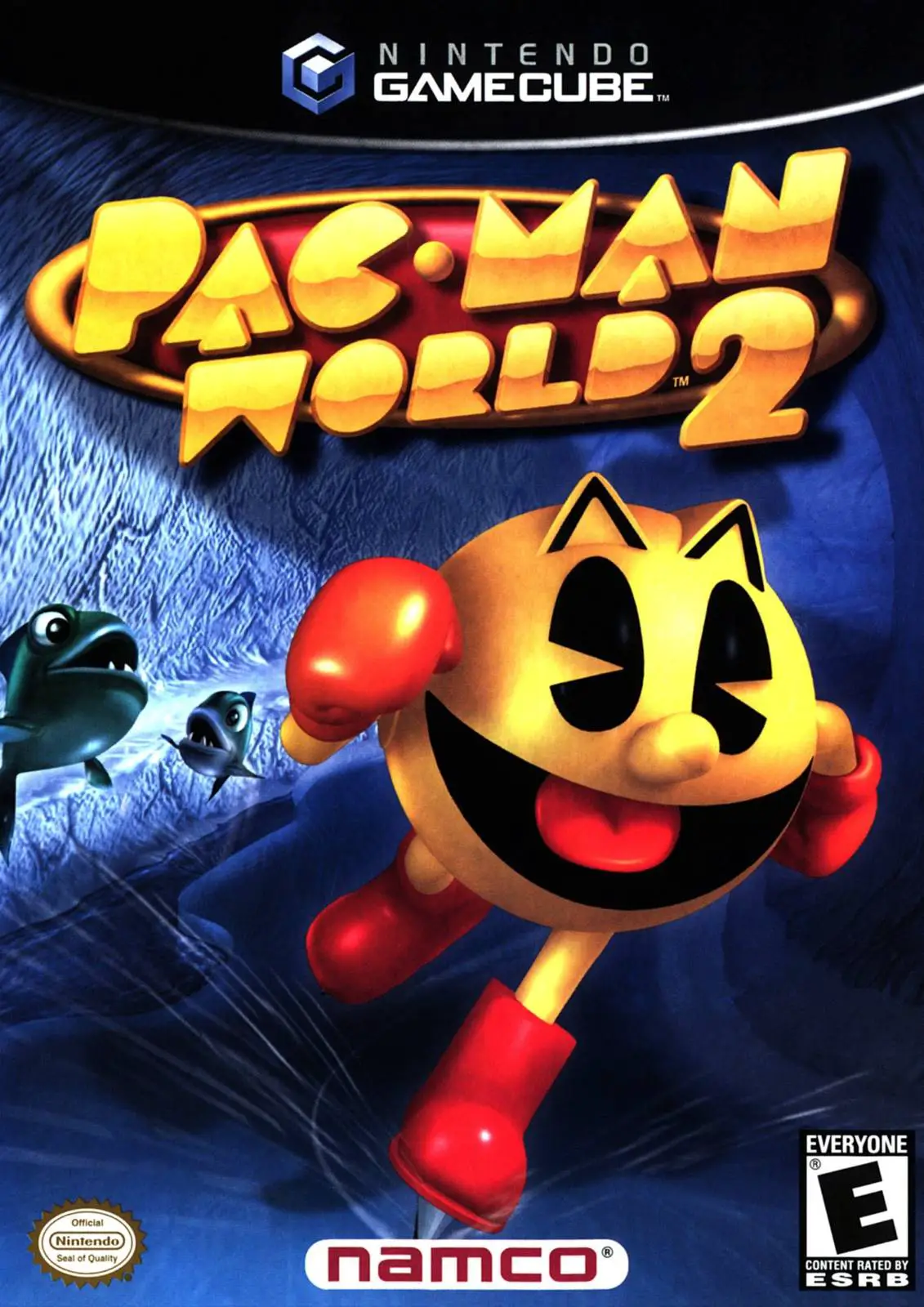
Dive into a vibrant 3D platforming adventure with Pac-Man...
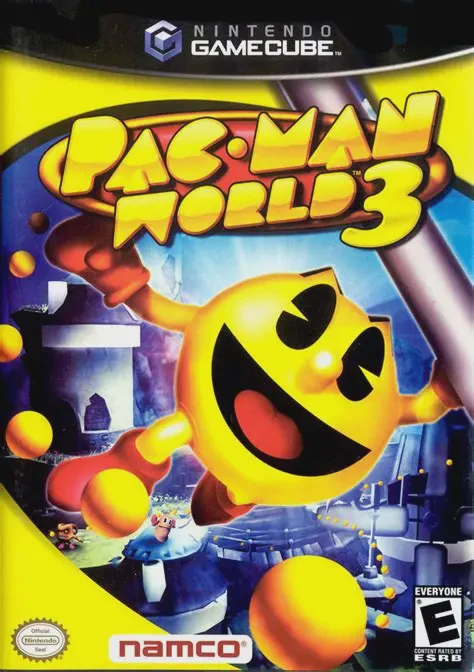
Celebrate Pac-Man’s 25th anniversary with Pac-Man World 3...
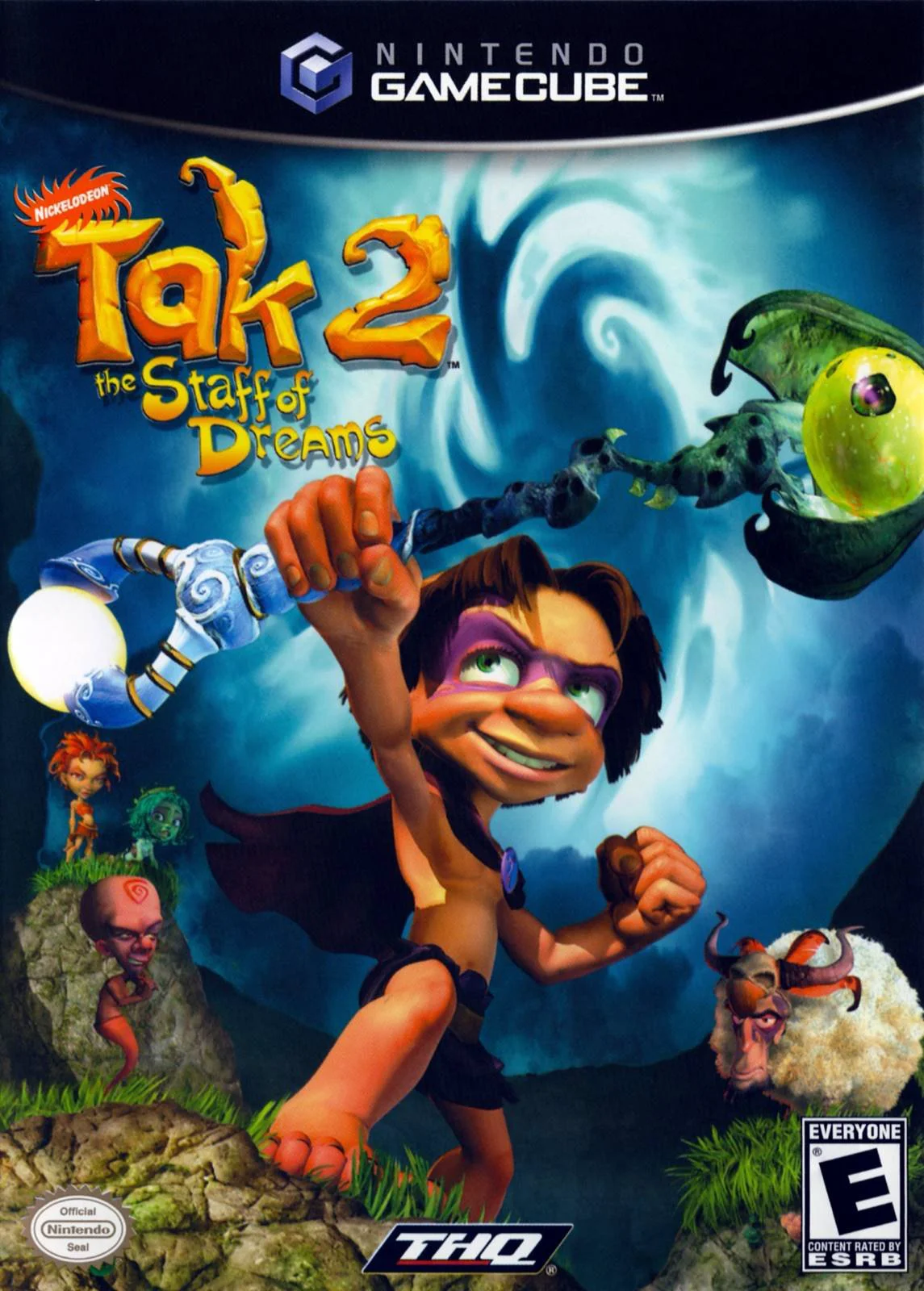
Embark on a mystical 3D platforming adventure in Tak 2: T...
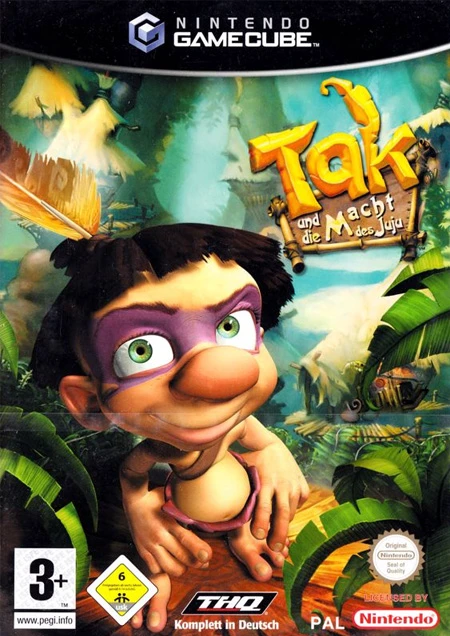
Embark on the ultimate cooperative platforming adventure ...