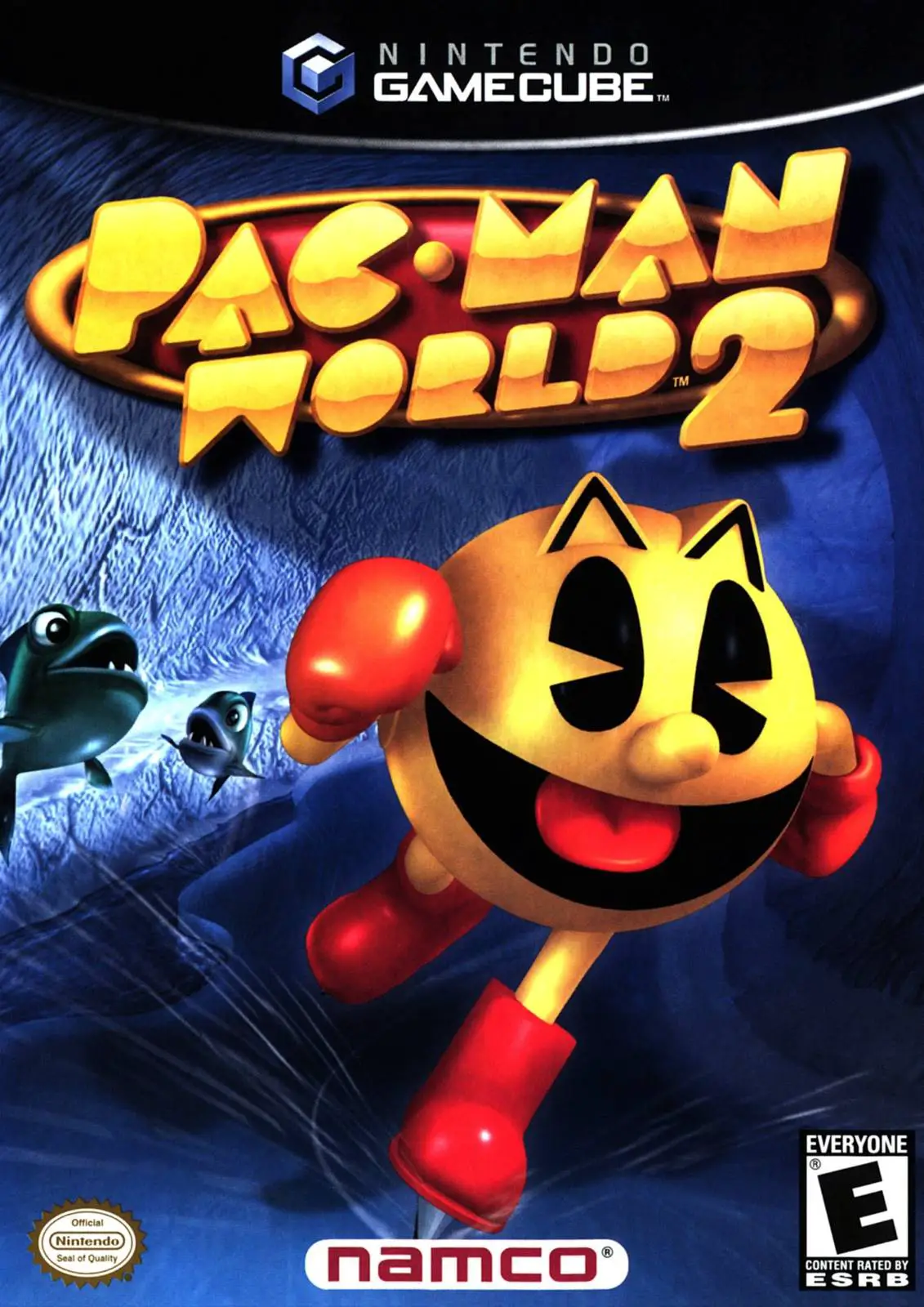
Pac-Man World 2
Dive into a vibrant 3D platforming adventure with Pac-Man...

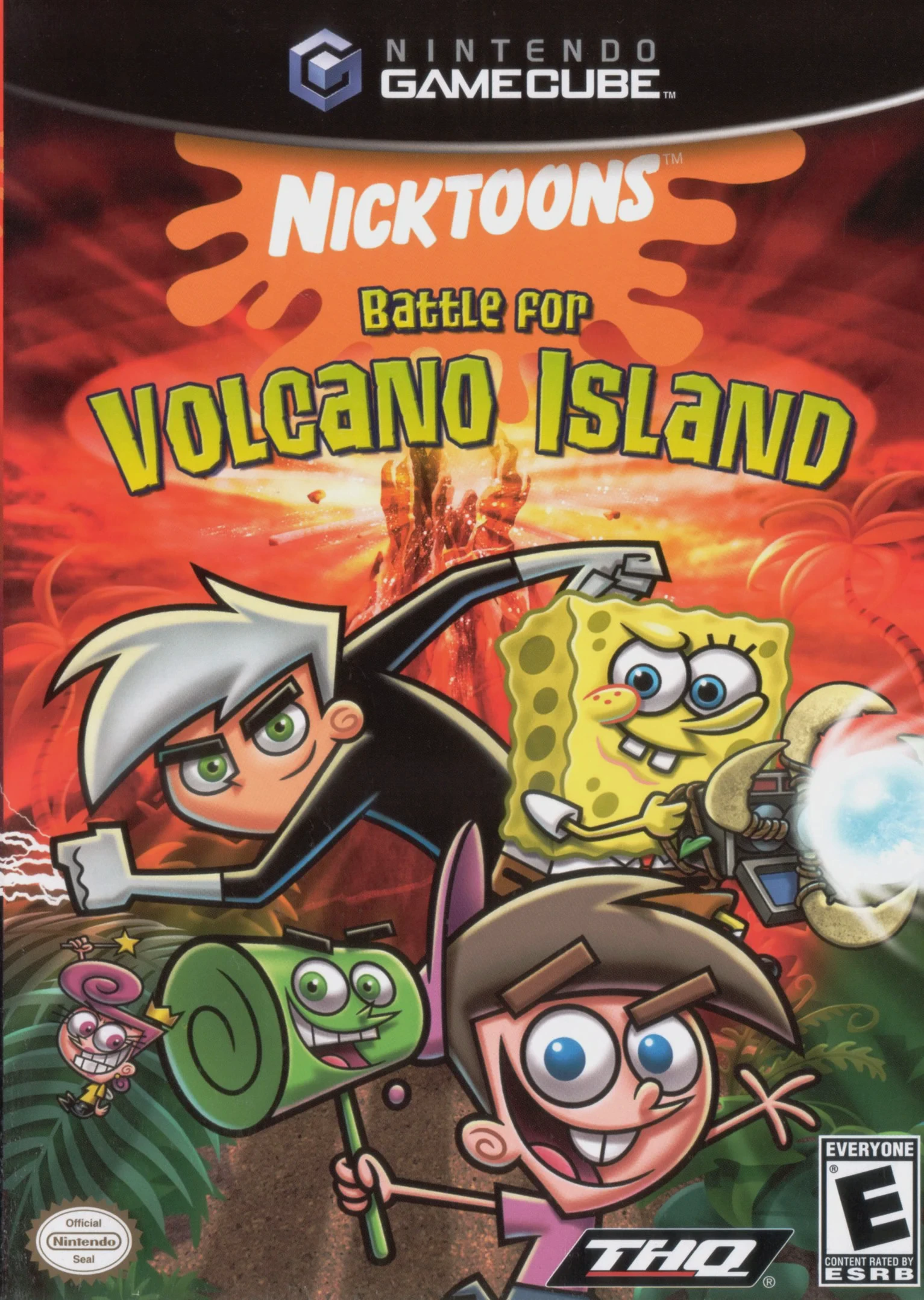
Nicktoons: Battle for Volcano Island is a 3D action-platformer developed by Blue Tongue Entertainment and published by THQ. Serving as the direct sequel to Nicktoons Unite!, the game shifts the setting from urban Nicktoons cities to a treacherous tropical island filled with volcanic hazards, dense jungles, and corrupted flora.
The narrative begins when the ancient demon Mawgu breaks free from his dimensional seal, threatening to consume Volcano Island and absorb energy from all Nicktoons dimensions. The island's ancient guardians attempt to summon the Chosen Heroes, but Mawgu interferes with the portal, scattering the characters across the island. SpongeBob, Danny Phantom, and Timmy Turner must team up, rescue their scattered friends, and collect elemental artifacts to defeat Mawgu once and for all.
On the Nintendo GameCube, Nicktoons: Battle for Volcano Island features cooperative action-platforming, multi-character combat combos, vibrant visual environments, and interactive puzzle mechanics. Up to 3 players can play together locally, swapping between heroes like Jimmy Neutron, Patrick Star, Sandy Cheeks, and Samantha Manson as they explore the island.
Field | Detail |
Full Title | Nicktoons: Battle for Volcano Island |
Platform | Nintendo GameCube (NGC) |
Genre | Action-Platformer / 3D Platformer / Co-op |
Developer | Blue Tongue Entertainment |
Publisher | THQ |
Release Date | October 24, 2006 (North America) / May 25, 2007 (Europe) |
Region Formats | NTSC-U / PAL |
Game Modes | Single-Player, Local Co-op (1–3 Players) |
Display Options | 480i / 480p Progressive Scan Support |
Media Type | Nintendo GameCube Game Disc (1 Disc) |
Expanded Nicktoons Roster: Play as classic heroes like SpongeBob, Danny Phantom, and Timmy Turner, alongside unlockable characters Patrick Star, Sandy Cheeks, and Sam Manson.
3-Player Local Co-Op: Drop in and drop out seamlessly with up to 3 players simultaneously for local cooperative action.
Upgradeable Weapons & Gear: Collect volcano minerals throughout levels to upgrade character gadgets, weapon attacks, and overall health pools.
Dynamic Tropical Environments: Explore diverse levels featuring volcanic craters, tropical jungles, underground caverns, and ancient ruins.
Unlockable Costumes & Concept Art: Discover hidden bonus items, alternative character costumes, and behind-the-scenes artwork secrets.
The primary playable characters in the GameCube version are SpongeBob SquarePants, Danny Phantom, Timmy Turner, Patrick Star, Sandy Cheeks, and Samantha Manson (from Danny Phantom).
The GameCube version supports up to 3 players simultaneously in local drop-in/drop-out cooperative multiplayer mode.
In the console version (GameCube/PS2), Jimmy Neutron acts as the non-playable technical advisor guiding the heroes from his mobile command center, though he is unlockable/playable in certain portable versions.
Yes, Nicktoons: Battle for Volcano Island supports 480p progressive scan output on the Nintendo GameCube for crisp and clear visuals.
Click the links below to go to the cloud drive download page
⚠️ Download Tips:
Dive into a vibrant 3D platforming adventure with Pac-Man...
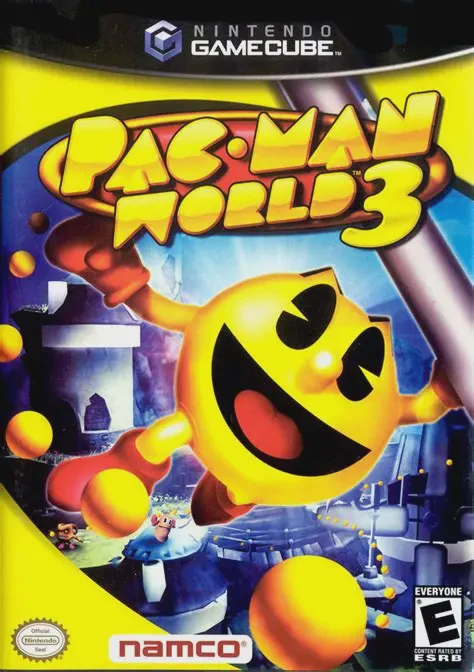
Celebrate Pac-Man’s 25th anniversary with Pac-Man World 3...
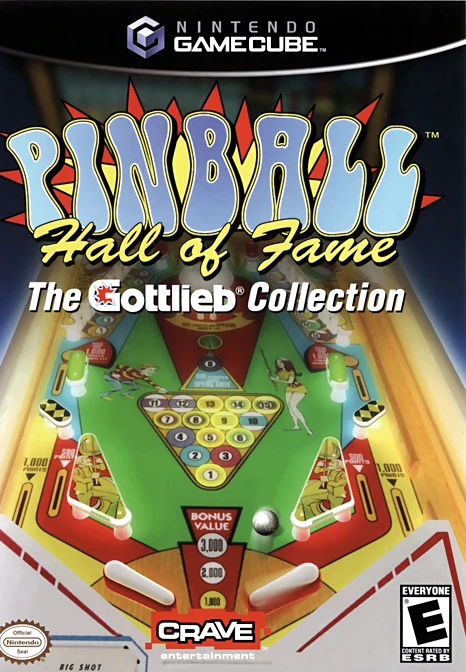
Pinball Hall of Fame: The Gottlieb Collection is an authe...
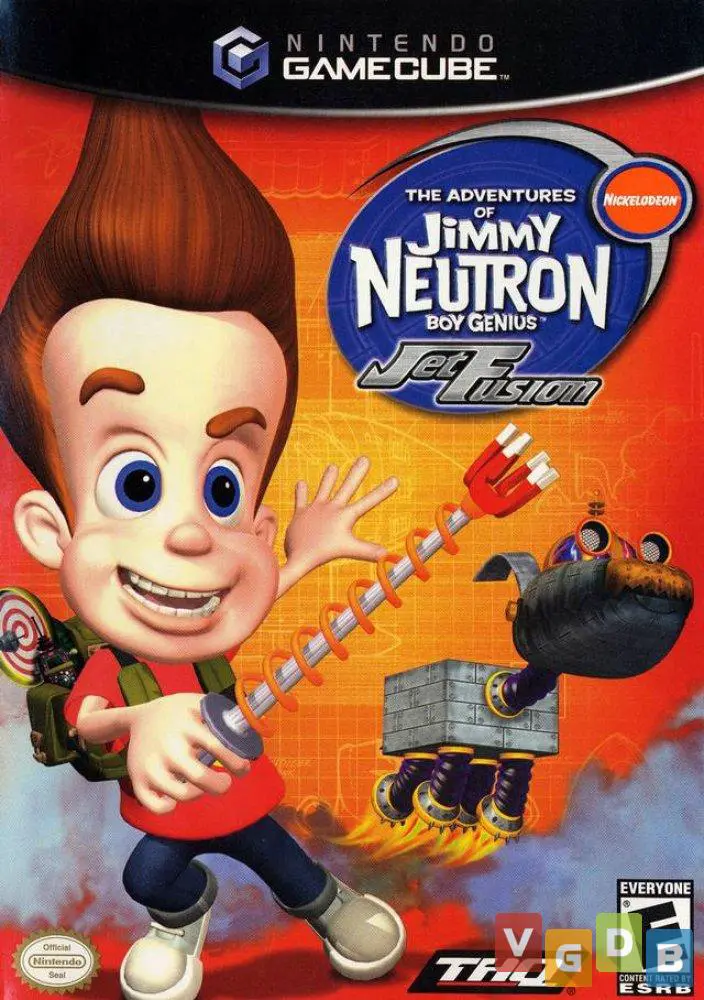
Blast off into a high-octane spy-fi adventure with The Ad...
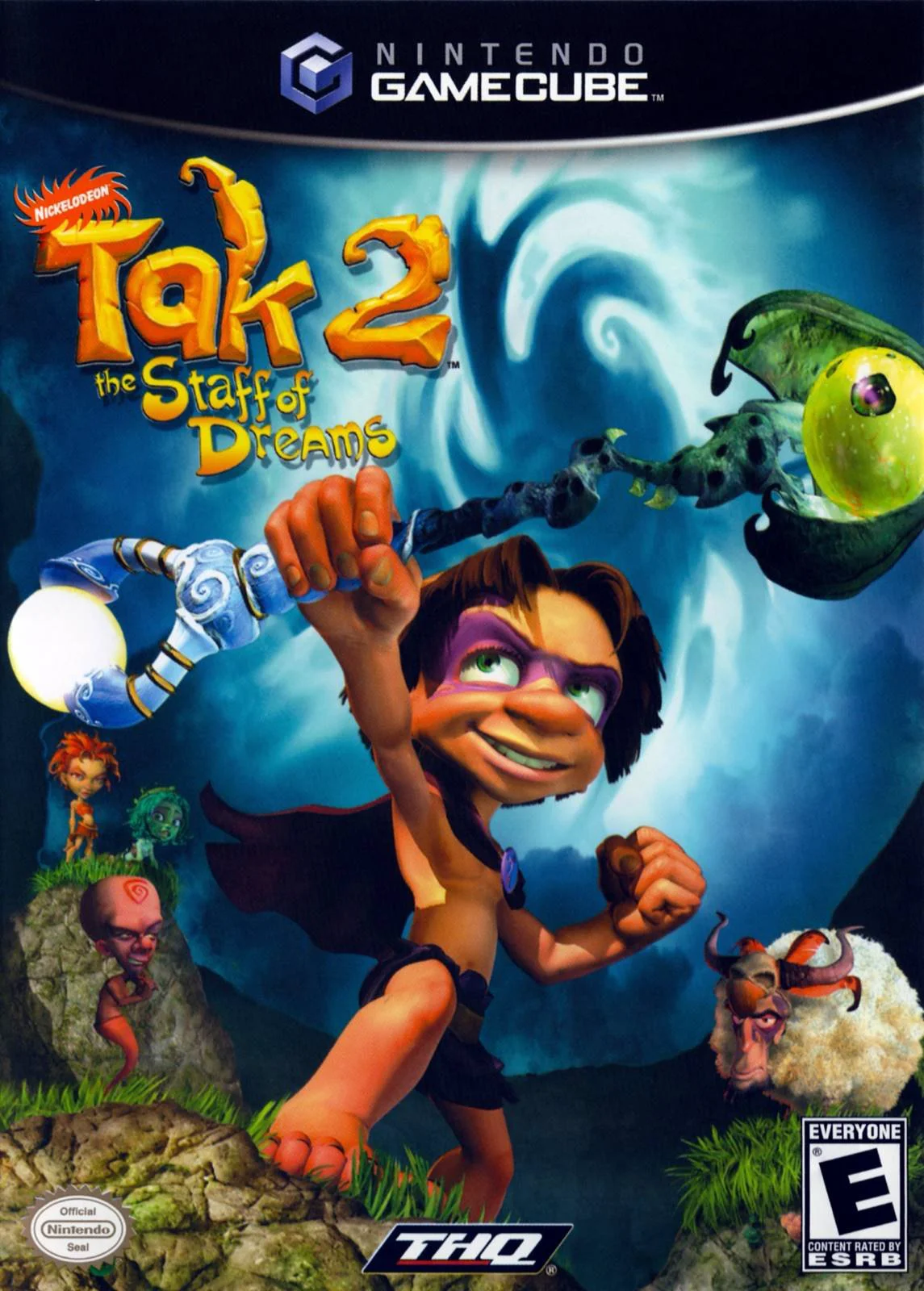
Embark on a mystical 3D platforming adventure in Tak 2: T...