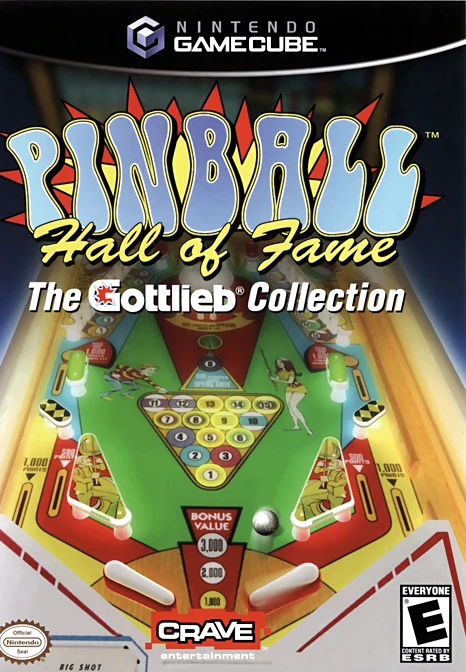
Pinball Hall of Fame: The...
Pinball Hall of Fame: The Gottlieb Collection is an authe...

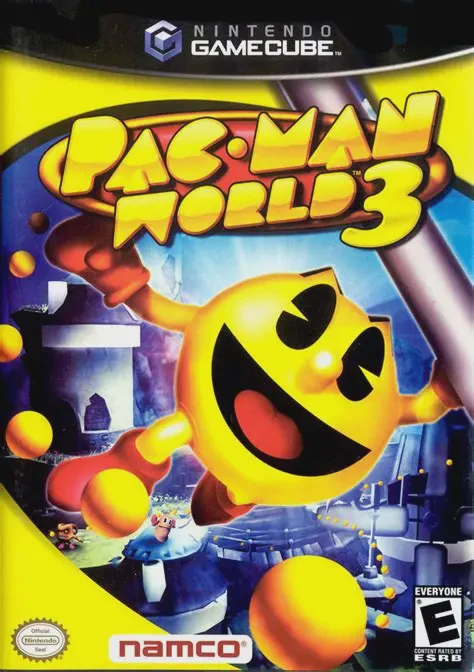
Pac-Man World 3 is a 3D platform game developed by Namco Hometek and published by Namco. Released to commemorate the 25th anniversary of the franchise, the game takes a more mature and story-driven approach compared to its predecessors. The narrative kicks off when Pac-Man is abruptly pulled from a family celebration into the digital world, where he discovers that an evil genius named Erwin is draining energy from the Spectral Realm to power his corporate empire, threatening the entire universe.
The gameplay combines traditional platforming with action-oriented combat and puzzle-solving mechanics. Pac-Man can unleash physical combos, grab enemies, throw them at obstacles, and use specialized power pellets to gain temporary elemental attributes. Additionally, players can open special portals to control Pac-Man's ghostly nemeses—Blinky, Pinky, Inky, and Clyde—each equipped with unique spectral powers required to navigate tricky hazards, bypass security grids, and solve intricate environmental puzzles.
On the Nintendo GameCube, Pac-Man World 3 delivers smooth 3D environments, clean character models, and a nostalgic blend of classic arcade minigames alongside the main adventure. It provides a thoroughly entertaining experience for both longtime fans of the franchise and newcomers to 3D platformers.
Field | Detail |
Full Title | Pac-Man World 3 |
Platform | Nintendo GameCube (NGC) |
Genre | 3D Platformer / Action-Adventure |
Developer | Namco Hometek |
Publisher | Namco |
Release Date | November 15, 2005 (North America) / June 2006 (Europe) |
Region Formats | NTSC-U / PAL |
Game Modes | Single-Player |
Display Options | 480i / 480p Progressive Scan Support |
Media Type | Nintendo GameCube Game Disc (1 Disc) |
25th Anniversary Celebration: Features a milestone adventure celebrating Pac-Man’s silver anniversary with an evolved storyline and darker tone.
Expanded Combat and Abilities: Equip Pac-Man with physical melee attacks, high-flying punch combos, butt-bounces, and special power pellets.
Playable Ghost Allies: Open portals to control classic ghosts like Blinky and Pinky to solve puzzles and bypass otherwise impassable security sectors.
Classic Arcade Interludes: Discover and play classic retro arcade mini-games hidden throughout the main adventure campaign.
Engaging Cinematic Storyline: Fully voiced cutscenes and narrative-driven levels detailing Pac-Man's quest to defeat the evil Erwin.
The game follows Pac-Man as he is drawn away from a family celebration into a digital realm. He learns that a ruthless corporate villain named Erwin is harnessing energy from the Spectral Realm, threatening both worlds, and Pac-Man must stop his catastrophic machines.
Yes! While Pac-Man is the primary playable character for platforming and combat, you can open special portals that allow you to control classic ghosts (such as Blinky and Pinky) to solve exclusive puzzle sections.
Yes, the Nintendo GameCube version supports 480p progressive scan output for crisper visuals on compatible displays and cables.
Yes, players can uncover tokens throughout the levels to unlock and play classic retro arcade emulations within the game.
Click the links below to go to the cloud drive download page
⚠️ Download Tips:
Pinball Hall of Fame: The Gottlieb Collection is an authe...
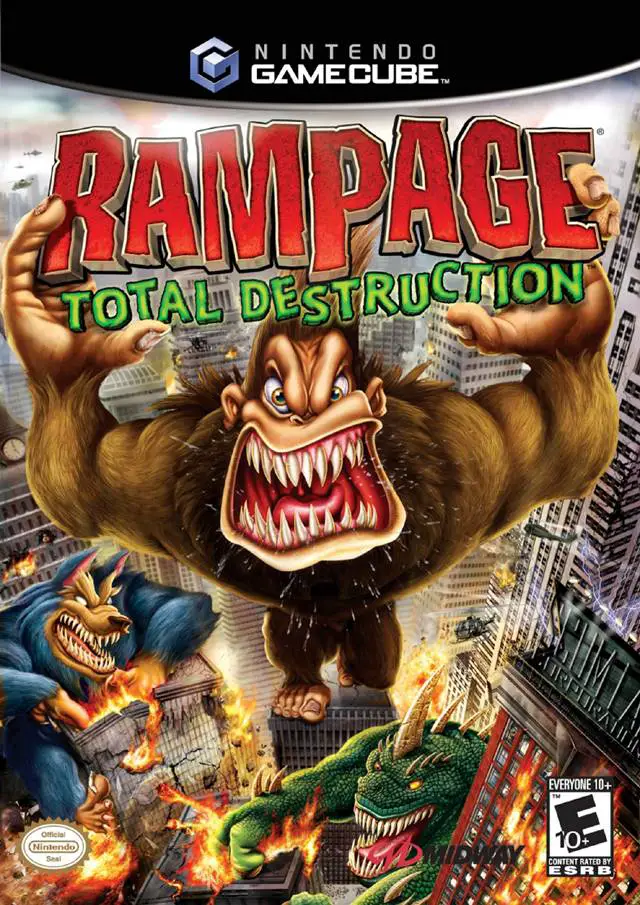
Rampage: Total Destruction is an explosive arcade action ...
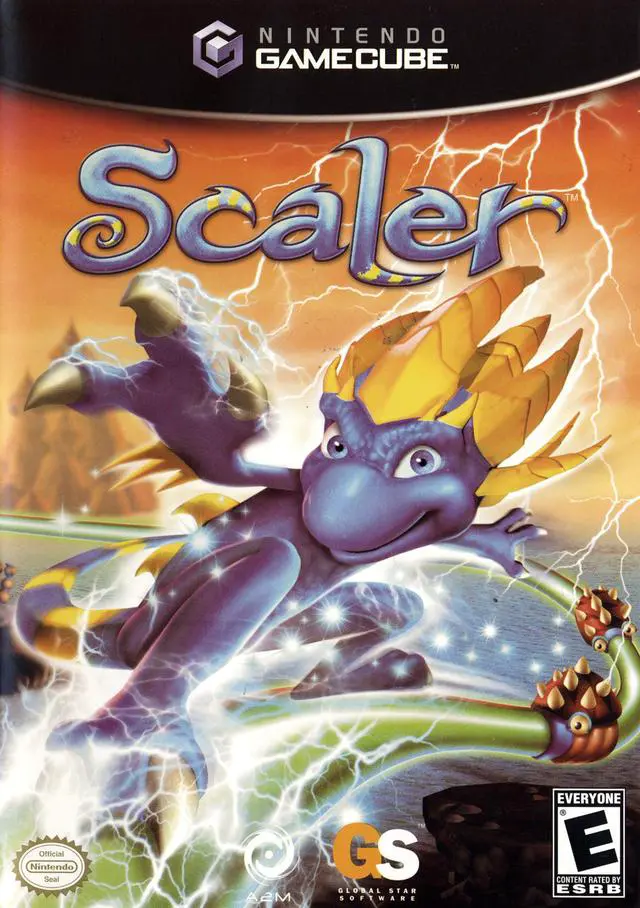
Scaler is an inventive 3D platforming action-adventure ga...
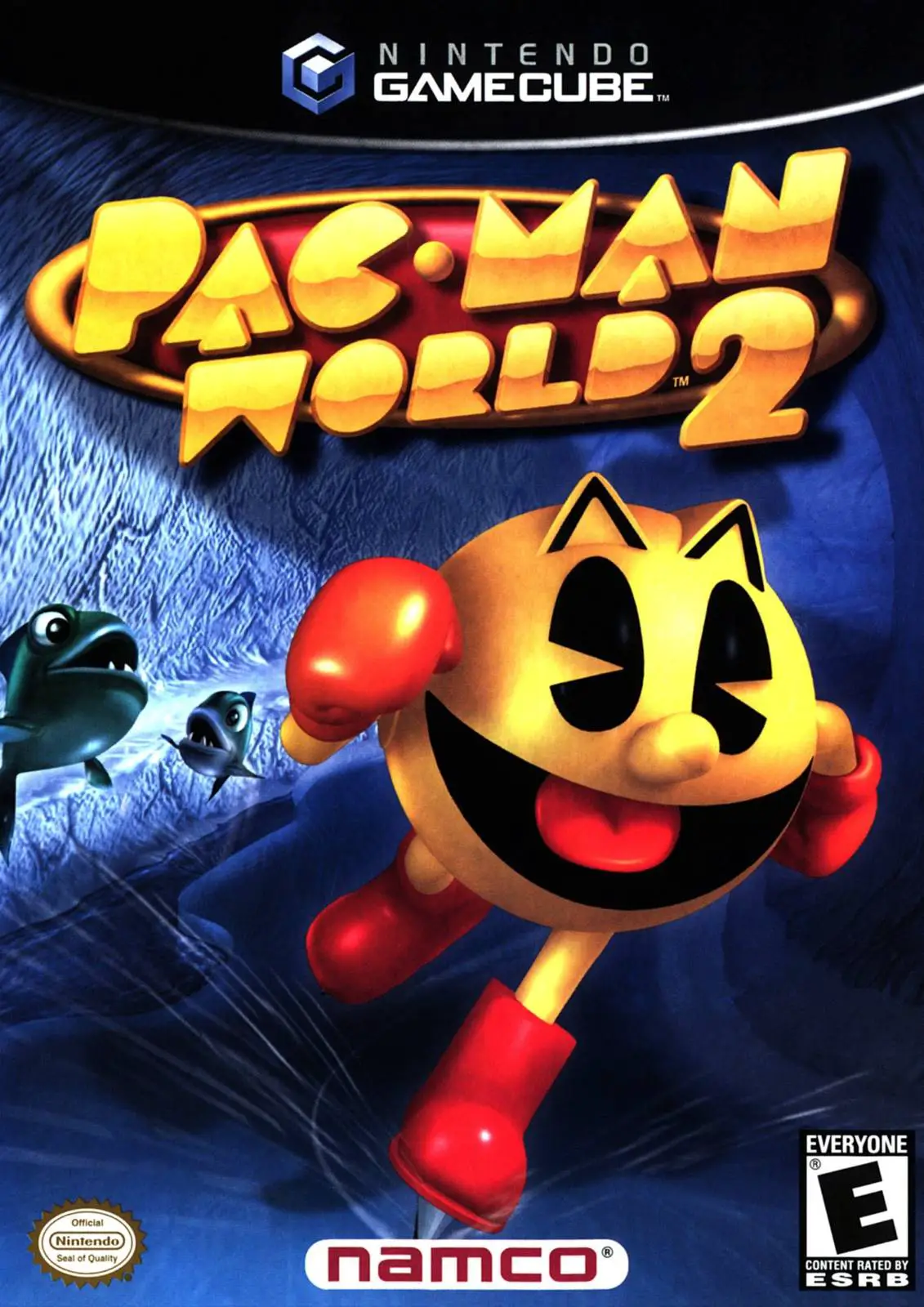
Dive into a vibrant 3D platforming adventure with Pac-Man...
Return to the Nicktoons multiverse in Nicktoons: Battle f...