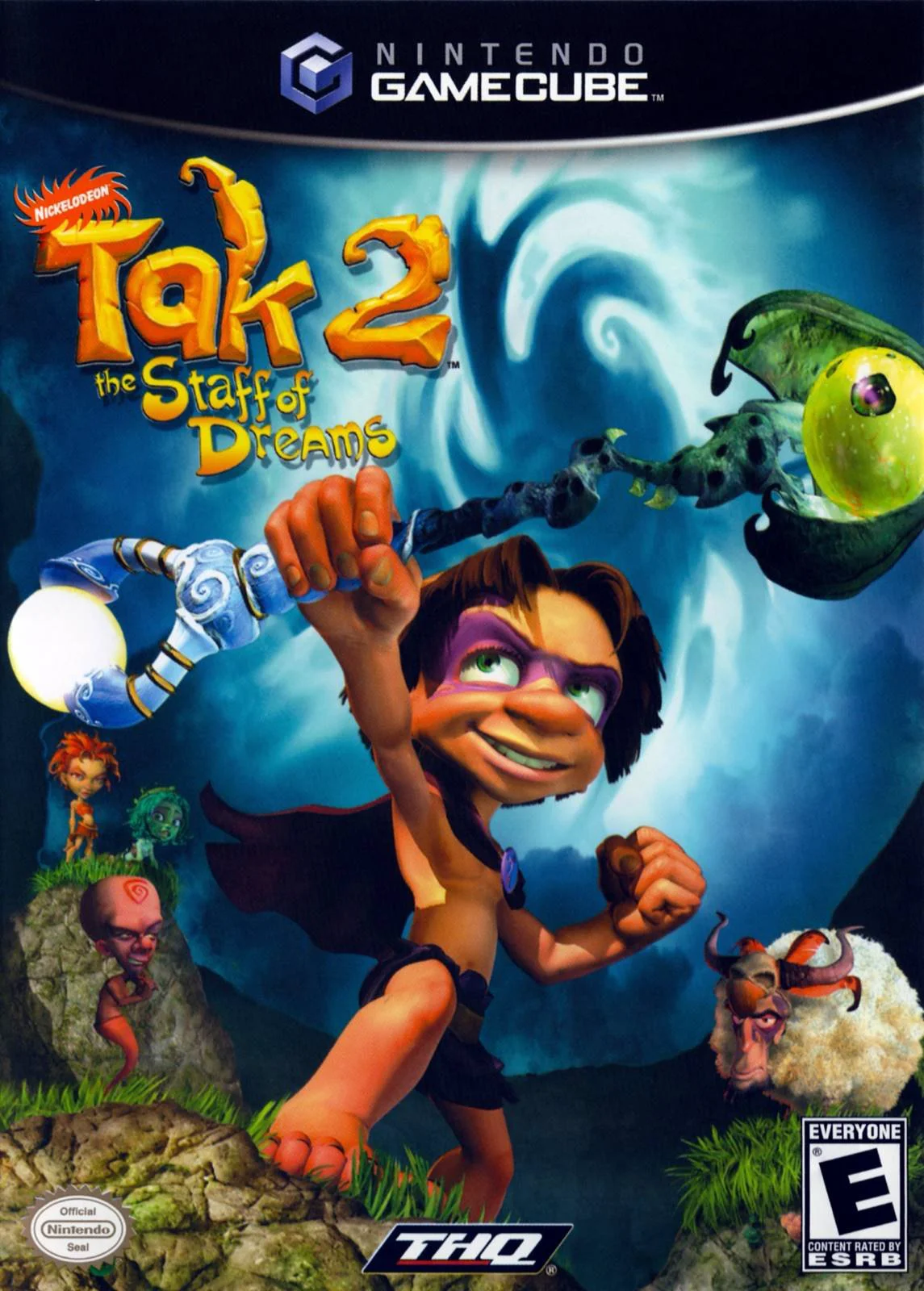
Tak 2: The Staff of Dreams
Embark on a mystical 3D platforming adventure in Tak 2: T...

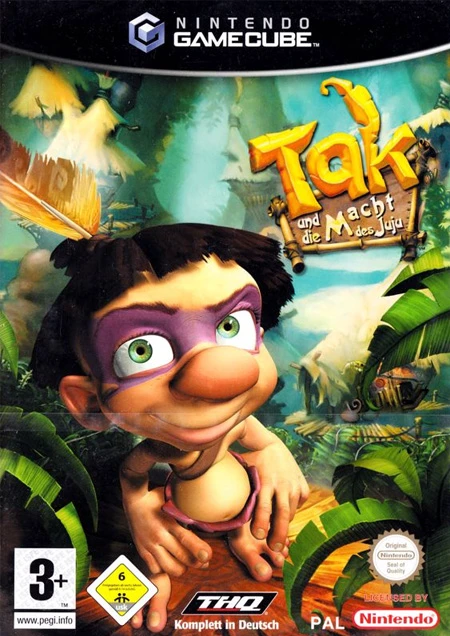
Tak: The Great Juju Challenge is a 3D cooperative action-platformer developed by Avalanche Software and published by THQ. Unlike previous entries in the franchise that focused strictly on single-player exploration, this third title completely reimagines the gameplay around continuous dual-hero teamwork and athletic tournament-style competitions.
The story centers on the Great Juju Challenge, a sacred trial hosted by the Juju spirits every 60 years. Tak and Lok enter the tournament representing the Pupununu Tribe, facing off against three rival teams: the clever Pustules, the aggressive Black Wings, and the enigmatic Grammazons. Each stadium level requires players to combine Tak’s spellcasting, wildlife charm, and mobility with Lok’s raw physical power, shield-bashing, and grapple mechanics to achieve high scores, collect Juju tokens, and cross the finish line before time runs out.
On the Nintendo GameCube, Tak: The Great Juju Challenge stands out for its full split-screen local 2-player cooperative mode, vibrant visual design, smooth performance, and engaging character banter. In single-player mode, players can switch between Tak and Lok on the fly while the AI controls the partner, delivering a fun and strategic platforming experience.
Field | Detail |
Full Title | Tak: The Great Juju Challenge |
Platform | Nintendo GameCube (NGC) |
Genre | 3D Cooperative Platformer / Action-Adventure |
Developer | Avalanche Software |
Publisher | THQ |
Release Date | September 19, 2005 (North America) / March 24, 2006 (Europe) |
Region Formats | NTSC-U / PAL |
Game Modes | Single-Player, Local Co-op (1–2 Players) |
Display Options | 480i / 480p Progressive Scan Support |
Media Type | Nintendo GameCube Game Disc (1 Disc) |
Seamless 2-Player Cooperative Gameplay: Built from the ground up for 2-player local co-op, allowing players to work together to solve puzzles and clear levels.
Distinct Dual-Hero Mechanics: Switch between Tak (magical abilities, agility, range) and Lok (brute strength, heavy durability, grapple attacks) to overcome obstacles.
Tournament Score & Timer System: Earn points, collect Juju tokens, and complete levels quickly to outrank rival tribes on the global tournament leaderboard.
Vehicle & Creature Rides: Pilot specialized vehicles and ride giant creatures across fast-paced obstacle courses and racing tracks.
Customizable Suit & Magic Upgrades: Earn points to unlock alternative costumes, statutory bonuses, and upgraded magical spell abilities.
No, the game can be played either in 2-player local split-screen co-op or in single-player mode. In single-player mode, you can instantly switch between Tak and Lok with a button press while the AI controls the other character.
Tak relies on Juju magic, ranged attacks, and high mobility to activate switches and cast spells. Lok uses his high strength to push heavy objects, break down barricades, throw Tak across large gaps, and deal heavy melee damage.
Tak and Lok compete against three rival teams representing different tribes: Team Pustule, Team Black Wing, and Team Grammazon.
Yes, Tak: The Great Juju Challenge supports 480p progressive scan output on the Nintendo GameCube for crisp picture quality on compatible displays.
Click the links below to go to the cloud drive download page
⚠️ Download Tips:
Embark on a mystical 3D platforming adventure in Tak 2: T...
Blast off into a high-octane spy-fi adventure with The Ad...
Return to the Nicktoons multiverse in Nicktoons: Battle f...
Dive into an epic undersea rescue mission with The Sponge...
Embark on a classic undersea 3D platforming adventure in ...