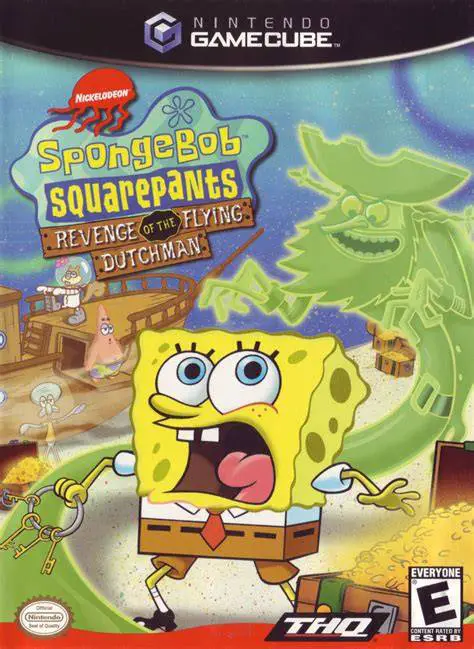
SpongeBob SquarePants: Re...
Embark on a classic undersea 3D platforming adventure in ...

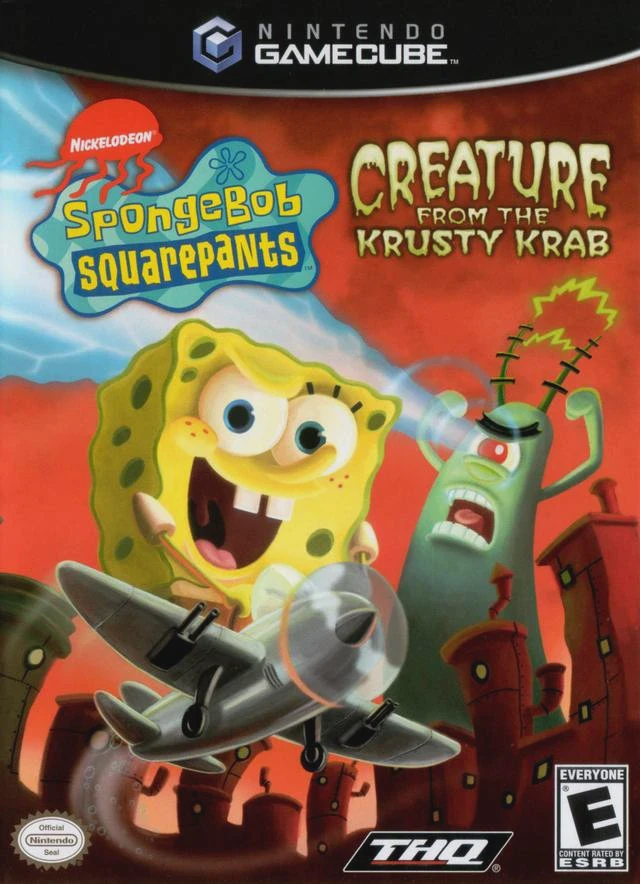
SpongeBob SquarePants: Creature from the Krusty Krab is a 3D action-platformer developed by Heavy Iron Studios and published by THQ. Departing from traditional undersea platforming routines, the game explores nine distinct dreamscape levels born from the subconscious minds of SpongeBob, Patrick, and Plankton.
The narrative weaves three bizarre, interwoven nightmare storylines: SpongeBob's bed morphs into a high-speed hot rod, turning Bikini Bottom into a diesel-fueled racetrack before he grows into a godzilla-sized "Giant SpongeBob"; Patrick imagines himself as a comic book superhero tasked with saving the city from a dread army of dreadnought aliens; and Plankton finds himself trapped in a nightmare where he is pursued by a terrifying giant Krabby Patty monster.
On the Nintendo GameCube, SpongeBob SquarePants: Creature from the Krusty Krab features fluid framerates, creative art design inspired by 1950s B-movies and comic books, responsive controls, and engaging vehicular combat and platforming mechanics.
Field | Detail |
Full Title | SpongeBob SquarePants: Creature from the Krusty Krab |
Platform | Nintendo GameCube (NGC) |
Genre | 3D Platformer / Action-Adventure / Racing |
Developer | Heavy Iron Studios |
Publisher | THQ |
Release Date | October 16, 2006 (North America) / November 24, 2006 (Europe) |
Region Formats | NTSC-U / PAL |
Game Modes | Single-Player |
Display Options | 480i / 480p Progressive Scan Support |
Media Type | Nintendo GameCube Game Disc (1 Disc) |
Surreal Dreamscape Levels: Explore bizarre, surreal nightmare worlds including diesel-punk racing tracks, retro comic book cities, and giant monster battlegrounds.
Three Playable Characters: Switch between SpongeBob, Patrick (as Starfish Man), and Plankton, each featuring drastically different gameplay mechanics and power-ups.
Diverse Gameplay Modes: Experience 3D platforming, aerial flight shooting, high-speed hot-rod racing, and rampaging giant monster boss battles.
B-Movie Comic Book Style: Vibrant art direction and dynamic camera angles inspired by classic 1950s science fiction movies and comic strip art.
Heavy Iron Engine Polish: Powered by Heavy Iron Studios' custom tech, offering responsive controls, smooth animations, and detailed particle effects.
Unlike previous entries that take place in standard Bikini Bottom locations, this game takes place entirely inside the surreal, bizarre nightmares of SpongeBob, Patrick, and Plankton, featuring varied gameplay mechanics like flying, racing, and giant monster rampages.
You play as SpongeBob SquarePants (in platforming, racing, and giant monster levels), Patrick Star (as the superhero "Starfish Man" in flight and combat levels), and Plankton (in platforming and shrinking/growing action levels).
Yes! In specific climax levels, you control Giant Plankton to smash buildings and laser-beam helicopters, as well as Giant SpongeBob in an epic monster chase through Bikini Bottom.
Yes, the Nintendo GameCube version of SpongeBob SquarePants: Creature from the Krusty Krab supports 480p progressive scan mode for crisp, colorful visuals on compatible displays.
Click the links below to go to the cloud drive download page
⚠️ Download Tips:
Embark on a classic undersea 3D platforming adventure in ...
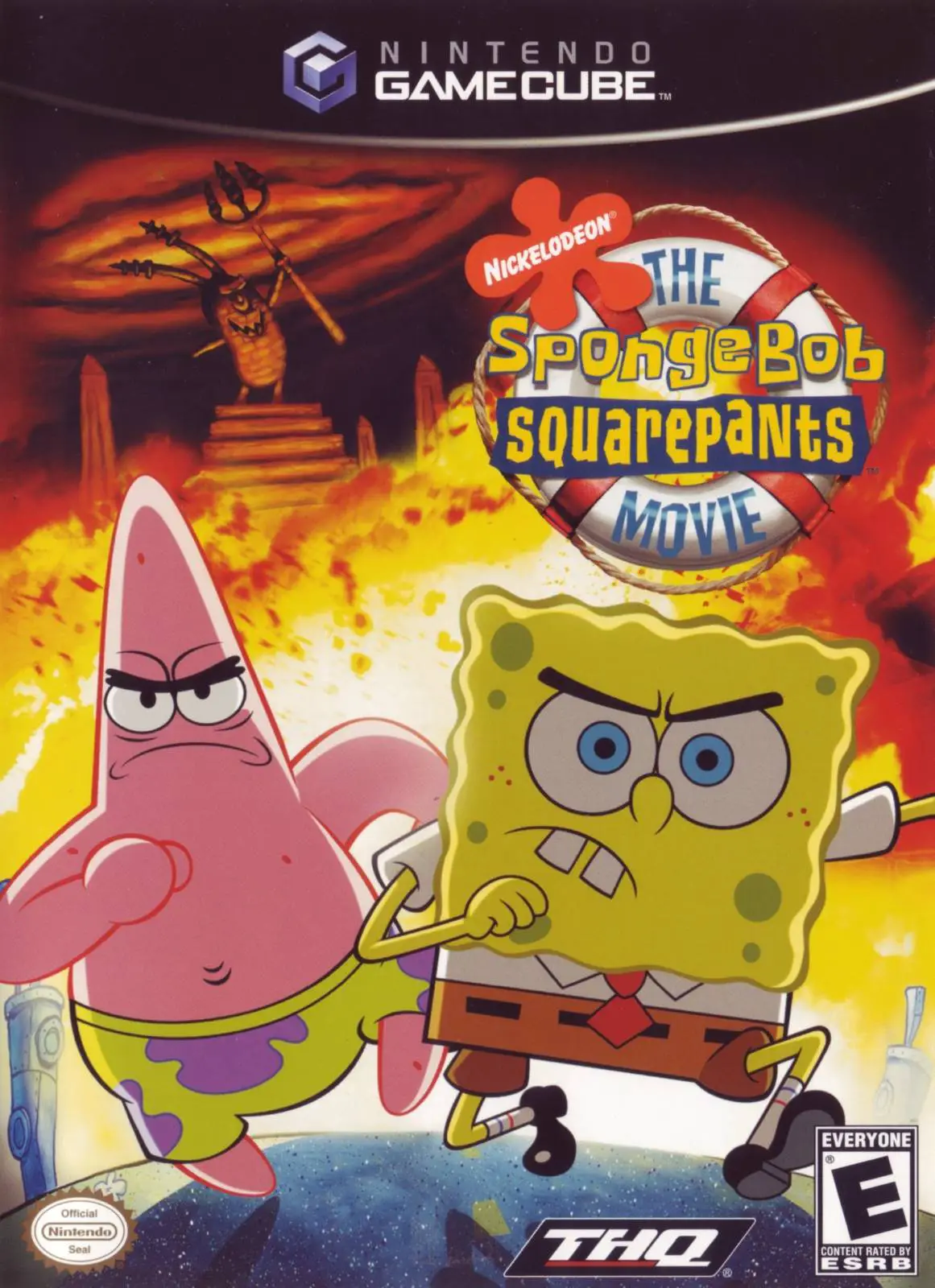
Dive into an epic undersea rescue mission with The Sponge...
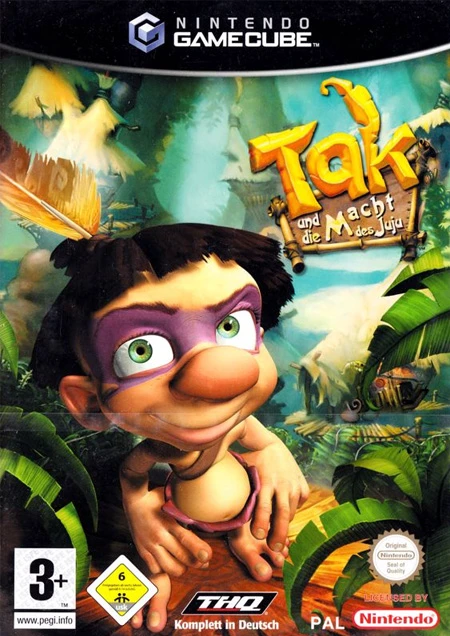
Embark on the ultimate cooperative platforming adventure ...
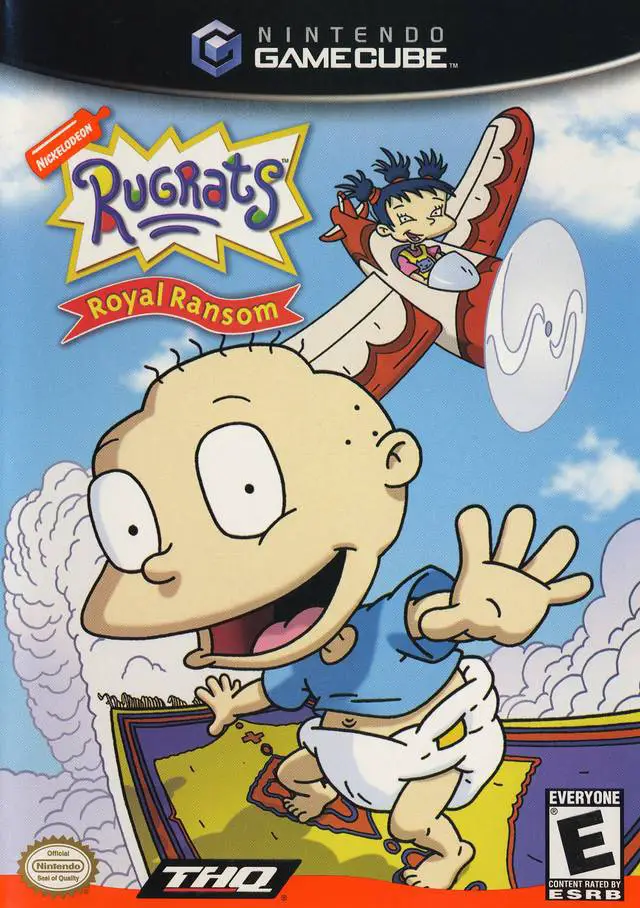
Step into a imaginative medieval adventure with Rugrats: ...
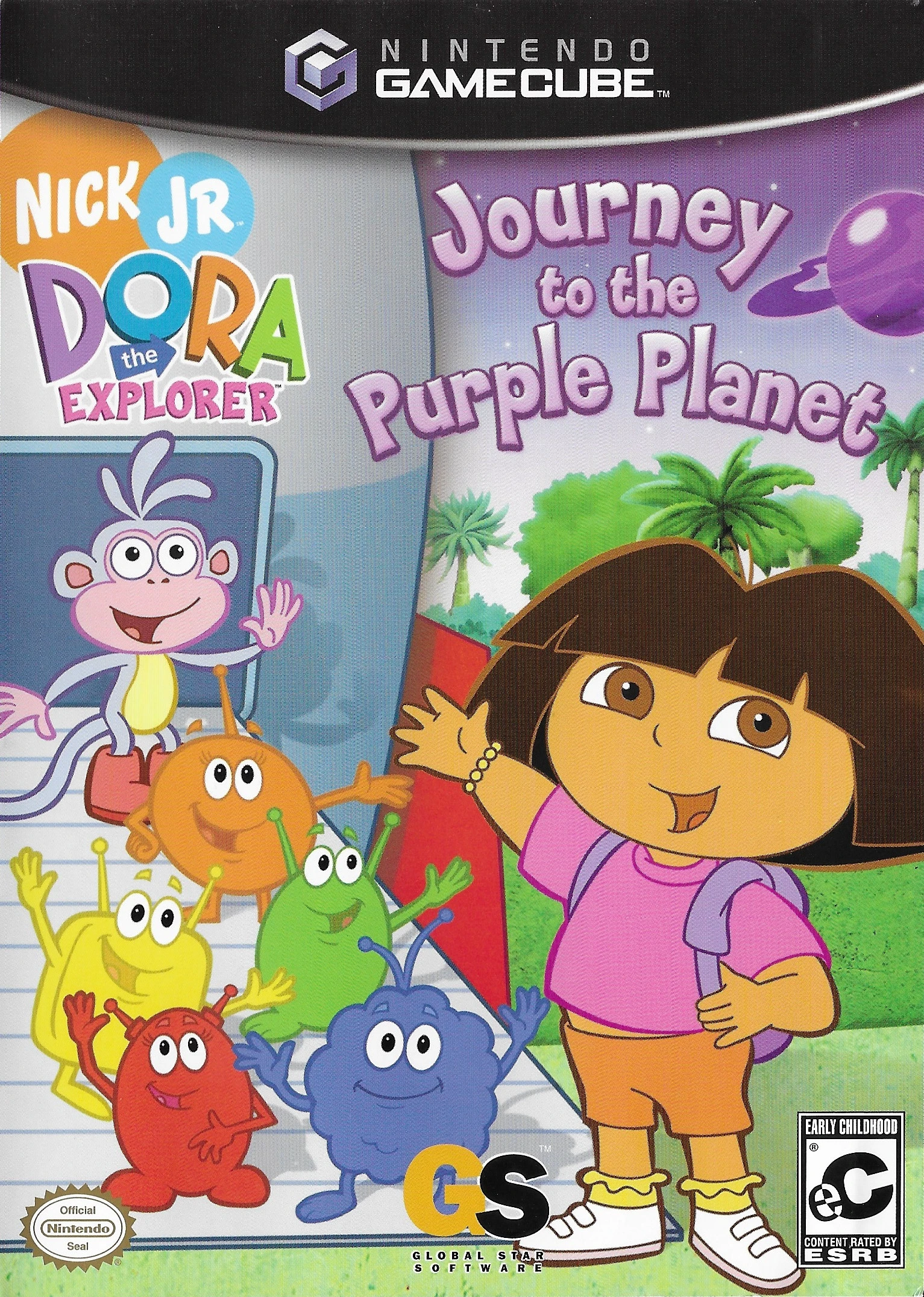
Embark on an out-of-this-world learning adventure with Do...