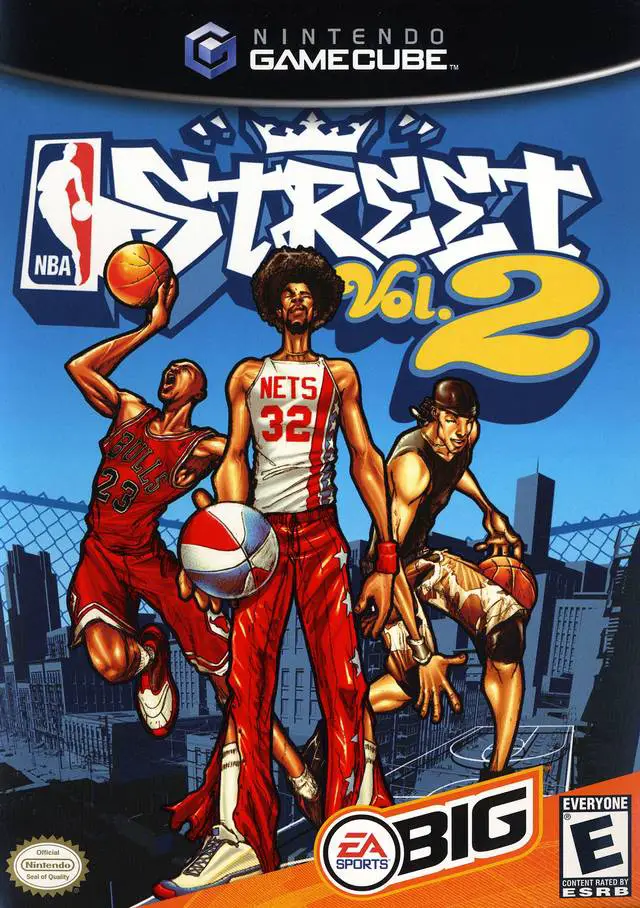
NBA Street Vol. 2
Elevate your game above the rim in NBA Street Vol. 2, EA ...

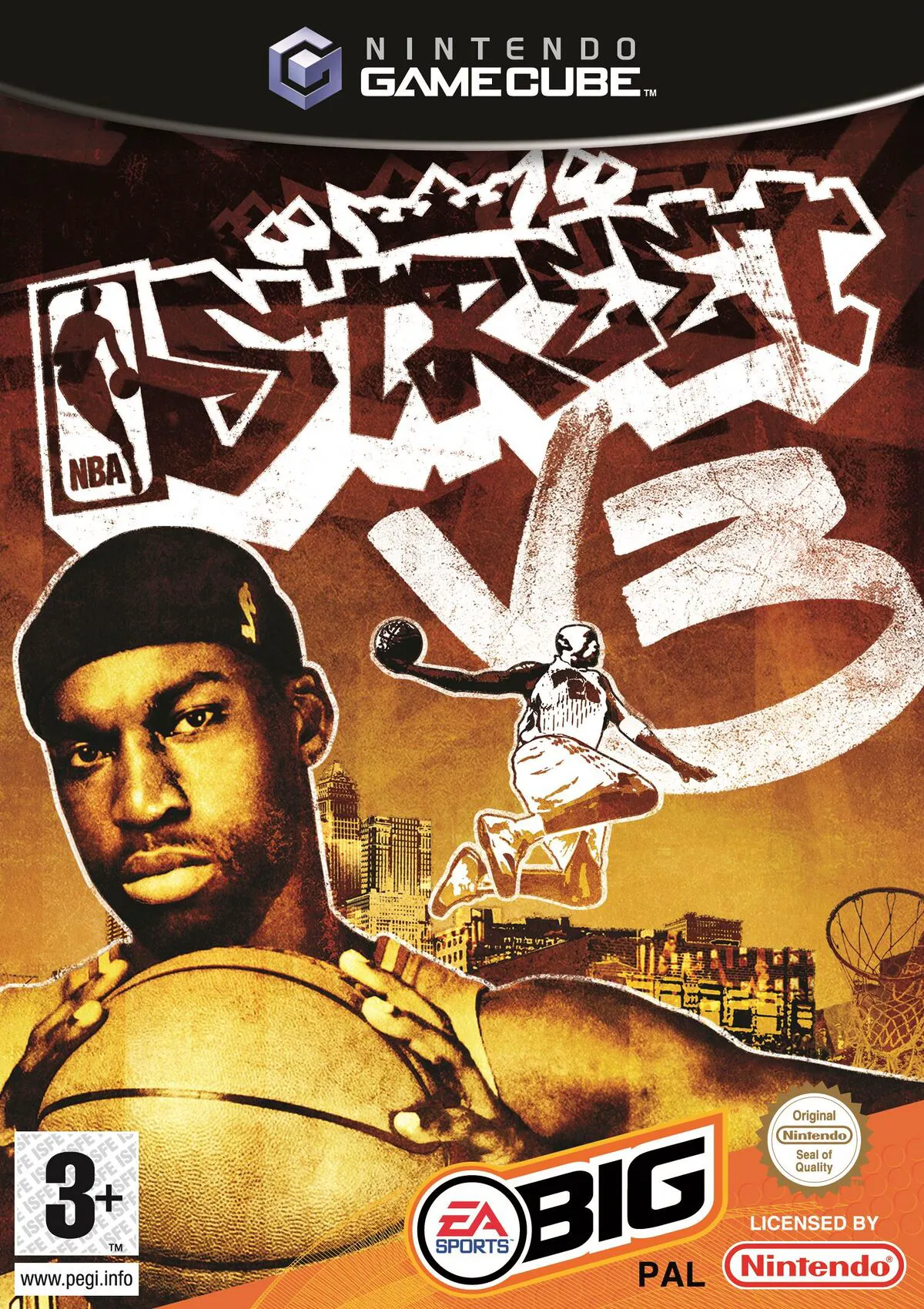
NBA Street V3 is an arcade sports game developed by EA Canada and published under the EA Sports BIG label. Celebrating the 10th anniversary of EA Sports BIG’s street style, this entry refined the franchise's signature 3-on-3 gameplay with tighter mechanics, deeper customization, and unprecedented trick flexibility.
The core gameplay centers on the Trickstick, which utilizes the right analog stick to perform an array of mid-air dunks, evasive crossovers, and creative trick passes. Players fill their Trick Meter to trigger the devastating Gamebreaker mode, which now permits interactive, multi-player cooperative dunks and alley-oops for massive point steals. Beyond standard street matches, NBA Street V3 introduced a full-fledged Slam Dunk Contest mode complete with customizable prop launches, wall-flips, and mid-air trick combinations scored by a panel of judges.
On the Nintendo GameCube, NBA Street V3 features liquid-smooth 60fps performance, responsive analog controls, and an exclusive guest appearance by Mario, Luigi, and Princess Peach as playable characters, alongside a hard-hitting hip-hop soundtrack curated by DJ Green Lantern.
Field | Detail |
Full Title | NBA Street V3 |
Platform | Nintendo GameCube (NGC) |
Genre | Arcade Sports / Street Basketball |
Developer | EA Canada |
Publisher | EA Sports BIG |
Release Date | February 8, 2005 (North America) / February 18, 2005 (Europe) |
Region Formats | NTSC-U / PAL |
Game Modes | Single-Player, Local Multiplayer (1–4 Players) |
Display Options | 480i / 480p Progressive Scan Support |
Media Type | Nintendo GameCube Game Disc (1 Disc) |
The Trickstick Control Mechanics: Utilize the right analog stick to execute context-sensitive crossovers, trick dribbles, aerial dunks, and custom pass combos with precision.
Interactive Gamebreaker 3: Build up your Trick Meter to trigger multi-player interactive Gamebreaker dunks and alley-oops, directly stealing points from your rival's score while boosting your own.
Slam Dunk Contest Mode: Take to the rim in an all-new Dunk Contest, combining launch pads, wall-jumps, mid-air twists, and prop hurdles to earn high judges' scores.
Exclusive Nintendo Characters: Play as the exclusive Mario All-Stars squad featuring Mario, Luigi, and Princess Peach on their own themed court in the GameCube version.
Street Legend Mode: Create a custom baller, design a neighborhood home court, and tour the street circuit to recruit real NBA stars and court legends.
The Nintendo GameCube version features exclusive playable characters Mario, Luigi, and Princess Peach (the "Mario All-Stars" team), complete with custom animations and a Mario-themed court venue.
The Trickstick maps trick execution directly to the right analog stick, allowing players to perform specific handles, crossovers, and mid-air dunk variations based on stick direction and modifier button combinations.
The game supports up to 4 players simultaneously in local multiplayer matches using standard Nintendo GameCube controllers.
Yes, NBA Street V3 supports 480p progressive scan output on the Nintendo GameCube for clean and sharp picture performance on compatible displays.
Click the links below to go to the cloud drive download page
⚠️ Download Tips:
Elevate your game above the rim in NBA Street Vol. 2, EA ...
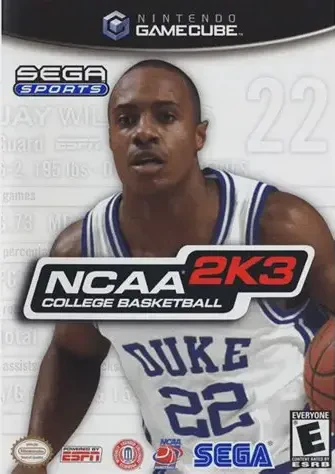
Experience the unmatched passion, court-side energy, and ...
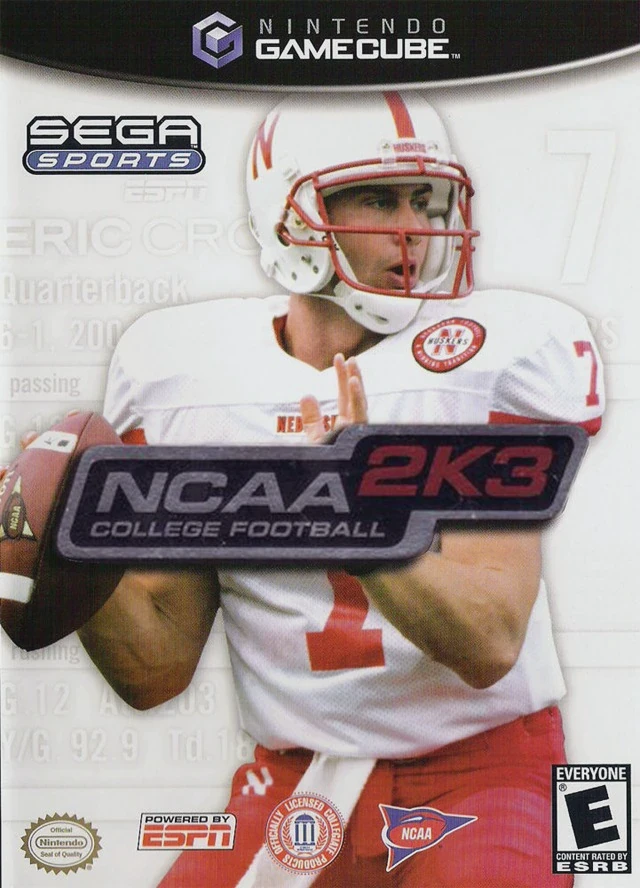
Step into the electric world of Saturday afternoon tradit...
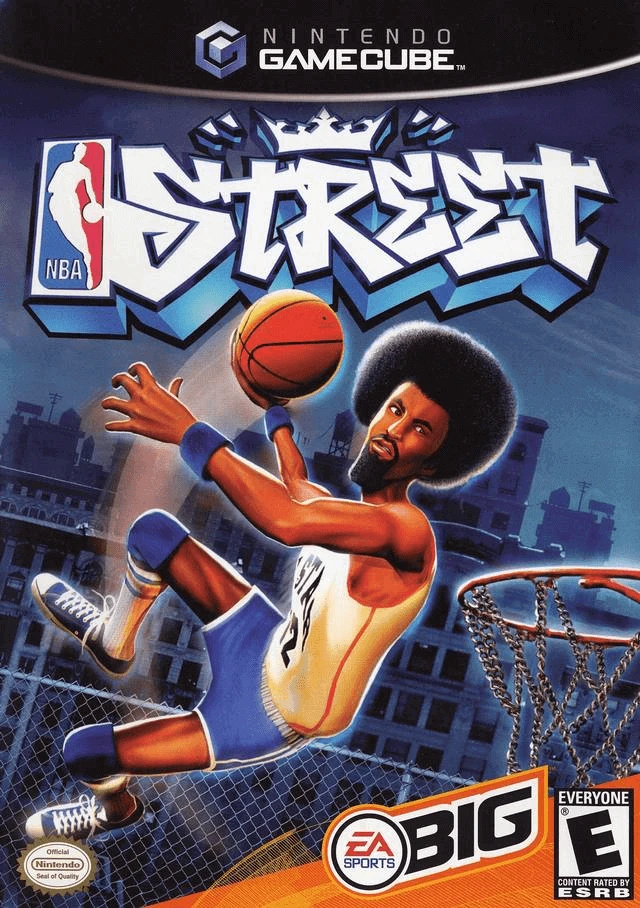
Step onto the blacktop where it all began in NBA Street, ...
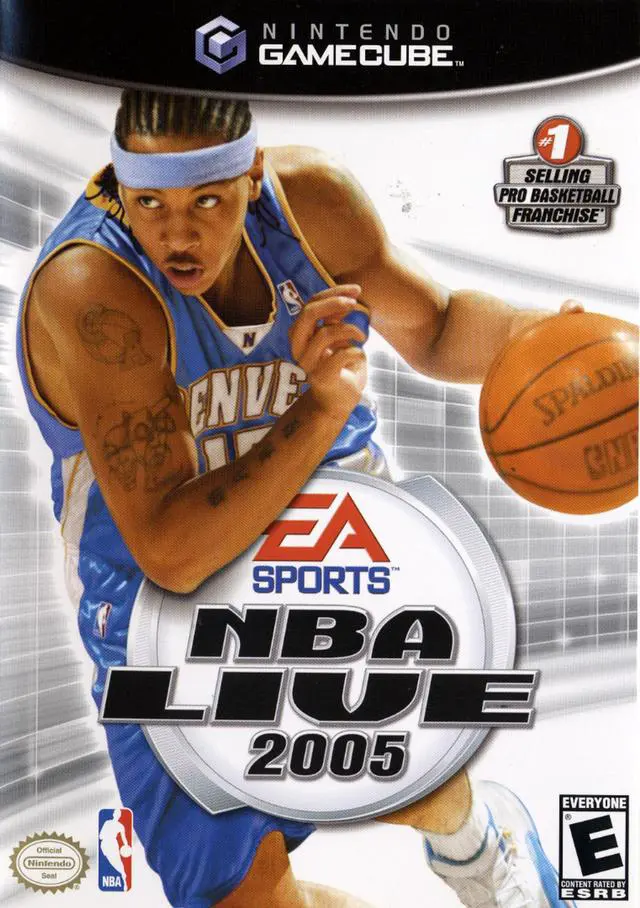
Take control of the hardwood in NBA Live 2005, EA Sports'...