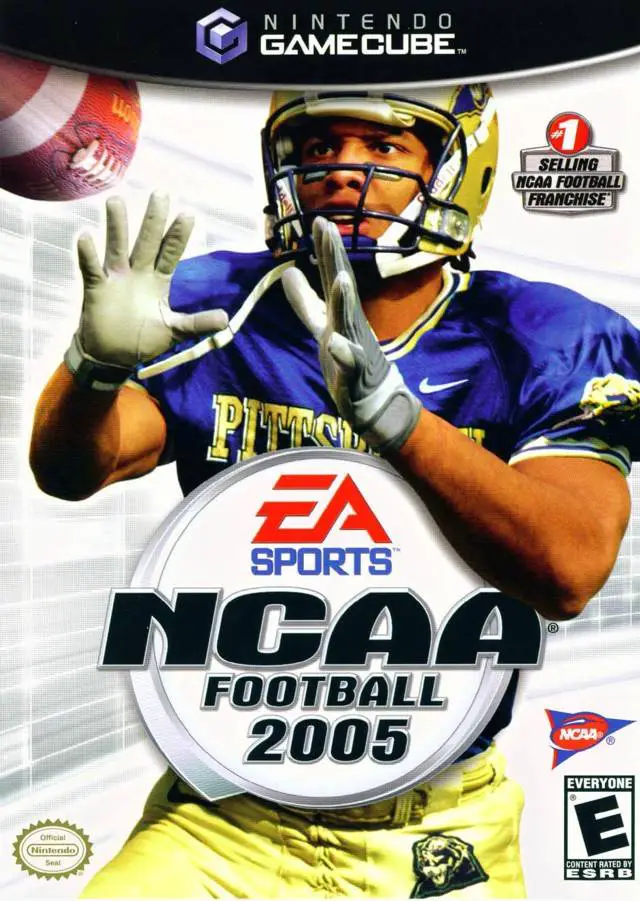
NCAA Football 2005
Feel the thunderous intensity of Saturday afternoon colle...

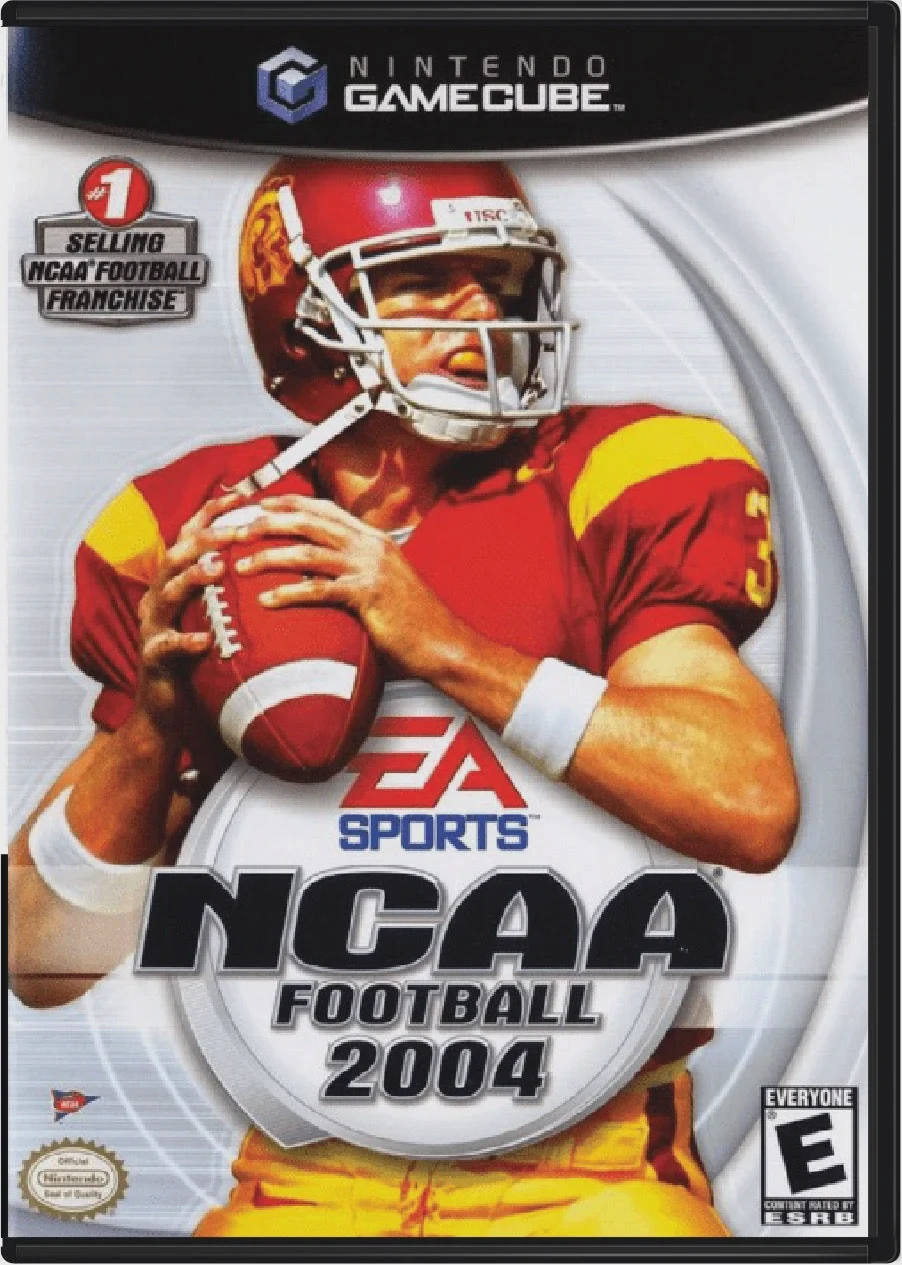
NCAA Football 2004 is a college football simulation game developed by EA Tiburon and published by EA Sports. Regarded as one of the most complete and polished college football titles of the sixth console generation, the game perfectly captures the traditions, rivalries, and strategic nuances of the sport.
The title introduced the Classic Games mode, allowing players to replay or rewrite history in 60 of the most famous college football games of all time. Additionally, NCAA Football 2004 enhanced Dynasty Mode with cover features from Sports Illustrated, dynamic fan interest levels, and an expanded year-round recruiting system. Gameplay mechanics received significant upgrades with smoother college option running, realistic defensive coverage AI, and context-sensitive tackling.
On the Nintendo GameCube, NCAA Football 2004 delivers crisp visual presentation, fast 60fps performance, authentic stadium environment details, official fight songs, and dynamic commentary from Brad Nessler, Kirk Herbstreit, and Lee Corso.
Field | Detail |
Full Title | NCAA Football 2004 |
Platform | Nintendo GameCube (NGC) |
Genre | Sports Simulation / College Football |
Developer | EA Tiburon |
Publisher | EA Sports |
Release Date | July 16, 2003 (North America) |
Region Formats | NTSC-U |
Game Modes | Single-Player, Local Multiplayer (1–4 Players) |
Display Options | 480i / 480p Progressive Scan Support |
Media Type | Nintendo GameCube Game Disc (1 Disc) |
Classic Games Mode: Relive or change the outcome of 60 historic college football games, from dramatic last-second field goals to historic comeback victories.
Sports Illustrated Integration: Track national news, award races, bowl projections, and team rankings through simulated in-game Sports Illustrated magazine covers.
Expanded Dynasty Mode: Manage year-round recruiting, scout high school talent, track player discipline, and schedule high-profile non-conference matchups across up to 30 seasons.
Authentic College Presentation: Features over 100 Division I-A and Division I-AA schools, official fight songs, stadium fan chants, animated mascots, and real rivalry trophies.
Refined Option Plays & Physics: Enhanced control options for pitch timing, quarterback keeps, and defensive pursuit angles.
Classic Games mode lets players step into 60 legendary real-world college football scenarios (such as historic rivalries or famous bowl game comebacks) to see if they can recreate or rewrite college gridiron history.
Yes! The game officially features authentic fight songs, school stadium layouts, animated mascots, and real rivalry trophies for Division I-A and Division I-AA programs.
The game supports up to 4 players simultaneously in local multiplayer matches using standard Nintendo GameCube controllers.
Yes, NCAA Football 2004 supports 480p progressive scan output on the Nintendo GameCube for clean and sharp picture performance on compatible displays.
Click the links below to go to the cloud drive download page
⚠️ Download Tips:
Feel the thunderous intensity of Saturday afternoon colle...
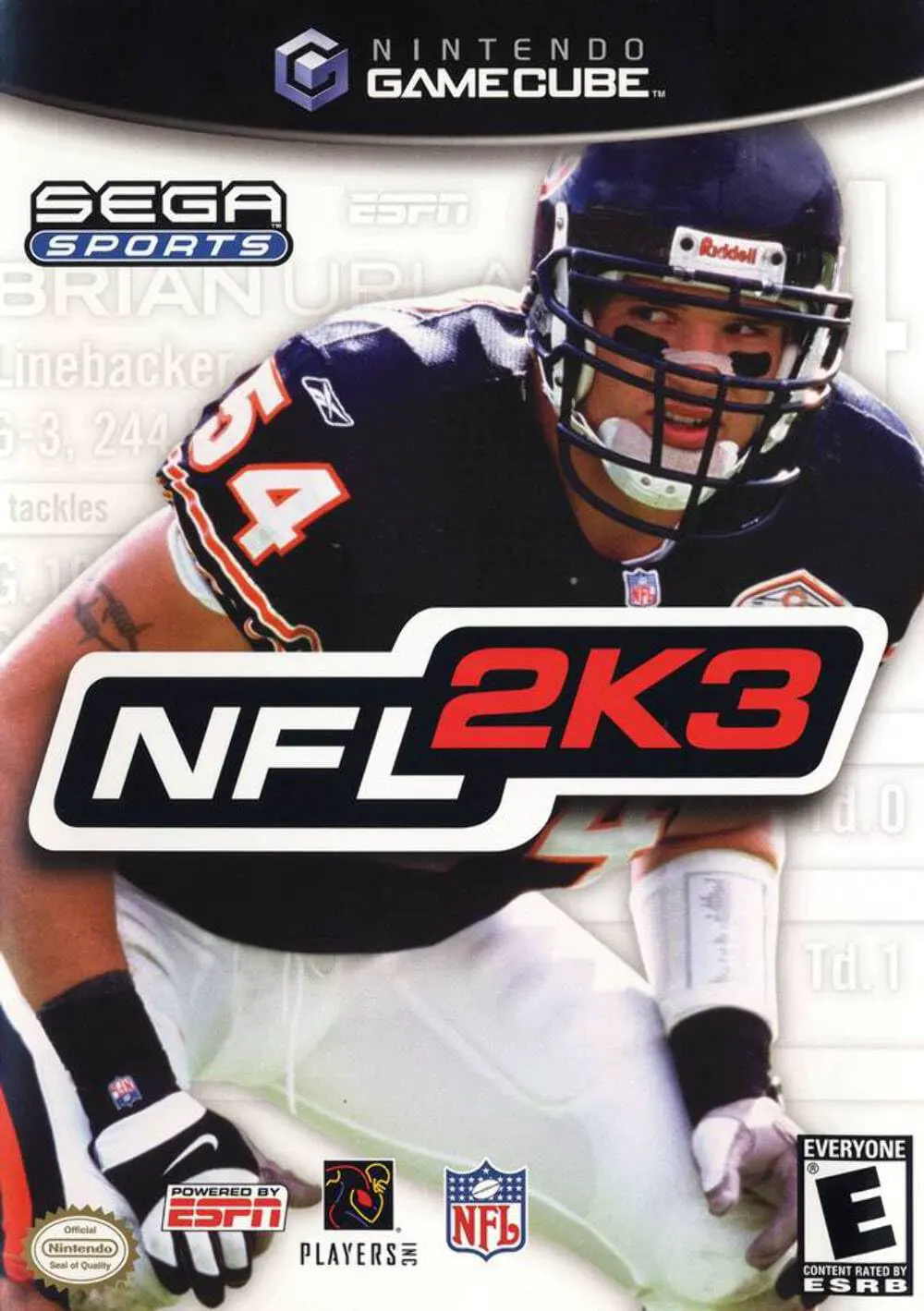
Step onto the gridiron for unmatched simulation football ...
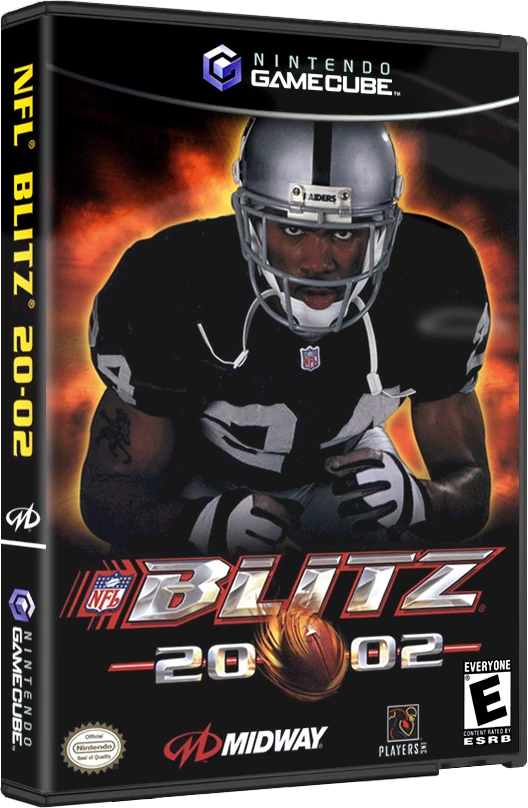
Experience the raw power, bone-crunching hits, and over-t...
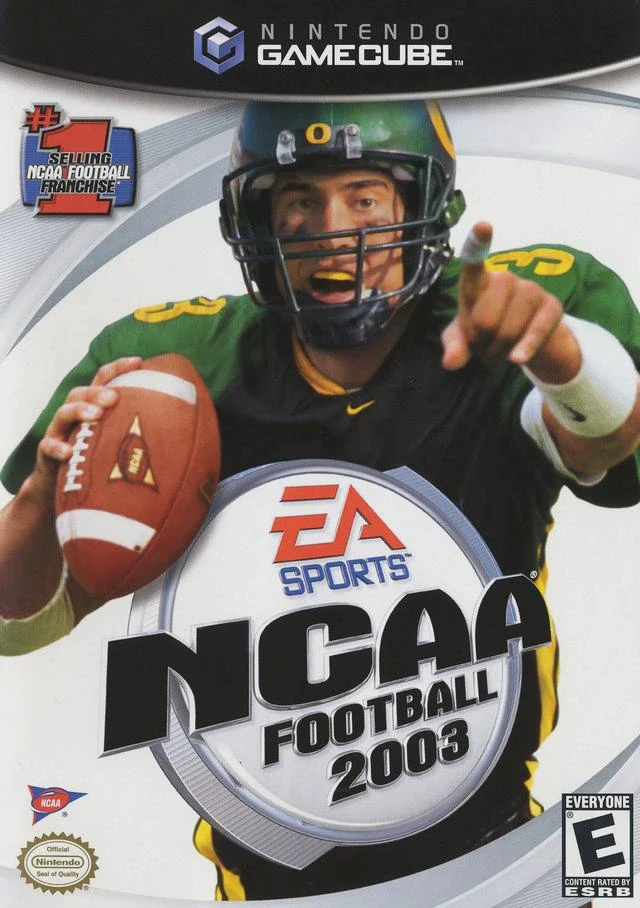
Step onto the field and live the electric atmosphere of S...
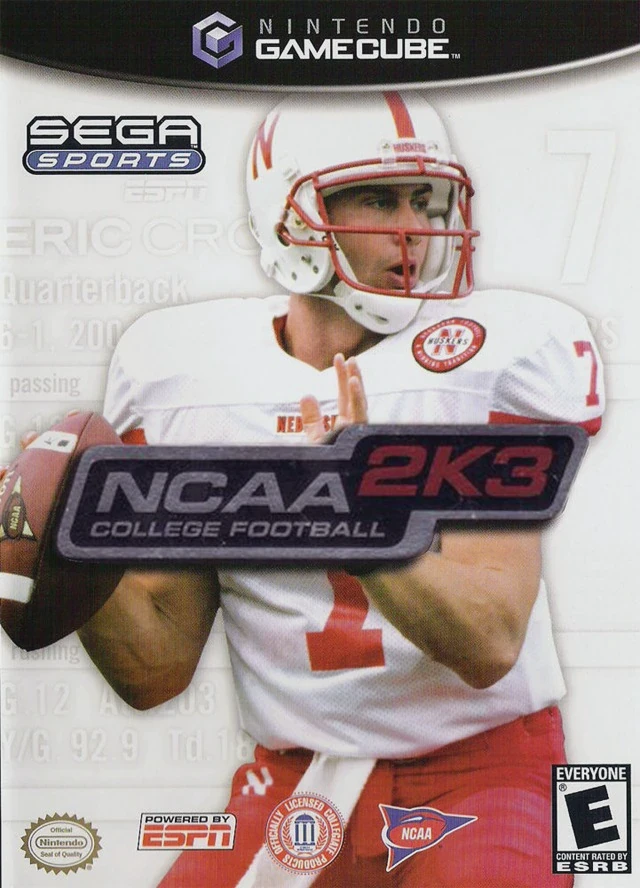
Step into the electric world of Saturday afternoon tradit...