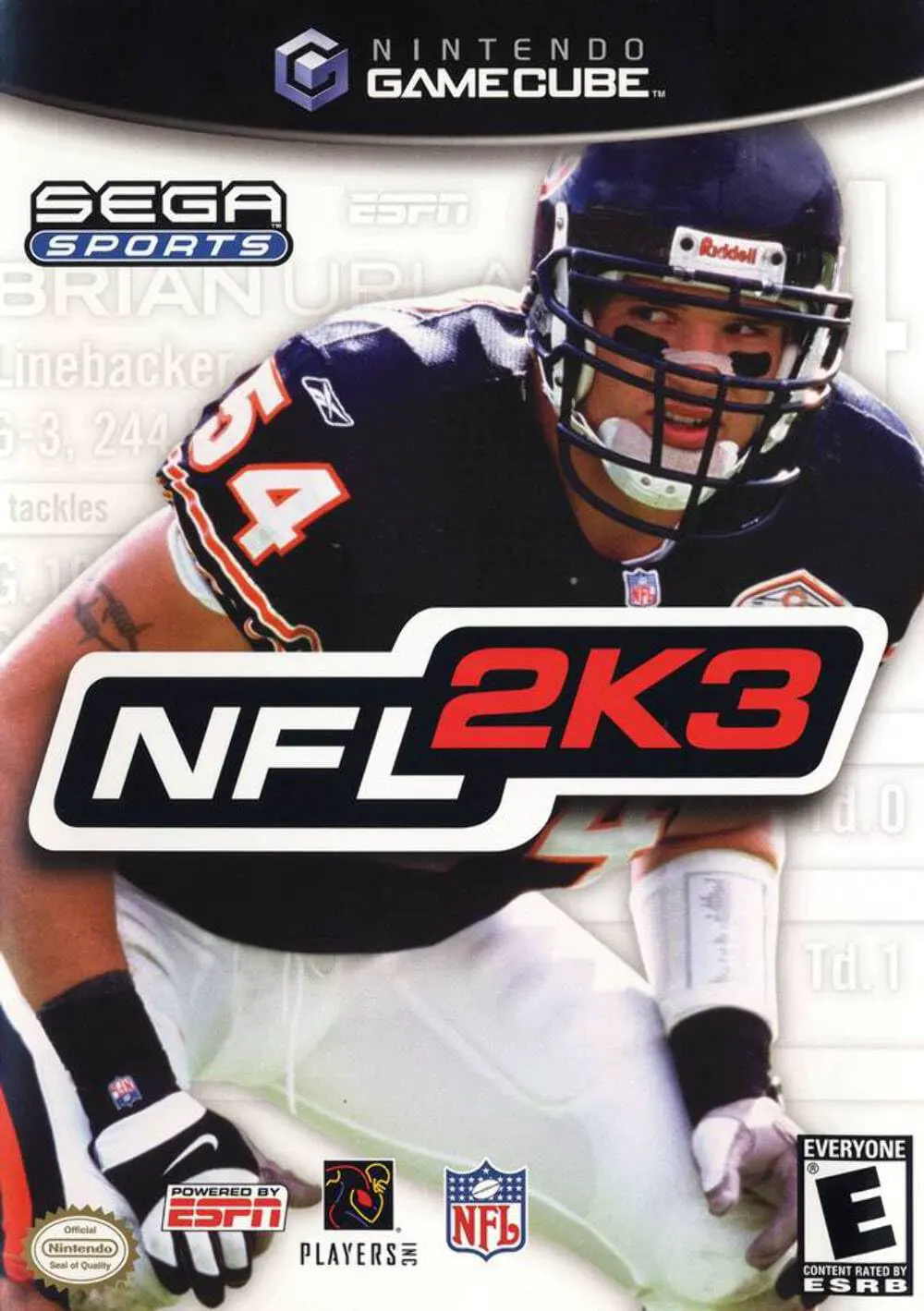
NFL 2K3
Step onto the gridiron for unmatched simulation football ...

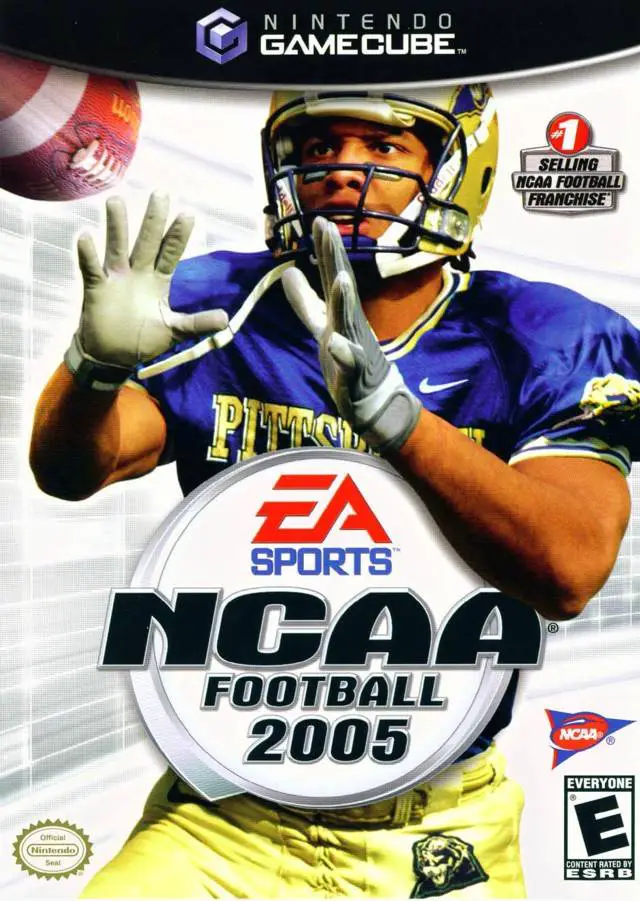
NCAA Football 2005 is a college football simulation game developed by EA Tiburon and published by EA Sports. Regarded as a major highlight in sixth-generation sports gaming, this installment focused heavily on the unique emotion, fan atmosphere, and high-stakes rivalries that define college football.
The headline feature of NCAA Football 2005 is the revolutionary Home Field Advantage system. Loud, hostile stadium environments cause visiting quarterbacks to experience controller vibrations, blurred play-art diagrams, and misheard pre-snap audible calls. Additionally, the game introduced the Match-Up Stick, allowing players to instantly compare ratings between opposing receivers and cornerbacks or offensive linemen before snapped balls.
On the Nintendo GameCube, NCAA Football 2005 boasts sharp graphics, responsive analog controls, dynamic fight songs, authentic school mascots, and an expansive multi-decade Dynasty Mode complete with realistic recruiting, discipline, and coaching contract mechanics.
Field | Detail |
Full Title | NCAA Football 2005 |
Platform | Nintendo GameCube (NGC) |
Genre | Sports Simulation / College Football |
Developer | EA Tiburon |
Publisher | EA Sports |
Release Date | July 15, 2004 (North America) |
Region Formats | NTSC-U |
Game Modes | Single-Player, Local Multiplayer (1–4 Players) |
Display Options | 480i / 480p Progressive Scan Support |
Media Type | Nintendo GameCube Game Disc (1 Disc) |
Home Field Advantage Mechanics: Crowd noise directly impacts visiting teams, causing route confusion, camera shake, controller vibration, and failed pre-snap audibles.
Match-Up Stick Feature: Use the right analog stick pre-snap to quickly check individual player-vs-player attribute matchups across the line of scrimmage.
Deep Dynasty Mode Management: Scout high school prospects, manage team discipline and suspension penalties, upgrade coaching prestige, and schedule non-conference games.
Race for the Heisman Mode: Create a freshman prospect, compete for starting position time, earn individual awards, and take home the coveted Heisman Trophy.
Authentic College Presentation: Includes over 100 real Division I-A and I-AA teams, authentic fight songs, school stadium chants, mascot animations, and rivalry trophies.
In hostile road venues, screaming crowds create high noise levels that disrupt visiting players. Visiting quarterbacks may experience shaking play diagrams, vibrating controllers, and misheard audible commands, forcing players to quiet the crowd by making big plays.
Yes, the game features fully licensed Division I-A and Division I-AA schools, authentic stadiums, school fight songs, official mascots, and real college rivalry trophies like the Paul Bunyan's Axe and the Commander-in-Chief's Trophy.
The game supports up to 4 players simultaneously in local multiplayer mode using standard Nintendo GameCube controllers.
Yes, NCAA Football 2005 supports 480p progressive scan output on the Nintendo GameCube for clean, sharp picture performance on compatible displays.
Click the links below to go to the cloud drive download page
⚠️ Download Tips:
Step onto the gridiron for unmatched simulation football ...
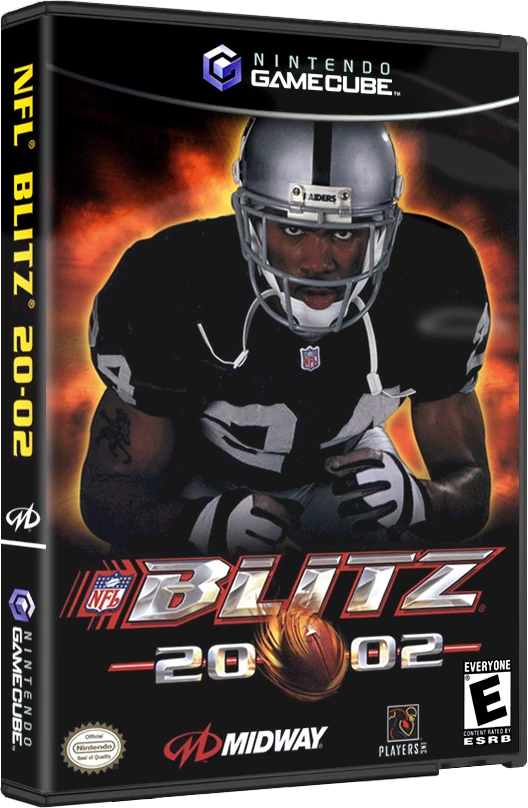
Experience the raw power, bone-crunching hits, and over-t...
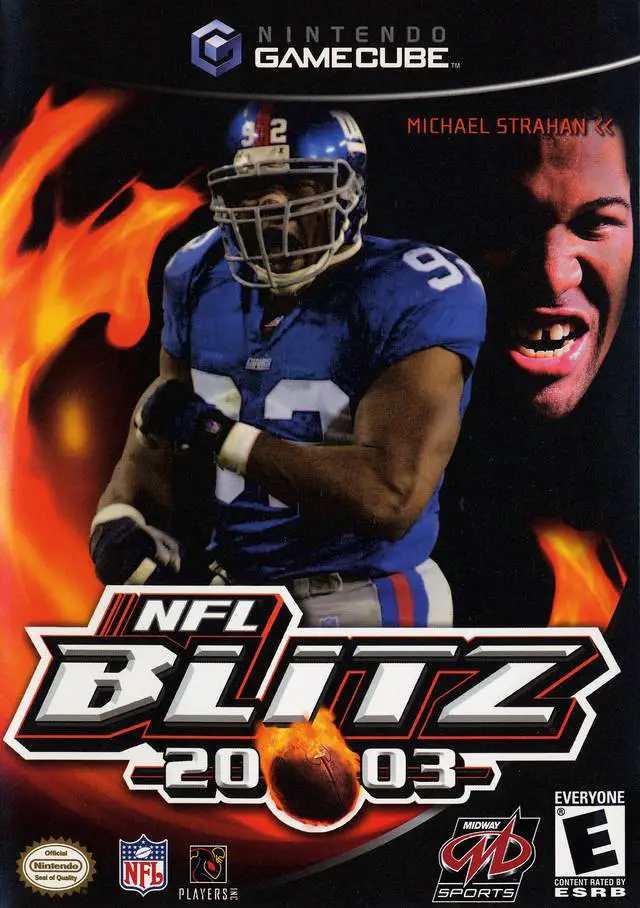
Unleash pure gridiron chaos in NFL Blitz 2003, Midway’s a...
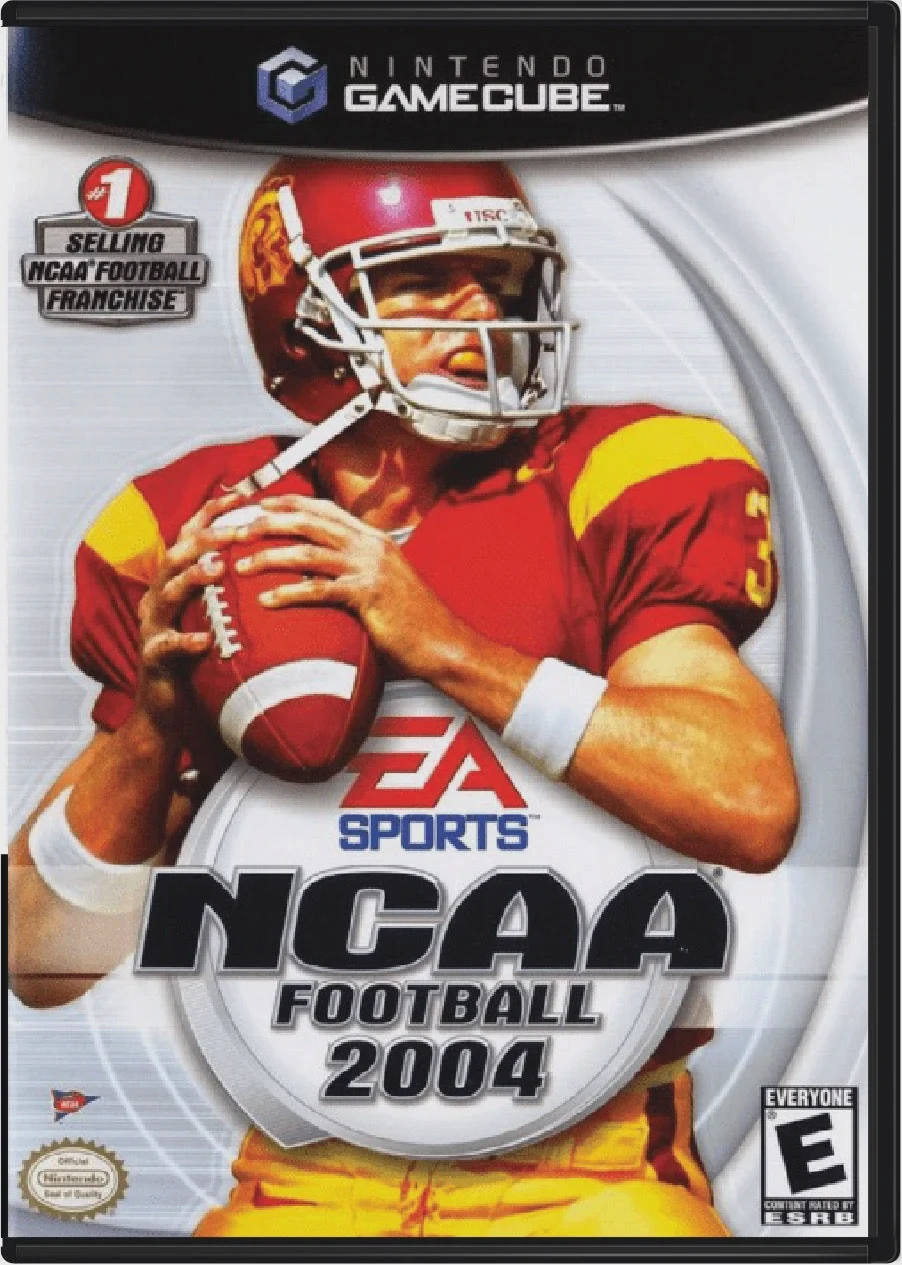
Experience the unmatched passion and tradition of college...
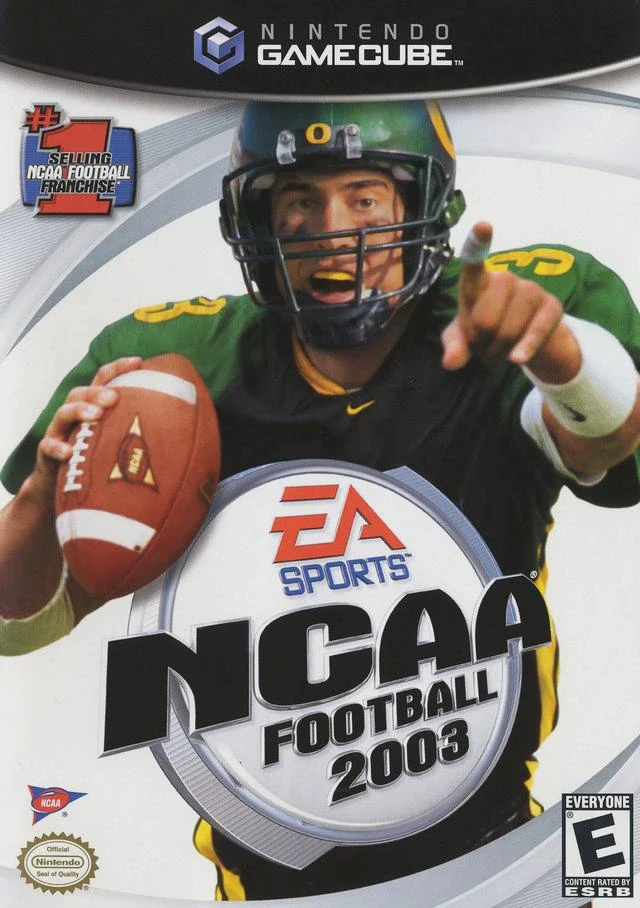
Step onto the field and live the electric atmosphere of S...