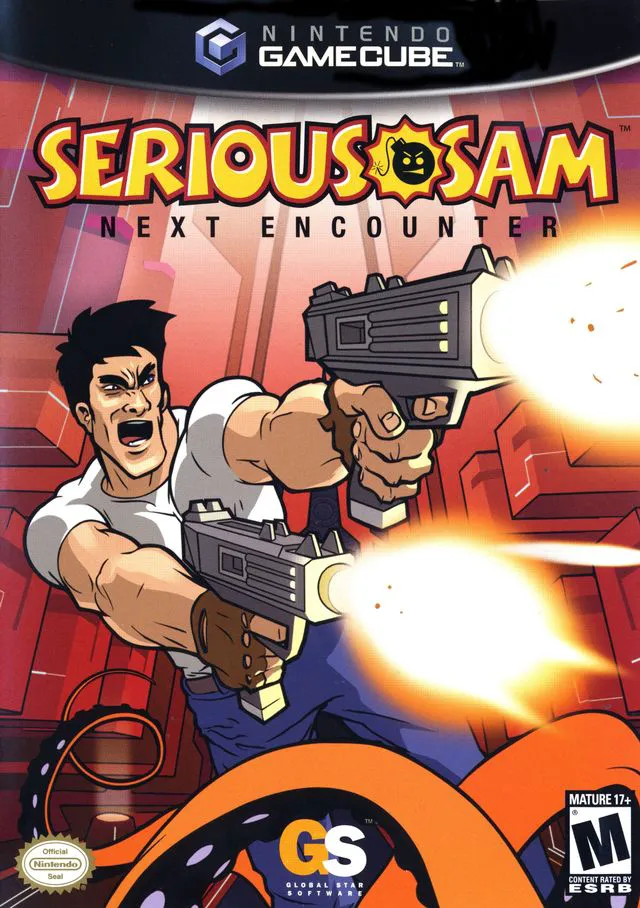
Serious Sam: Next Encounter
Serious Sam: Next Encounter is an action-packed first-per...

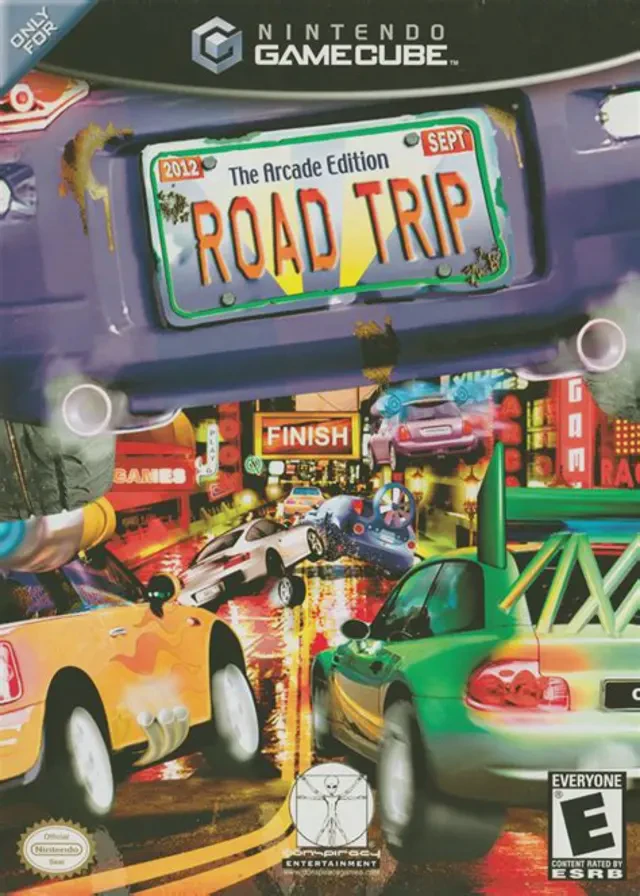
Road Trip: The Arcade Edition brings the beloved Choro Q series to the Nintendo GameCube, combining open-world adventure with deep car customization and arcade racing mechanics. Released in 2002, the game offers a refreshing spin on the racing genre by placing players in a vibrant world where vehicles are sentient citizens.
The game's narrative tasks the player with becoming the President of Q-World. To achieve this, players must compete in the prestigious World Grand Prix, winning races across varied environments and earning the trust of car citizens across different regions. Players explore a large, seamlessly connected open world containing diverse locations such as Peach Town, Chestnut Canyon, and Cloud Hill, each filled with quests, mini-games (including soccer, roulette, and golf), and secret areas.
Central to the gameplay experience is the extensive vehicle customization system. Players can collect and purchase over 100 different body styles and hundreds of performance parts, including engines, tires, brakes, wings, and paint jobs. Whether tuning a vehicle for off-road mountain trails or high-speed asphalt tracks, the game allows for nearly endless personalization. Combined with local two-player split-screen racing, Road Trip delivers a delightfully charming and addictive blend of driving and role-playing elements.
Developer: E-Works / Barnhouse Effect
Publisher: Conspiracy Entertainment
Platform: Nintendo GameCube
Genre: Racing / Open-World RPG
Release Date: December 10, 2002 (North America)
Modes: Single-player, 2-Player Local Multiplayer
Media: GameCube Optical Disc
Open-World Car RPG: Explore a vast, colorful world populated by talking cars, complete quests, and visit unique towns to rise through the racing ranks.
Extensive Customization: Collect over 100 vehicle bodies and hundreds of individual performance parts, ranging from engines and tires to spoilers and paint schemes.
Diverse Mini-Games: Take a break from racing to participate in car-based mini-games, including soccer, golf, curling, and casino challenges.
World Grand Prix: Compete in demanding championship circuits across various terrains to earn licenses and ultimate prestige.
Local 2-Player Versus: Challenge a friend in head-to-head split-screen races across unlocked tracks and custom setups.
A: Yes, Road Trip: The Arcade Edition is part of the long-running Choro Q franchise developed in Japan (originally titled Choro Q HG 2).
A: Unlike traditional linear racing games, it features open-world RPG elements, where players drive around cities, talk to NPC cars, accept quests, and collect coins to buy upgrades.
A: Yes, the game features extensive customization options, allowing players to swap body styles, engines, tires, paint colors, and special equipment.
A: Yes, the GameCube version runs smoothly on modern PCs using the Dolphin emulator, supporting widescreen patches, high-definition internal scaling, and modern controller mappings.
Click the links below to go to the cloud drive download page
⚠️ Download Tips:
Serious Sam: Next Encounter is an action-packed first-per...
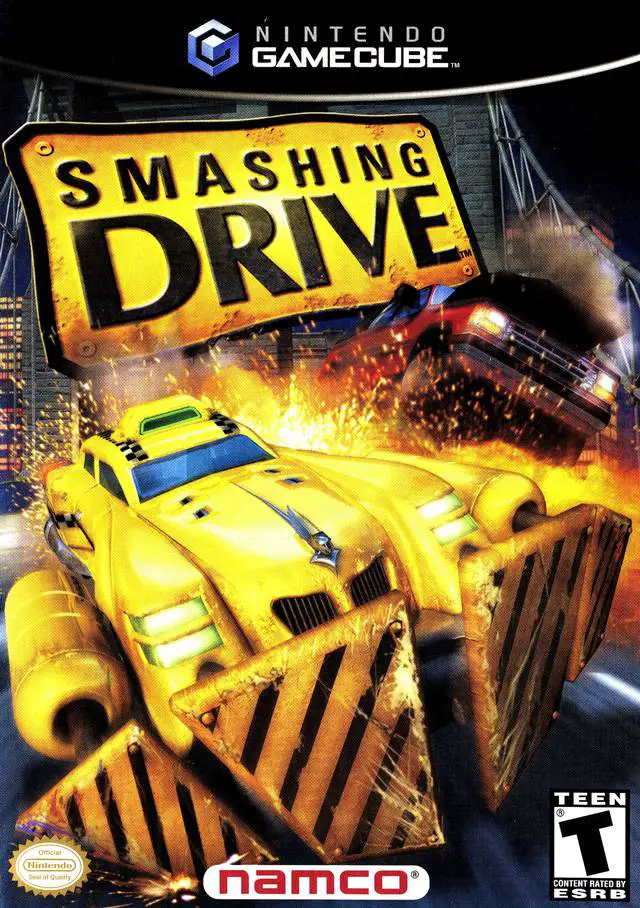
Smashing Drive is an over-the-top, arcade-style racing vi...
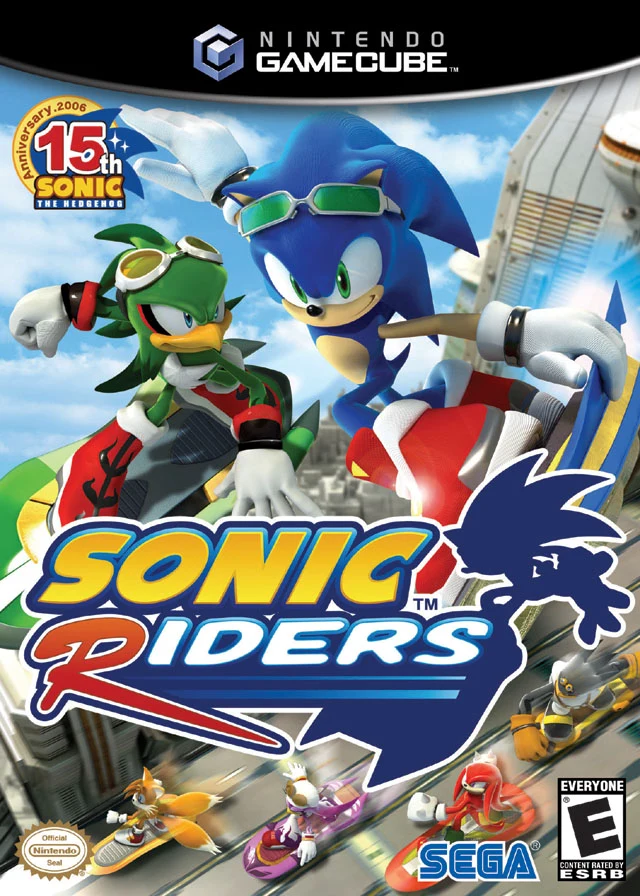
Sonic Riders is a high-speed futuristic racing video game...
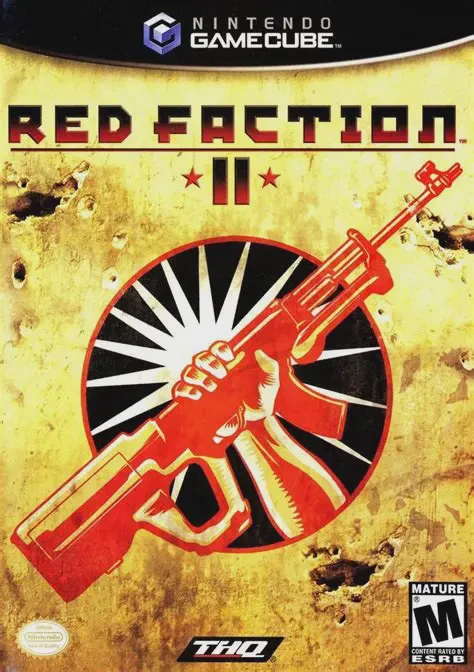
Red Faction II is an action-packed sci-fi first-person sh...
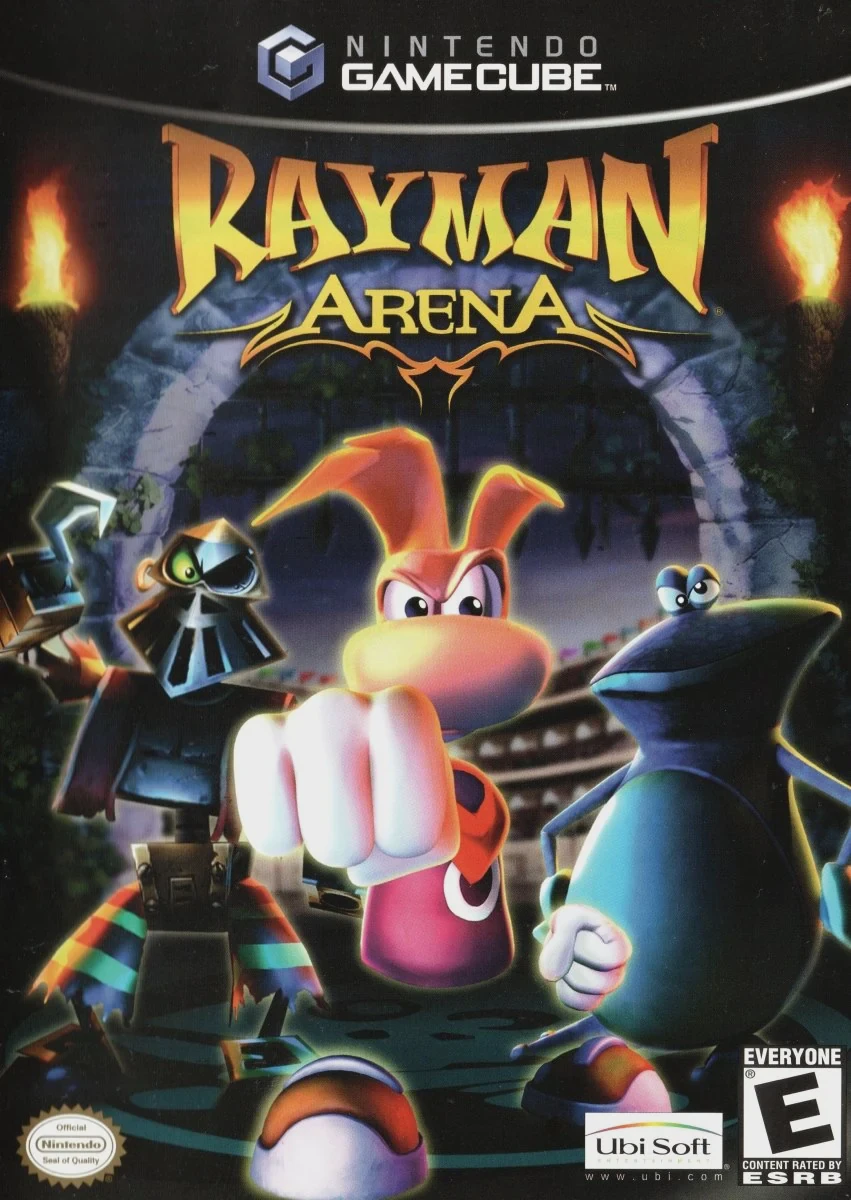
Rayman Arena (known as Rayman M in Europe) is a fast-pace...