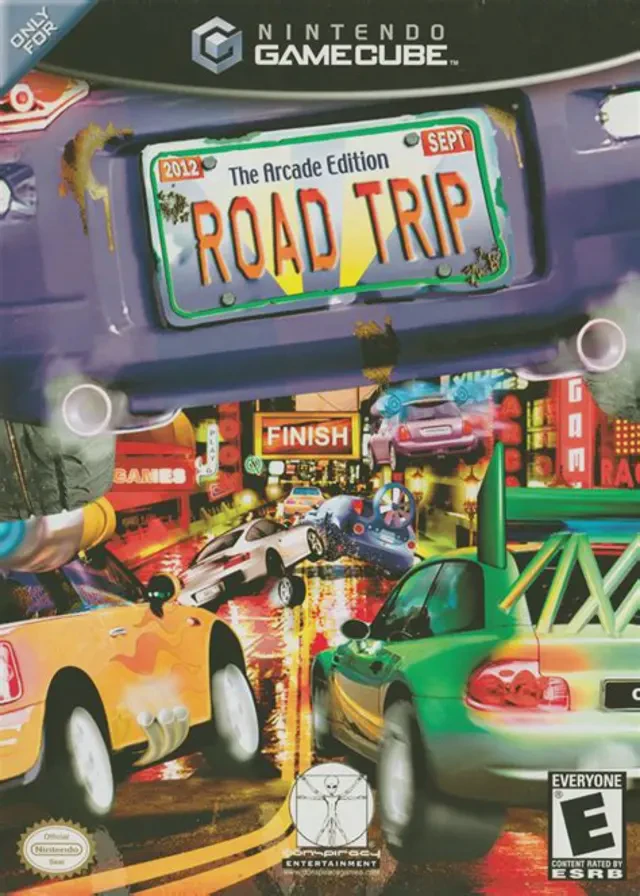
Road Trip: The Arcade Edi...
Road Trip: The Arcade Edition (known in Europe as Road Tr...

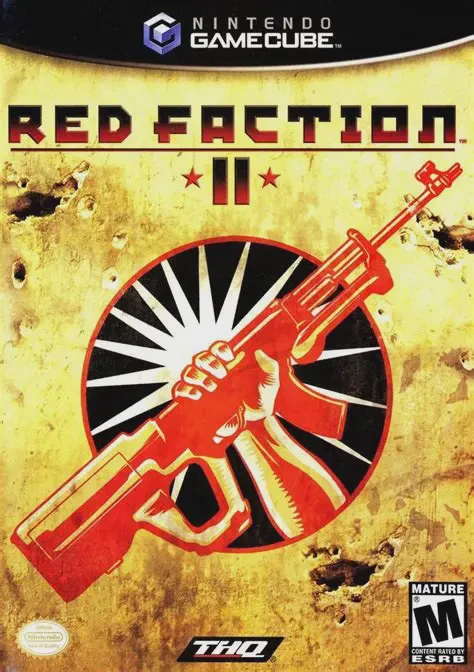
Red Faction II expands upon the high-octane sci-fi shooter formula established by its predecessor, bringing intense dystopian warfare and environmental destruction to the Nintendo GameCube in early 2003. Developed by Volition and published by THQ, the game shifts the setting from the subterranean mining tunnels of Mars to the bustling urban metropolis of Earth.
The narrative takes place in the year 2161 within the Commonwealth, a totalitarian regime ruled with an iron fist by Dictator Victor Sopot. Players assume control of Alias, an expert demolitions operative and member of an elite unit of six genetically modified super-soldiers. Betrayed and targeted for execution by Sopot, Alias and his squad join forces with the underground Red Faction movement to ignite a full-scale revolution, overthrow the oppressive dictatorship, and restore freedom to the citizens.
Gameplay relies on fast-paced gunplay paired with Volition's revolutionary Geo-Mod (Geometry Modification) physics engine. Players can strategically breach walls, blow open doors, create snipers' nests, and destroy bridges using rockets and explosives. Beyond standard foot combat, the single-player campaign incorporates intense vehicle-mounted rail shooter sections, allowing players to pilot gunships, tanks, and submarine craft. Coupled with a highly customizable local 4-player split-screen multiplayer mode complete with customizable AI bots, Red Faction II stands as a standout retro shooter in the GameCube library.
Developer: Volition
Publisher: THQ
Platform: Nintendo GameCube
Genre: First-Person Shooter / Sci-Fi Action
Release Date: April 2, 2003 (North America), May 2, 2003 (Europe)
Modes: Single-player, Up to 4-Player Local Multiplayer
Media: GameCube Optical Disc
Geo-Mod Physics Engine: Utilize real-time environmental destruction to blow holes through walls, collapse structures, and create strategic tactical avenues.
Genetically Enhanced Arsenal: Wield dual weapons simultaneously, including assault rifles, grenade launchers, precision sniper rifles, and heavy explosive charges.
Vehicle Combat Sequences: Pilot and control heavily armed combat vehicles across levels, including battle tanks, tactical gunships, and aquatic submarines.
Multiple Campaign Endings: Influence the outcome of the Commonwealth revolution through a moral karma system based on player actions and civilian collateral damage.
Robot Bot-Supported Multiplayer: Compete against friends or customizable AI bots in 4-player local split-screen modes like Deathmatch, Team Deathmatch, and Capture the Flag.
A: Yes, Red Faction II was released for the Nintendo GameCube in April 2003, featuring optimized controls and smooth split-screen performance.
A: Geo-Mod is a custom physics engine that allows players to blow real-time holes into walls, terrain, and architecture using explosives to open new pathways or tactical positions.
A: Yes, the GameCube version supports 4-player local split-screen multiplayer and includes customizable AI bot opponents for offline deathmatches.
A: Yes, the Nintendo GameCube version runs exceptionally well on the Dolphin emulator, supporting native widescreen aspect ratio adjustments, high-definition internal scaling, and modern controller button mapping.
Click the links below to go to the cloud drive download page
⚠️ Download Tips:
Road Trip: The Arcade Edition (known in Europe as Road Tr...
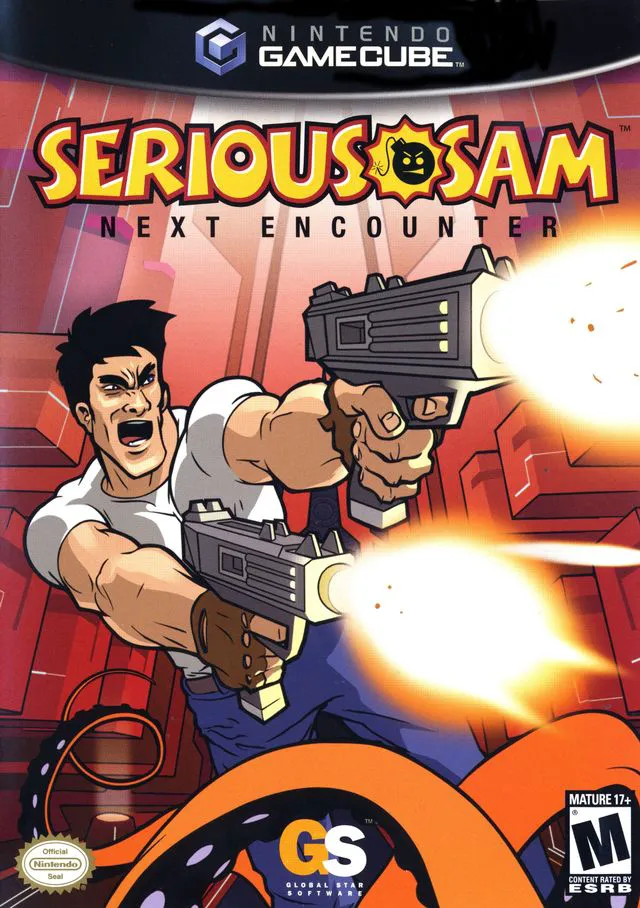
Serious Sam: Next Encounter is an action-packed first-per...
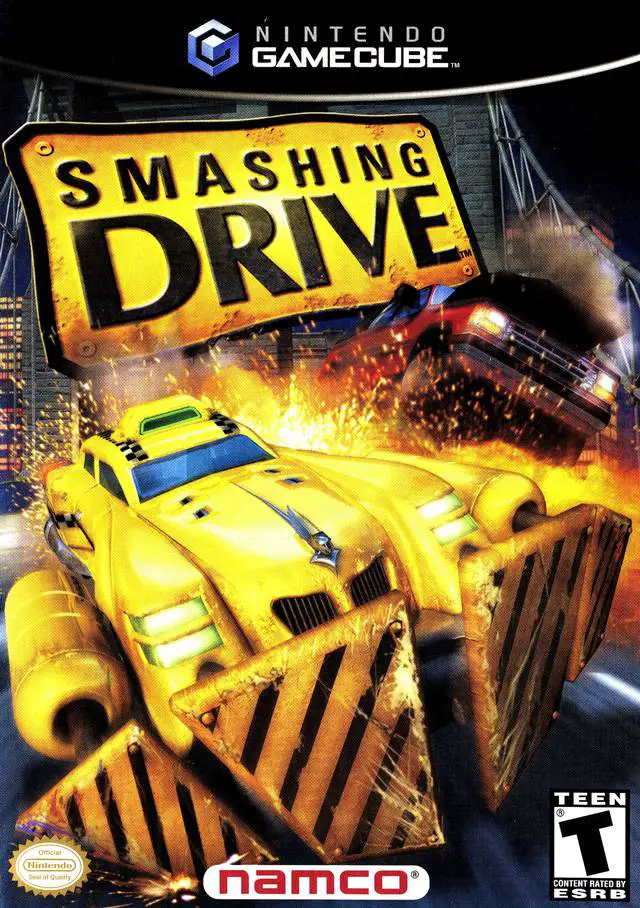
Smashing Drive is an over-the-top, arcade-style racing vi...
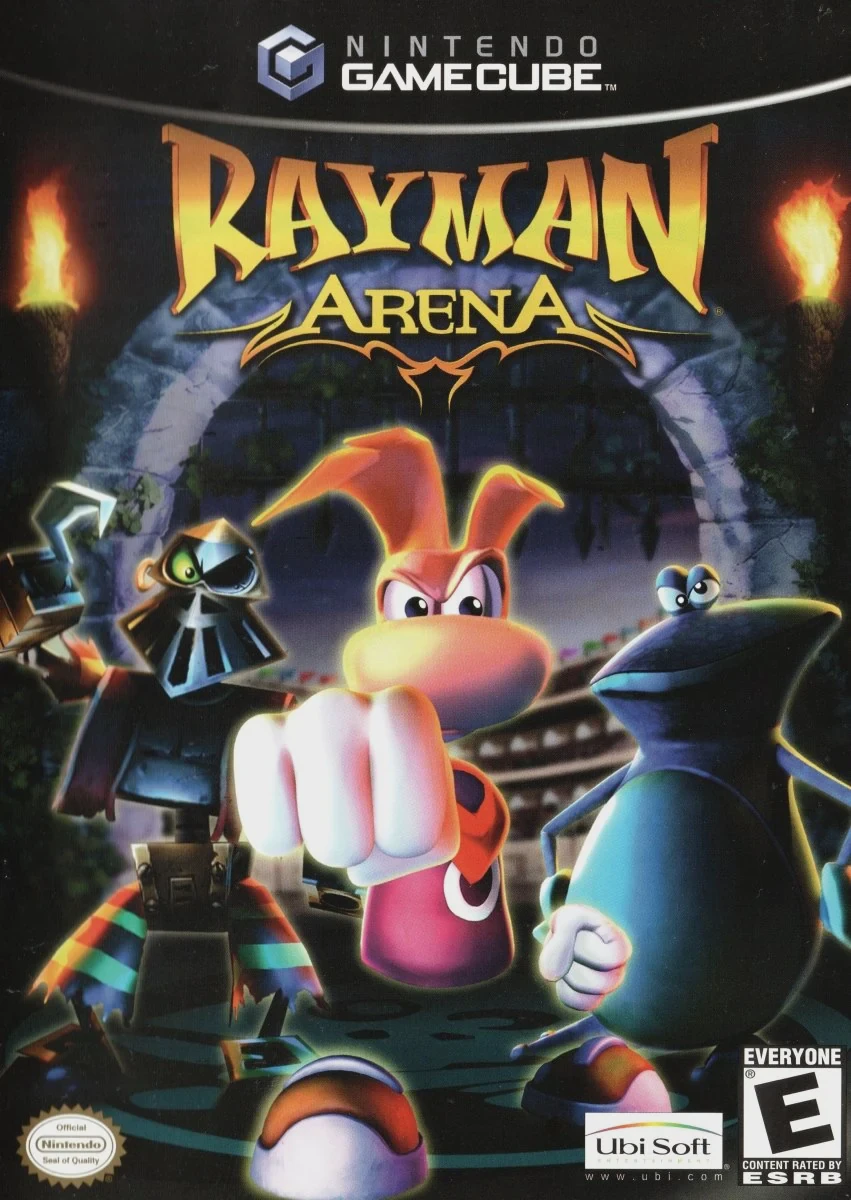
Rayman Arena (known as Rayman M in Europe) is a fast-pace...
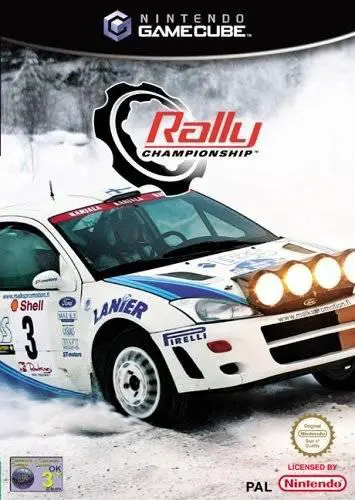
Rally Championship (released in North America as Rally Ch...